
Mini Clipboard for Mac
Clipboard manager with searchable history, favorites, and quick paste.
By PGshen. Free and open source, Apache-2.0 licence.
Mini Clipboard at a glance
- Version
- 1.0.3
- Released
- 13 December 2025
- Download size
- 5.4 MB
- Works on
- Apple silicon and Intel
- Licence
- Apache-2.0
- Category
- Productivity
- Developer
- PGshen
- GitHub stars
- 255
About Mini Clipboard
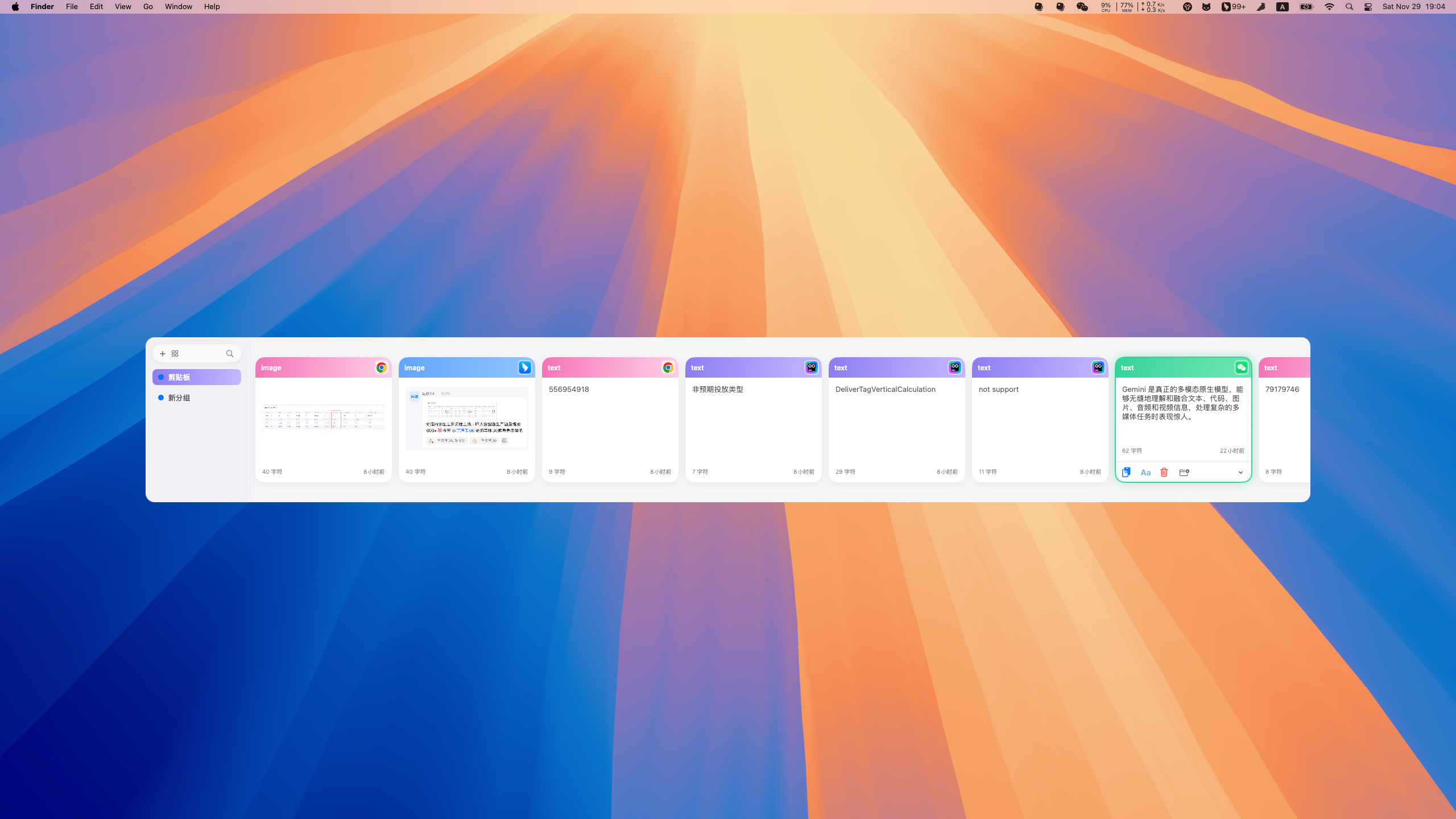
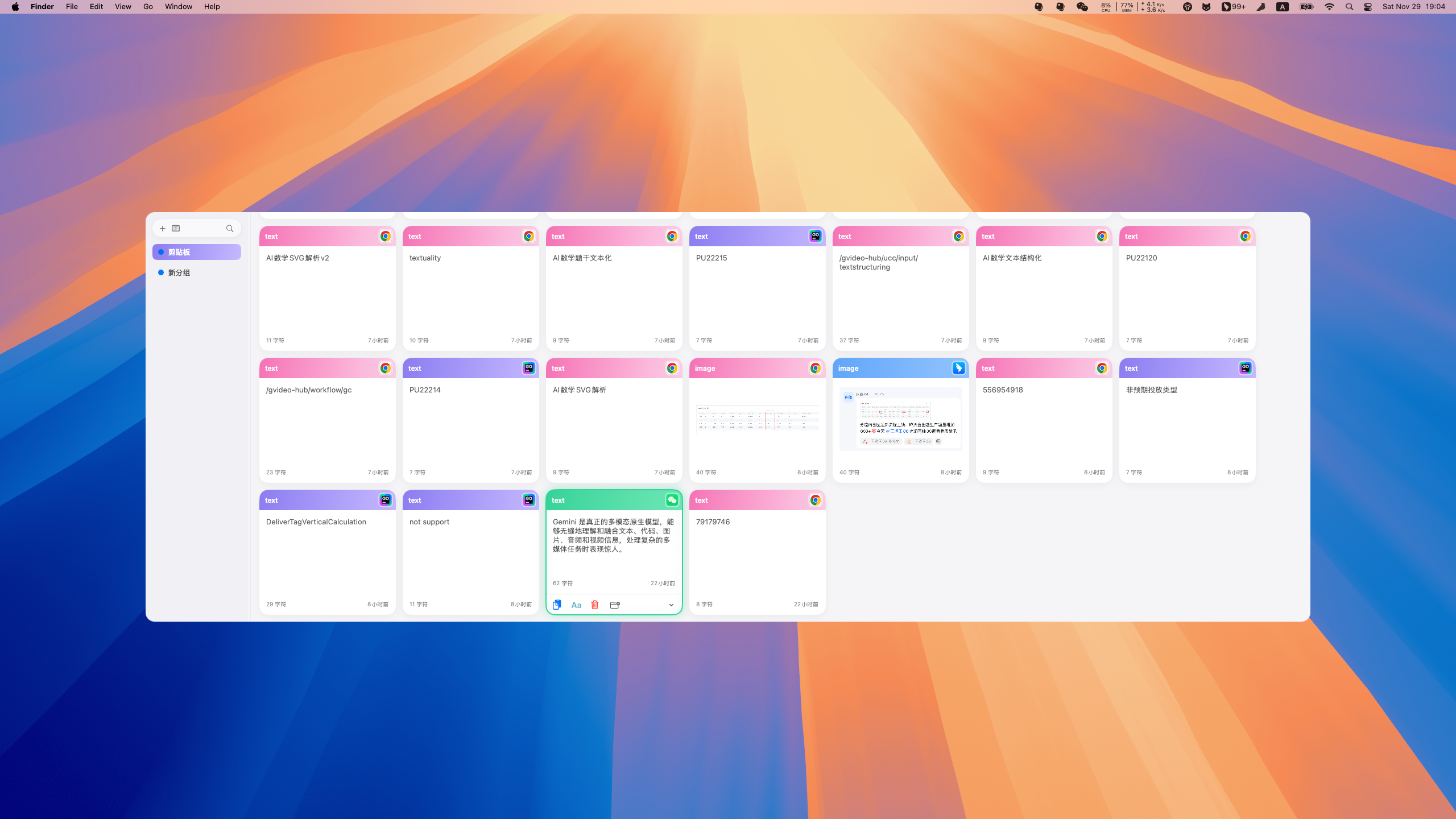
Open-source. Focused on simple, beautiful, and smooth experience.
Screenshots
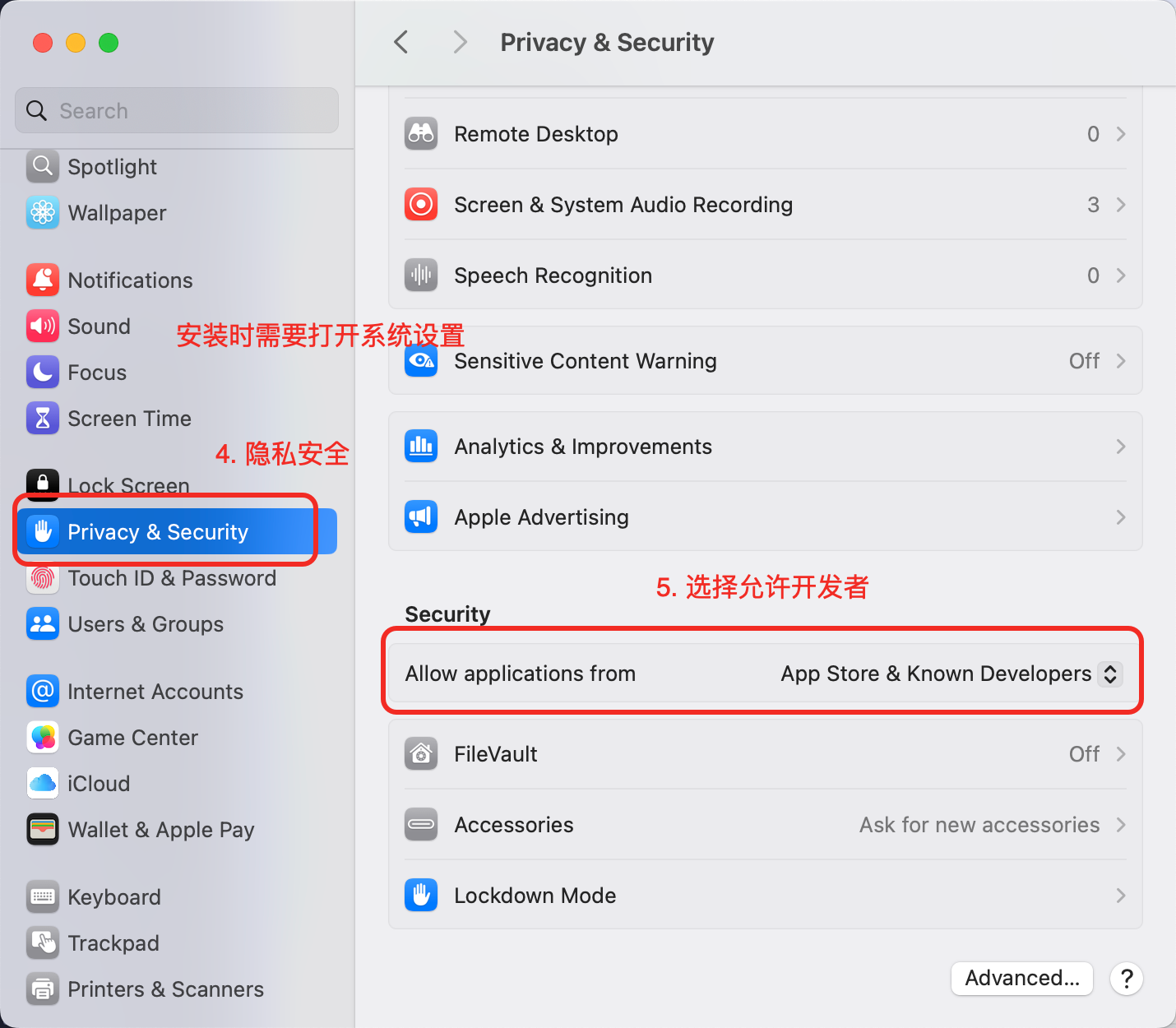
How to install Mini Clipboard on a Mac
- Get OpenDMG. It is a free app store for open source Mac apps. Download OpenDMG.
- Search for Mini Clipboard and press Get. OpenDMG downloads version 1.0.3 from PGshen's own GitHub release.
- Open it. The download is checked against its SHA-256 fingerprint and its signature is checked on your Mac before it lands in Applications.
Updates to Mini Clipboard show up in OpenDMG and install with one button. No account is needed.
Prefer to do it by hand? The developer's file is on GitHub: Mini-Clipboard.dmg (5.4 MB).
What is new in Mini Clipboard 1.0.3
## Features
 - Add direct paste functionality and a configurable default paste action
 - Add appearance mode selection and dark theme support
 - Initialize a Next.js-based landing website for Mini Clipboard
 - Add localized strings for selection panel actions (English/Chinese)
 - Implement quick paste via `cmd+<number>` shortcut
 - Add checkerboard background for image placeholders/loading states
 - Make panel dimensions and corner radius customizable
 - Enhance file preview with image display and metadata
 - Add rich text copy and color detection support

## Improvements
 - Improve wheel scroll handling in `HistoryTimelineView` for smoother navigation
 - Adjust panel width and layout when sidebar is collapsed

No breaking changes were introduced; existing workflows continue to function with added customization and paste options.

<img width="2166" height="1022" alt="image" src="https://github.com/user-attachments/assets/495bba06-5cc4-4dc1-b907-b2ec689ac93d" />
More Productivity apps
-
 MaccyLightweight search-as-you-type clipboard manager
-
 AltTabBrings the Windows Alt-Tab functionality to macOS
-
 TinycastLightweight native launcher with app search, clipboard management, window controls, and…
-
 ClipyClipy is a Clipboard extension app for macOS
-
 FSNotesNotes manager for macOS/iOS: modern notational velocity (nvALT) on steroids
-
 OpenDisplayTurn spare Apple devices into second monitors — true extended display over USB or WiFi