

Meraline for Mac
Press a hotkey, ask any AI, and get streaming answers in a small floating glass window.
By Meldiron. Free and open source, MIT licence.
Meraline at a glance
- Version
- 1.14.0
- Released
- 7 October 2026
- Download size
- 7.8 MB
- Works on
- Apple silicon and Intel
- Licence
- MIT
- Category
- Artificial Intelligence
- Developer
- Meldiron
- GitHub stars
- 9
About Meraline
Ask AI anything from ⌥ Space in any Mac app, then let it go. Apple Intelligence, API keys, Ollama, Claude Code, Codex. Chats stay in memory only.
Screenshots
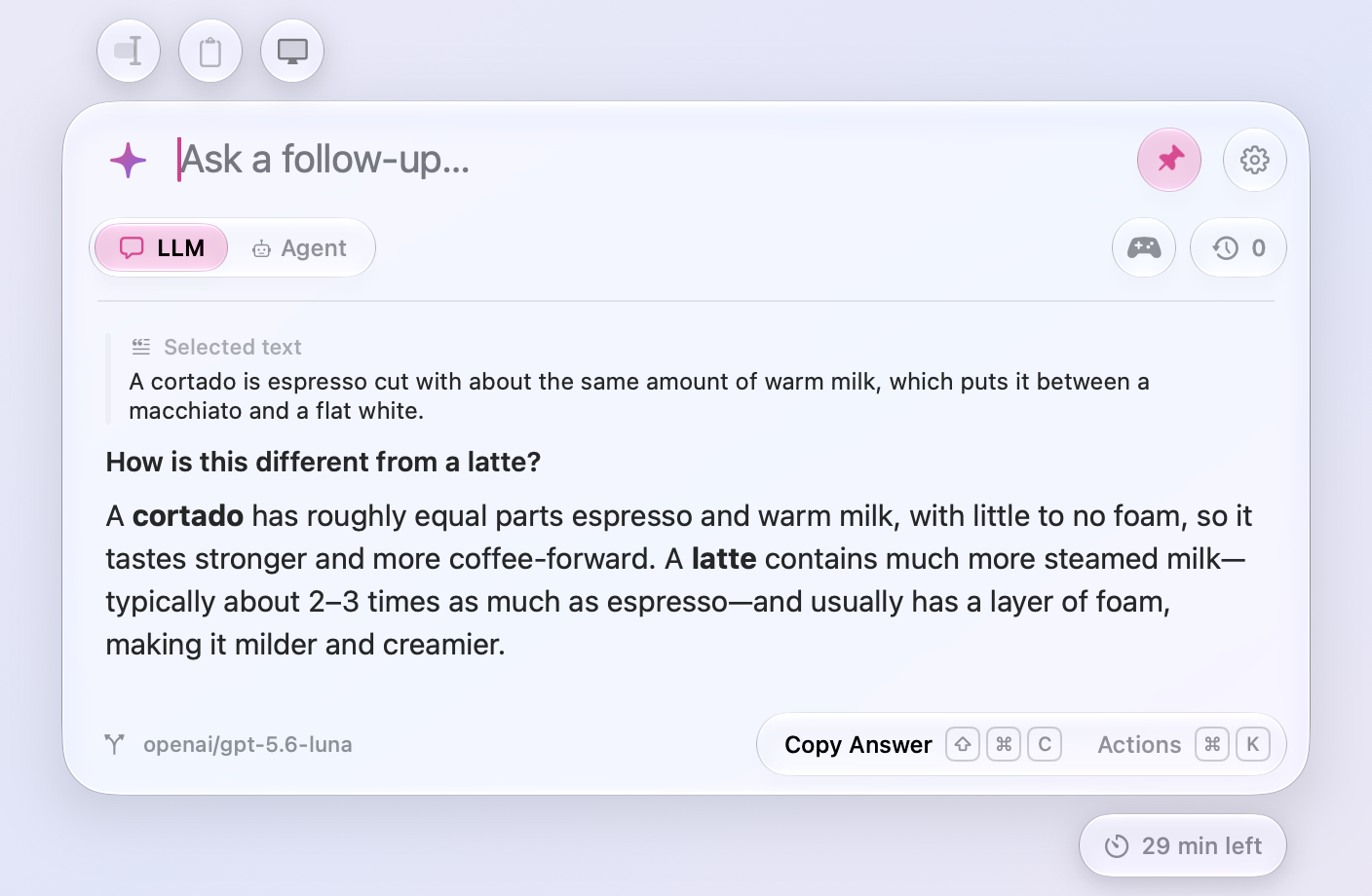
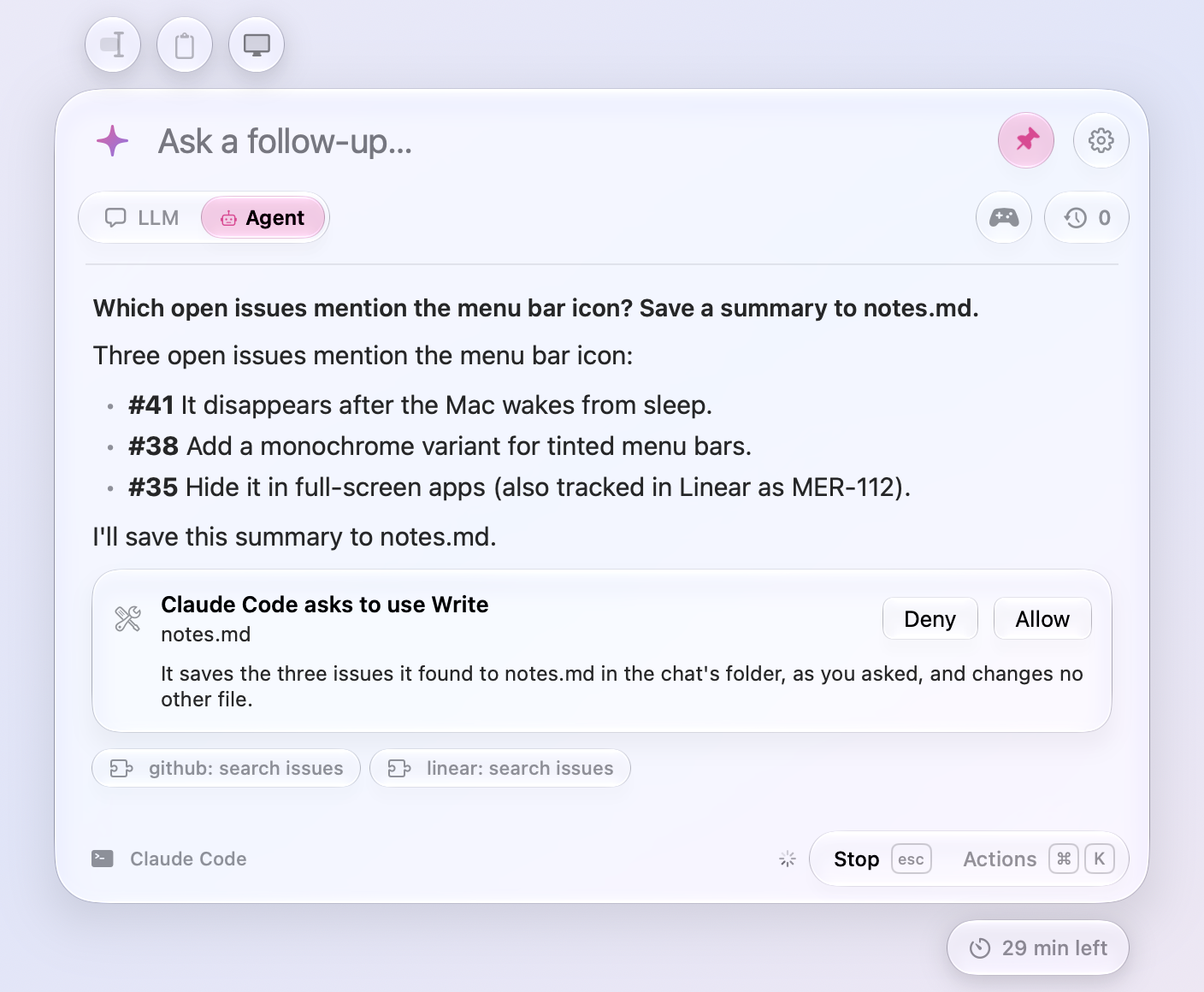
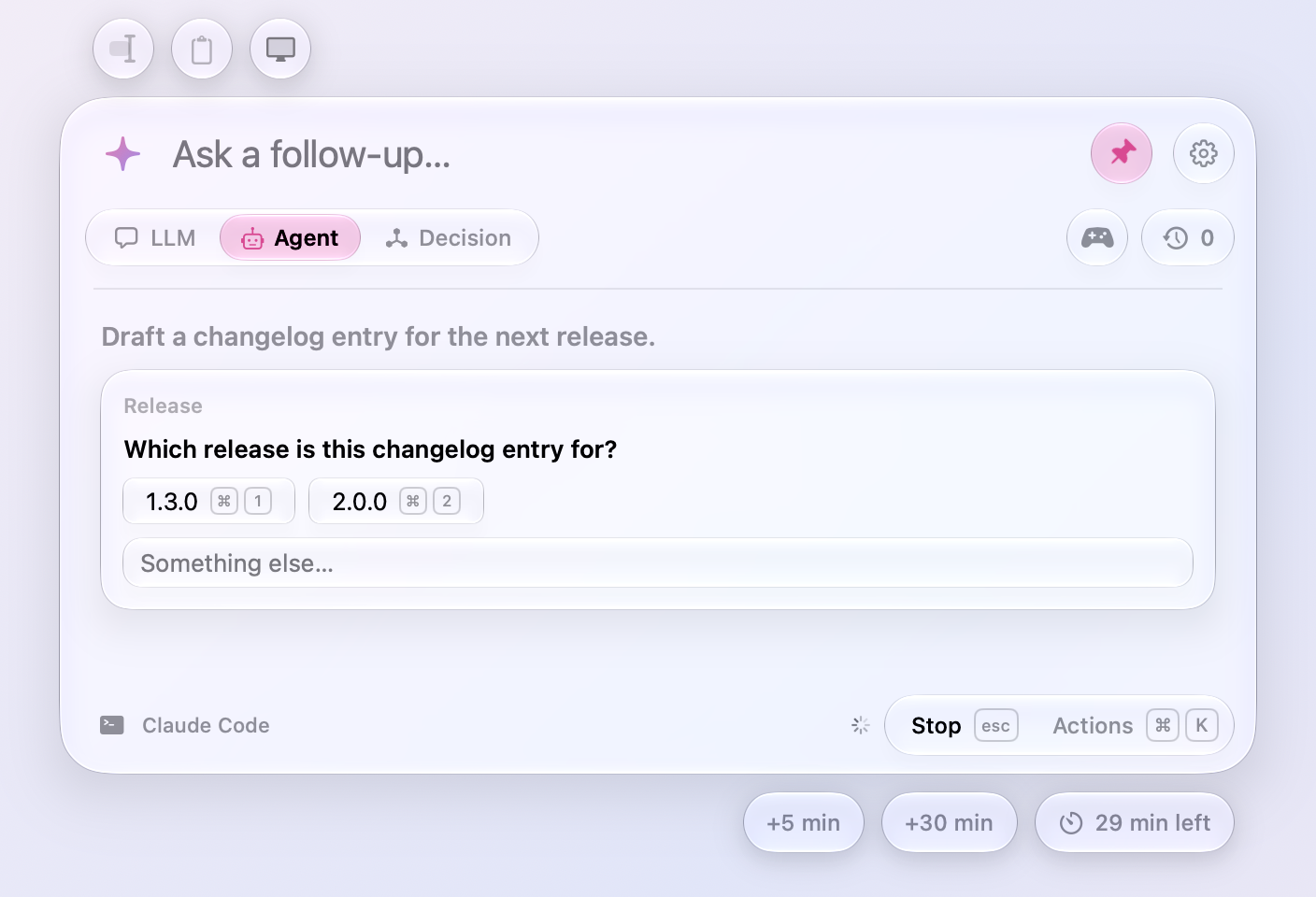
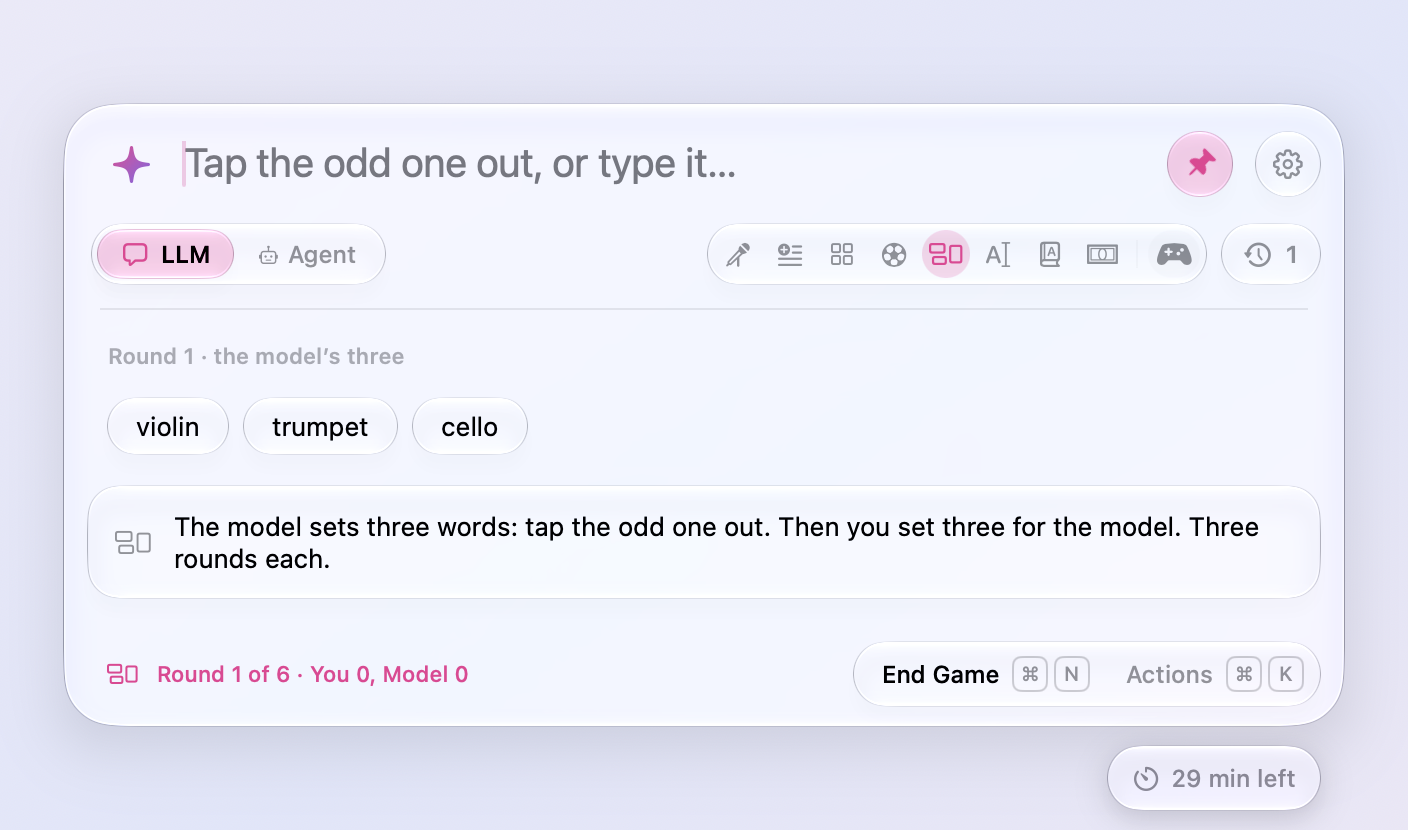
How to install Meraline on a Mac
- Get OpenDMG. It is a free app store for open source Mac apps. Download OpenDMG.
- Search for Meraline and press Get. OpenDMG downloads version 1.14.0 from Meldiron's own GitHub release.
- Open it. The download is checked against its SHA-256 fingerprint and its signature is checked on your Mac before it lands in Applications.
Updates to Meraline show up in OpenDMG and install with one button. No account is needed.
Prefer to do it by hand? The developer's file is on GitHub: Meraline.dmg (7.8 MB).
What is new in Meraline 1.14.0
**[Download Meraline-1.14.0.dmg](https://github.com/Meldiron/meraline/releases/download/v1.14.0/Meraline-1.14.0.dmg)**, open it, and drag Meraline into your Applications folder. Meraline needs macOS 26 or later. Installed copies update themselves.

## What's new

Decision mode grows in this release: decision models run on this Mac through Ollaya, the answers under the input open a panel with lists of your own, every preset asks at once, and Improve edits your text toward the answers it should get. Around it, presets ask with one click, the window stops closing by itself, and updates arrive within a quarter of an hour.

### Decisions

- **Decision models through Ollaya.** Settings › Decision Models has Ollaya beside Ollama: the Ollama of decision models, which pulls and serves EldanRing's Winnow, Jared Palmer's Kev, Laya, Mapika's Decider, and more on this Mac behind the same API as Jev. Turn it on, pull a model (`ollaya pull winnow:e4b`, the one it recommends, or `ollaya pull kev:0.8b`), and decisions, live decisions, the presets, and each word or line go to `127.0.0.1:11435` and nowhere else, free in Settings › Usage. A key is needed only for a server that asks for one.
…
More Artificial Intelligence apps
-
 CodexBarShow usage stats for OpenAI Codex and Claude Code, without having to login
-
 CodeBurnTracks token usage, cost, and performance across 25 AI agents with per-task breakdowns
-
 OsaurusLocal LLM server and AI infrastructure with menu bar, CLI, and shared tools
-
 QuotioAI subscription manager with quota tracking and automatic failover
-
 Claude Usage TrackerTrack the usage of Claude Code
-
 VibeProxyMenu bar app to use existing Claude, ChatGPT, and other subscriptions with AI coding…