

Meemo AI for Mac
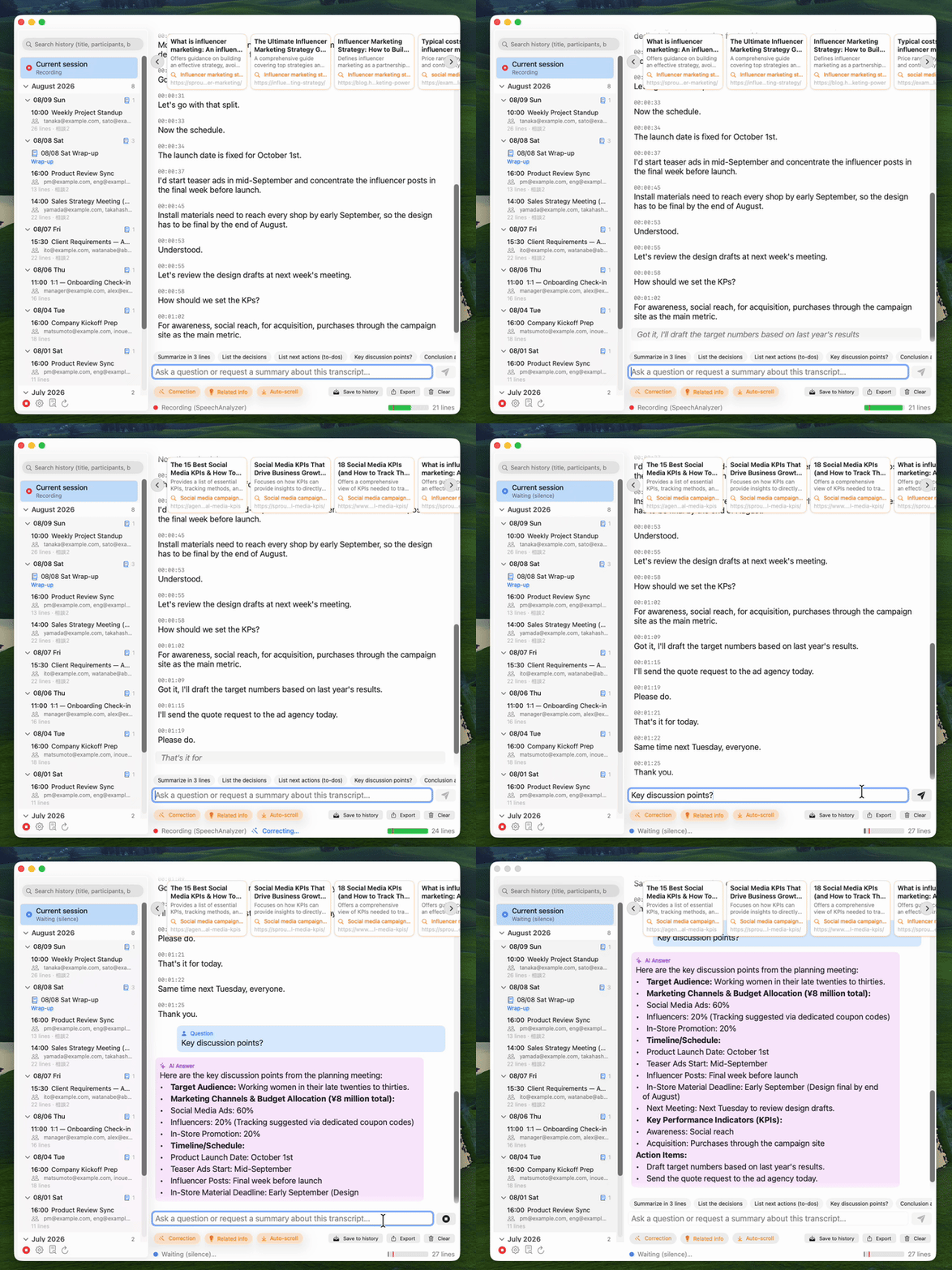
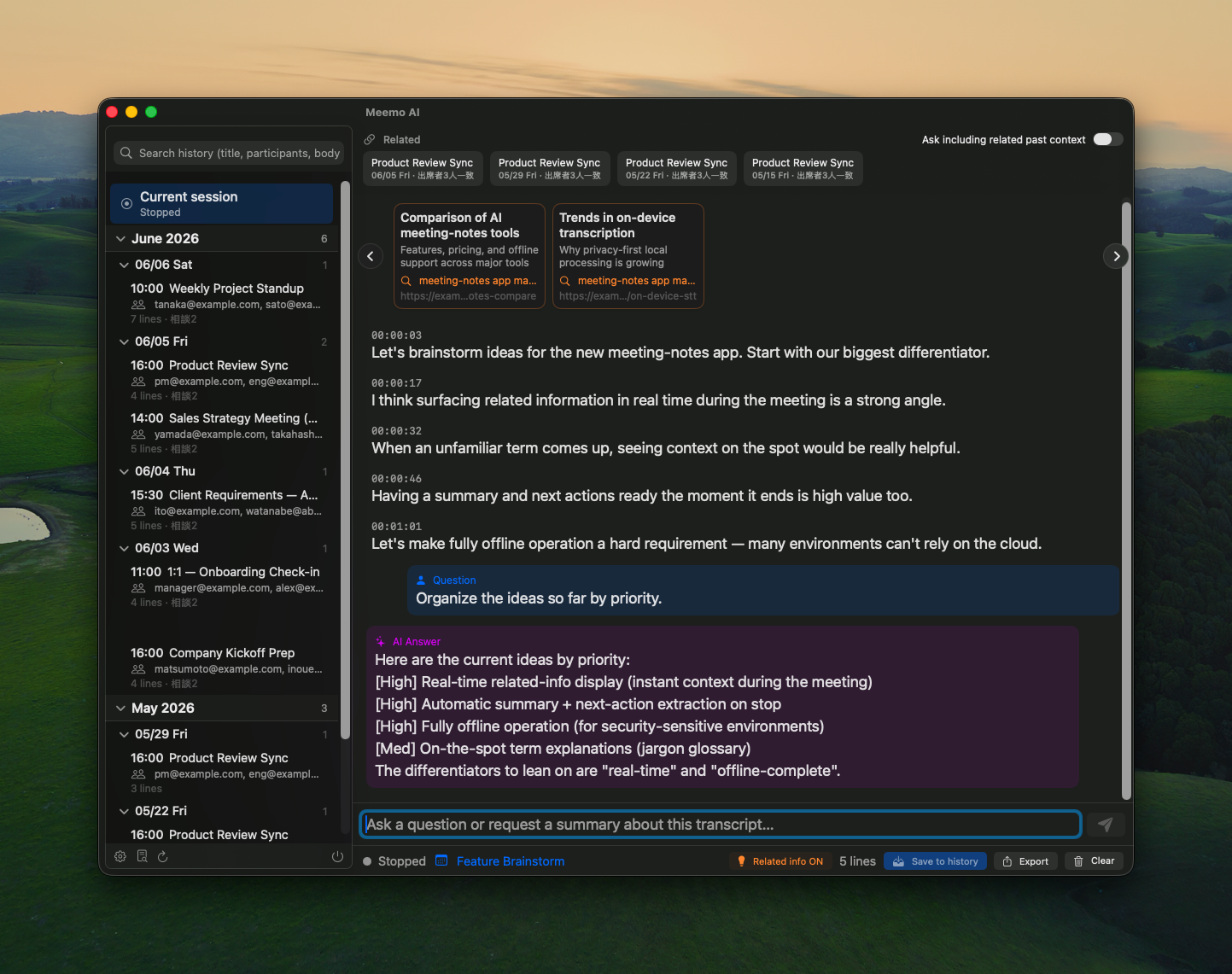
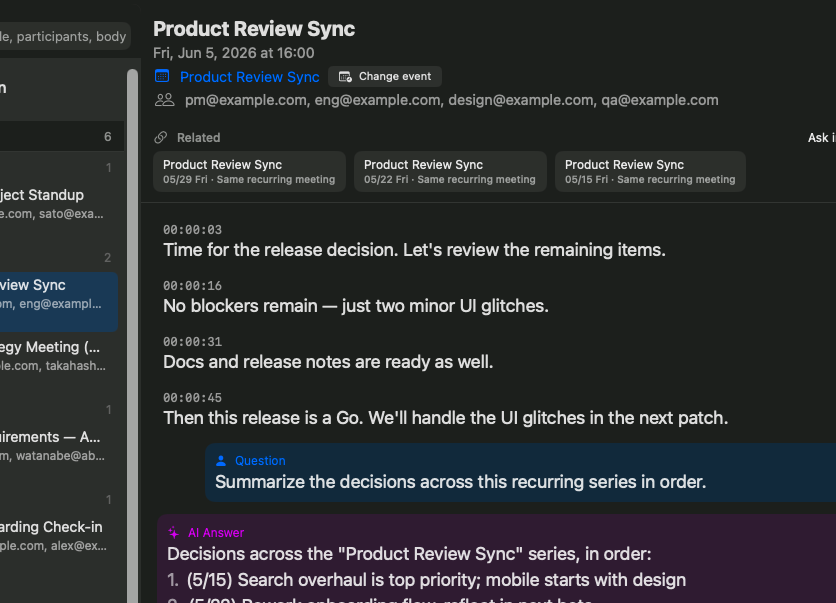
Local-first meeting notes with on-device transcription; optional cloud LLM to polish text.
By QuAppStudio. Free and open source, GPL-3.0 licence.
Meemo AI at a glance
- Version
- 1.1.3
- Released
- 9 August 2026
- Download size
- 27 MB
- Works on
- Apple silicon and Intel
- Licence
- GPL-3.0
- Category
- Productivity
- Developer
- QuAppStudio
- GitHub stars
- 1
About Meemo AI
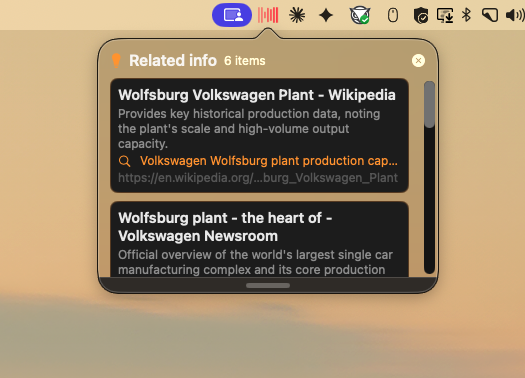
Private, local-first AI meeting notes for your Mac — living in the menu bar.
Screenshots
How to install Meemo AI on a Mac
- Get OpenDMG. It is a free app store for open source Mac apps. Download OpenDMG.
- Search for Meemo AI and press Get. OpenDMG downloads version 1.1.3 from QuAppStudio's own GitHub release.
- Open it. The download is checked against its SHA-256 fingerprint and its signature is checked on your Mac before it lands in Applications.
Updates to Meemo AI show up in OpenDMG and install with one button. No account is needed.
Prefer to do it by hand? The developer's file is on GitHub: Meemo-AI-1.1.3.dmg (27 MB).
What is new in Meemo AI 1.1.3
Official notarized build — identical to the DMG distributed at [meemo-ai.app](https://meemo-ai.app/).

### What's new in 1.1.3

- Added a **display language** option (Follow System / 日本語 / English) under Settings → General.
- Fixed the UI staying in Japanese on system locales other than Japanese or English.

### 1.1.3 の変更点

- 設定「一般」に「表示言語」を追加しました(システムに従う / 日本語 / English)。
- 英語・日本語以外の言語環境で、表示が日本語のままになる問題を修正しました。

---

*Note: this repository publishes filtered snapshots of the working repository; the tag marks the mirror state at the time of this release, not the exact build commit.*

**Requirements:** macOS 26+, Apple Silicon
More Productivity apps
-
 MaccyLightweight search-as-you-type clipboard manager
-
 AltTabBrings the Windows Alt-Tab functionality to macOS
-
 ClipyClipy is a Clipboard extension app for macOS
-
 TinycastLightweight native launcher with app search, clipboard management, window controls, and…
-
 FSNotesNotes manager for macOS/iOS: modern notational velocity (nvALT) on steroids
-
 OpenDisplayTurn spare Apple devices into second monitors — true extended display over USB or WiFi