
MCGA for Mac
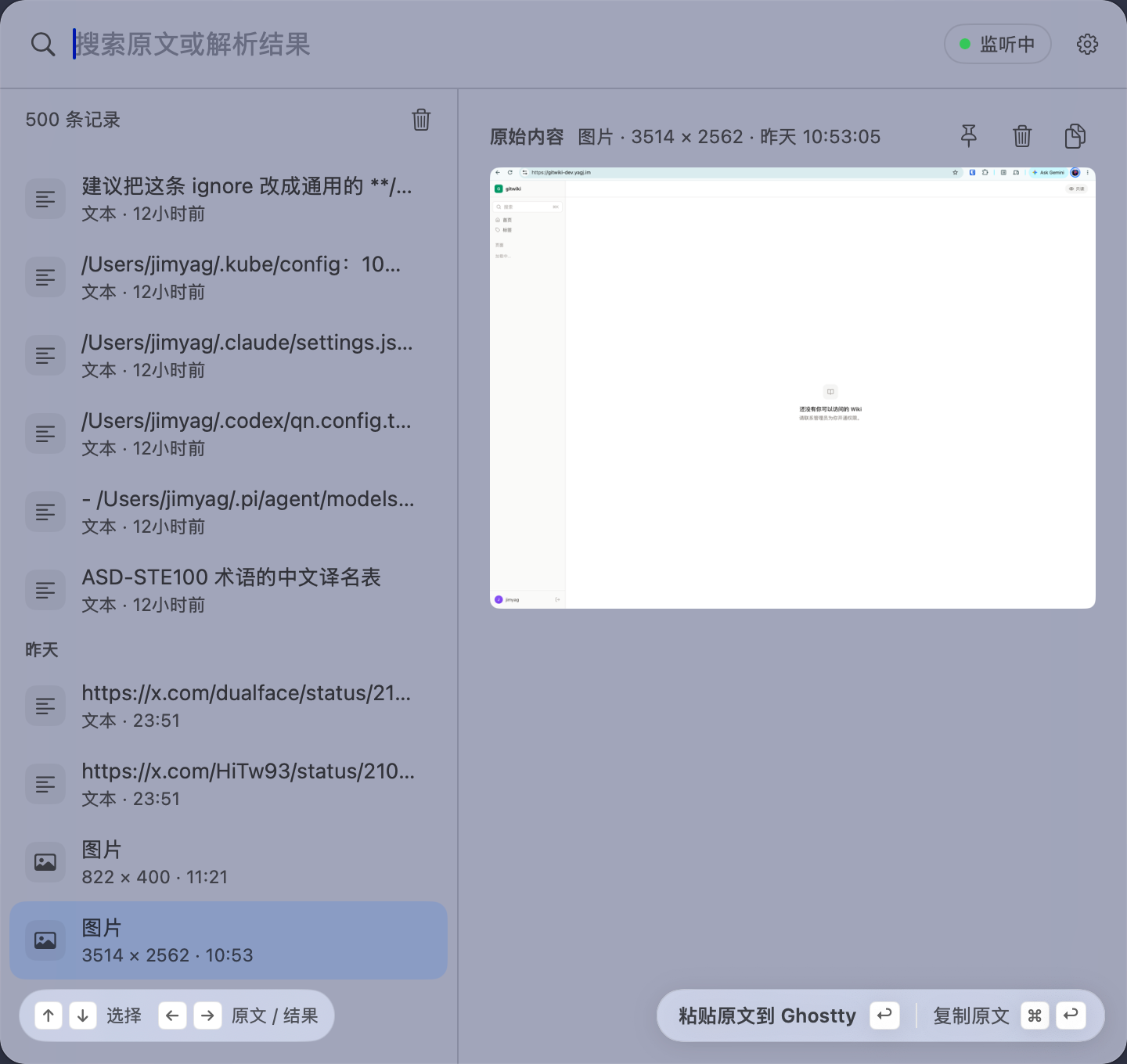
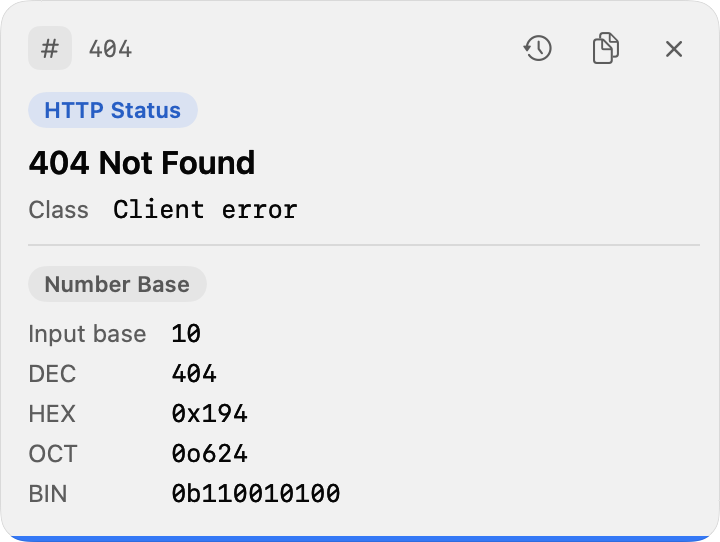
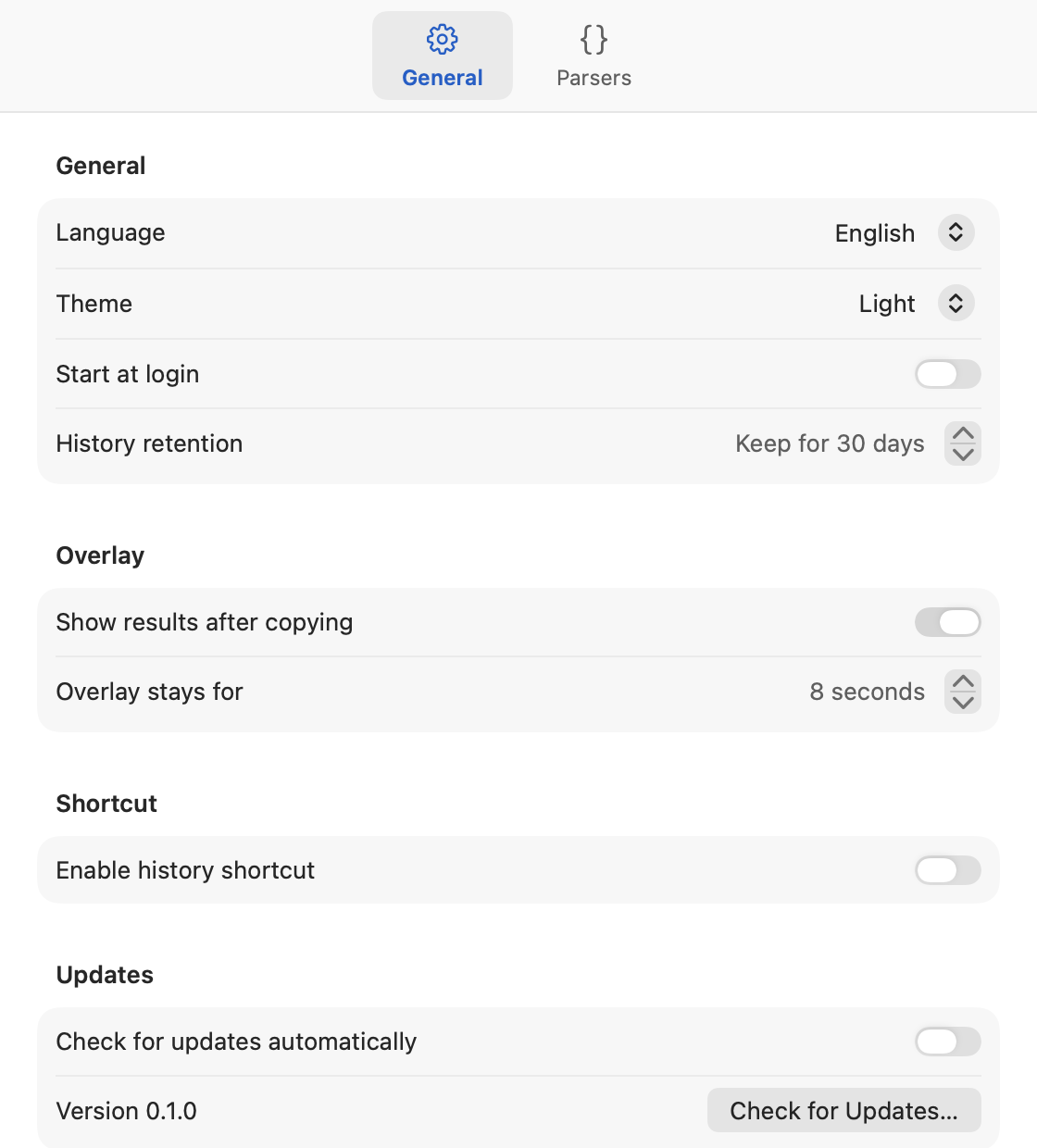
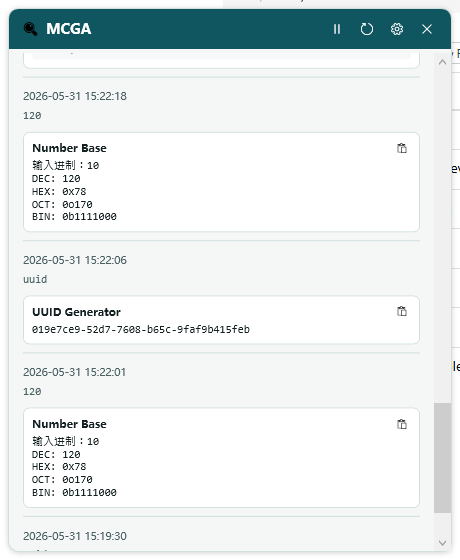
Clipboard parser that watches the clipboard, runs parsers, and shows results in a popover and auto popup.
By jimyag. Free and open source.
MCGA at a glance
- Version
- 0.1.10
- Released
- 7 October 2026
- Download size
- 2.5 MB
- Works on
- Apple silicon and Intel
- Category
- Productivity
- Developer
- jimyag
- GitHub stars
- 2
About MCGA
Clipboard parser for macOS and Windows with menu bar / notification area popups.
Screenshots
How to install MCGA on a Mac
- Get OpenDMG. It is a free app store for open source Mac apps. Download OpenDMG.
- Search for MCGA and press Get. OpenDMG downloads version 0.1.10 from jimyag's own GitHub release.
- Open it. The download is checked against its SHA-256 fingerprint and its signature is checked on your Mac before it lands in Applications.
Updates to MCGA show up in OpenDMG and install with one button. No account is needed.
Prefer to do it by hand? The developer's file is on GitHub: MCGA.dmg (2.5 MB).
What is new in MCGA 0.1.10
macOS 本次更新:

- 新增视频链接解析、封面和内嵌预览,确认存在视频后显示下载按钮。使用本机 yt-dlp 和 ffmpeg 下载最高可用画质到 `~/Downloads`,支持取消、重试和打开文件;仅下载视频。
- 下载进度显示在右上角浮层。视频在预览区域居中,关闭浮层或预览会停止播放;预览不会保存到下载目录。
- 新增 JWT、PEM 证书、SSH 公钥、MAC 地址、数据大小及带宽换算解析,区分 bit/Byte 和十进制/二进制单位,小数使用普通十进制表示。
- 剪切板浮层移至右上角,直接展示全部解析结果,并支持通过叉按钮关闭。
- 更新 README 截图。

视频下载需自行安装 `yt-dlp` 和 `ffmpeg`(例如 `brew install yt-dlp ffmpeg`)。缺少工具时会提示不可用;平台可用性取决于 yt-dlp 支持和账号访问权限,浏览器登录状态仅在用户主动选择时使用。

[完整更新记录](https://github.com/jimyag/mcga/compare/v0.1.9...v0.1.10)
More Productivity apps
-
 MaccyLightweight search-as-you-type clipboard manager
-
 AltTabBrings the Windows Alt-Tab functionality to macOS
-
 ClipyClipy is a Clipboard extension app for macOS
-
 TinycastLightweight native launcher with app search, clipboard management, window controls, and…
-
 FSNotesNotes manager for macOS/iOS: modern notational velocity (nvALT) on steroids
-
 OpenDisplayTurn spare Apple devices into second monitors — true extended display over USB or WiFi