

macUSB for Mac
A bootable macOS / OS X installer creator for Apple Silicon Macs.
By Kruszoneq. Free and open source, MIT licence.
macUSB at a glance
- Version
- 2.5
- Released
- 20 September 2026
- Download size
- 34 MB
- Works on
- Apple silicon and Intel
- Licence
- MIT
- Category
- Utilities
- Developer
- Kruszoneq
- GitHub stars
- 3.2K
About macUSB
The all-in-one bootable USB creator for Mac
Screenshots
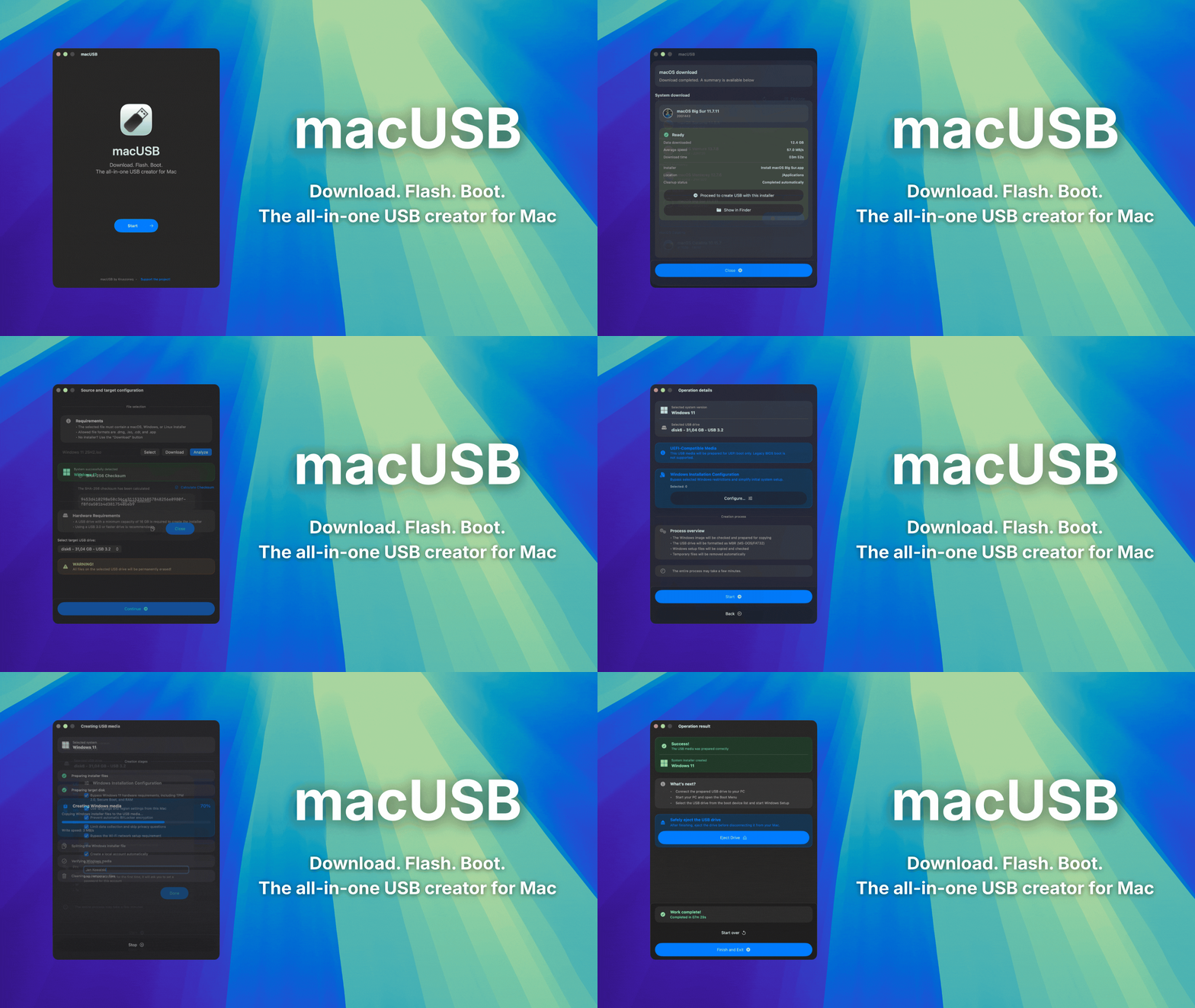

How to install macUSB on a Mac
- Get OpenDMG. It is a free app store for open source Mac apps. Download OpenDMG.
- Search for macUSB and press Get. OpenDMG downloads version 2.5 from Kruszoneq's own GitHub release.
- Open it. The download is checked against its SHA-256 fingerprint and its signature is checked on your Mac before it lands in Applications.
Updates to macUSB show up in OpenDMG and install with one button. No account is needed.
Prefer to do it by hand? The developer's file is on GitHub: macUSB.2.5.dmg (34 MB).
What is new in macUSB 2.5
macUSB v2.5 expands installer media creation with support for writing raw disk images and exporting downloaded macOS installers as DMG files. This update also improves USB target selection, downloader behavior, protection of active operations, the background helper lifecycle, and the app’s overall visual consistency.

### ADDED

- Added the ability to write raw `.iso` and `.img` images to external drives using **Tools → Write a Raw Image to a Drive…**.
- Added the ability to save downloaded macOS installers as `.dmg` disk images.
- Added the **Option (⌥) + L** keyboard shortcut for exporting diagnostic logs.

### CHANGES

- Replaced manual recognition of unrecognized `.iso` files as Linux images with the raw image writing feature.
- The app language can now be changed only before file analysis begins or before the downloader is opened.
- Updated the generic Linux icon to make it visually consistent with the individual distribution icons.
- After recognizing a macOS or Mac OS X installer, the target list now displays entire physical USB drives.
- For OS X Yosemite and newer installers, holding **Option (⌥)** while selecting a target reveals compatible GPT/HFS+ volumes that can be used without reformatting the entire drive.

### FIXED

- Fixed Windows installer media creation when another connected volume had the same name as the selected target.
…
More Utilities apps
-
 BetterDisplayDisplay management tool with HiDPI scaling, PiP, and EDID controls
-
 VorssaintAn open-source, free, and local toolkit that integrates functions such as preventing…
-
 MosSmooth your mouse's scrolling and reverse the mouse scroll direction
-
 EasydictmacOS instant translator — type/select/screenshot, multi-service, zero setup
-
 OpenHaystackOpen-source tracker for finding Bluetooth devices through Apple's Find My network
-
 KekaKeka is a full featured file archiver, as easy as it can be