

MacroSIP for Mac
A SIP softphone for internet calls.
By HSMM. Free and open source, GPL-2.0 licence.
MacroSIP at a glance
- Version
- 26.3.1
- Released
- 9 November 2026
- Download size
- 18 MB
- Works on
- Apple silicon and Intel
- Licence
- GPL-2.0
- Category
- Utilities
- Developer
- HSMM
- GitHub stars
- 31
About MacroSIP
MicroSIP-style SIP softphone for macOS on Apple Silicon. Swift, SwiftUI, PJSIP.
Screenshots
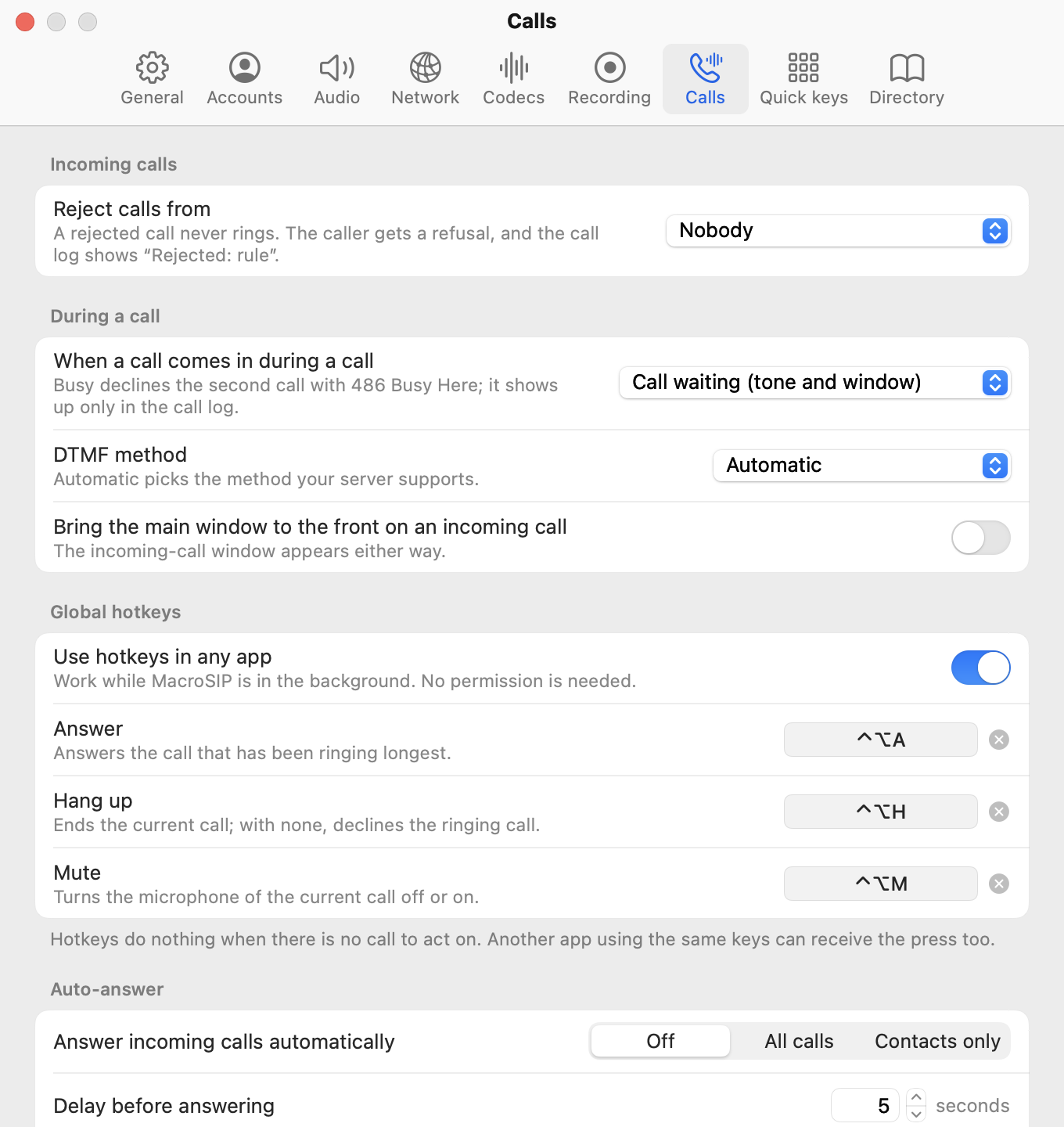
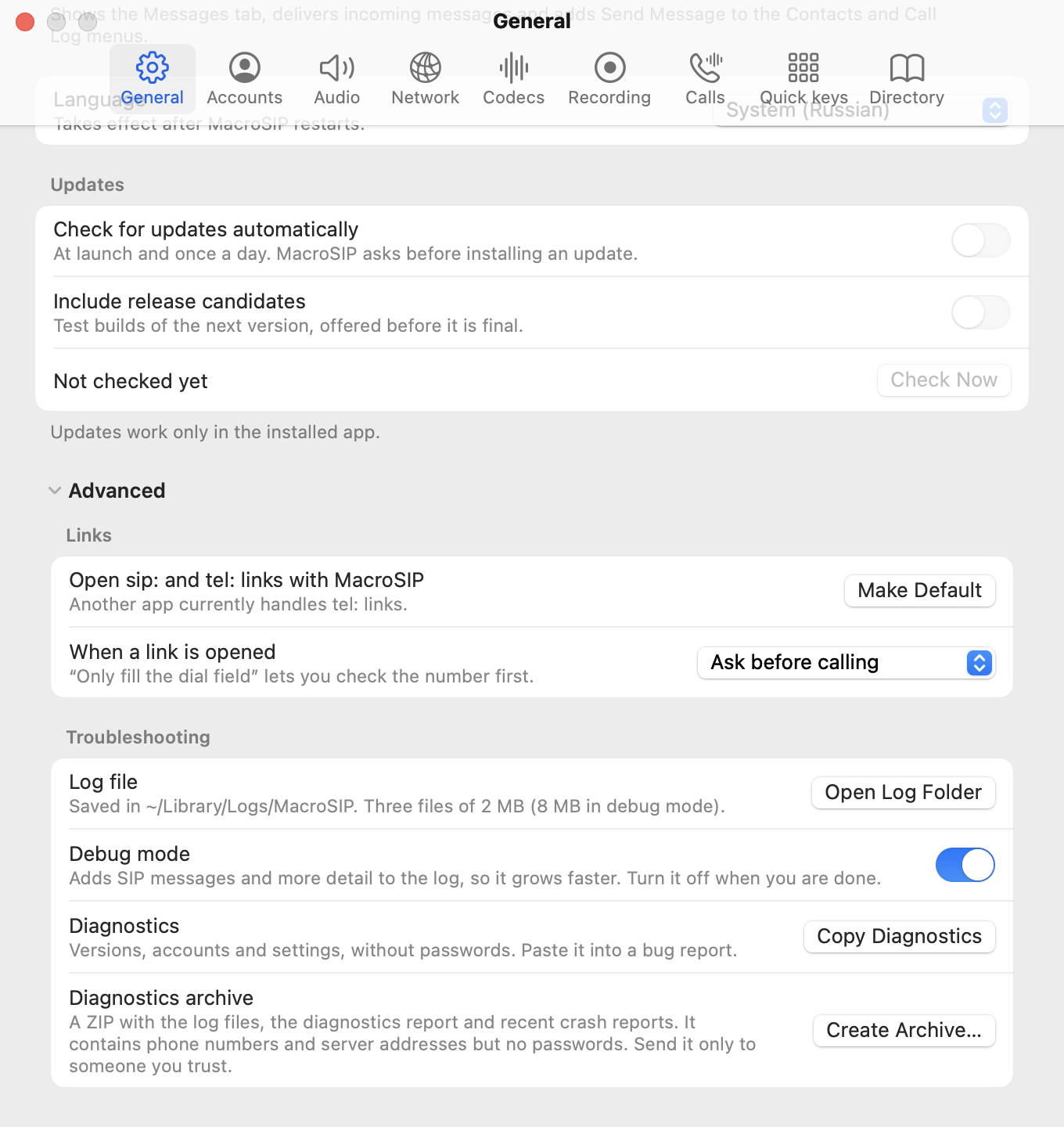
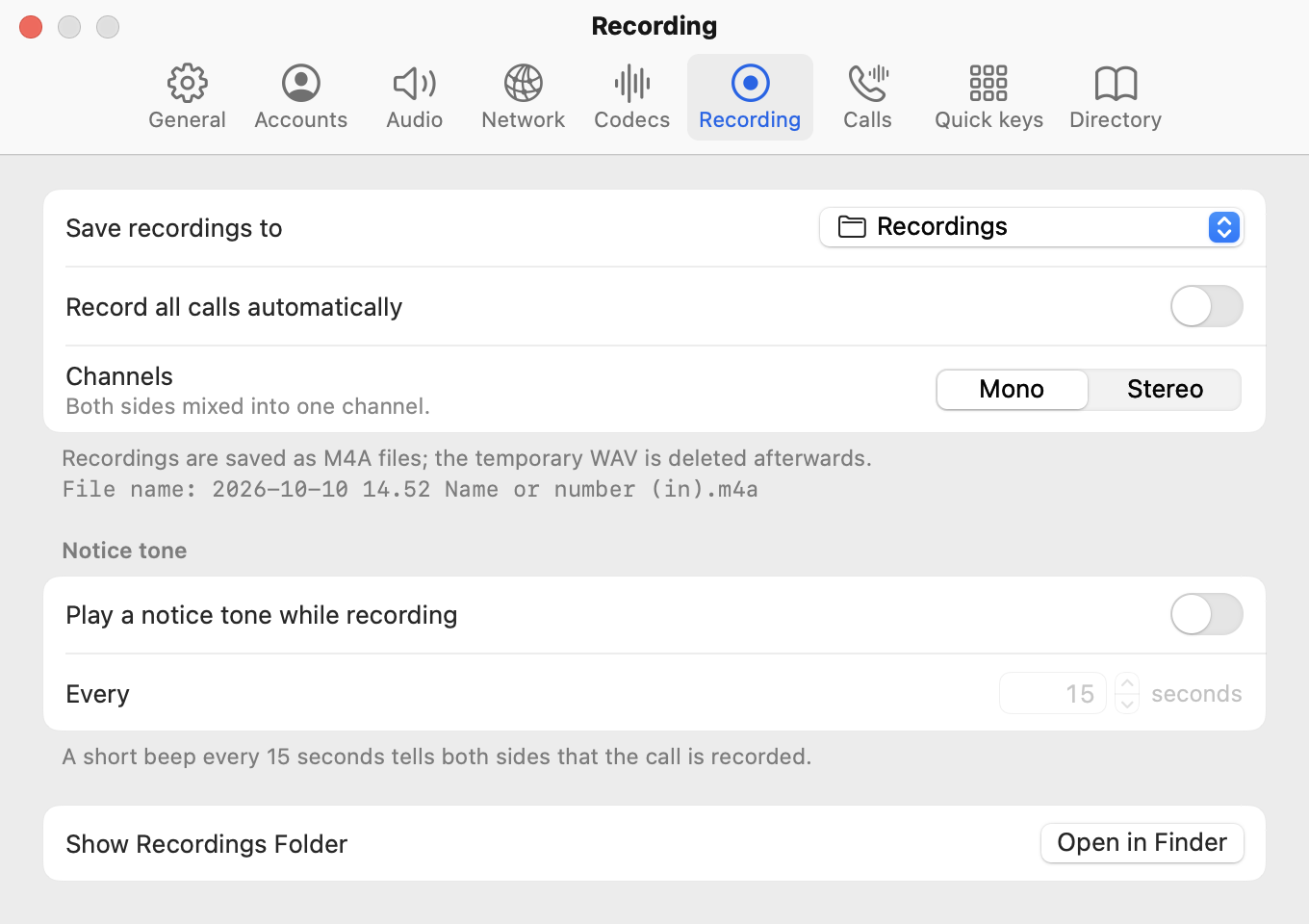
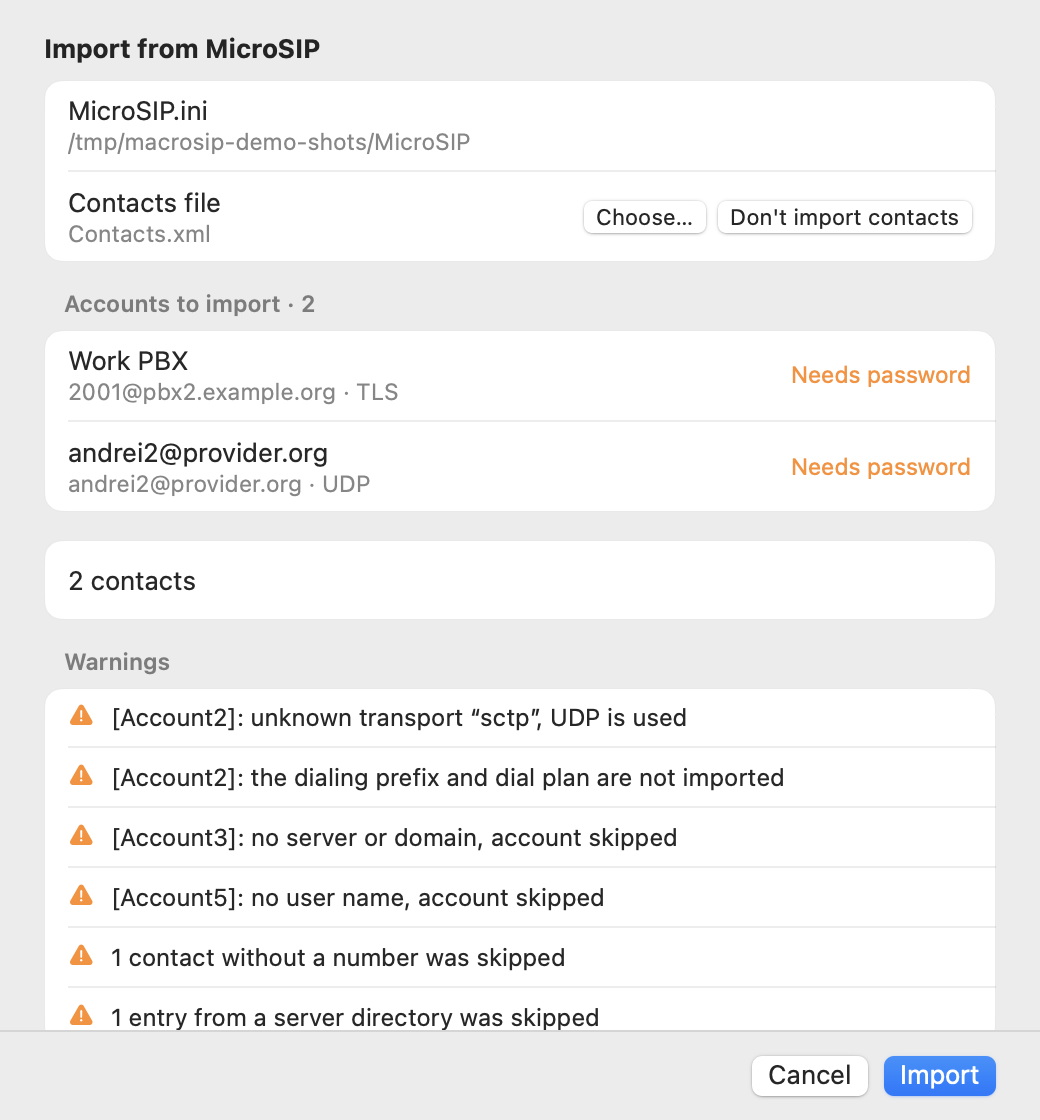
How to install MacroSIP on a Mac
- Get OpenDMG. It is a free app store for open source Mac apps. Download OpenDMG.
- Search for MacroSIP and press Get. OpenDMG downloads version 26.3.1 from HSMM's own GitHub release.
- Open it. The download is checked against its SHA-256 fingerprint and its signature is checked on your Mac before it lands in Applications.
Updates to MacroSIP show up in OpenDMG and install with one button. No account is needed.
Prefer to do it by hand? The developer's file is on GitHub: MacroSIP-26.3.1.dmg (18 MB).
What is new in MacroSIP 26.3.1
## What's new

- **IPv6 next to IPv4** ([#11](https://github.com/HSMM/MacroSIP/issues/11)). MacroSIP now registers and calls over IPv6: SIP over UDP, TCP and TLS, and the audio too (`c=IN IP6`, RTP over IPv6). It works for a server given by an IPv6 address (`[2001:db8::1]`) or by a host name with IPv6 (AAAA) records. An account at an IPv6 address no longer shows "Reconnecting…" forever.

 Account › Advanced has a new setting, **IP protocol**:
 - **Auto** (default): an IP address picks its own protocol; for a host name MacroSIP follows the order macOS returns. If the server does not answer at all, the account tries the other protocol at once and stays on it until the network changes.
 - **IPv4 only** and **IPv6 only** fix the protocol. A choice that contradicts the server address is refused with an explanation.

 The protocol never changes during a call. When an account moves between IPv4 and IPv6, it removes its old registration first, so a call is not delivered twice. Accounts over IPv6 use no STUN; ICE works over IPv6 as well.

 **After the update:** an account in Auto whose server name has both IPv4 and IPv6 addresses may switch to IPv6 when your network has working IPv6. If the PBX does not answer SIP over IPv6, MacroSIP goes back to IPv4 by itself; to keep the old behaviour outright, choose IPv4 only. Accounts whose server is an IPv4 address behave as before.
…
More Utilities apps
-
 VorssaintAn open-source, free, and local toolkit that integrates functions such as preventing…
-
 BetterDisplayDisplay management tool with HiDPI scaling, PiP, and EDID controls
-
 MosSmooth your mouse's scrolling and reverse the mouse scroll direction
-
 EasydictmacOS instant translator — type/select/screenshot, multi-service, zero setup
-
 OpenHaystackOpen-source tracker for finding Bluetooth devices through Apple's Find My network
-
 OrkasOrkas is an open-source (MIT), local-first AI team for your desktop: a Commander turns…