

Lunavect for Mac
Menu bar companion for Claude Code and Codex: session status plus weekly and five-hour usage limits.
By lovach. Free and open source, MIT licence.
Lunavect at a glance
- Version
- 0.2.8
- Released
- 30 September 2026
- Download size
- 14 MB
- Works on
- Apple silicon and Intel
- Licence
- MIT
- Category
- Artificial Intelligence
- Developer
- lovach
- GitHub stars
- 33
About Lunavect
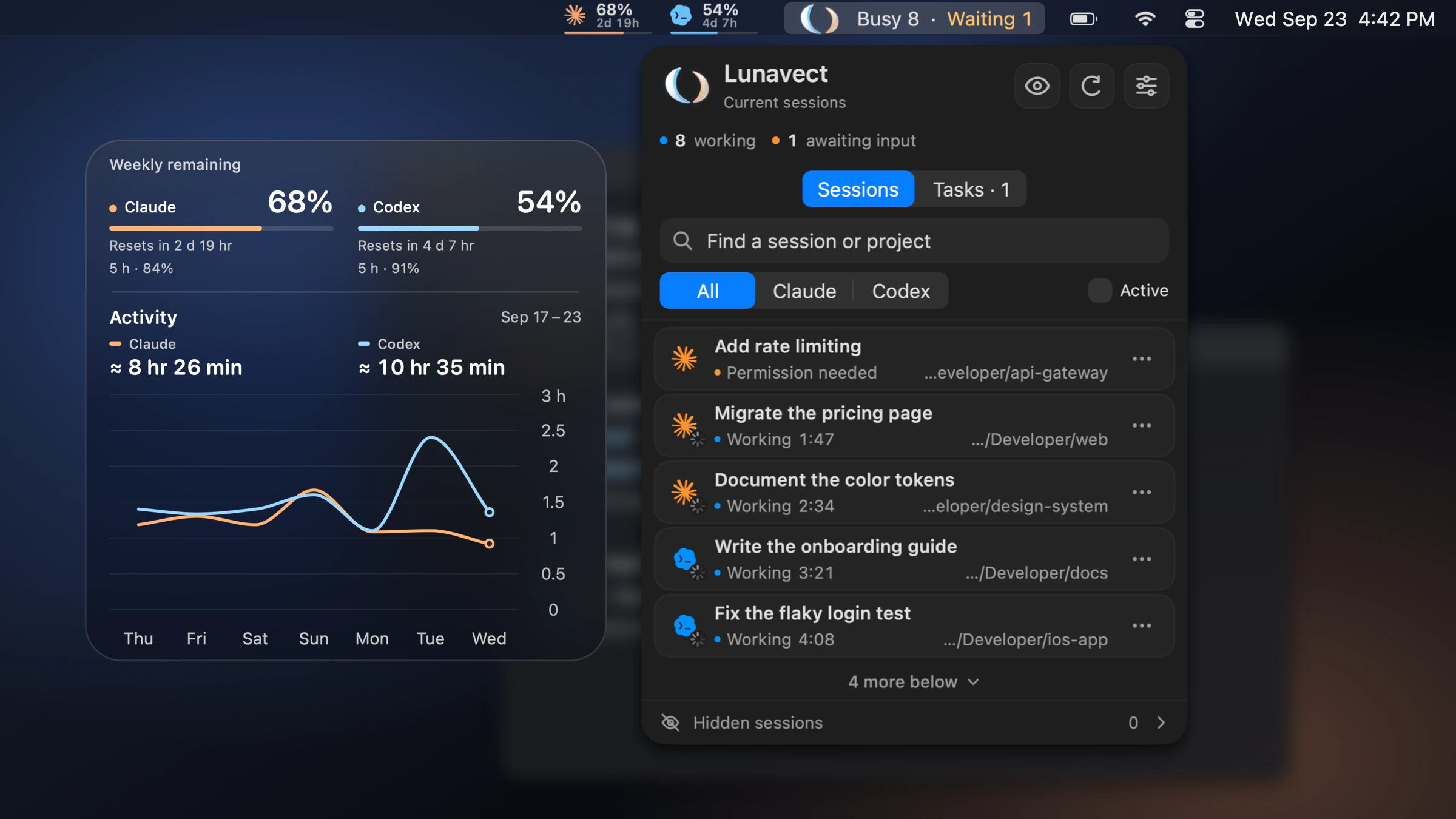
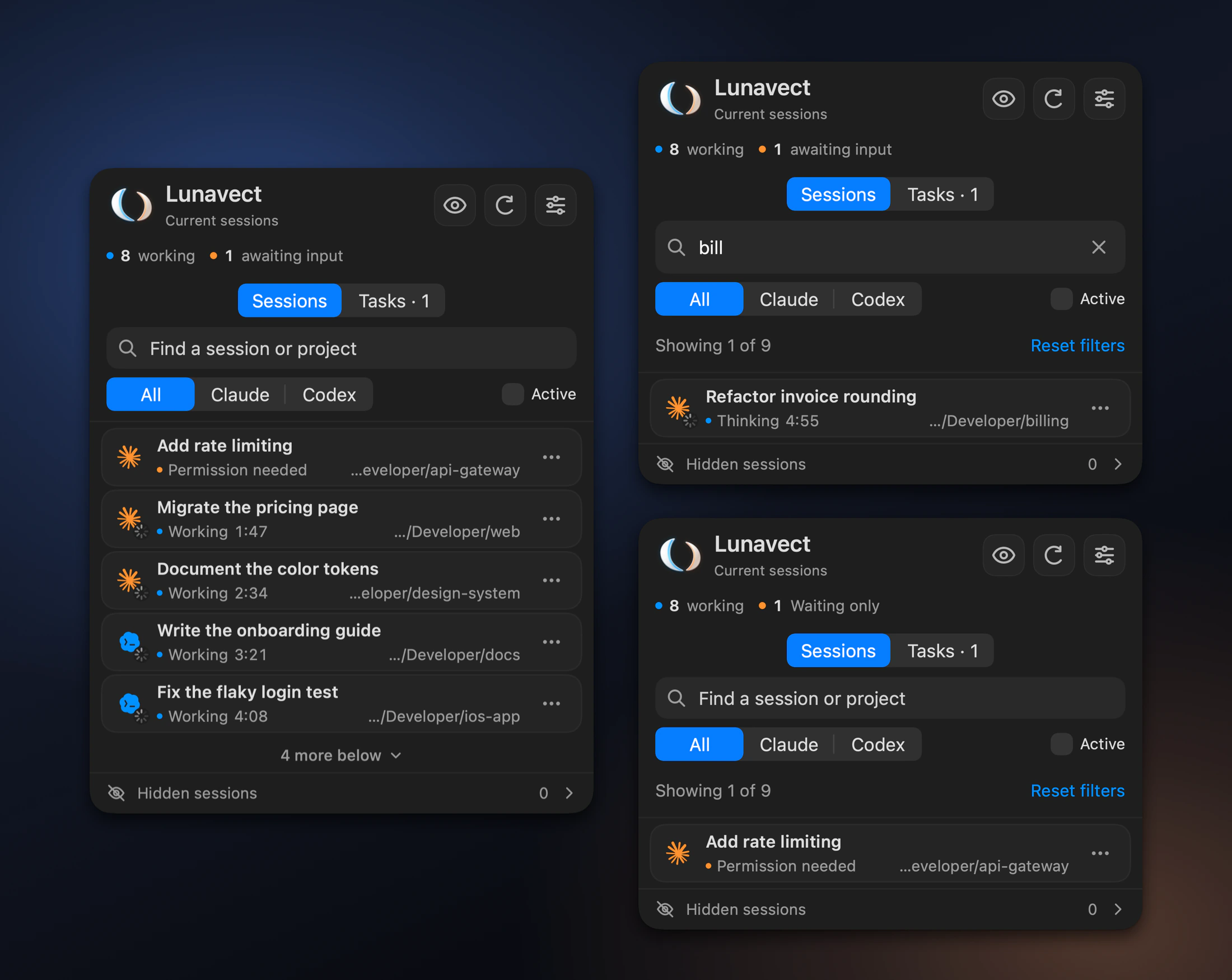
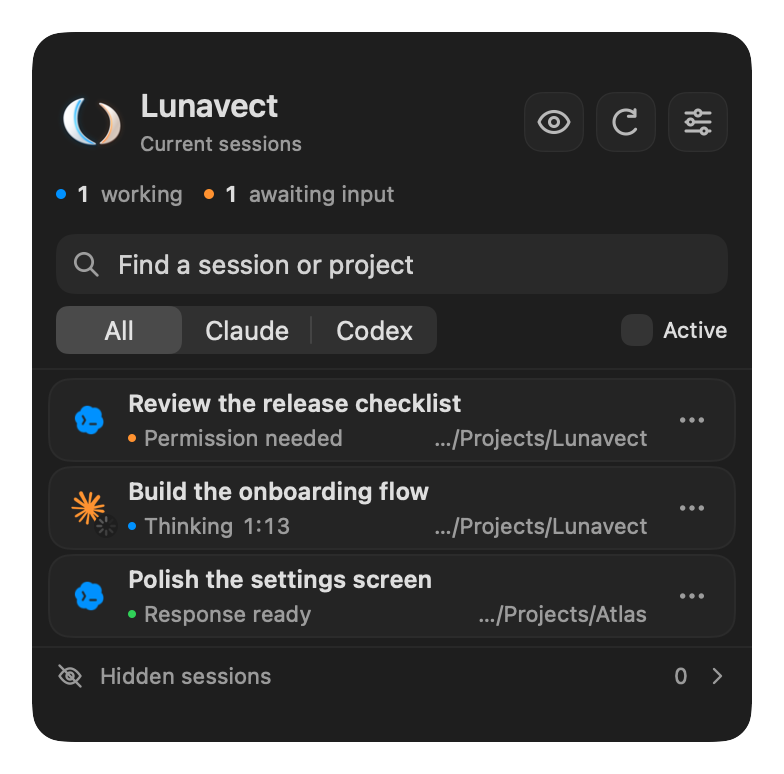
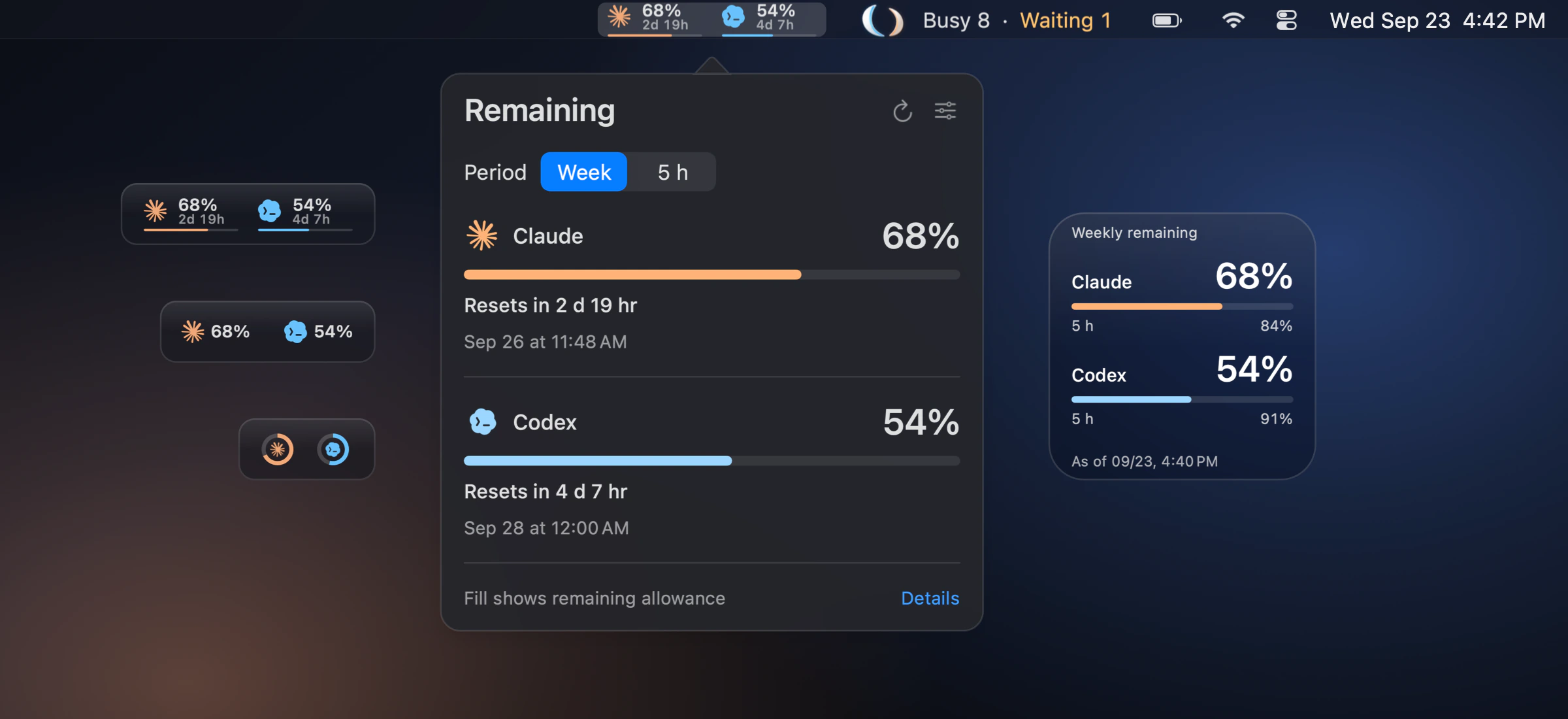
Claude Code and Codex in your Mac menu bar: see which AI coding agent is working, waiting for you or running background tasks, get alerts before weekly and 5-hour usage limits run out, and add desktop widgets. Free, open source, native macOS.
Screenshots
How to install Lunavect on a Mac
- Get OpenDMG. It is a free app store for open source Mac apps. Download OpenDMG.
- Search for Lunavect and press Get. OpenDMG downloads version 0.2.8 from lovach's own GitHub release.
- Open it. The download is checked against its SHA-256 fingerprint and its signature is checked on your Mac before it lands in Applications.
Updates to Lunavect show up in OpenDMG and install with one button. No account is needed.
Prefer to do it by hand? The developer's file is on GitHub: Lunavect-0.2.8.dmg (14 MB).
What is new in Lunavect 0.2.8
Lunavect 0.2.8 (219) — 2026-09-30

### Limits for running sessions

- Two-finger click (or ⋯) on a Claude or Codex session: **Limit Usage…** stops it when the week reaches the level you type, and can continue it after the reset; **Continue Later…** continues it after the five-hour or weekly reset or at a set time.
- The level starts at today's share: the rest of the week spread evenly over the days to the reset.
- **Don't get cut off by the 5-hour window** (on by default): shortly before the five-hour window runs out the agent finishes its step and waits; after the window resets Lunavect tells it to continue, and the week's level still applies.
- Near the level the agent is asked to finish its step and write two lines, what is done and what is left; at the level its next action is refused with the reason, through the hooks Lunavect already installs. Your own message to the session is never blocked: it lifts the stop (the week's limit, or the rest until the 5-hour window resets). Claude Code's own continuation after its usage limit is not yours: a week's stop holds it back. Nothing is killed: files and the conversation stay as they are. The **Tasks** card shows the limit, the week's level (which can be past a limit set below it) and the agent's summary. A stop lapses when its window resets, also if Lunavect is not running then.
…
More Artificial Intelligence apps
-
 CodexBarShow usage stats for OpenAI Codex and Claude Code, without having to login
-
 CodeBurnTracks token usage, cost, and performance across 25 AI agents with per-task breakdowns
-
 OsaurusLocal LLM server and AI infrastructure with menu bar, CLI, and shared tools
-
 QuotioAI subscription manager with quota tracking and automatic failover
-
 Claude Usage TrackerTrack the usage of Claude Code
-
 VibeProxyMenu bar app to use existing Claude, ChatGPT, and other subscriptions with AI coding…