

LumaView for Mac
Minimal native image viewer for browsing folders, inspecting EXIF metadata, and reading multipage PDFs.
By ixiehao. Free and open source, MIT licence.
LumaView at a glance
- Version
- 1.3.1
- Released
- 7 November 2026
- Download size
- 1.8 MB
- Works on
- Apple silicon and Intel
- Licence
- MIT
- Category
- Graphics and Design
- Developer
- ixiehao
- GitHub stars
- 8
About LumaView
Lightweight, minimal native image viewer for Mac · 轻巧、极简的 Mac 原生看图软件
Screenshots
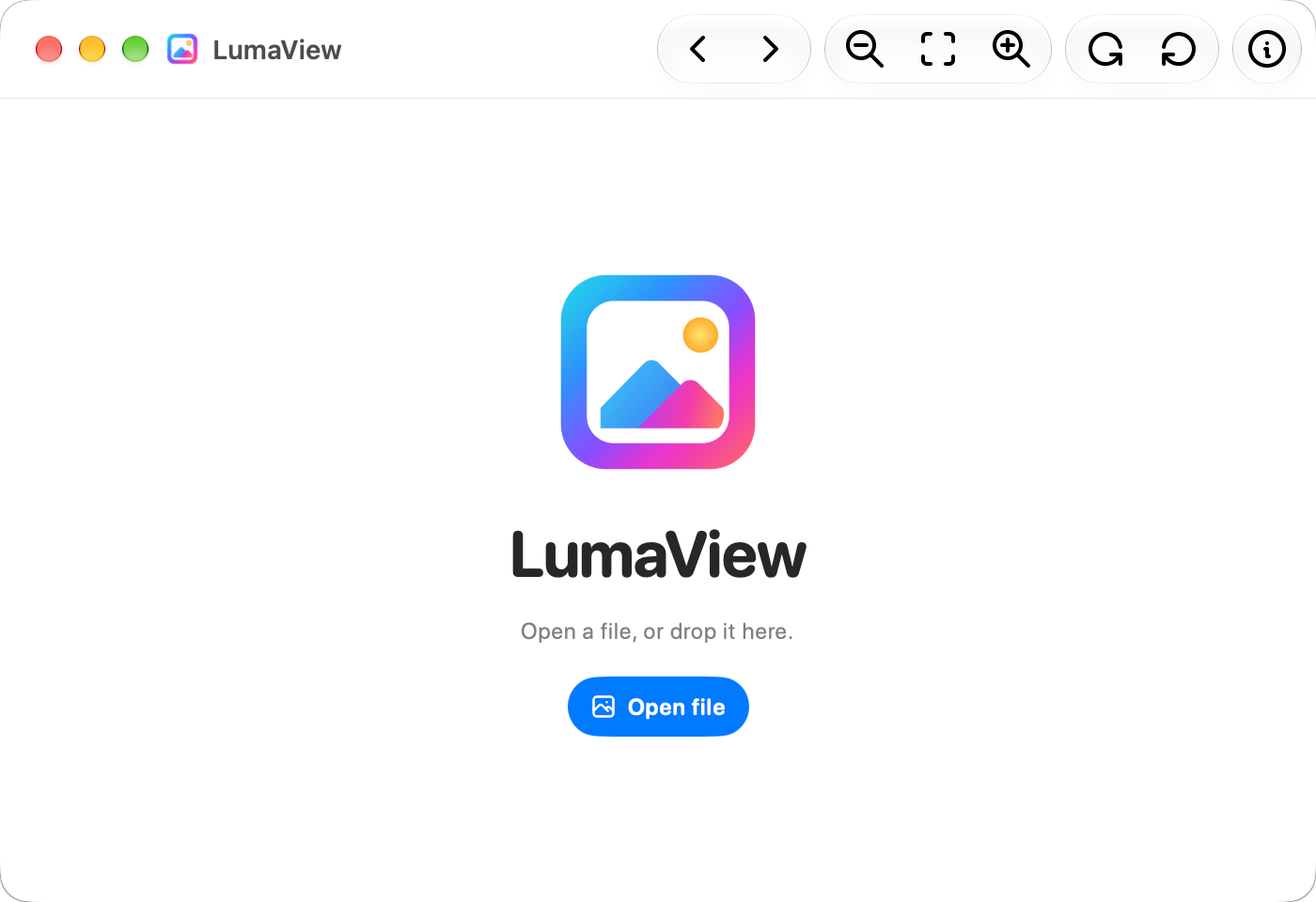
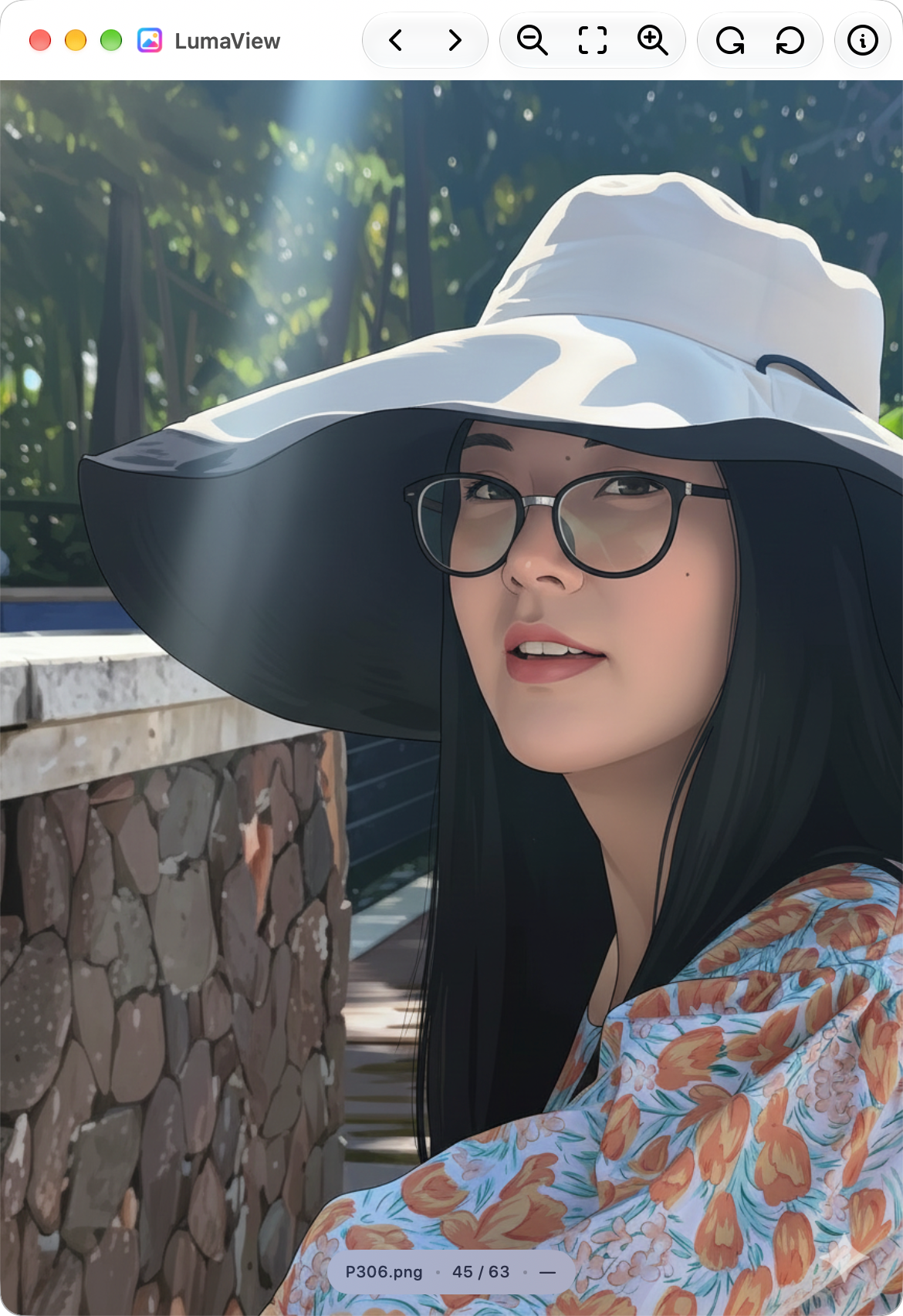
How to install LumaView on a Mac
- Get OpenDMG. It is a free app store for open source Mac apps. Download OpenDMG.
- Search for LumaView and press Get. OpenDMG downloads version 1.3.1 from ixiehao's own GitHub release.
- Open it. The download is checked against its SHA-256 fingerprint and its signature is checked on your Mac before it lands in Applications.
Updates to LumaView show up in OpenDMG and install with one button. No account is needed.
Prefer to do it by hand? The developer's files are on GitHub: LumaView-1.3.1-arm64.dmg (1.8 MB), LumaView-1.3.1-x86_64.dmg (1.8 MB).
What is new in LumaView 1.3.1
# LumaView 1.3.1

### English

- Separate, smaller installers for Apple Silicon and Intel Macs.
- More reliable browsing, including reopening edited files and keeping full-screen images visible while sharing a window.
- Fit printed images to the printable area without unnecessary margins, while preserving the full image and its rotation.

### 中文

- Apple Silicon 与 Intel 分别提供更小的安装包。
- 改善图片浏览稳定性,修复重开已编辑图片及全屏共享时画布消失的问题。
- 打印按可打印区域适配,去除多余留白,保留完整图片与旋转方向。

### 日本語

- Apple Silicon と Intel 向けに、より小さなインストーラを個別に用意しました。
- 画像表示の安定性を改善し、編集済み画像の再表示と、ウインドウ共有中にフルスクリーンの画像が消える問題を修正しました。
- 画像全体と回転方向を保ちながら印刷可能領域に合わせ、余分な余白をなくしました。
More Graphics and Design apps
-
 AerialApple TV Aerial Screensaver for macOS
-
 CompositorFree, open-source image editor aiming to be a full Photoshop alternative
-
 BrooklynScreensaver inspired by Apple's Event on October 30, 2018
-
 EquinoxCreate dynamic wallpapers for macOS
-
 ExcalidrawZA virtual whiteboard for sketching hand-drawn-like diagrams with native file management…
-
 WaifuXOpen-source ACG app for wallpapers, animated backgrounds, and anime videos