

Logue for Mac
Privacy-first AI meeting notes and writing assistant with on-device transcription and 60+ writing modes.
By bitwize-ai. Free and open source, MIT licence.
Logue at a glance
- Version
- 1.1.0
- Released
- 23 August 2026
- Download size
- 22 MB
- Works on
- Apple silicon and Intel
- Licence
- MIT
- Category
- Artificial Intelligence
- Developer
- bitwize-ai
- GitHub stars
- 170
About Logue
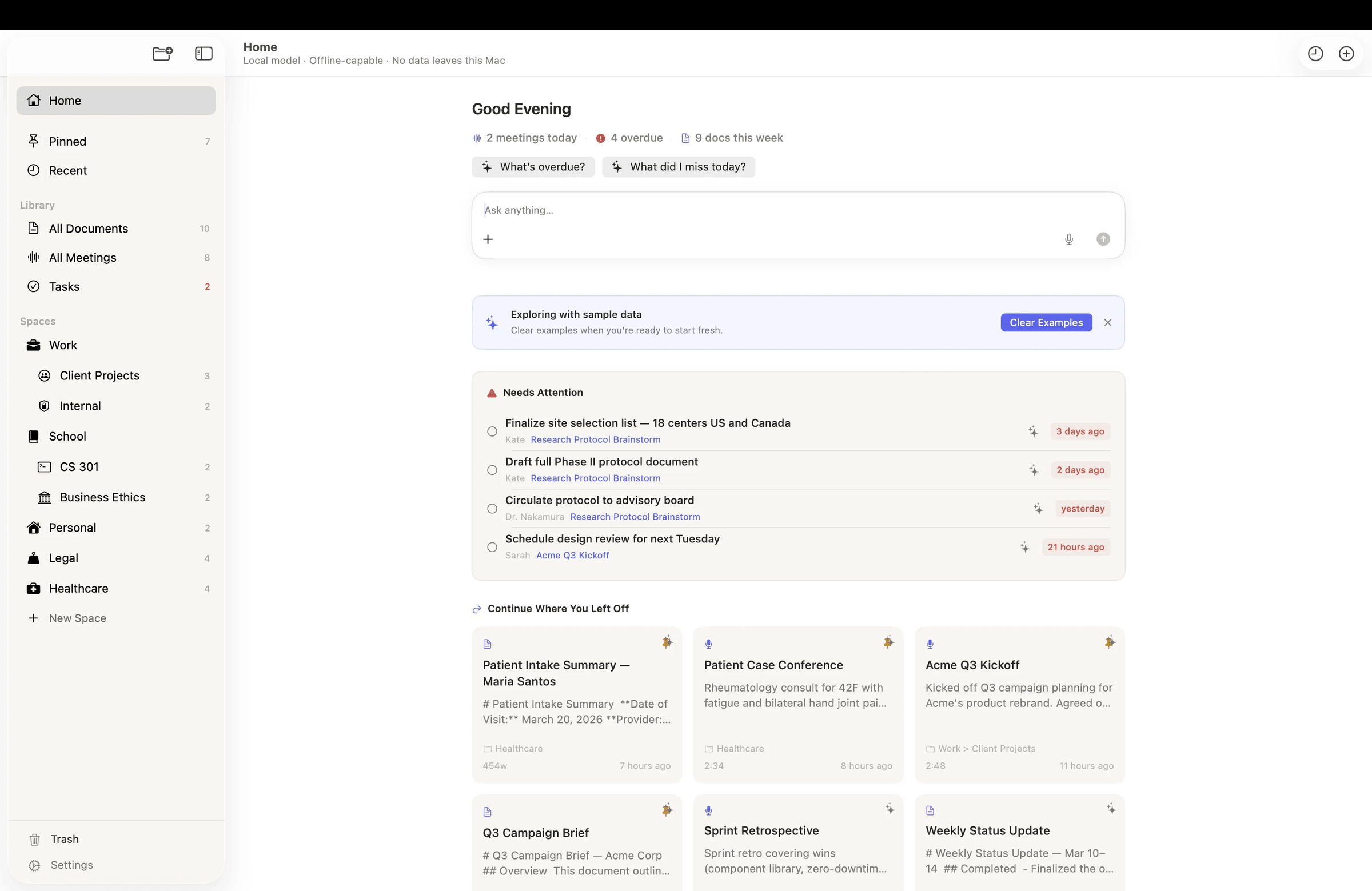
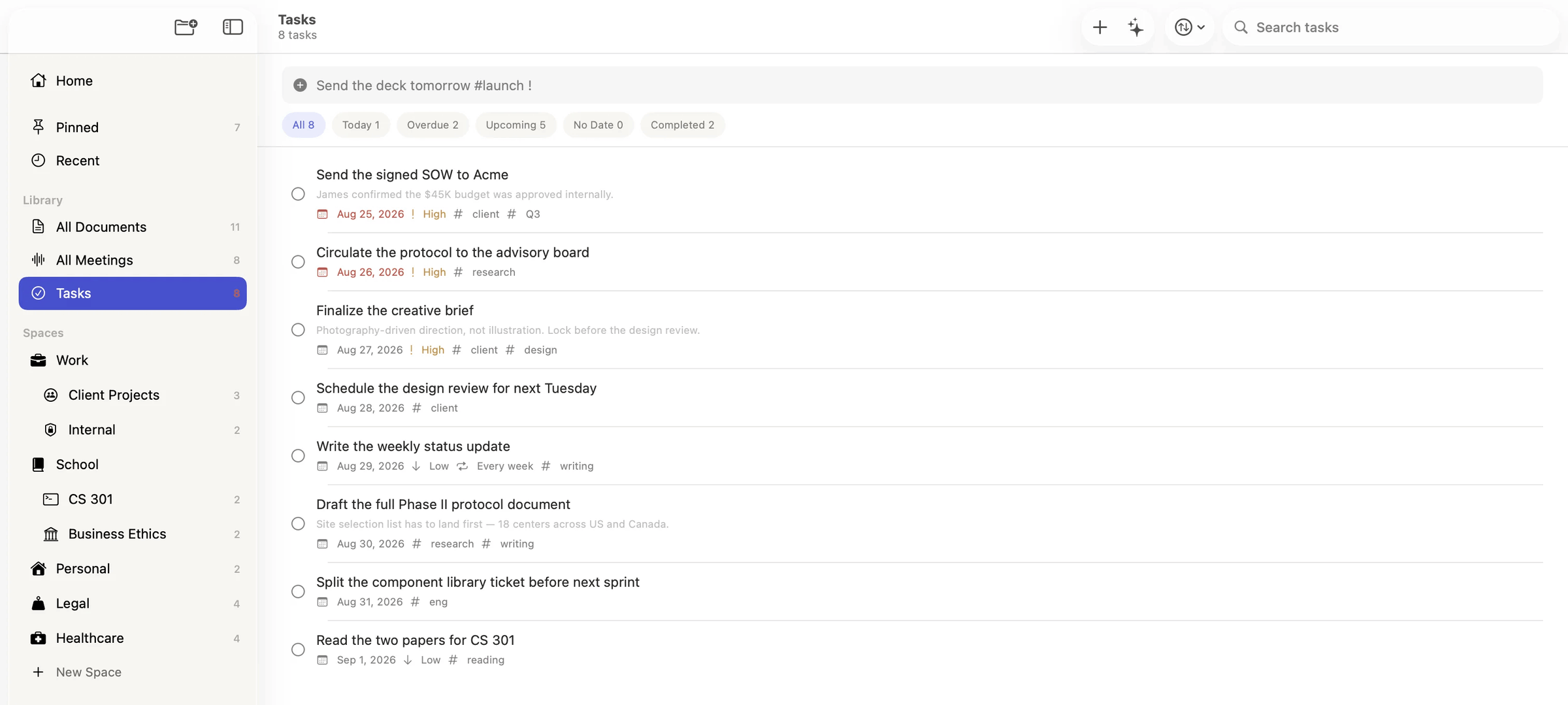
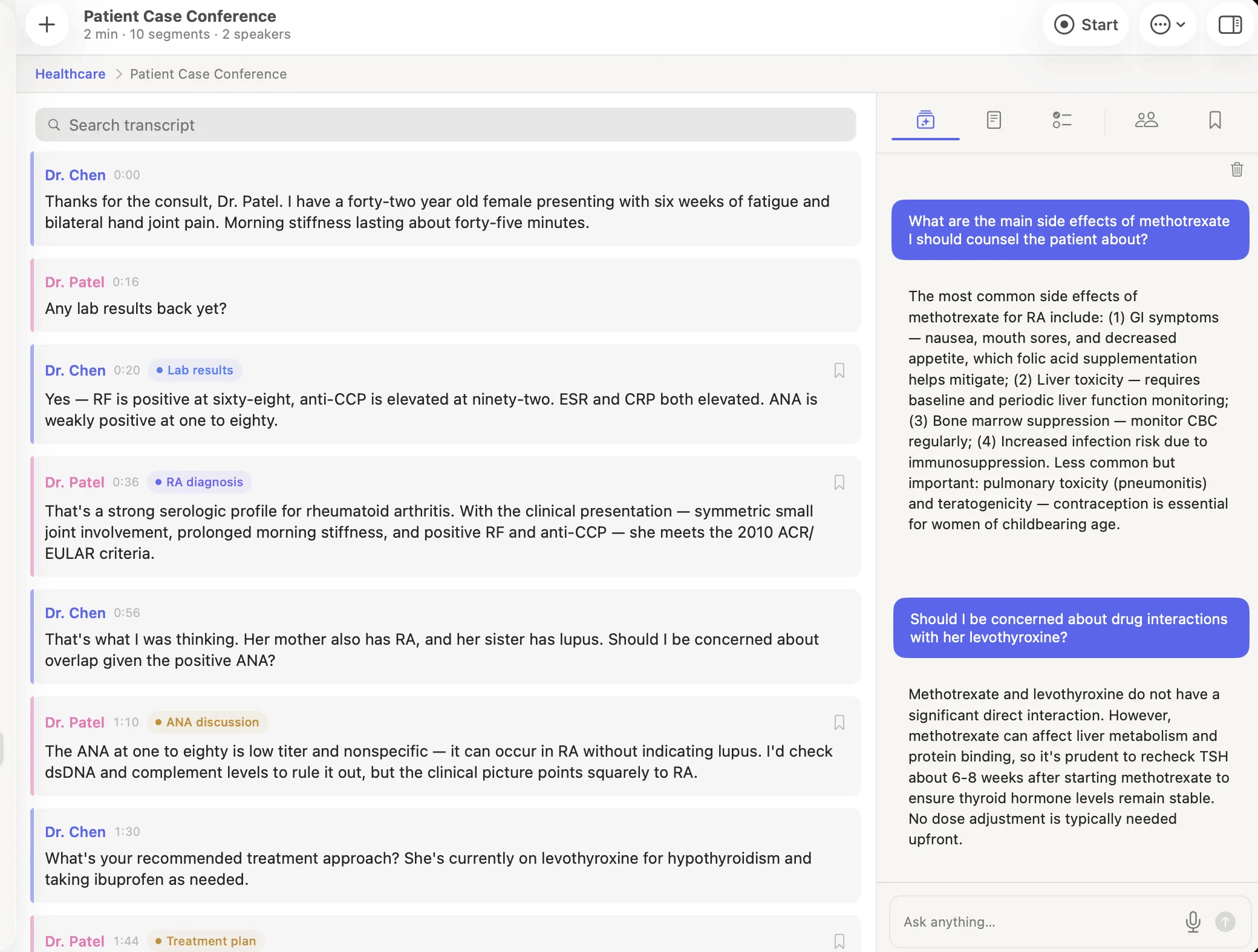
A local-first workspace for documents, tasks and meetings on macOS — nested spaces, typed properties, relations and saved views, with transcription, Smart Minutes and an agent running entirely on-device via MLX on Apple Silicon
Screenshots
How to install Logue on a Mac
- Get OpenDMG. It is a free app store for open source Mac apps. Download OpenDMG.
- Search for Logue and press Get. OpenDMG downloads version 1.1.0 from bitwize-ai's own GitHub release.
- Open it. The download is checked against its SHA-256 fingerprint and its signature is checked on your Mac before it lands in Applications.
Updates to Logue show up in OpenDMG and install with one button. No account is needed.
Prefer to do it by hand? The developer's file is on GitHub: Logue-1.1.0.dmg (22 MB).
What is new in Logue 1.1.0
## Logue 1.1.0

The release Ask Logue became one assistant, wherever you ask it from — and the one that
puts Logue in your browser.

### Added

- **A Logue extension for Chrome.** The same chat and writing tools, in any tab. Ask about
 the page you are on and it is answered by the model running on this Mac — the page never
 leaves your machine, and there is no account and no server in the loop. Install it from
 the [Chrome Web Store](https://chromewebstore.google.com/detail/logue/gaegipceeccdchdffamdphfiegfeenhc);
 What's New links to it, and Help → Get the Chrome Extension keeps the link afterwards.
 If you try it, a review on the store genuinely helps.
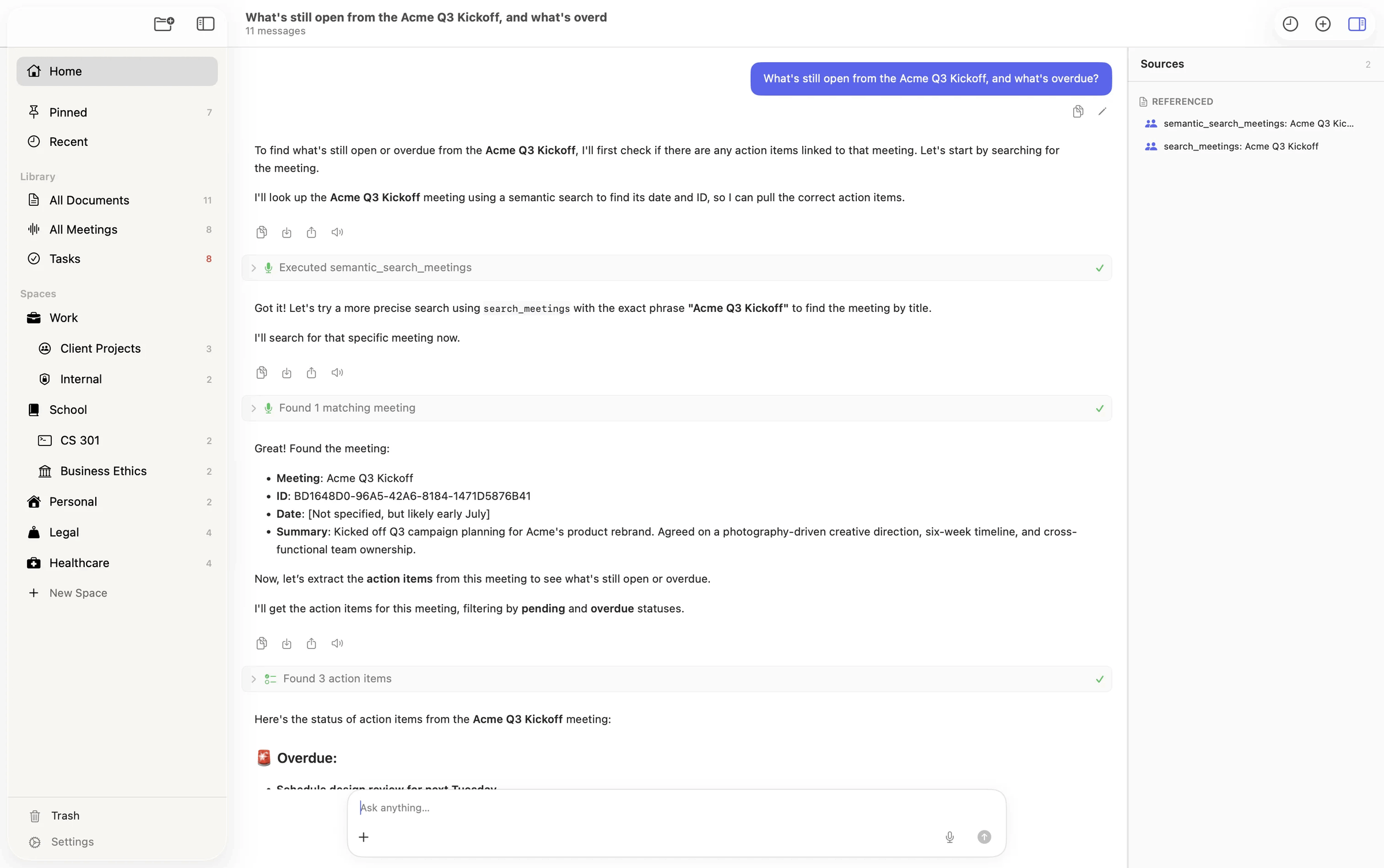
- **Ask Logue is the same assistant in both windows.** The Command Center island — the pill
 you summon over whatever app you are in — used to be a bare question-and-answer box: no
 tools, no memory, no files, and it threw the conversation away when it closed. It now runs
 the same agent as the main window. It uses tools and shows you which ones it used, asks
 before anything destructive, takes dropped files, does web search and Deep Research, keeps
 the thread, and hands it to the main window with **Open in Logue**. Which window you asked
 from no longer decides what Logue can do.
- **One place to start.** Home and Ask Logue were two screens doing one job; they are now a
…
More Artificial Intelligence apps
-
 CodexBarShow usage stats for OpenAI Codex and Claude Code, without having to login
-
 CodeBurnTracks token usage, cost, and performance across 25 AI agents with per-task breakdowns
-
 OsaurusLocal LLM server and AI infrastructure with menu bar, CLI, and shared tools
-
 QuotioAI subscription manager with quota tracking and automatic failover
-
 Claude Usage TrackerTrack the usage of Claude Code
-
 VibeProxyMenu bar app to use existing Claude, ChatGPT, and other subscriptions with AI coding…