

LiteZip for Mac
Local file archiver for creating, encrypting, splitting, browsing, and extracting archives.
By gentpan. Free and open source, MIT licence.
LiteZip at a glance
- Version
- 0.5.0 (pre-release)
- Released
- 1 October 2026
- Download size
- 36 MB
- Works on
- Apple silicon and Intel
- Licence
- MIT
- Category
- Utilities
- Developer
- gentpan
- GitHub stars
- 22
About LiteZip
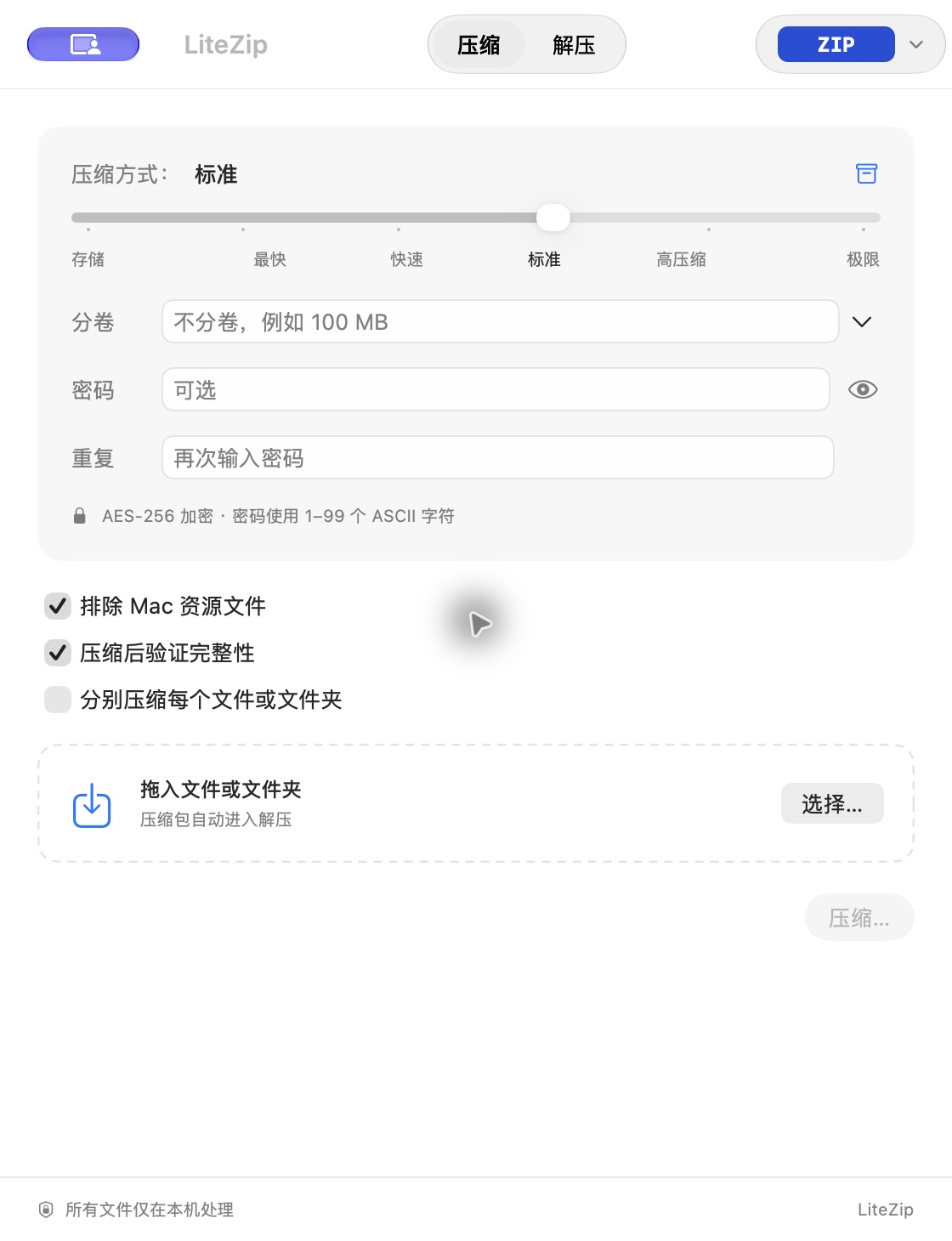
免费开源的原生 macOS 压缩与解压工具。支持 ZIP / 7Z 压缩解压、RAR 解压、加密分卷、目录预览和 Finder 右键操作,文件完全在本机处理。
Screenshots
How to install LiteZip on a Mac
- Get OpenDMG. It is a free app store for open source Mac apps. Download OpenDMG.
- Search for LiteZip and press Get. OpenDMG downloads version 0.5.0 from gentpan's own GitHub release.
- Open it. The download is checked against its SHA-256 fingerprint and its signature is checked on your Mac before it lands in Applications.
Updates to LiteZip show up in OpenDMG and install with one button. No account is needed.
Prefer to do it by hand? The developer's file is on GitHub: LiteZip-0.5.0-macOS-universal.zip (36 MB).
What is new in LiteZip 0.5.0
## LiteZip 0.5.0 开发预览

- 全新蓝色角色 App 图标与 Finder 文件图标;压缩格式以不同颜色的文字徽章展示。
- 紧凑工具栏保留原生 Liquid Glass,调整控件尺寸与选中状态。
- 新增菜单栏快捷压缩,支持拖入文件或文件夹、切换格式、选择保存位置及查看任务进度。
- 新增 ISO、AAR、WIM 制作、预览、校验与解压;ISO 支持 Finder 挂载,AAR 使用 macOS 原生 Apple Archive。
- 新增 LZIP、LZ4、Brotli、LRZIP、Snappy 单文件压缩与解压,引擎随 App 提供。
- 增加 GZIP、BZIP2 等扩展名别名,完善归档路径、输出大小与损坏数据检查。

Developer ID 签名与 Apple 公证已完成,App 已附上公证凭据,Gatekeeper 验证通过。macOS 13+,Apple Silicon/Intel 通用构建。RAR 创建仍需单独连接官方引擎。

安装:下载 ZIP,解压后把 LiteZip.app 拖入应用程序。SHA256SUMS 提供下载包校验值。

验证:44 项核心测试通过,菜单栏拖放输入检查与 4 组发布脚本测试通过;最终 ZIP 重新解包后通过签名、公证凭据和 Gatekeeper 检查。完整大规模性能验收尚未完成。
More Utilities apps
-
 BetterDisplayDisplay management tool with HiDPI scaling, PiP, and EDID controls
-
 VorssaintAn open-source, free, and local toolkit that integrates functions such as preventing…
-
 MosSmooth your mouse's scrolling and reverse the mouse scroll direction
-
 EasydictmacOS instant translator — type/select/screenshot, multi-service, zero setup
-
 OpenHaystackOpen-source tracker for finding Bluetooth devices through Apple's Find My network
-
 KekaKeka is a full featured file archiver, as easy as it can be