
Liftoff for Mac
Launchpad replacement with live window previews and smart app organization.
By firstfu. Free and open source, GPL-3.0 licence.
Liftoff at a glance
- Version
- 1.3.1
- Released
- 9 October 2026
- Download size
- 3.2 MB
- Works on
- Apple silicon and Intel
- Licence
- GPL-3.0
- Category
- Productivity
- Developer
- firstfu
- GitHub stars
- 33
About Liftoff
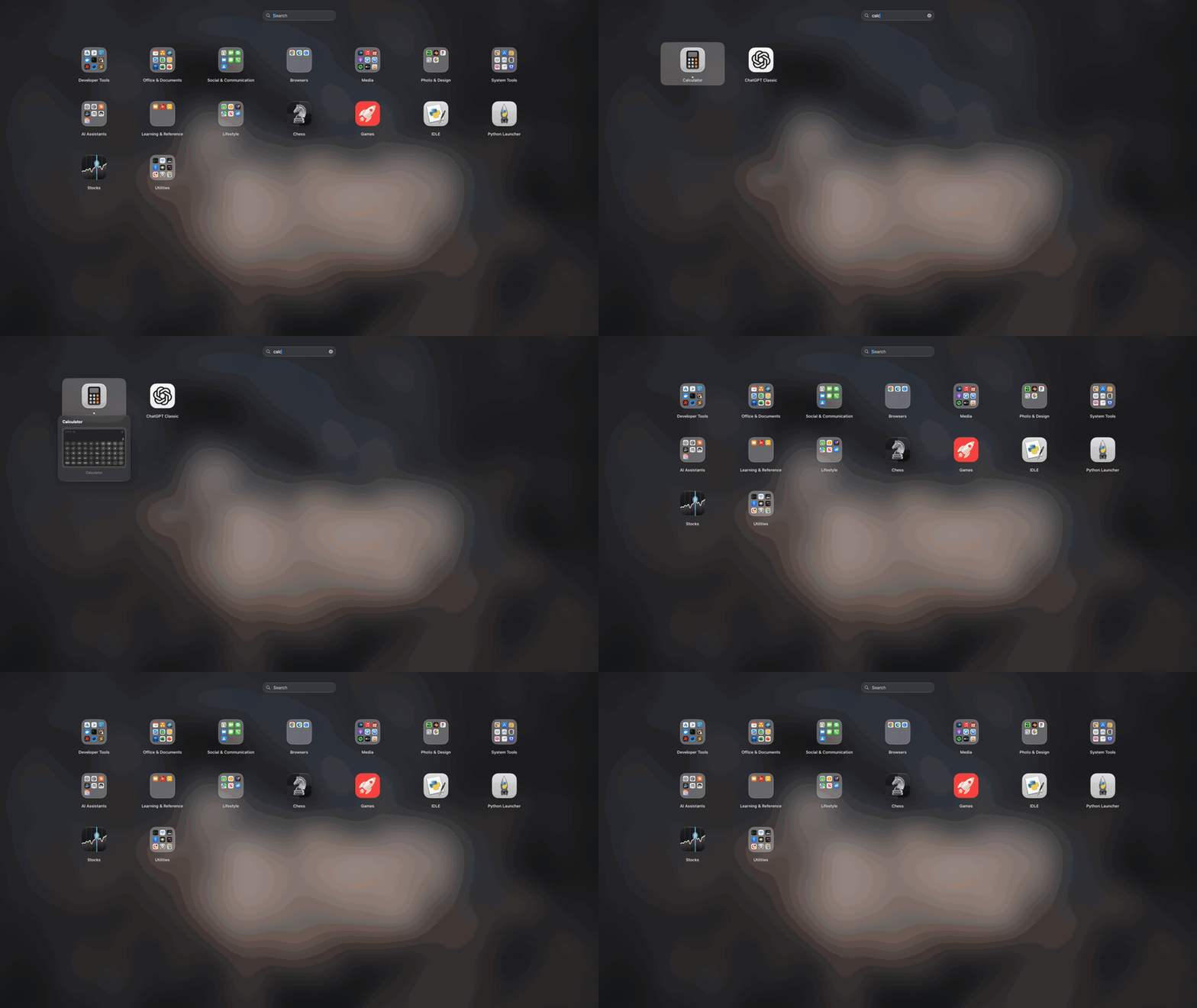
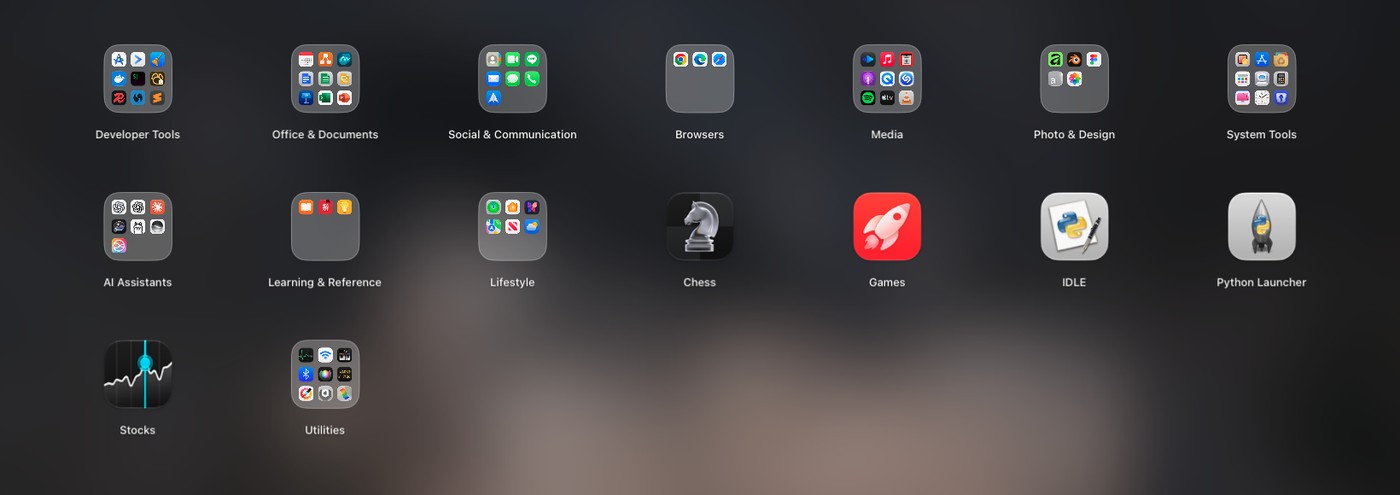
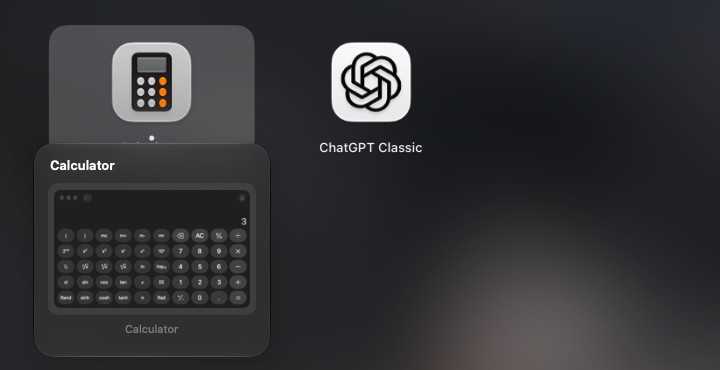
The Launchpad that macOS 26 took away — back, faster, with live window previews and Smart Organize. Free & open source, 13 languages.
Screenshots
How to install Liftoff on a Mac
- Get OpenDMG. It is a free app store for open source Mac apps. Download OpenDMG.
- Search for Liftoff and press Get. OpenDMG downloads version 1.3.1 from firstfu's own GitHub release.
- Open it. The download is checked against its SHA-256 fingerprint and its signature is checked on your Mac before it lands in Applications.
Updates to Liftoff show up in OpenDMG and install with one button. No account is needed.
Prefer to do it by hand? The developer's file is on GitHub: Liftoff.zip (3.2 MB).
What is new in Liftoff 1.3.1
## Liftoff 1.3.1

### New
- **A Settings button in the top-right corner.** A faint gear next to the search bar opens Settings. It brightens when you point at it. Handy if the menu bar icon is hidden behind the notch or turned off in System Settings. Thanks to @eryajf for the suggestion (#12).

### Notes
- Settings is also available from the menu bar icon, and with **⌘,** while Liftoff is open.
- Permissions (Accessibility, Screen Recording) are kept when you update from 1.2.1 or later.
- Not notarized (no paid Apple Developer account): open **System Settings → Privacy & Security → Open Anyway** the first time.
- Liftoff still makes no network connections unless you ask it to check for updates.
- Requires macOS 26 or later.

SHA-256 of `Liftoff.zip`: `0e7d3b2c074950440eeac6f69b4cd55453b4c0bde506761f6d760c710c66049d`

---

## Liftoff 1.3.1(繁體中文)

### 新功能
- **右上角多了設定按鈕。** 搜尋列旁邊有一個淡淡的齒輪,點一下就打開設定,滑鼠移上去會變清楚。選單列圖示被瀏海擋住、或在系統設定裡被關掉時,用這個就找得到。感謝 @eryajf 的建議(#12)。

### 注意
- 設定也可以從選單列圖示進入,或在啟動台開著時按 **⌘,**。
- 從 1.2.1 以後的版本更新,輔助使用與螢幕與系統錄音的授權會保留。
- 沒有公證(沒有付費 Apple 開發者帳號):第一次請到「系統設定 → 隱私權與安全性 → 強制打開」。
- 除非你要求檢查更新,Liftoff 仍然不連網。
- 需要 macOS 26 以上。
More Productivity apps
-
 MaccyLightweight search-as-you-type clipboard manager
-
 AltTabBrings the Windows Alt-Tab functionality to macOS
-
 ClipyClipy is a Clipboard extension app for macOS
-
 TinycastLightweight native launcher with app search, clipboard management, window controls, and…
-
 FSNotesNotes manager for macOS/iOS: modern notational velocity (nvALT) on steroids
-
 OpenDisplayTurn spare Apple devices into second monitors — true extended display over USB or WiFi