
Leaf for Mac
Lightweight ebook reader for EPUB, MOBI, and AZW3 files.
By chengffei. Free and open source.
Leaf at a glance
- Version
- 0.3.2
- Released
- 2 November 2026
- Download size
- 3.7 MB
- Works on
- Apple silicon and Intel
- Category
- Utilities
- Developer
- chengffei
- GitHub stars
- 6
About Leaf
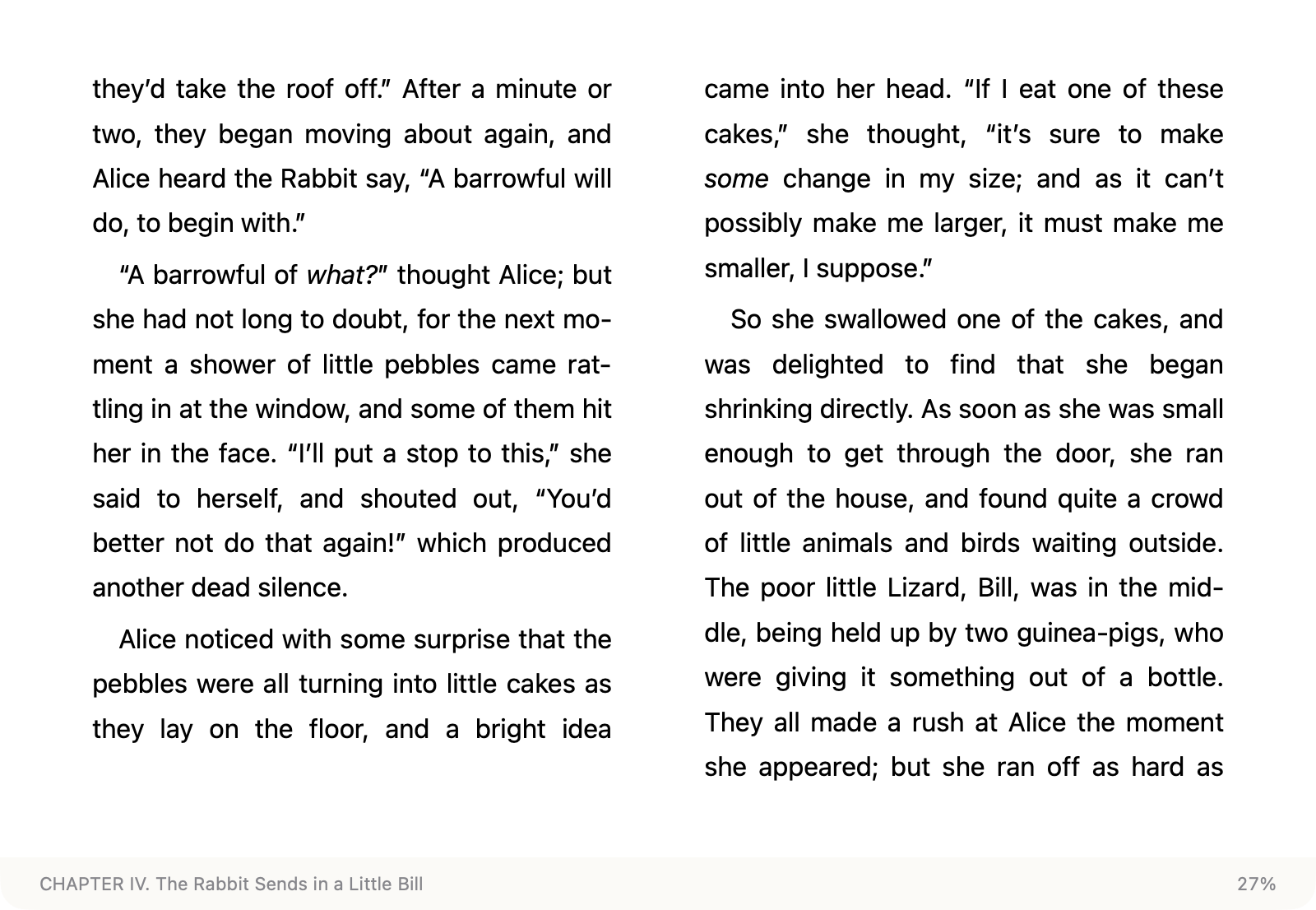
Read like a Kindle on your Mac. Open-source EPUB, MOBI and AZW3 reader with tunable typography, time left in chapter, find in book — no library, no account.
Screenshots
How to install Leaf on a Mac
- Get OpenDMG. It is a free app store for open source Mac apps. Download OpenDMG.
- Search for Leaf and press Get. OpenDMG downloads version 0.3.2 from chengffei's own GitHub release.
- Open it. The download is checked against its SHA-256 fingerprint and its signature is checked on your Mac before it lands in Applications.
Updates to Leaf show up in OpenDMG and install with one button. No account is needed.
Prefer to do it by hand? The developer's file is on GitHub: Leaf.dmg (3.7 MB).
What is new in Leaf 0.3.2
## What's new

- **E-ink theme:** a warm light-gray page with near-black text, one step softer than Paper. Links take the text color with an underline.
- **Literata built in:** an open-source book typeface (OFL) in the spirit of e-reader fonts. Chinese text falls back to Songti.
- **E-ink preset:** one click sets Literata, weight +1, one column, narrow text width and the E-ink theme.
- **Tap to turn like an e-reader:** the left 20% goes back, everything else goes forward. A click that closes a footnote, clears a selection or closes the panel does not turn the page. Double-click still selects a word: a click in the middle waits 250 ms before turning.
- **Fix:** footnote popups no longer show text larger than the page. They now use 0.9× the body text size with normal line spacing.

## 本次更新

- **墨水屏主题**:偏暖的浅灰底配近黑字,对比度比纸白低一档;链接与正文同色,加下划线。
- **内置 Literata**:开源书籍字体(OFL),气质接近电子书阅读器的默认字体;中文回退到宋体。
- **墨水屏预设**:一键套用 Literata、字重 +1、单栏、窄版心和墨水屏主题。
- **像阅读器一样点击翻页**:左侧 20% 上一页,其余地方下一页。收起注释、取消选区、收起面板的那一下不翻页。双击选词照常可用:点中间会等 250 毫秒再翻页。
- **修复**:注释弹窗里的字不再比正文大,改为正文的 0.9 倍,行距正常。

Requires macOS 15. First launch: System Settings › Privacy & Security › Open Anyway.
Leaf is independent and not affiliated with Amazon.
More Utilities apps
-
 VorssaintAn open-source, free, and local toolkit that integrates functions such as preventing…
-
 BetterDisplayDisplay management tool with HiDPI scaling, PiP, and EDID controls
-
 MosSmooth your mouse's scrolling and reverse the mouse scroll direction
-
 EasydictmacOS instant translator — type/select/screenshot, multi-service, zero setup
-
 OpenHaystackOpen-source tracker for finding Bluetooth devices through Apple's Find My network
-
 OrkasOrkas is an open-source (MIT), local-first AI team for your desktop: a Commander turns…