

LayoutKeeper for Mac
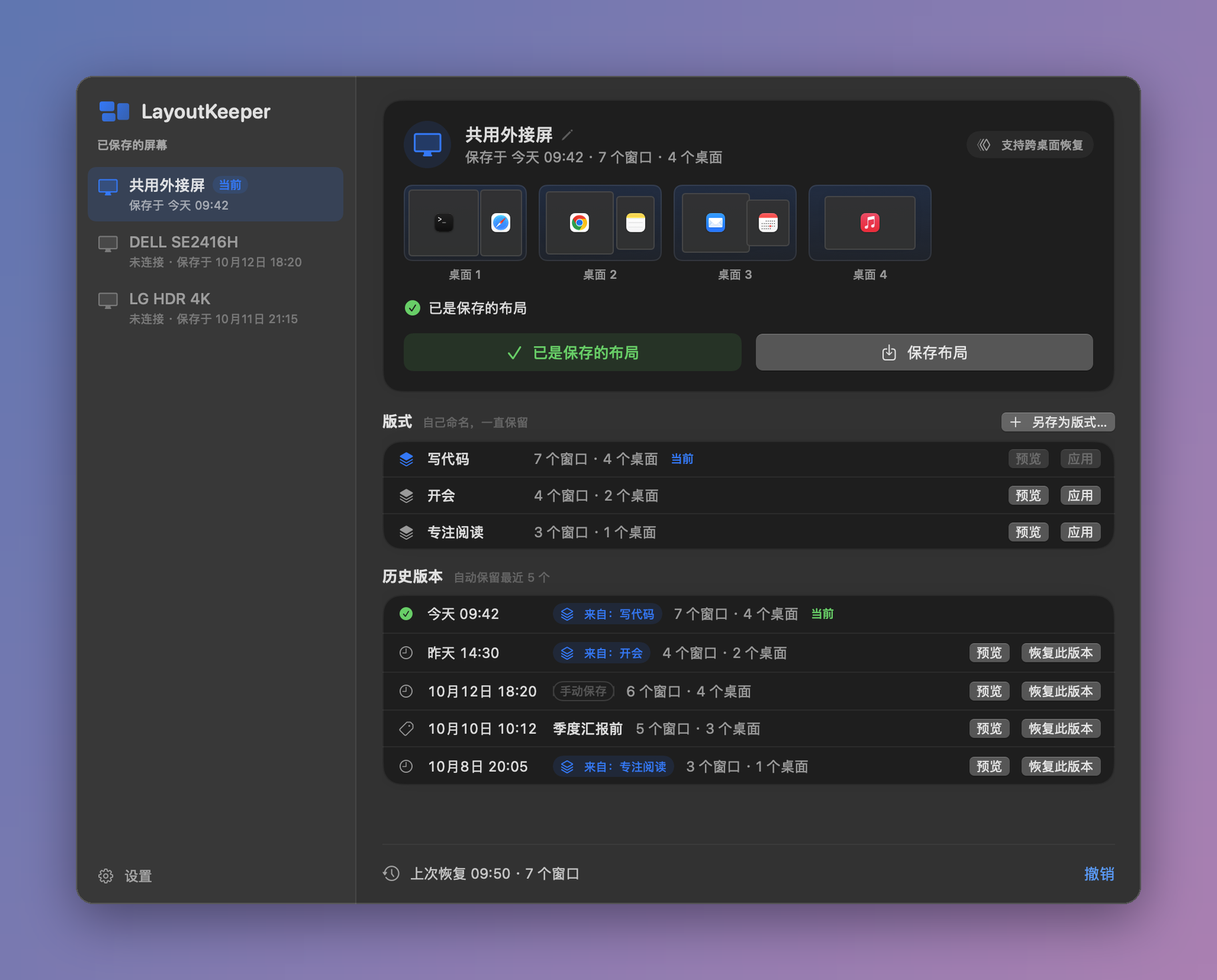
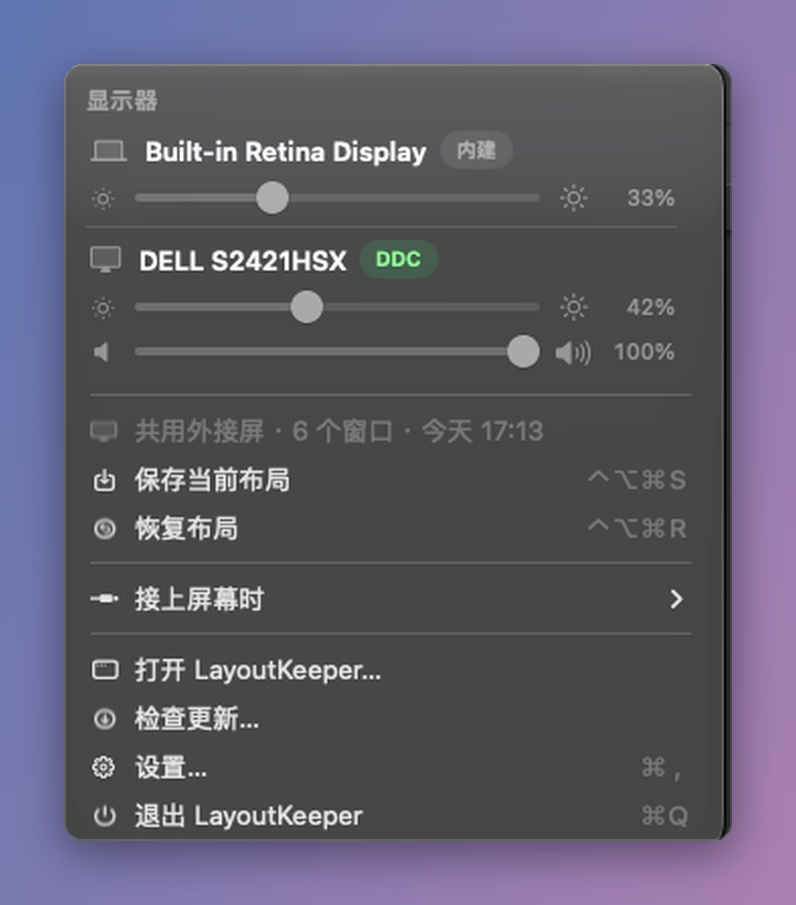
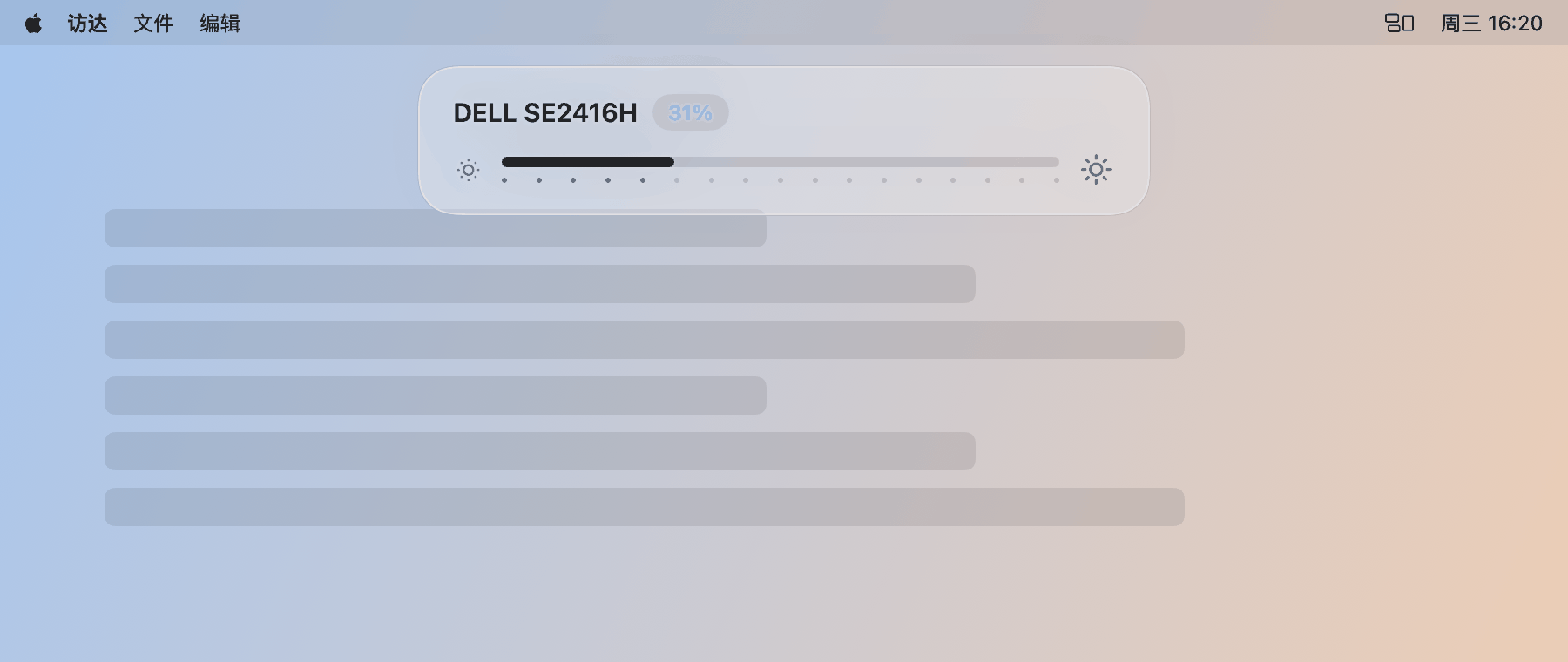
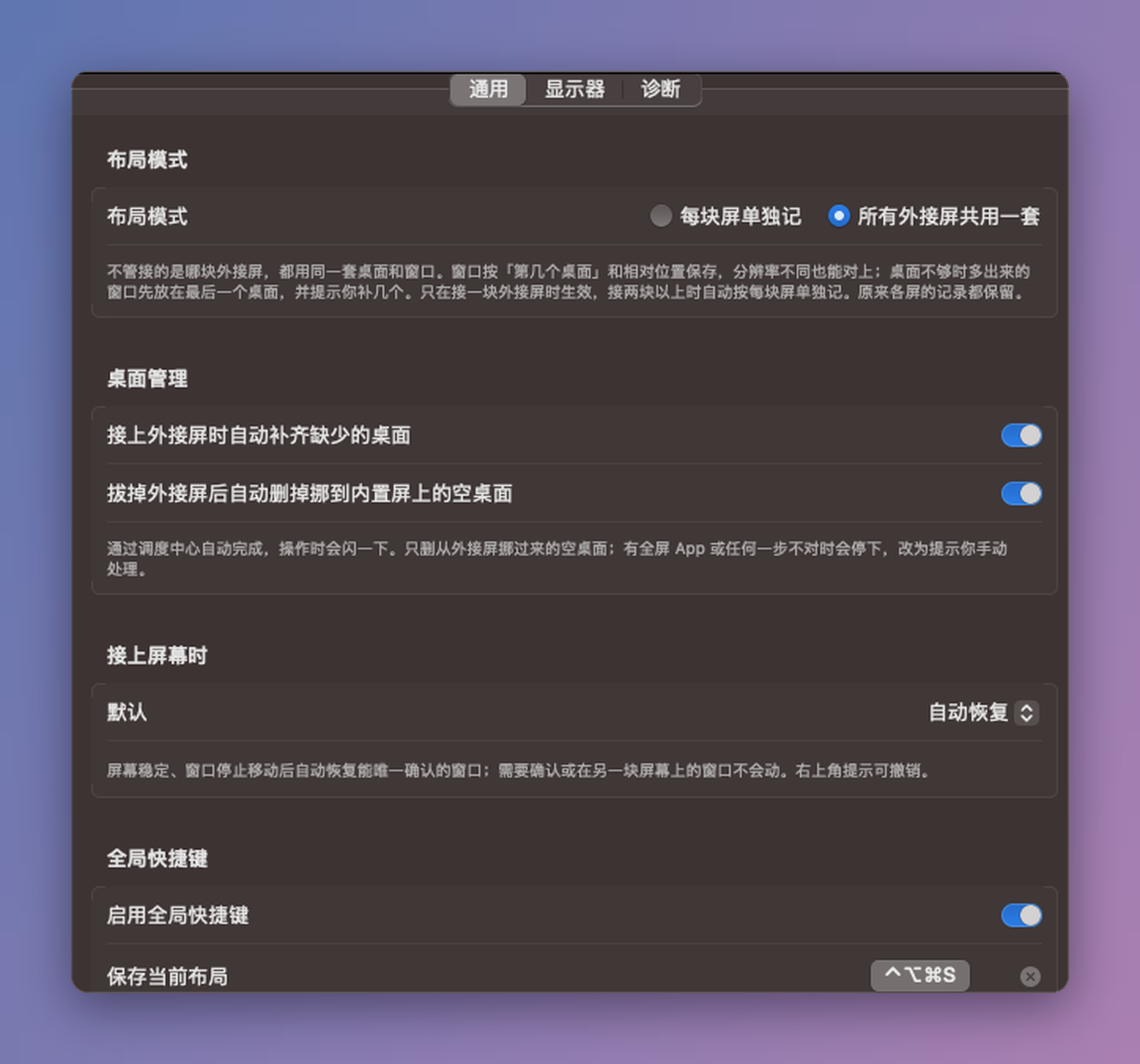
Restores external-monitor layouts across Spaces with automatic Space management and DDC controls.
By tumingke0. Free and open source, GPL-3.0 licence.
LayoutKeeper at a glance
- Version
- 0.6.16
- Released
- 2 November 2026
- Download size
- 4.8 MB
- Works on
- Apple silicon and Intel
- Licence
- GPL-3.0
- Category
- Windows and Keyboard
- Developer
- tumingke0
- GitHub stars
- 34
About LayoutKeeper
记住并恢复外接屏窗口布局,支持跨桌面、自动加减桌面、DDC 调亮度音量 · Restore external-monitor window layouts across macOS Spaces, auto add/remove Spaces, DDC brightness & volume
Screenshots
How to install LayoutKeeper on a Mac
- Get OpenDMG. It is a free app store for open source Mac apps. Download OpenDMG.
- Search for LayoutKeeper and press Get. OpenDMG downloads version 0.6.16 from tumingke0's own GitHub release.
- Open it. The download is checked against its SHA-256 fingerprint and its signature is checked on your Mac before it lands in Applications.
Updates to LayoutKeeper show up in OpenDMG and install with one button. No account is needed.
Prefer to do it by hand? The developer's files are on GitHub: LayoutKeeper-0.6.16-AppleSilicon.dmg (4.8 MB), LayoutKeeper-0.6.16-Intel.dmg (4.9 MB).
What is new in LayoutKeeper 0.6.16
# LayoutKeeper 0.6.16

## 改动
- **匿名的每日计数**:应用每天向 GoatCounter 发一次请求,用来了解大概有多少人在用。请求里只有应用版本和构建号、芯片类型、macOS 版本、屏幕数量(1、2 或 3 块以上)和本机随机生成的编号。不含个人信息,也不含窗口标题、应用名称、布局、显示器名称和序列号。发送失败就跳过,不会重试,也不影响使用。详见 README 的「会收集数据吗?」。
- 其他功能和 0.6.15 一样。输入源切换和显示器喇叭音量仍是实验功能,默认关闭。

## 测试情况
本版在 macOS 27.0(Apple 芯片)上编译测试,确认每天只发一次计数。

## 更新
0.6.1 及以上:菜单栏 → **检查更新…**,辅助功能权限保持有效。

## 下载哪个文件?
| 你的 Mac | 下载 |
| --- | --- |
| Apple 芯片(M1 / M2 / M3 / M4 / M5…) | `LayoutKeeper-0.6.16-AppleSilicon.dmg` |
| Intel 处理器 | `LayoutKeeper-0.6.16-Intel.dmg` |

`.zip` 和 `appcast-*.xml` 供应用内更新使用。自签名、未经 Apple 公证:第一次打开请右键 → 打开。

---

## English
- **Anonymous daily count**: once a day the app sends one request to GoatCounter so we can see roughly how many people use it. It carries only the app version and build, the CPU type, the macOS version, the number of screens (1, 2 or 3+) and a random ID made on your Mac. No personal information, window titles, app names, layouts, display names or serial numbers. If the request fails it is skipped, never retried, and the app works as usual. See "Does it collect data?" in the README.
- Everything else is the same as 0.6.15. Input switching and display speaker volume are still experimental and off by default.
- **Testing**: built and tested on macOS 27.0 (Apple silicon), including a check that the count is sent only once per day.
…
More Windows and Keyboard apps
-
 RectangleRectangle is a window manager heavily based on Spectacle, written in Swift
-
 AeroSpaceAeroSpace is an i3-like tiling window manager for macOS
-
 AmethystAutomatic tiling window manager for macOS
-
 LoopWindow management made elegant
-
 OmniWMA Flexible and Modern Tiling Window Manager
-
 FlashSpaceEnhance and replace the native Spaces functionality of macOS