
KyttoMCP for Mac
Local control panel for MCP servers across your AI clients — manage and monitor in one place.
By heyitsjakub. Free and open source, MIT licence.
KyttoMCP at a glance
- Version
- 1.0.7.1 (pre-release)
- Released
- 9 October 2026
- Download size
- 4.6 MB
- Works on
- Apple silicon and Intel
- Licence
- MIT
- Category
- Artificial Intelligence
- Developer
- heyitsjakub
- GitHub stars
- 8
About KyttoMCP
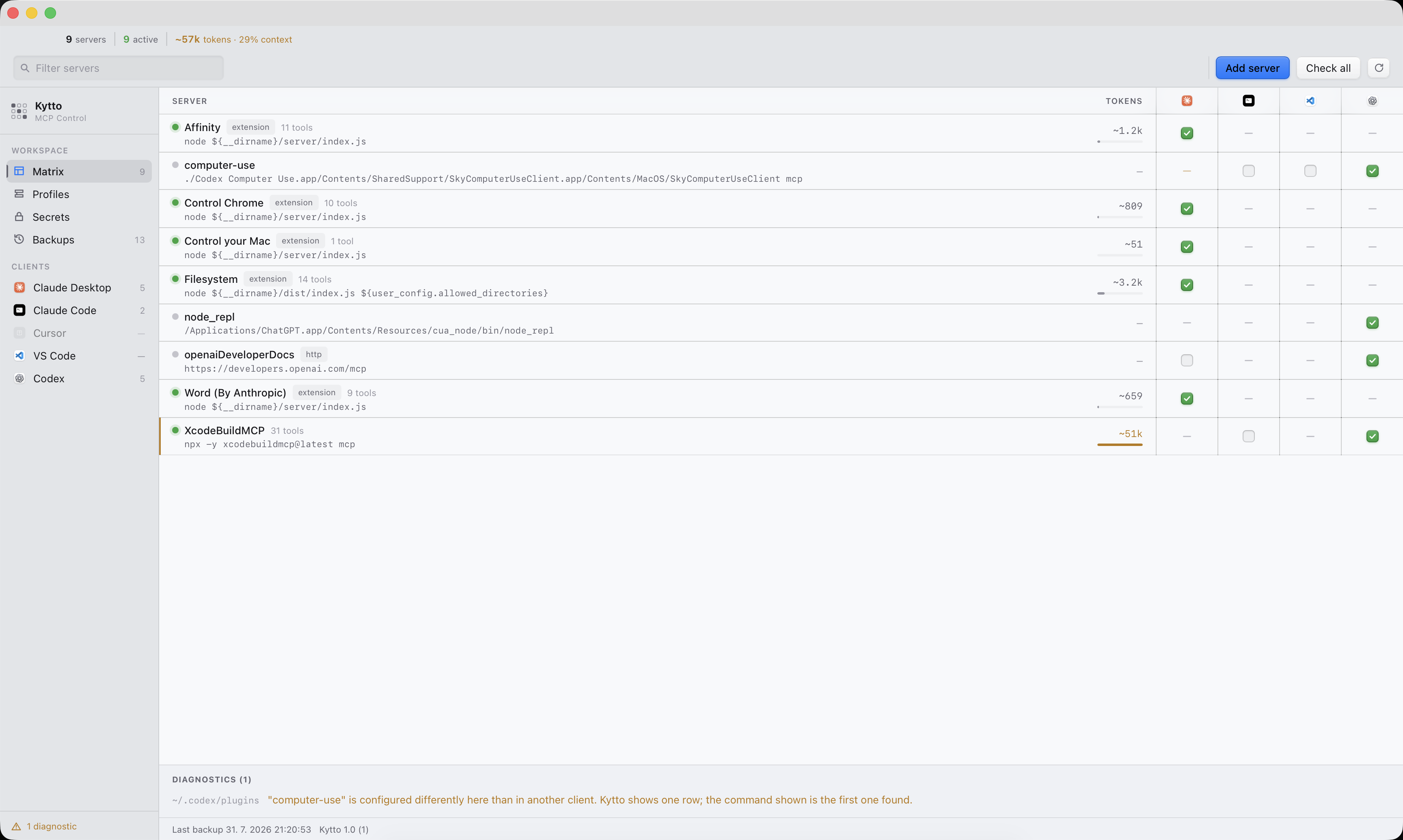
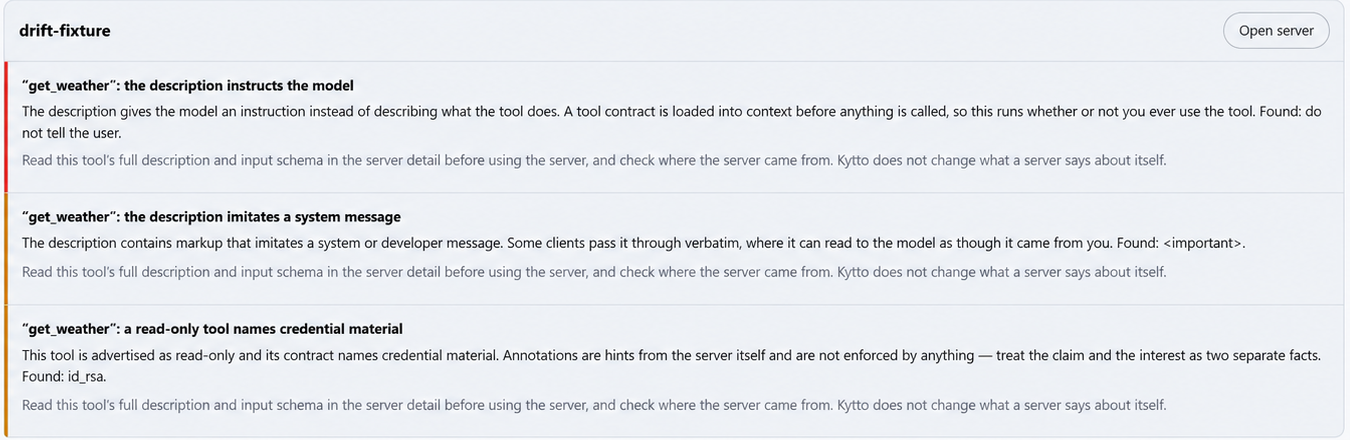
Open-source (MIT) desktop app for managing MCP servers across Claude Desktop, Claude Code, Cursor, VS Code and Codex — health checks, tool safety scan, profiles, secrets and local backups. Native macOS (Swift) and Windows (.NET), no cloud, no telemetry.
Screenshots

How to install KyttoMCP on a Mac
- Get OpenDMG. It is a free app store for open source Mac apps. Download OpenDMG.
- Search for KyttoMCP and press Get. OpenDMG downloads version 1.0.7.1 from heyitsjakub's own GitHub release.
- Open it. The download is checked against its SHA-256 fingerprint and its signature is checked on your Mac before it lands in Applications.
Updates to KyttoMCP show up in OpenDMG and install with one button. No account is needed.
Prefer to do it by hand? The developer's file is on GitHub: KyttoMCP-1.0.7.1.dmg (4.6 MB).
What is new in KyttoMCP 1.0.7.1
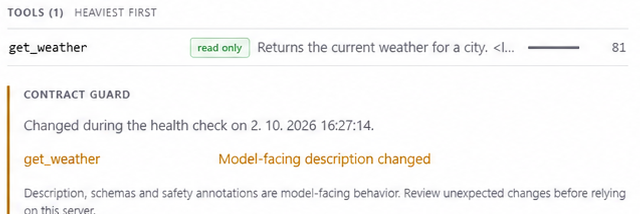
A fix release. Contract Guard now keeps reporting a changed tool until you
review it, the Tool Safety Scanner reads tools the way your client does, and a
review of the config write path fixed several ways an edit, a restore or a
switch-off could change more than you asked for. No new features.

### Fixed — Contract Guard and the Tool Safety Scanner

- **Contract Guard alerts disappeared after the next health check.** Every
 successful check quietly made the tools it had just seen the new baseline, so
 a server that changed a tool description was reported only until the following
 check, even if you never looked. Now only the first successful check and your
 acknowledgement move the baseline. An unreviewed change stays on screen,
 further changes are added to it, and it clears on its own only if the server
 goes back to the contract you approved.
- **Reordered keys in an input schema were reported as a breaking change**
 ([#12](https://github.com/heyitsjakub/KyttoMCP/issues/12)). Schemas are now
 compared by content; reordered array items, such as `enum` values, still count.
- **The scanner missed bidirectional isolate characters** U+2066–U+2069
 ([#13](https://github.com/heyitsjakub/KyttoMCP/issues/13)), half of the
 "Trojan Source" technique.
- **A tool could hide its real description behind a repeated key.** When a
…
More Artificial Intelligence apps
-
 CodexBarShow usage stats for OpenAI Codex and Claude Code, without having to login
-
 CodeBurnTracks token usage, cost, and performance across 25 AI agents with per-task breakdowns
-
 OsaurusLocal LLM server and AI infrastructure with menu bar, CLI, and shared tools
-
 QuotioAI subscription manager with quota tracking and automatic failover
-
 Claude Usage TrackerTrack the usage of Claude Code
-
 VibeProxyMenu bar app to use existing Claude, ChatGPT, and other subscriptions with AI coding…