
KuroCat for Mac
Cross-platform desktop pet cat that reacts to keyboard and mouse activity.
By chanke17. Free and open source, MIT licence.
KuroCat at a glance
- Version
- 1.4.9
- Released
- 26 November 2026
- Download size
- 1.2 MB
- Works on
- Apple silicon and Intel
- Licence
- MIT
- Category
- Productivity
- Developer
- chanke17
- GitHub stars
- 623
About KuroCat
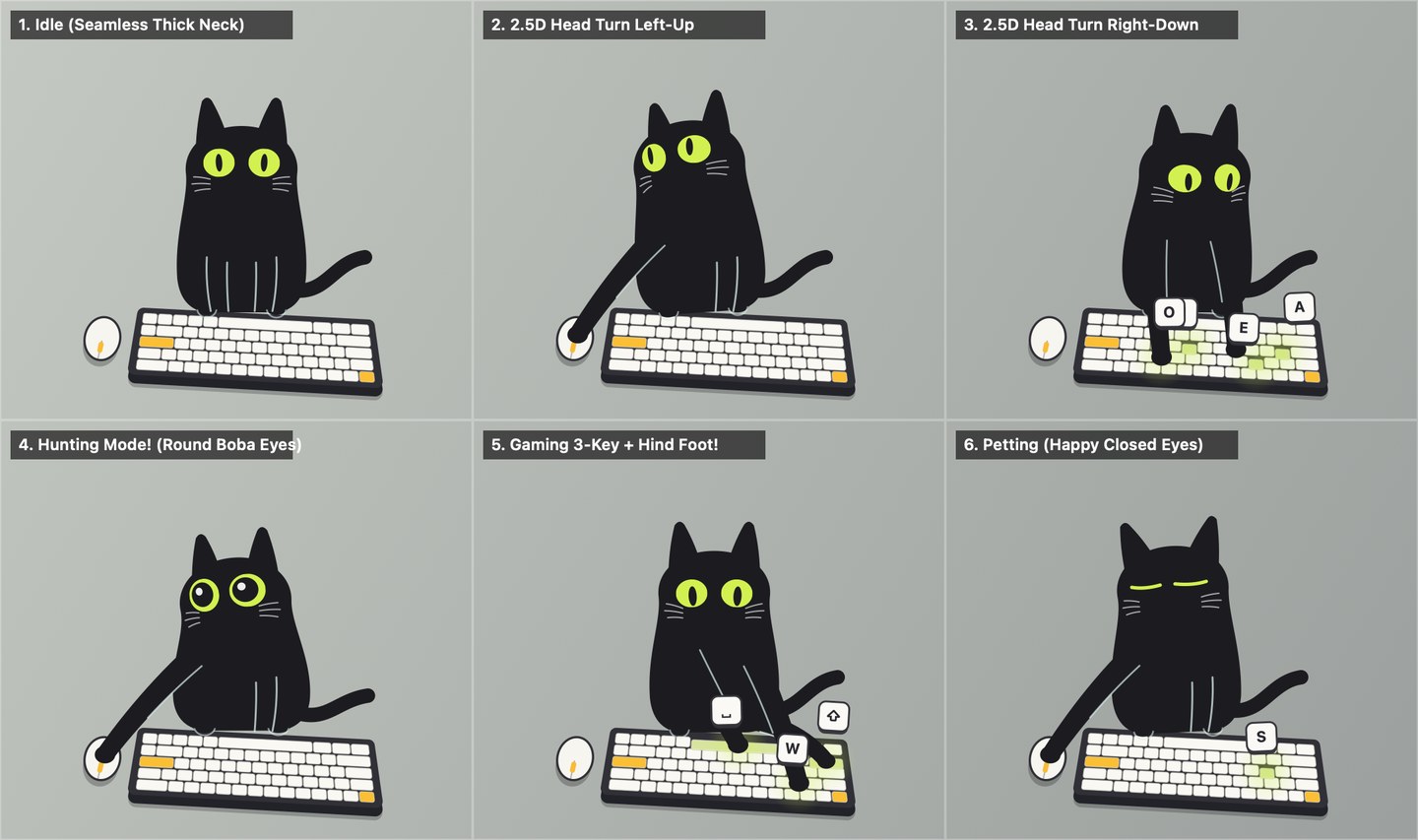
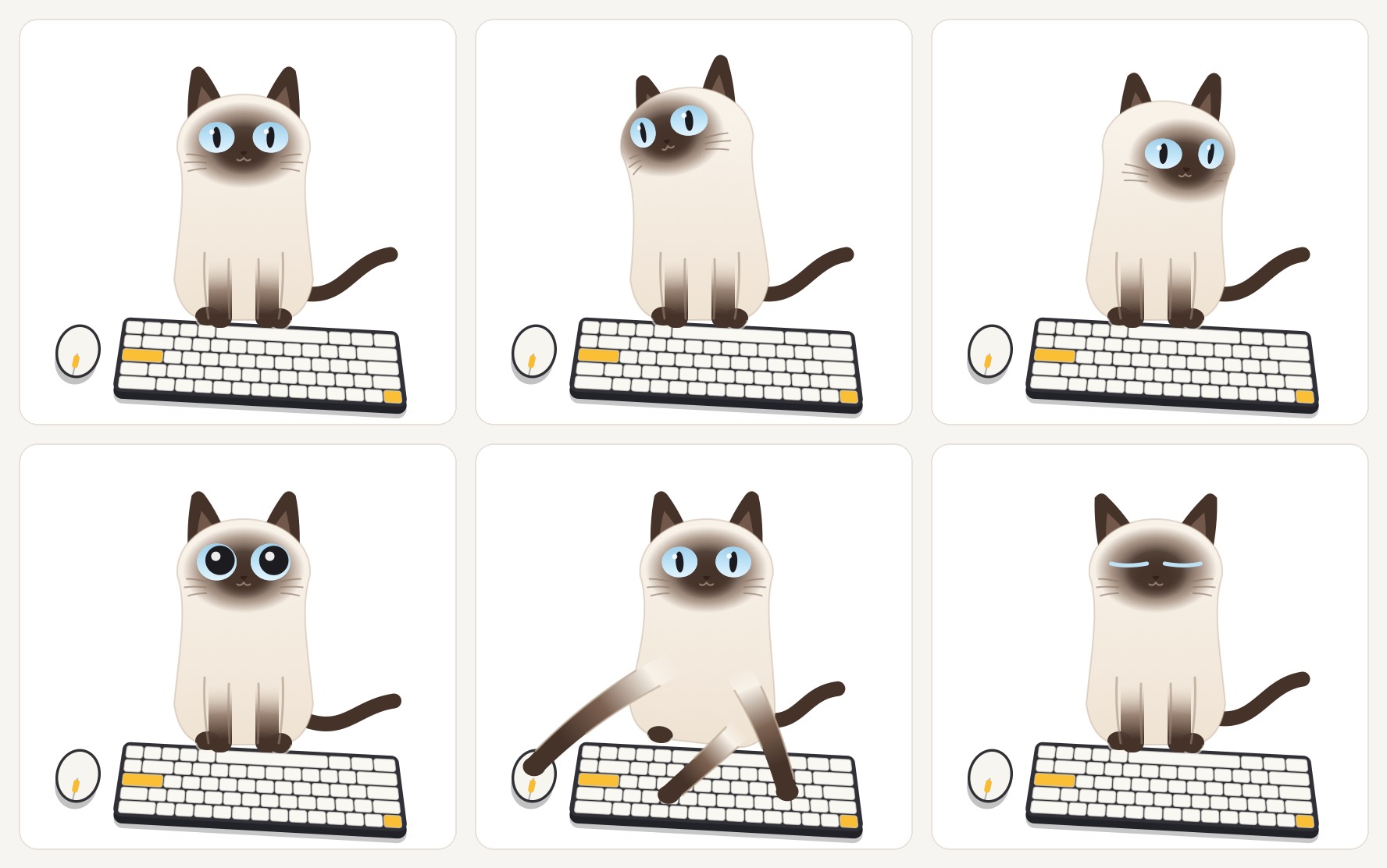
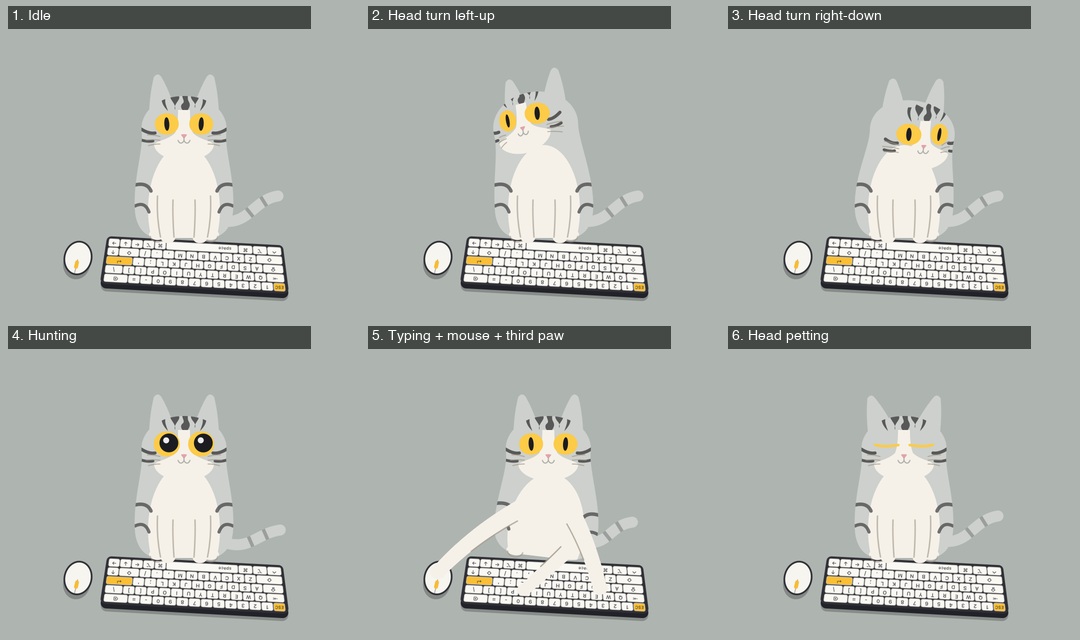
KuroCat — Free open-source native desktop cat pet & OBS overlay (Bongo Cat alternative, Swift/C++, 802 KB)|开源免费原生桌面萌猫(全平台 macOS·Win·Linux·UOS / 2.5D转头捕猎 / 数位板 / OBS透明绿幕 / 在线皮肤工坊 / 零按键上传)
Screenshots
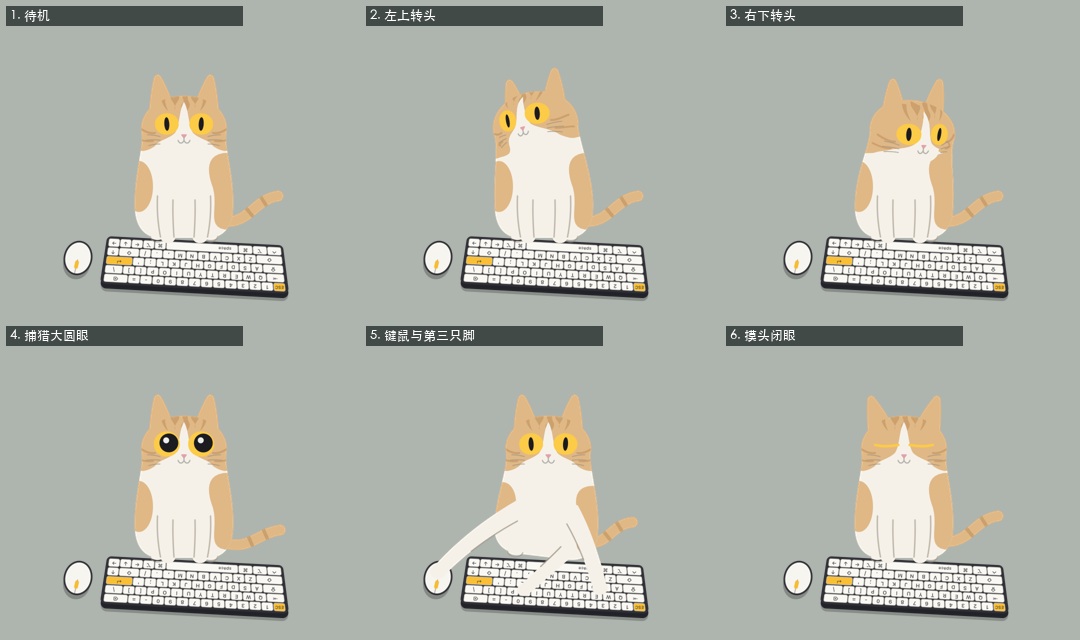
How to install KuroCat on a Mac
- Get OpenDMG. It is a free app store for open source Mac apps. Download OpenDMG.
- Search for KuroCat and press Get. OpenDMG downloads version 1.4.9 from chanke17's own GitHub release.
- Open it. The download is checked against its SHA-256 fingerprint and its signature is checked on your Mac before it lands in Applications.
Updates to KuroCat show up in OpenDMG and install with one button. No account is needed.
Prefer to do it by hand? The developer's file is on GitHub: KuroCat-macOS-universal.zip (1.2 MB).
What is new in KuroCat 1.4.9
**Full Changelog**: https://github.com/chanke17/KuroCat/compare/v1.4.8...v1.4.9
More Productivity apps
-
 MaccyLightweight search-as-you-type clipboard manager
-
 AltTabBrings the Windows Alt-Tab functionality to macOS
-
 TinycastLightweight native launcher with app search, clipboard management, window controls, and…
-
 ClipyClipy is a Clipboard extension app for macOS
-
 FSNotesNotes manager for macOS/iOS: modern notational velocity (nvALT) on steroids
-
 OpenDisplayTurn spare Apple devices into second monitors — true extended display over USB or WiFi