
Kumquat for Mac
Menu bar file converter with drag-and-drop tools for media, documents, and more.
By TheAlexRay. Free and open source, MIT licence.
Kumquat at a glance
- Version
- 1.2.0
- Released
- 28 October 2026
- Download size
- 20 MB
- Works on
- Apple silicon and Intel
- Licence
- MIT
- Category
- System Tools
- Developer
- TheAlexRay
- GitHub stars
- 6
About Kumquat
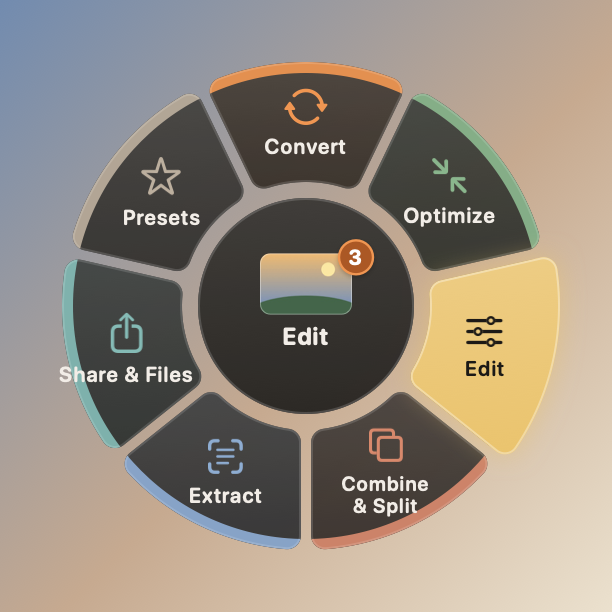
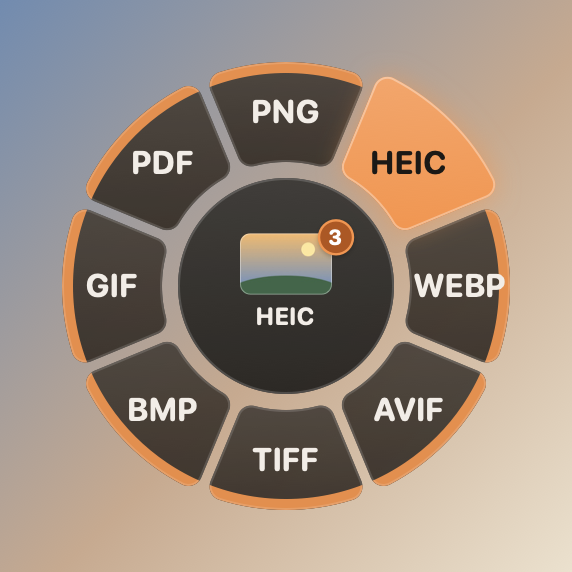
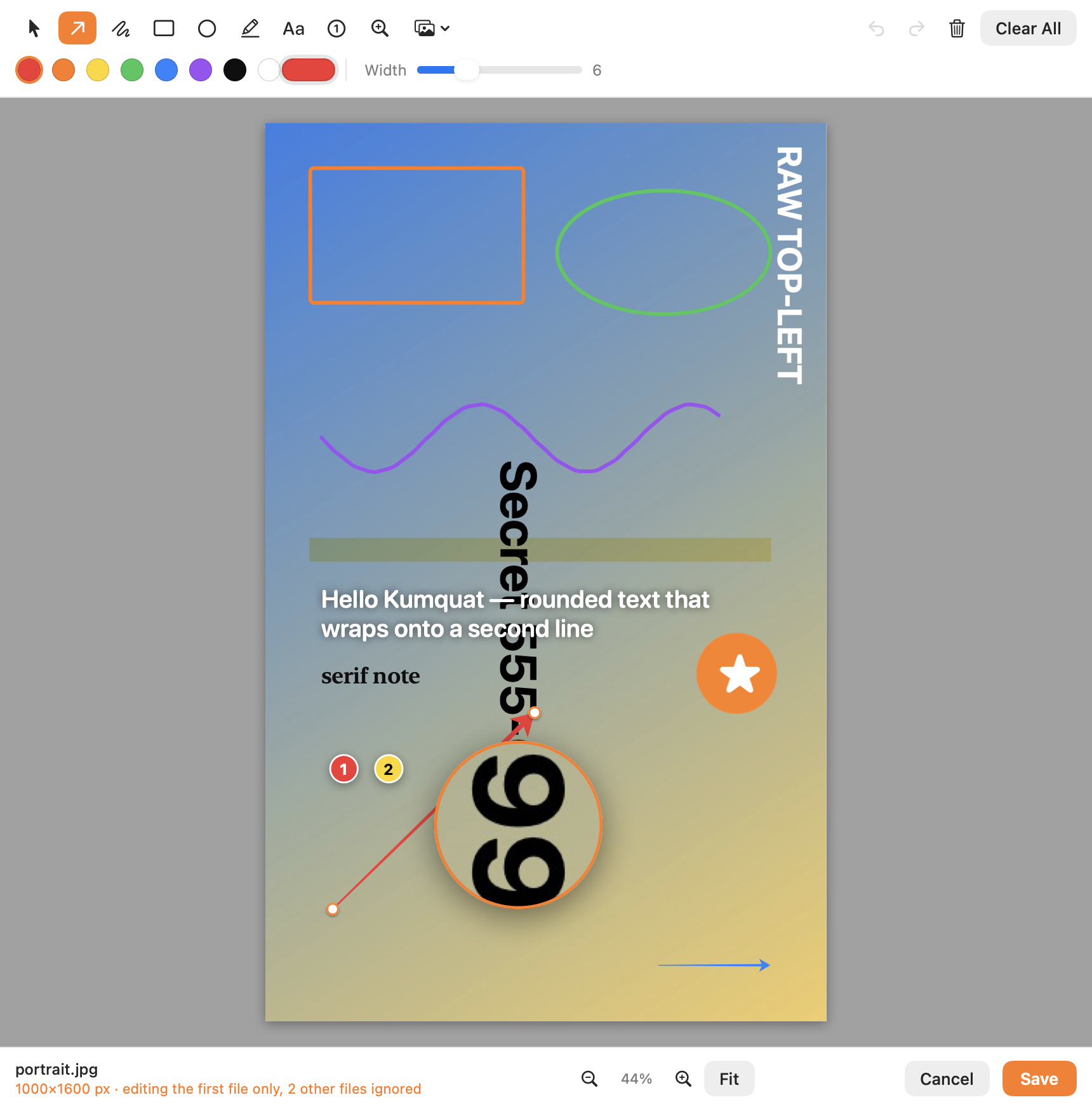
Free macOS menu-bar file converter: drag files, tap Shift, drop on a petal. HEIC/WebP/AVIF/PDF, MP4/MOV/GIF, audio, EPUB, OCR, compress, trim, annotate. Apple Silicon.
Screenshots
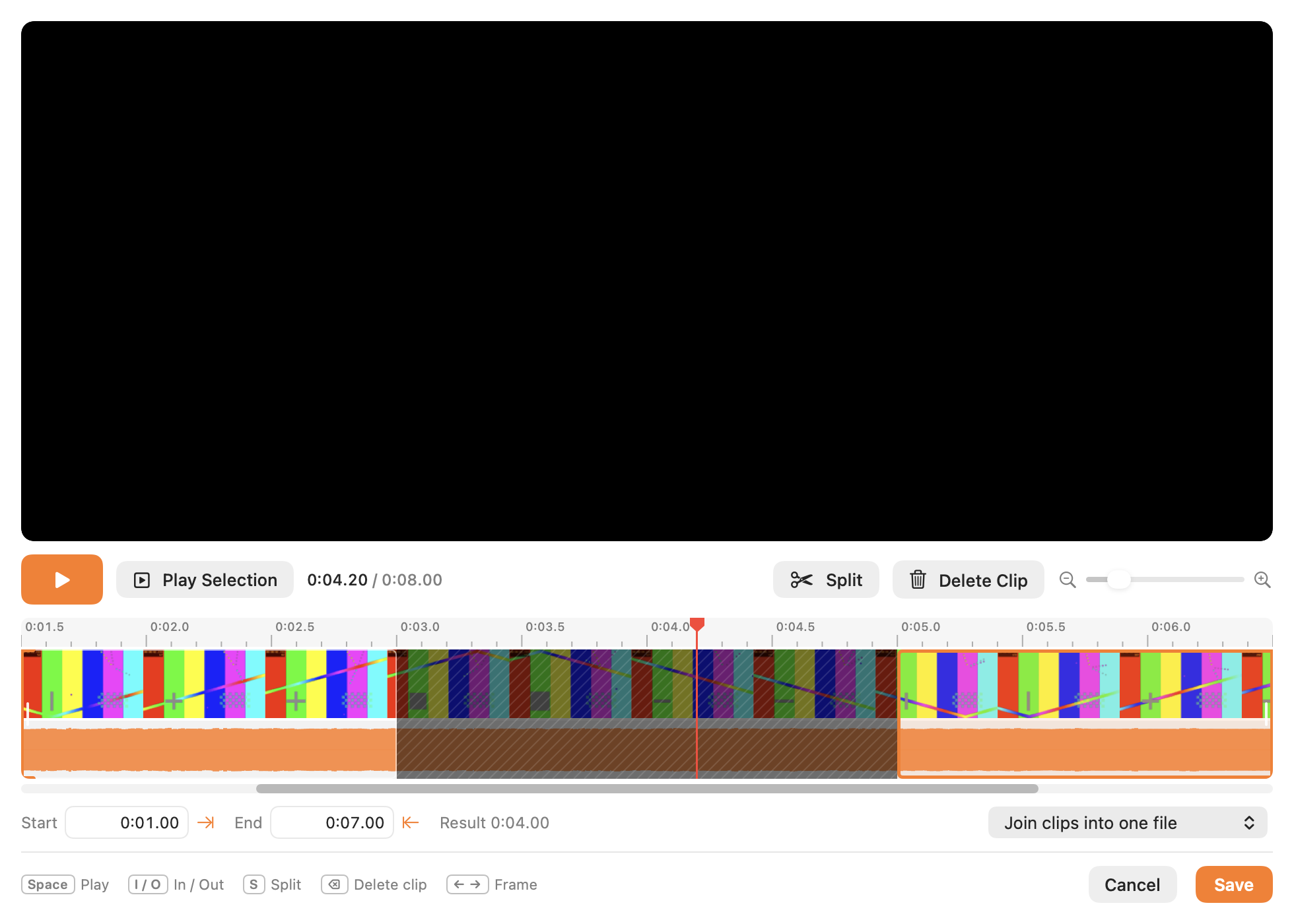
How to install Kumquat on a Mac
- Get OpenDMG. It is a free app store for open source Mac apps. Download OpenDMG.
- Search for Kumquat and press Get. OpenDMG downloads version 1.2.0 from TheAlexRay's own GitHub release.
- Open it. The download is checked against its SHA-256 fingerprint and its signature is checked on your Mac before it lands in Applications.
Updates to Kumquat show up in OpenDMG and install with one button. No account is needed.
Prefer to do it by hand? The developer's file is on GitHub: Petalwheel-1.2.0.dmg (20 MB).
What is new in Kumquat 1.2.0
### One tool instead of a hundred converter websites

**Archives**
- Open and extract almost anything: **RAR / RAR5**, 7z, ZIP, TAR (gz, bz2, xz, zst), ISO, DMG, CAB, PKG, DEB, CPIO, LZH, including multi-volume sets.
- Password-protected ZIPs (AES and classic), and Russian file names from Windows-made archives come out right instead of garbled.
- Create ZIP (optionally with an AES-256 password), 7z, TAR.*, DMG and ISO; compress a single file to gz, bz2, xz or zst.
- List an archive's contents or test its integrity without extracting.
- Safe by default: archives that try to write outside their folder are refused, and suspiciously huge "zip bombs" ask first.
- RAR is read-only: creating RAR archives is restricted by the RAR license.

**Folders**
- Drop a whole folder: convert everything inside by kind (*Images → JPG*, *Video → MP4*, *Documents → PDF*) into a mirrored "(converted)" folder.
- Batch: compress, strip metadata, OCR all scans, all images into one PDF or a collage, flatten nested folders, folder report.

**New formats**
- Camera RAW (DNG, CR2, CR3, NEF, ARW, RAF, ORF, RW2), JPEG XL and PSD as input.
- ICO and ICNS output: favicons and app icons from any image.
- FB2 e-books ↔ EPUB, PDF, DOCX and more.
- JSON ↔ YAML ↔ XML ↔ plist ↔ CSV.
- ASS/SSA subtitles.

### Install
…
More System Tools apps
-
 PearcleanerApp Cleaner and Uninstaller Tool
-
 PureMacFree open-source system cleaner with privacy protection
-
 OpenInTerminalFinder toolbar tool for opening the current folder in a terminal
-
 DockDoorWindow peeking for macOS
-
 DigUpSemantic search app that finds files by their contents
-
 LatestApp update checker that notifies you of available updates for installed applications