

Kaskas for Mac
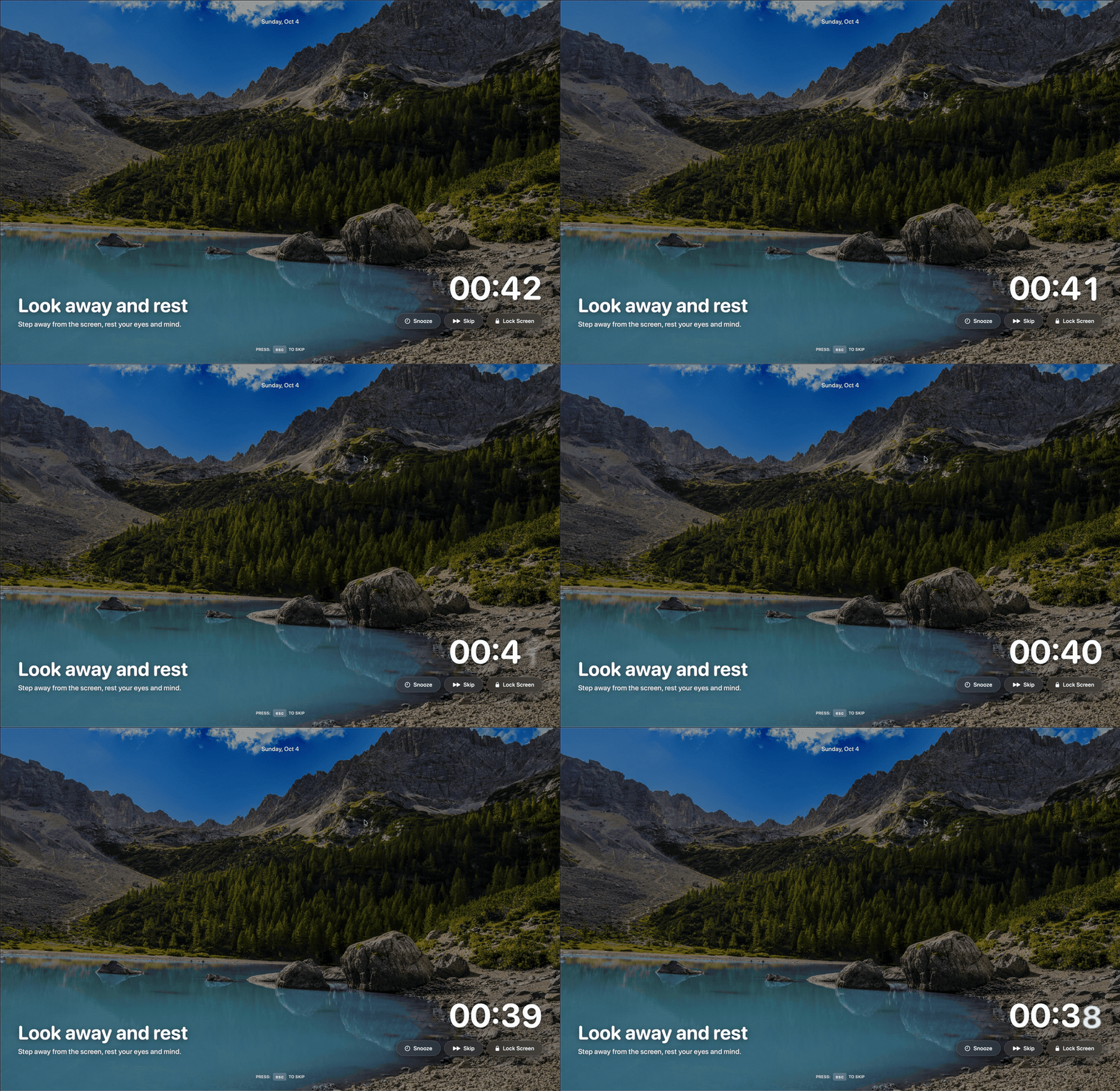
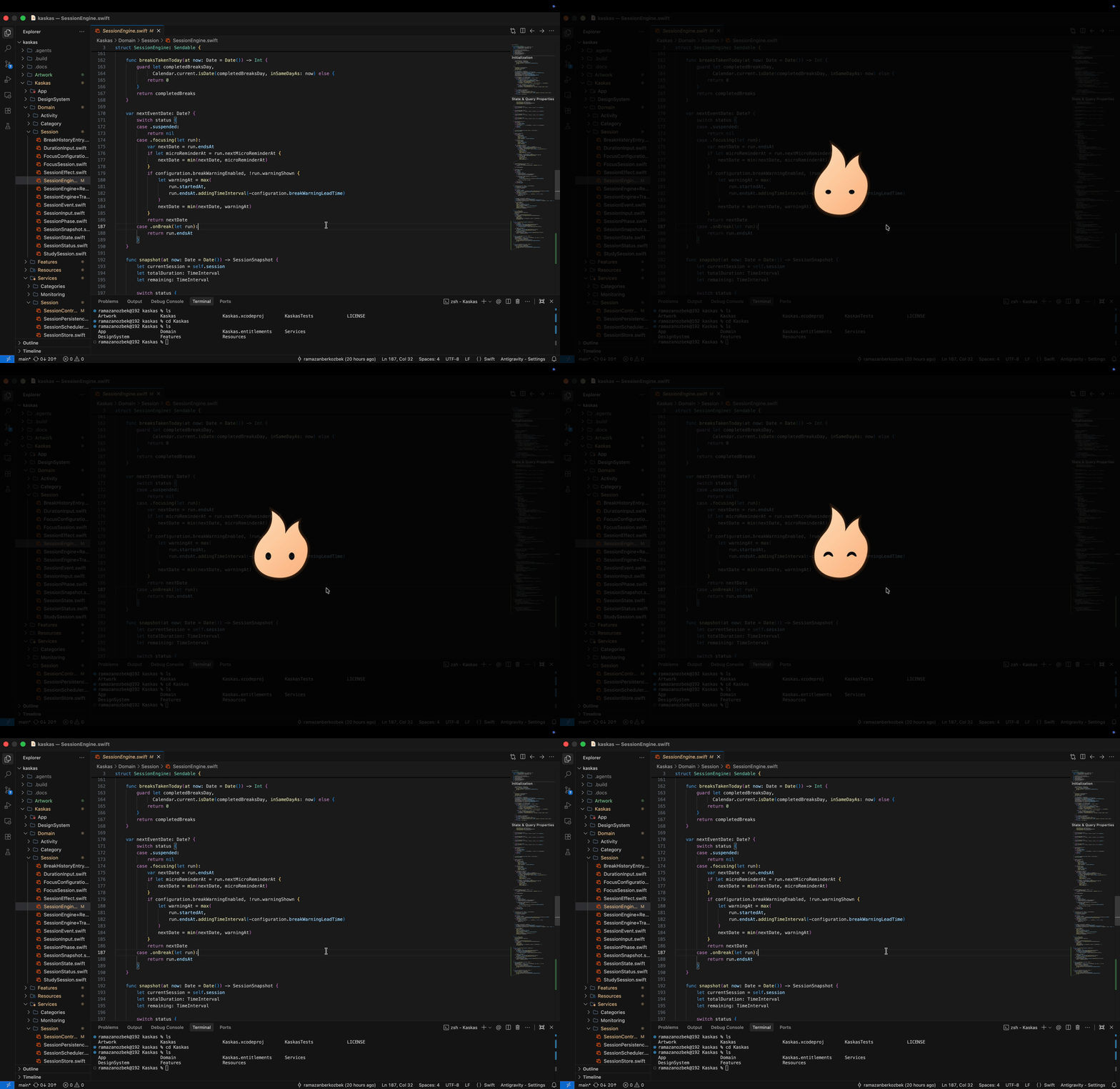
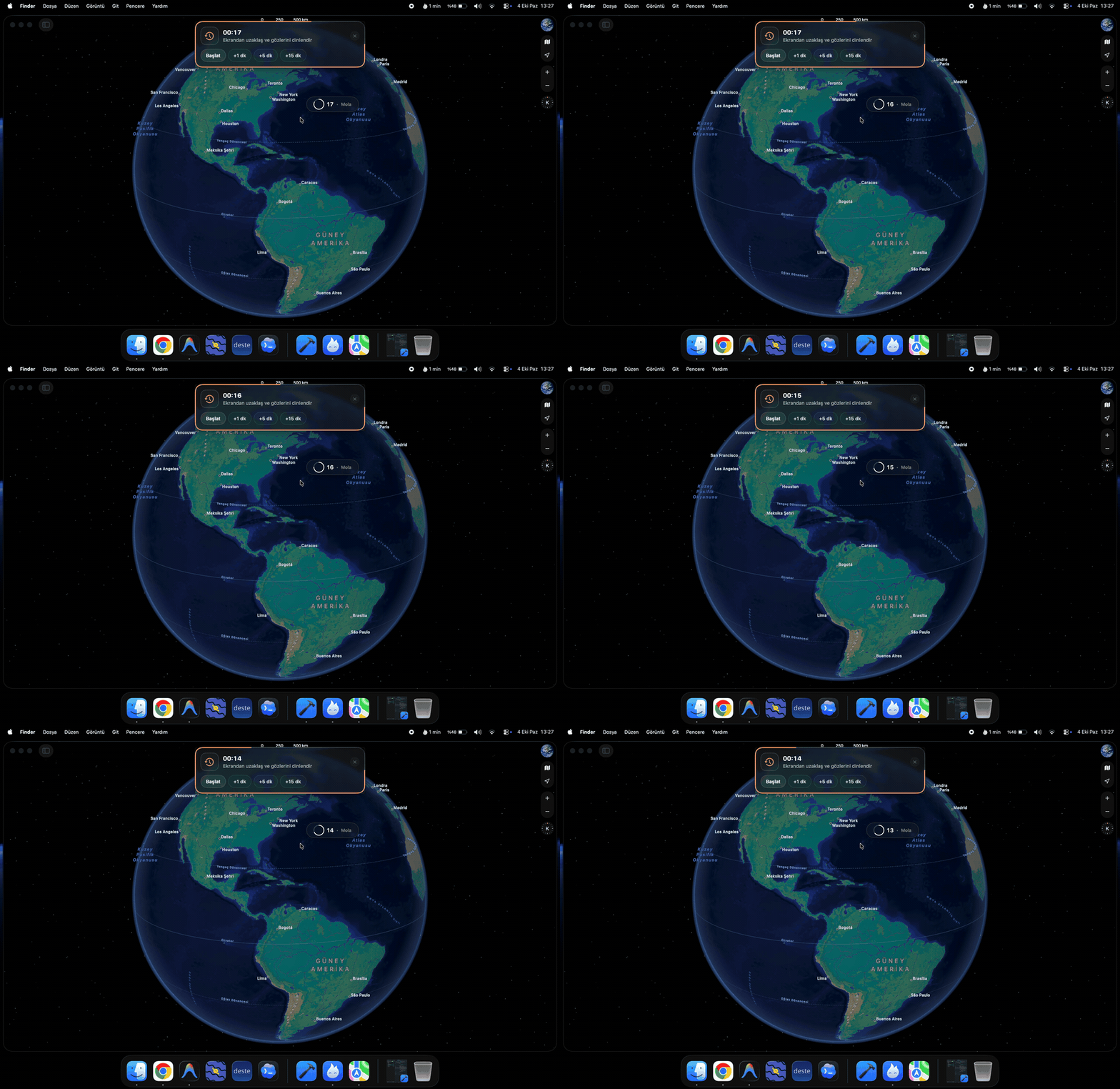
Open-source break reminder and focus tracker that adapts to typing and meetings.
By ramazanberkozbek. Free and open source, GPL-2.0 licence.
Kaskas at a glance
- Version
- 0.3.0
- Released
- 21 October 2026
- Download size
- 12 MB
- Works on
- Apple silicon and Intel
- Licence
- GPL-2.0
- Category
- Productivity
- Developer
- ramazanberkozbek
- GitHub stars
- 13
About Kaskas
A free, open source break reminder and focus tracker for macOS. An alternative to LookAway and ActivityWatch
Screenshots

How to install Kaskas on a Mac
- Get OpenDMG. It is a free app store for open source Mac apps. Download OpenDMG.
- Search for Kaskas and press Get. OpenDMG downloads version 0.3.0 from ramazanberkozbek's own GitHub release.
- Open it. The download is checked against its SHA-256 fingerprint and its signature is checked on your Mac before it lands in Applications.
Updates to Kaskas show up in OpenDMG and install with one button. No account is needed.
Prefer to do it by hand? The developer's file is on GitHub: Kaskas.dmg (12 MB).
What is new in Kaskas 0.3.0
### What's New

• Added Tamga numeral system and customizable break timer styles with live preview.
• Automatically extend focus duration when typing right before a break warning.
• Updated break wallpapers and default desktop preview.
• Optimized Dashboard and Statistics view rendering performance.
• Smoothed trend curves and softened grid styling in statistics charts.
• Fixed wallpaper thumbnail layout shift in settings.

### Installation

1. Download Kaskas.dmg below.
2. Open the disk image and drag Kaskas into your Applications folder.
3. Launch Kaskas from Applications or Spotlight.

> Apple Notarized: Kaskas is signed with Apple Developer ID and notarized by Apple. It runs natively on macOS 15 Sequoia or later (both Apple Silicon and Intel).
More Productivity apps
-
 MaccyLightweight search-as-you-type clipboard manager
-
 AltTabBrings the Windows Alt-Tab functionality to macOS
-
 TinycastLightweight native launcher with app search, clipboard management, window controls, and…
-
 ClipyClipy is a Clipboard extension app for macOS
-
 FSNotesNotes manager for macOS/iOS: modern notational velocity (nvALT) on steroids
-
 OpenDisplayTurn spare Apple devices into second monitors — true extended display over USB or WiFi