
ItsPaint for Mac
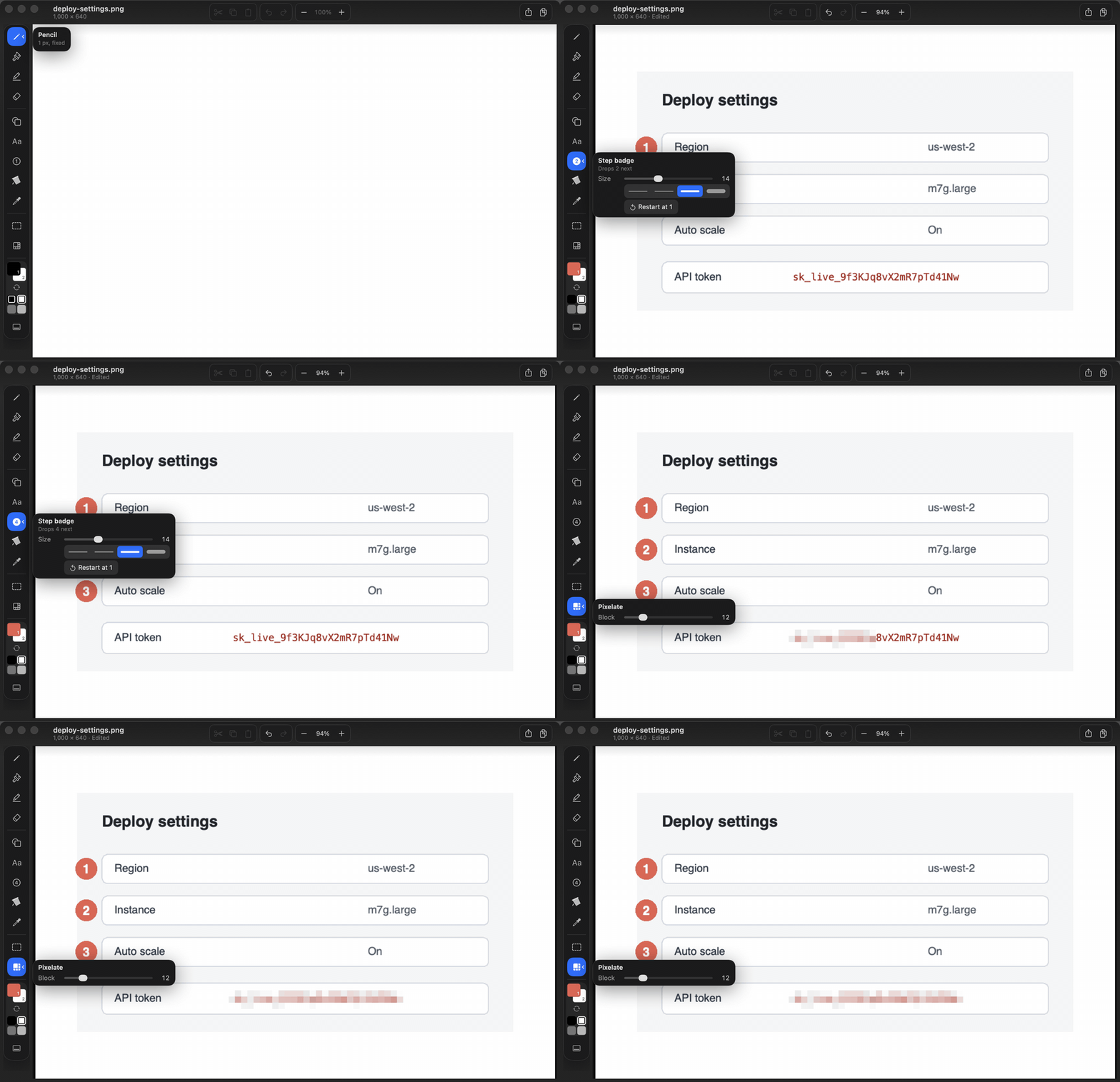
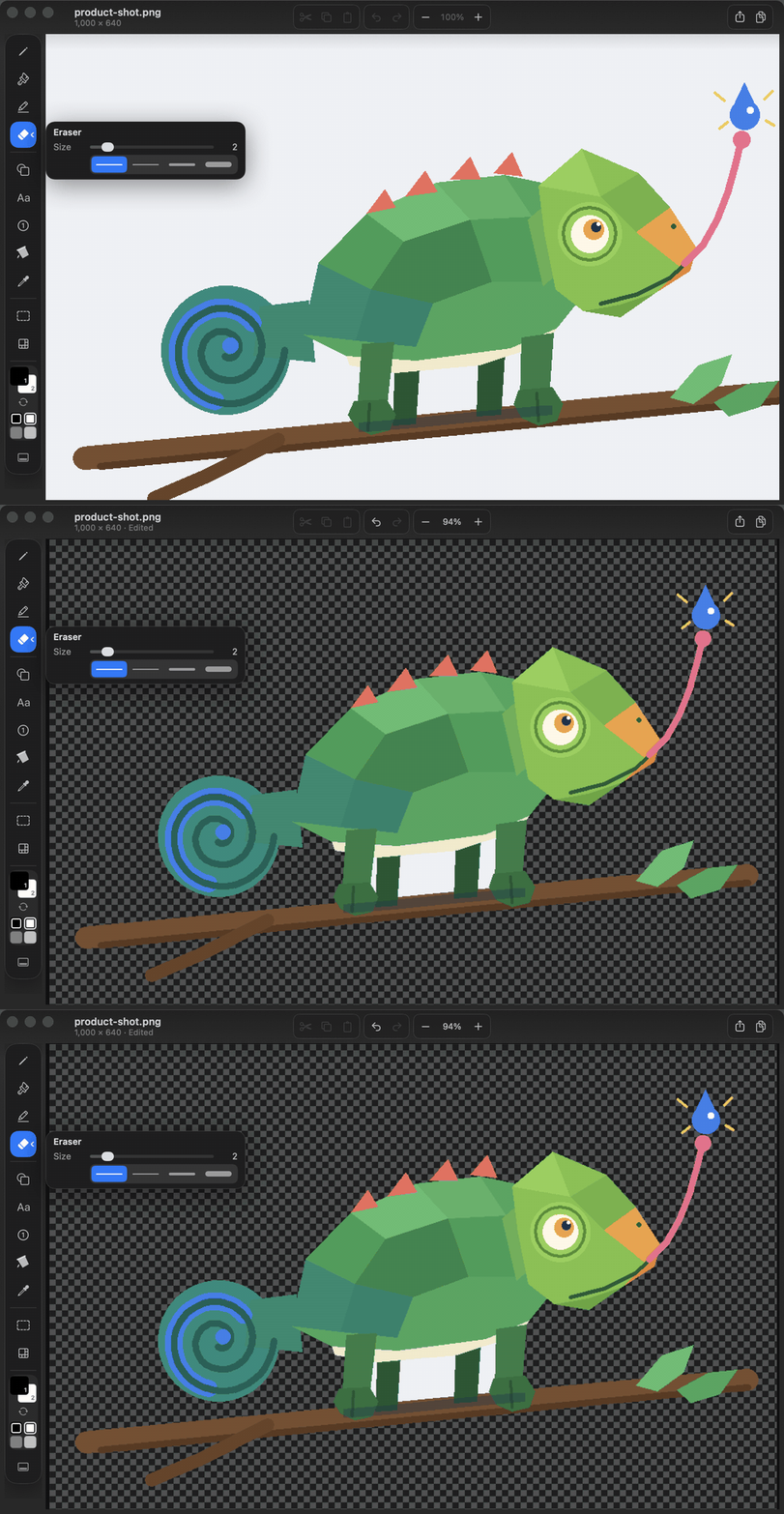
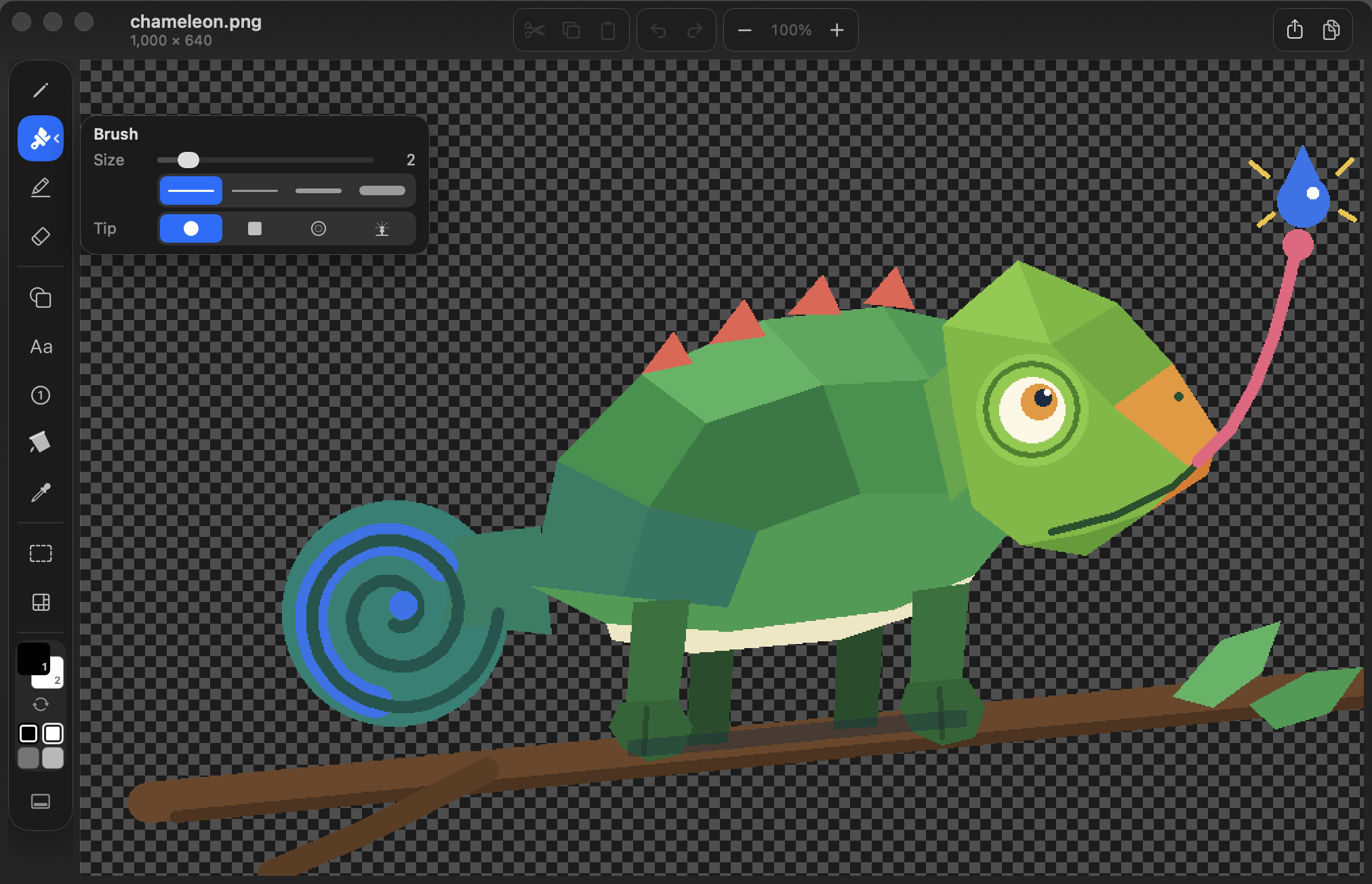
Paint app with a blank canvas at the size you choose, shapes, and screenshot markup with numbered step badges and pixelate redaction.
By joshlin2201. Free and open source, MIT licence.
ItsPaint at a glance
- Version
- 0.23.0
- Released
- 25 September 2026
- Download size
- 3.4 MB
- Works on
- Apple silicon and Intel
- Licence
- MIT
- Category
- Graphics and Design
- Developer
- joshlin2201
- GitHub stars
- 38
About ItsPaint
MS Paint for the Mac. Mark up screenshots or paint from scratch. The drawing engine ships as PaintKit, a UI-free Swift package with no dependencies that supports macOS 12 and iOS 15 and later.
Screenshots
How to install ItsPaint on a Mac
- Get OpenDMG. It is a free app store for open source Mac apps. Download OpenDMG.
- Search for ItsPaint and press Get. OpenDMG downloads version 0.23.0 from joshlin2201's own GitHub release.
- Open it. The download is checked against its SHA-256 fingerprint and its signature is checked on your Mac before it lands in Applications.
Updates to ItsPaint show up in OpenDMG and install with one button. No account is needed.
Prefer to do it by hand? The developer's file is on GitHub: ItsPaint-0.23.0.dmg (3.4 MB).
What is new in ItsPaint 0.23.0
ItsPaint `0.23.0` for macOS 14 or later.
Built from `v0.23.0` by GitHub Actions.

## What's new
- **Take a screenshot straight into ItsPaint.** File ▸ New from Screenshot, the Dock menu, or ⌃⌥⌘4 from any app once it's switched on in Settings brings up the macOS crosshair. Drag a region or press Space for a window, and the shot opens ready to mark up. macOS asks for Screen Recording the first time.
- **Faster on big images.** Drawing no longer copies the whole picture every stroke, pinch zoom stays smooth, a pasted image resizes instantly until you let go, a long smooth line previews in about 2 ms instead of 30, and Remove Background is about six times quicker.
- **Fixes.** A paste still floating is saved with the document instead of lost on close. ⌘I is Italic again while typing. A large default canvas size no longer stops the app at launch. An unfinished polygon no longer swallows the next command, and ⌘Z reaches every step.

## Install
1. Download the `.dmg`, open it, drag **ItsPaint** to Applications.
2. Open it. The build is signed with a Developer ID and notarised
 by Apple, so Gatekeeper lets it through with no extra steps.

Verify your download against `checksums.txt`. Full notes are in
[CHANGELOG.md](https://github.com/joshlin2201/itspaint/blob/v0.23.0/CHANGELOG.md).

It ships often while it is in beta, so **Watch ▸ Custom ▸ Releases** is the
…
More Graphics and Design apps
-
 AerialApple TV Aerial Screensaver for macOS
-
 CompositorFree, open-source image editor aiming to be a full Photoshop alternative
-
 BrooklynScreensaver inspired by Apple's Event on October 30, 2018
-
 EquinoxCreate dynamic wallpapers for macOS
-
 ExcalidrawZA virtual whiteboard for sketching hand-drawn-like diagrams with native file management…
-
 WaifuXOpen-source ACG app for wallpapers, animated backgrounds, and anime videos