
Iris for Mac
Menu bar eye-care app with 20-20-20 breaks and smart rest reminders.
By harshwardhangalande. Free and open source.
Iris at a glance
- Version
- 3.1.0
- Released
- 25 November 2026
- Download size
- 12 MB
- Works on
- Apple silicon and Intel
- Category
- Utilities
- Developer
- harshwardhangalande
- GitHub stars
- 5
About Iris
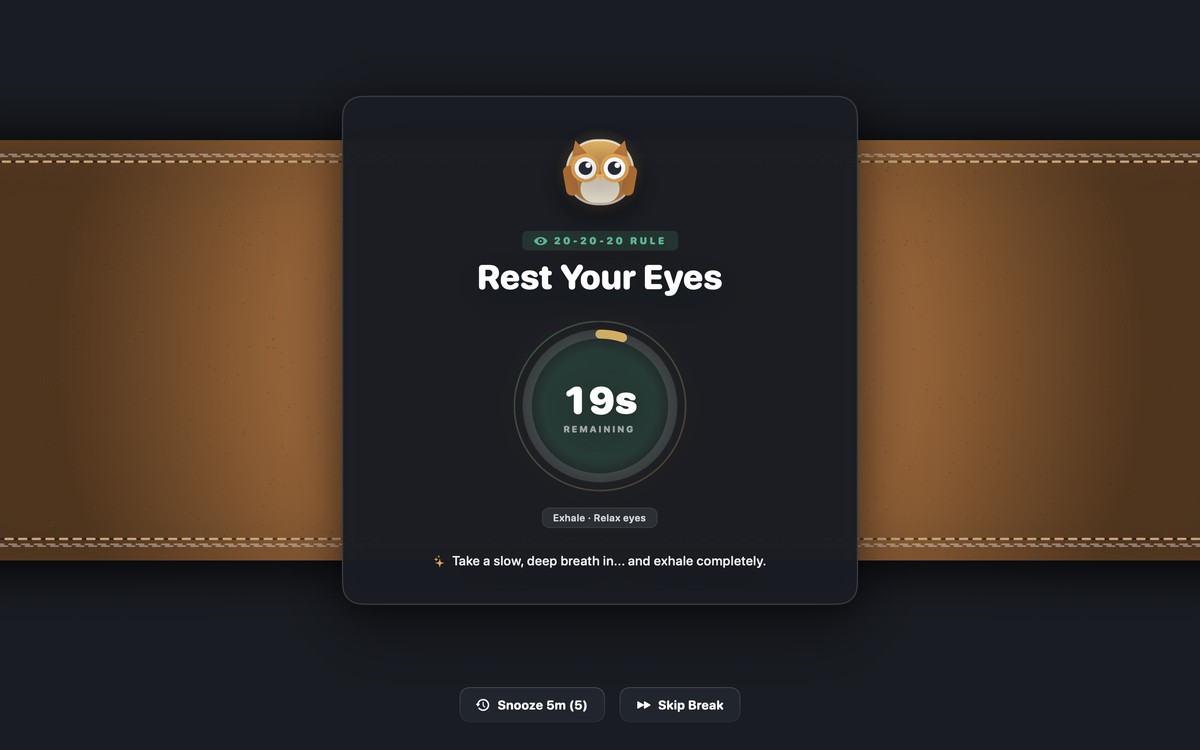
Native macOS eye-care, 20-20-20 rule break reminder & screen strain timer with liquid glass menu bar UI and Force Touch trackpad haptics.
Screenshots
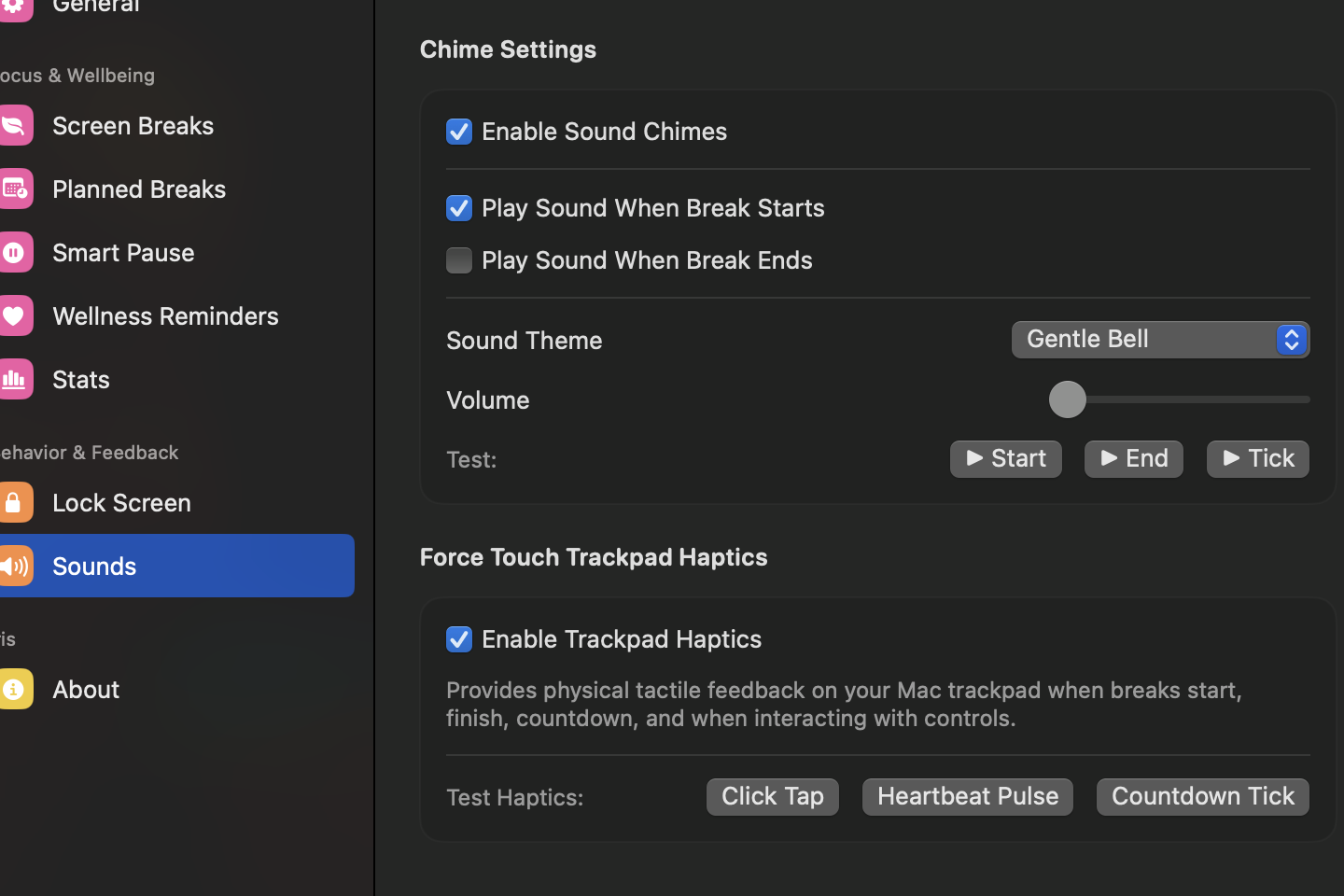
How to install Iris on a Mac
- Get OpenDMG. It is a free app store for open source Mac apps. Download OpenDMG.
- Search for Iris and press Get. OpenDMG downloads version 3.1.0 from harshwardhangalande's own GitHub release.
- Open it. The download is checked against its SHA-256 fingerprint and its signature is checked on your Mac before it lands in Applications.
Updates to Iris show up in OpenDMG and install with one button. No account is needed.
Prefer to do it by hand? The developer's file is on GitHub: Iris-v3.1.0.dmg (12 MB).
What is new in Iris 3.1.0
## What's New in Iris v3.1.0

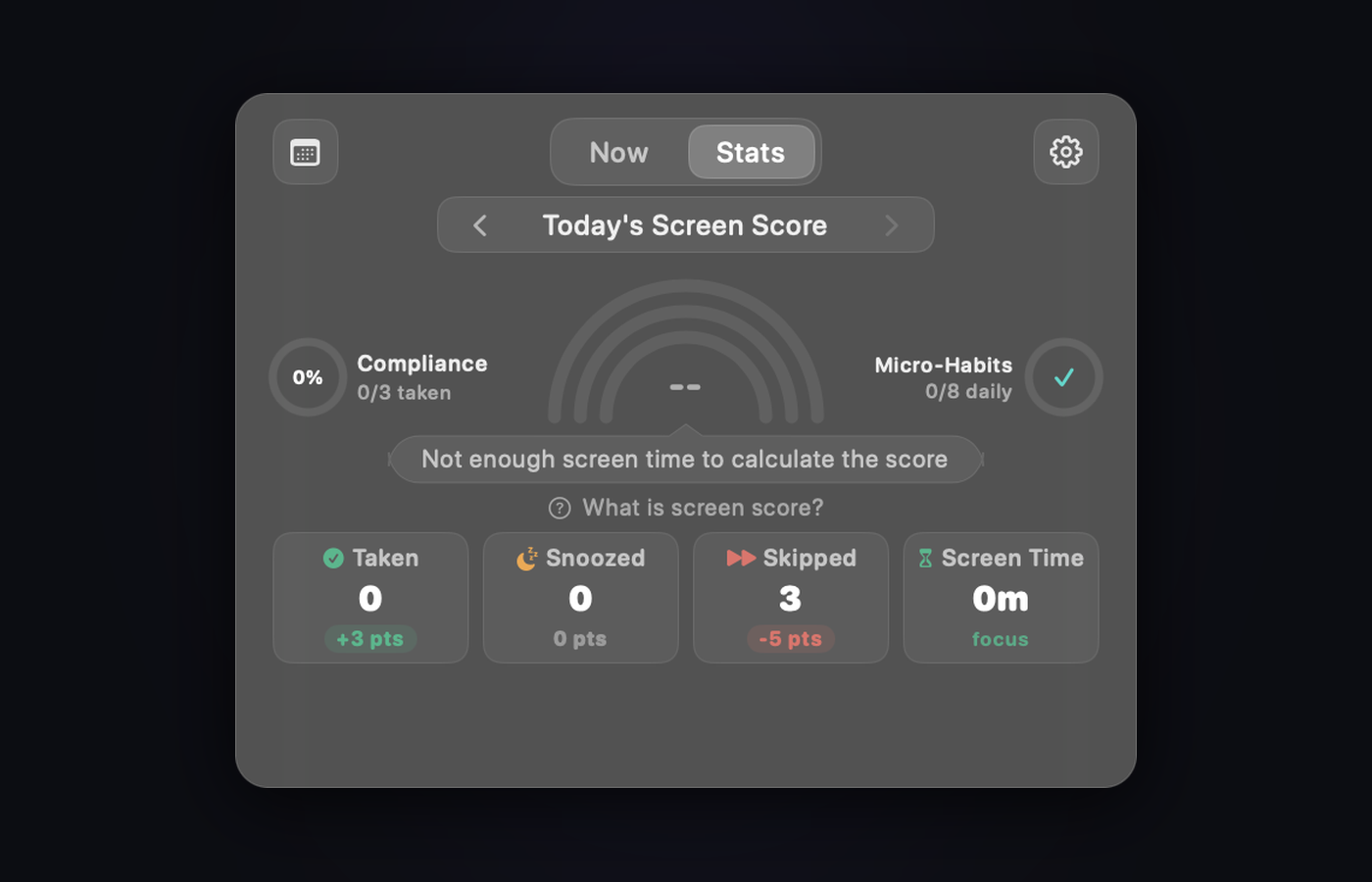
* **Inline Monthly Insights Calendar**: Click the top-left **Calendar** button on the `Stats` tab to smoothly unfold a full-month dashboard inside the menu bar popover — featuring monthly summary KPIs (**Avg Score**, **Active Time**, **Rests**, **Habits**), a color-coded daily score heatmap grid, tap-to-inspect day navigation, and fixed forward `<` / `>` day-switcher controls.
* **Interactive Identity Rank Ladder & 3-Ring Screen Score**: Click your **Identity Rank** badge (`Mindful Starter` 0–4 → `Focus Apprentice` 5–19 → `Rhythm Keeper` 20–49 → `Vision Guardian` 50–99 → `Master of Flow` 100+) in the popover or Settings to view the complete rank progression chart, and click **What is screen score?** to see the legend for the **3 Rainbow Gauge Rings** (*Outer Violet*: Overall Screen Score %, *Middle Amber*: Break Compliance, *Inner Teal*: Micro-Habits 0–8).
* **Decluttered Liquid Glass & Circular Wellness Pills**: Unified continuous squircle corners across Settings, cards, and overlays while preserving floating Hero `Capsule` CTAs, restored sleek circular `Capsule` wellness reminder pills, eliminated duplicate score labels, added spacing above `Optimal`, and aligned the `7-Day Trend` & `Week Avg` flank cards.
…
More Utilities apps
-
 VorssaintAn open-source, free, and local toolkit that integrates functions such as preventing…
-
 BetterDisplayDisplay management tool with HiDPI scaling, PiP, and EDID controls
-
 MosSmooth your mouse's scrolling and reverse the mouse scroll direction
-
 EasydictmacOS instant translator — type/select/screenshot, multi-service, zero setup
-
 OpenHaystackOpen-source tracker for finding Bluetooth devices through Apple's Find My network
-
 OrkasOrkas is an open-source (MIT), local-first AI team for your desktop: a Commander turns…