

Imark for Mac
Markdown reader with live reload, Quick Look preview, and inline comments saved to the file.
By migsilva89. Free and open source, MIT licence.
Imark at a glance
- Version
- 0.6.5
- Released
- 6 October 2026
- Download size
- 6.7 MB
- Works on
- Apple silicon and Intel
- Licence
- MIT
- Category
- Writing and Editors
- Developer
- migsilva89
- GitHub stars
- 97
About Imark
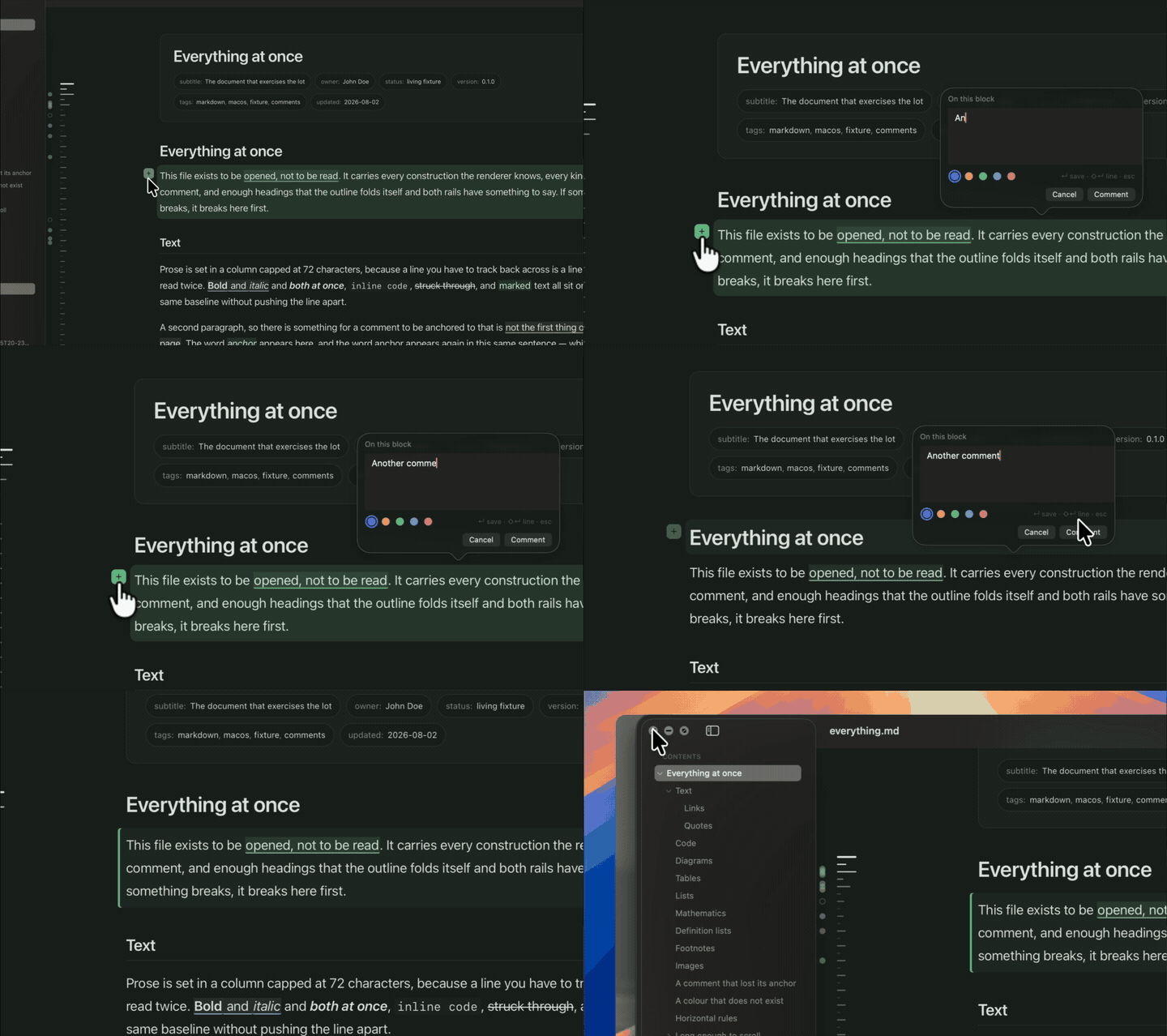
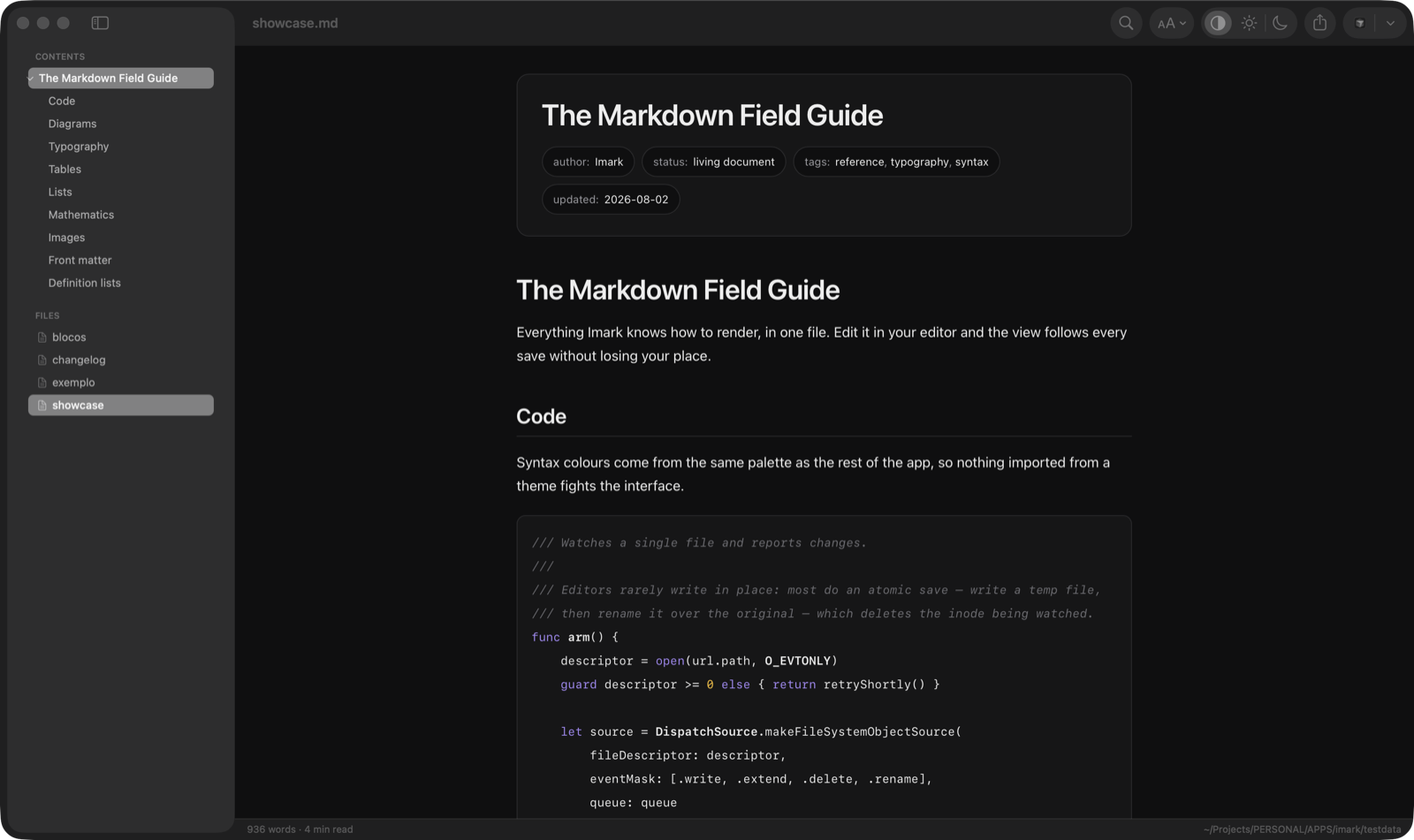
Native Markdown reader for macOS. Keep it open while you write and it follows every save. Comment on a phrase and the note is saved into the .md file itself. Your coding agent can open a plan here and wait while you mark it up.
Screenshots
How to install Imark on a Mac
- Get OpenDMG. It is a free app store for open source Mac apps. Download OpenDMG.
- Search for Imark and press Get. OpenDMG downloads version 0.6.5 from migsilva89's own GitHub release.
- Open it. The download is checked against its SHA-256 fingerprint and its signature is checked on your Mac before it lands in Applications.
Updates to Imark show up in OpenDMG and install with one button. No account is needed.
Prefer to do it by hand? The developer's file is on GitHub: Imark-0.6.5.dmg (6.7 MB).
What is new in Imark 0.6.5
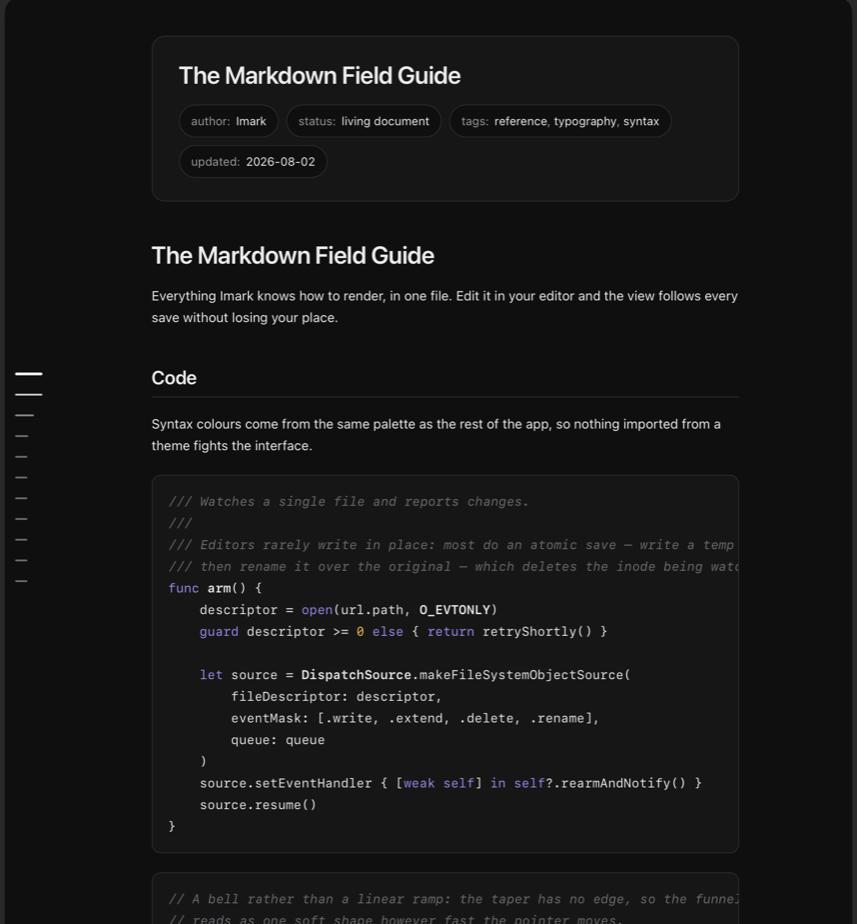
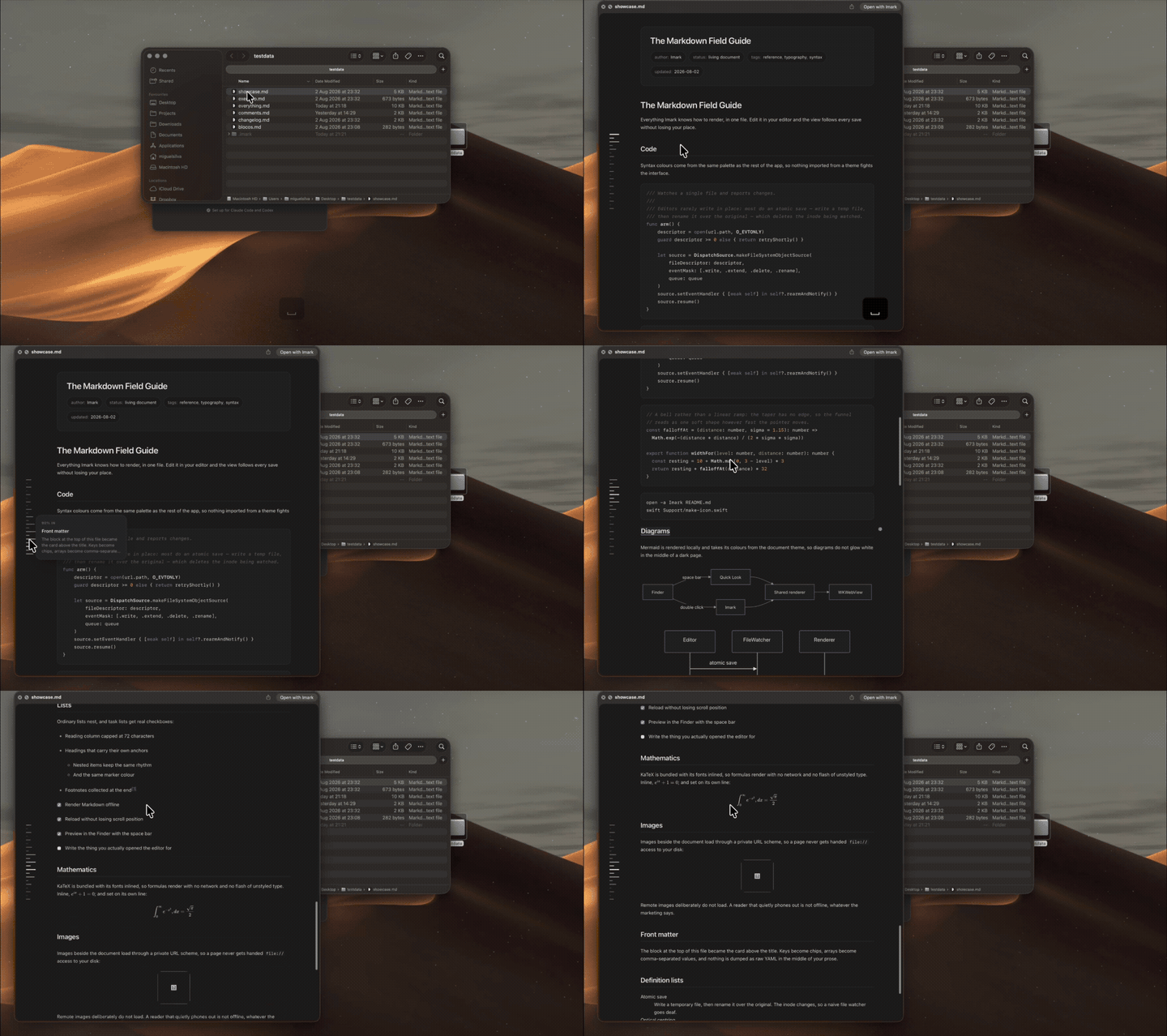
Imark is a native macOS Markdown reader: double-click a `.md`, read it rendered, preview it in the Finder, and leave notes in it.

**Shift-Return starts a new line in a note.** The note box says so at the bottom, but Shift-Return saved the note instead. Now Return saves and Shift-Return gives you a second line, as the hint promises. Control-Return starts a line too, and no longer slips an invisible character into your file.

Thanks to [@ianfiske](https://github.com/ianfiske) for reporting it ([#57](https://github.com/migsilva89/imark/issues/57)).
More Writing and Editors apps
-
 CodeEditOpen-source code editor
-
 CotEditorLightweight Plain-Text Editor for macOS
-
 CopilotForXcodeThe first GitHub Copilot, Codeium and ChatGPT Xcode Source Editor Extension
-
 MarkEditA simple and efficient Markdown editor focused on pure writing experience
-
 PineA modern MacOS markdown editor
-
 Clearly MarkdownMarkdown editor with instant preview, syntax highlighting, and PDF export