

HyperCapslock for Mac
Remap Caps Lock into a system-wide vim-style navigation and editing layer while preserving the original Caps Lock function.
By XueshiQiao. Free and open source, GPL-3.0 licence.
HyperCapslock at a glance
- Version
- 26.7.109
- Released
- 22 July 2026
- Download size
- 5.5 MB
- Works on
- Apple silicon and Intel
- Licence
- GPL-3.0
- Category
- Windows and Keyboard
- Developer
- XueshiQiao
- GitHub stars
- 17
About HyperCapslock
Make your Capslock Powerful again!
Screenshots
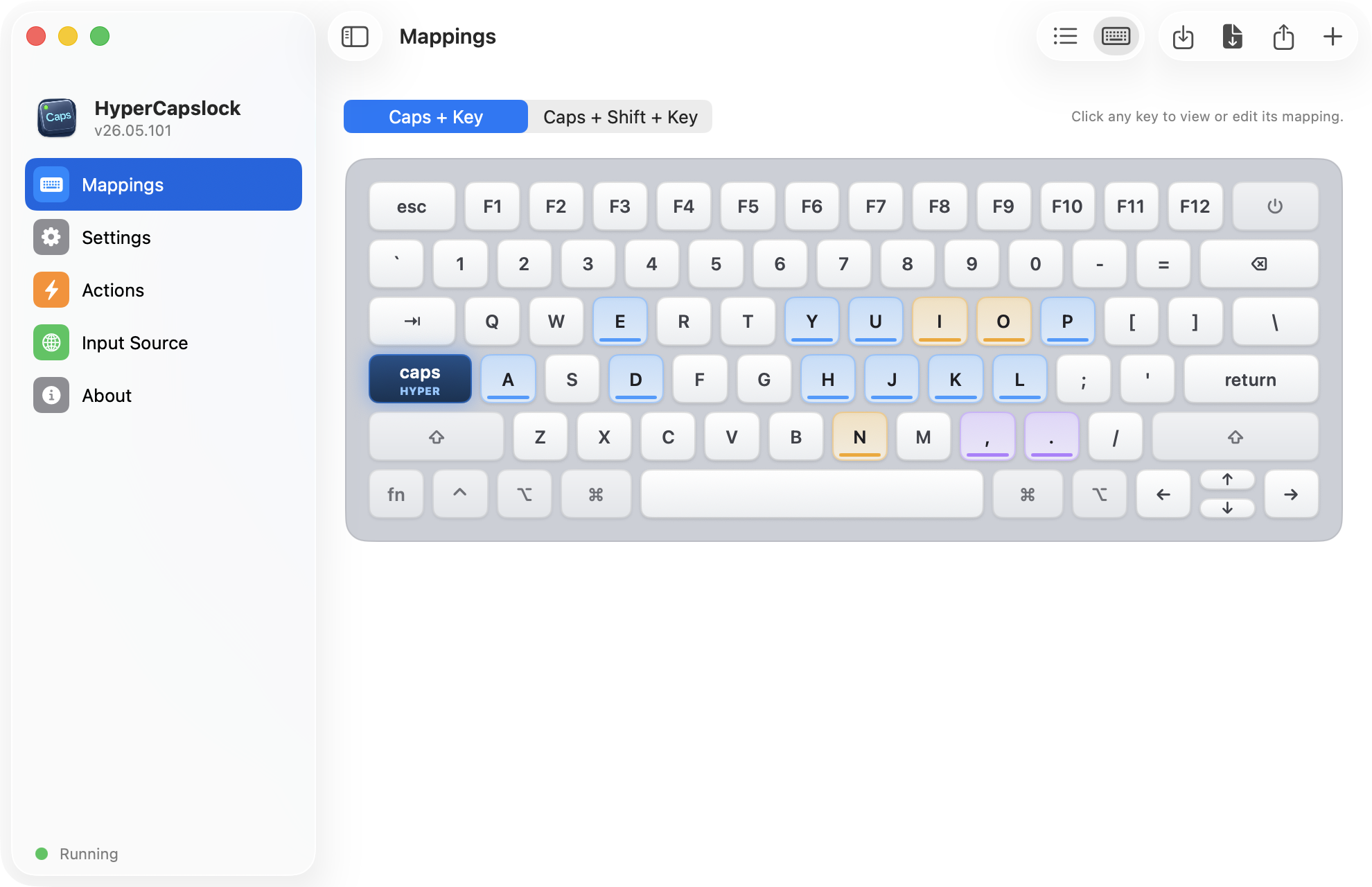
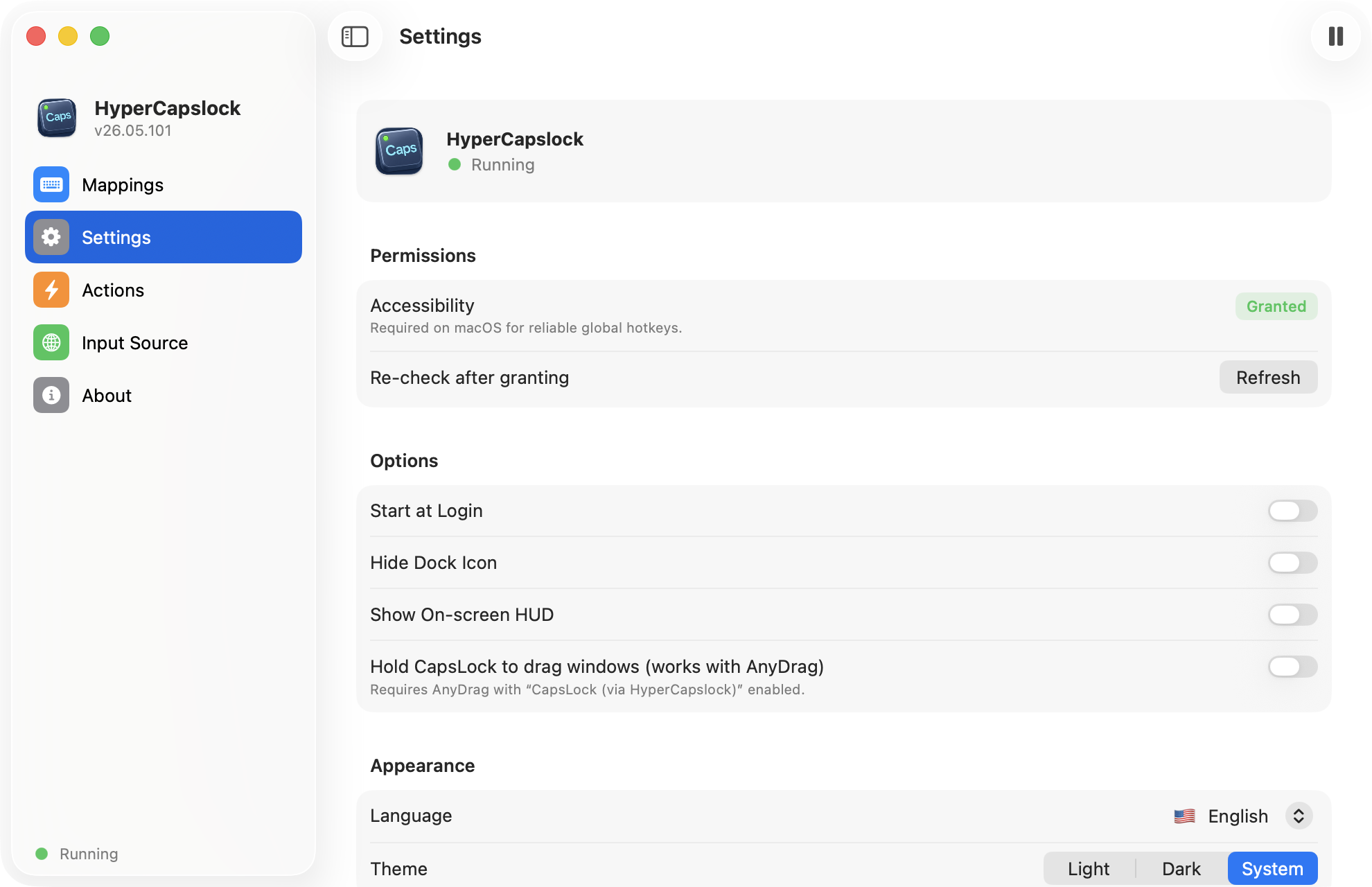
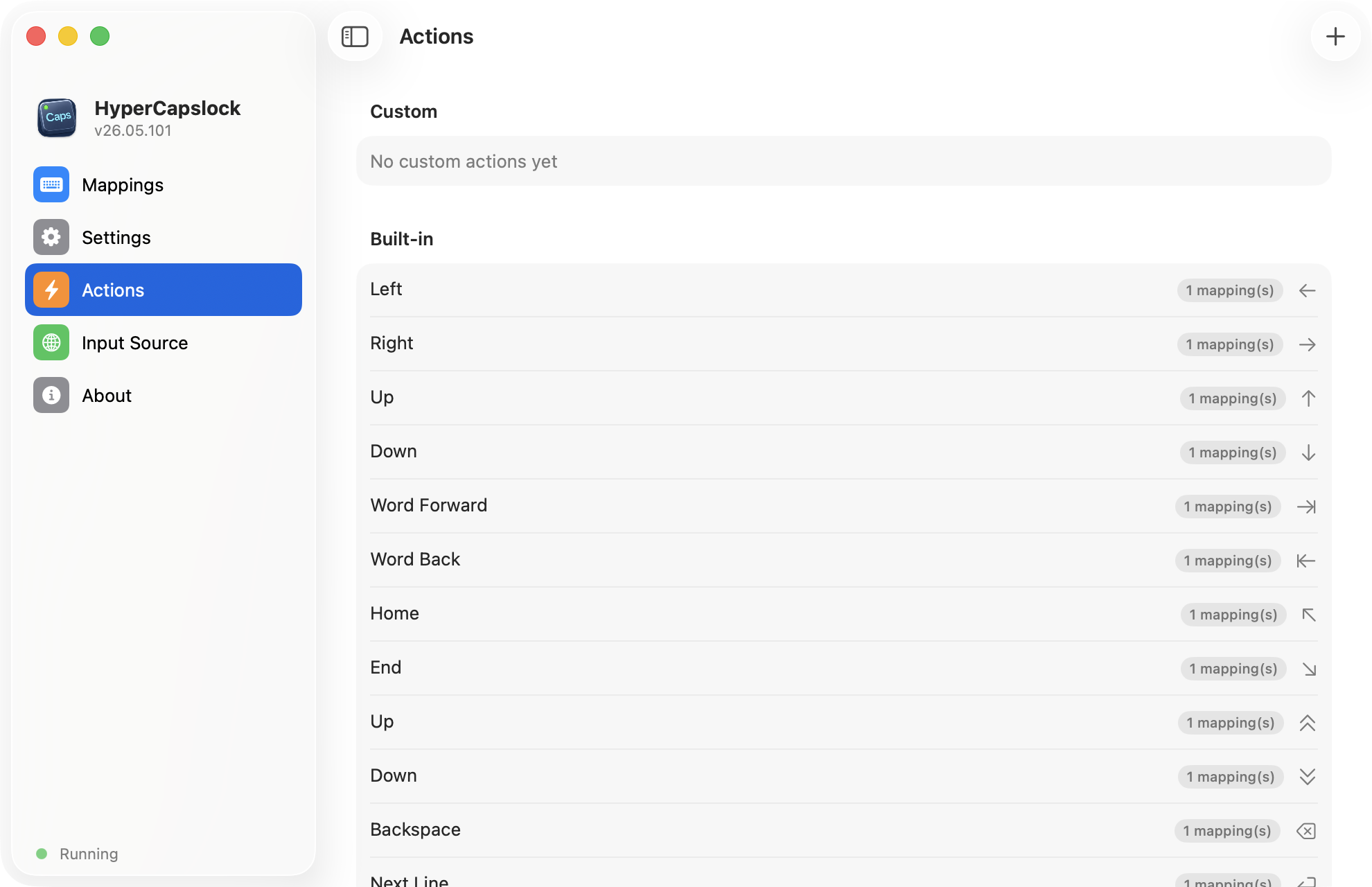
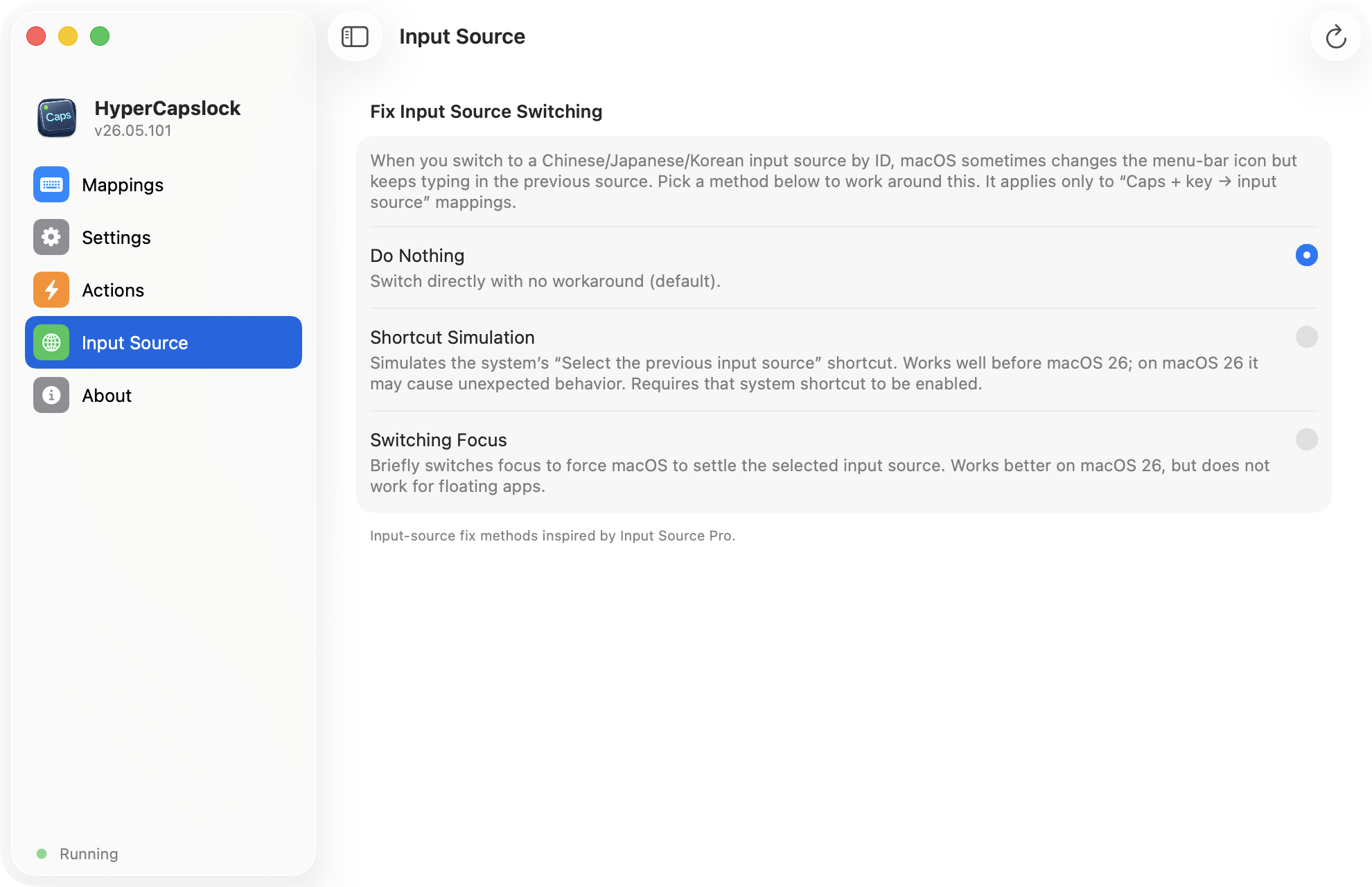
How to install HyperCapslock on a Mac
- Get OpenDMG. It is a free app store for open source Mac apps. Download OpenDMG.
- Search for HyperCapslock and press Get. OpenDMG downloads version 26.7.109 from XueshiQiao's own GitHub release.
- Open it. The download is checked against its SHA-256 fingerprint and its signature is checked on your Mac before it lands in Applications.
Updates to HyperCapslock show up in OpenDMG and install with one button. No account is needed.
Prefer to do it by hand? The developer's file is on GitHub: HyperCapslock.dmg (5.5 MB).
What is new in HyperCapslock 26.7.109
<h3>What's New in 26.07.109</h3>
<ul>
 <li><b>Fixed a memory leak</b> — every synthesized keystroke (vim-style navigation, key combos, quote insertion) left behind a small chunk of memory that was never reclaimed, so after days of heavy use the app's memory footprint could climb to hundreds of MB. Memory now stays flat no matter how long the app runs.</li>
 <li><b>Anonymous usage analytics (opt-out)</b> — the app now shares anonymous feature-usage counts to help prioritize what to improve. No keystrokes, no text, no personal data is ever collected. Turn it off anytime in Settings → "Share anonymous usage analytics".</li>
</ul>

<h3>26.07.109 更新内容</h3>
<ul>
 <li><b>修复内存泄漏</b> —— 此前每次合成按键(vim 风格导航、组合键、引号插入等)都会残留一小块无法回收的内存,重度使用几天后 App 内存占用可能攀升到数百 MB。现在无论运行多久,内存都保持平稳。</li>
 <li><b>匿名使用统计(可关闭)</b> —— App 现在会分享匿名的功能使用次数,帮助确定改进方向。绝不收集任何按键、文本或个人信息。可随时在「设置 → 分享匿名使用统计」中关闭。</li>
</ul>
More Windows and Keyboard apps
-
 RectangleRectangle is a window manager heavily based on Spectacle, written in Swift
-
 AeroSpaceAeroSpace is an i3-like tiling window manager for macOS
-
 AmethystAutomatic tiling window manager for macOS
-
 LoopWindow management made elegant
-
 FlashSpaceEnhance and replace the native Spaces functionality of macOS
-
 OmniWMA Flexible and Modern Tiling Window Manager