
HotkeyLauncher for Mac
Assign global hotkeys to any app and launch them from anywhere.
By zjy4fun. Free and open source.
HotkeyLauncher at a glance
- Version
- 1.0.10
- Released
- 10 June 2026
- Download size
- 2.2 MB
- Works on
- Apple silicon and Intel
- Category
- Windows and Keyboard
- Developer
- zjy4fun
- GitHub stars
- 11
About HotkeyLauncher
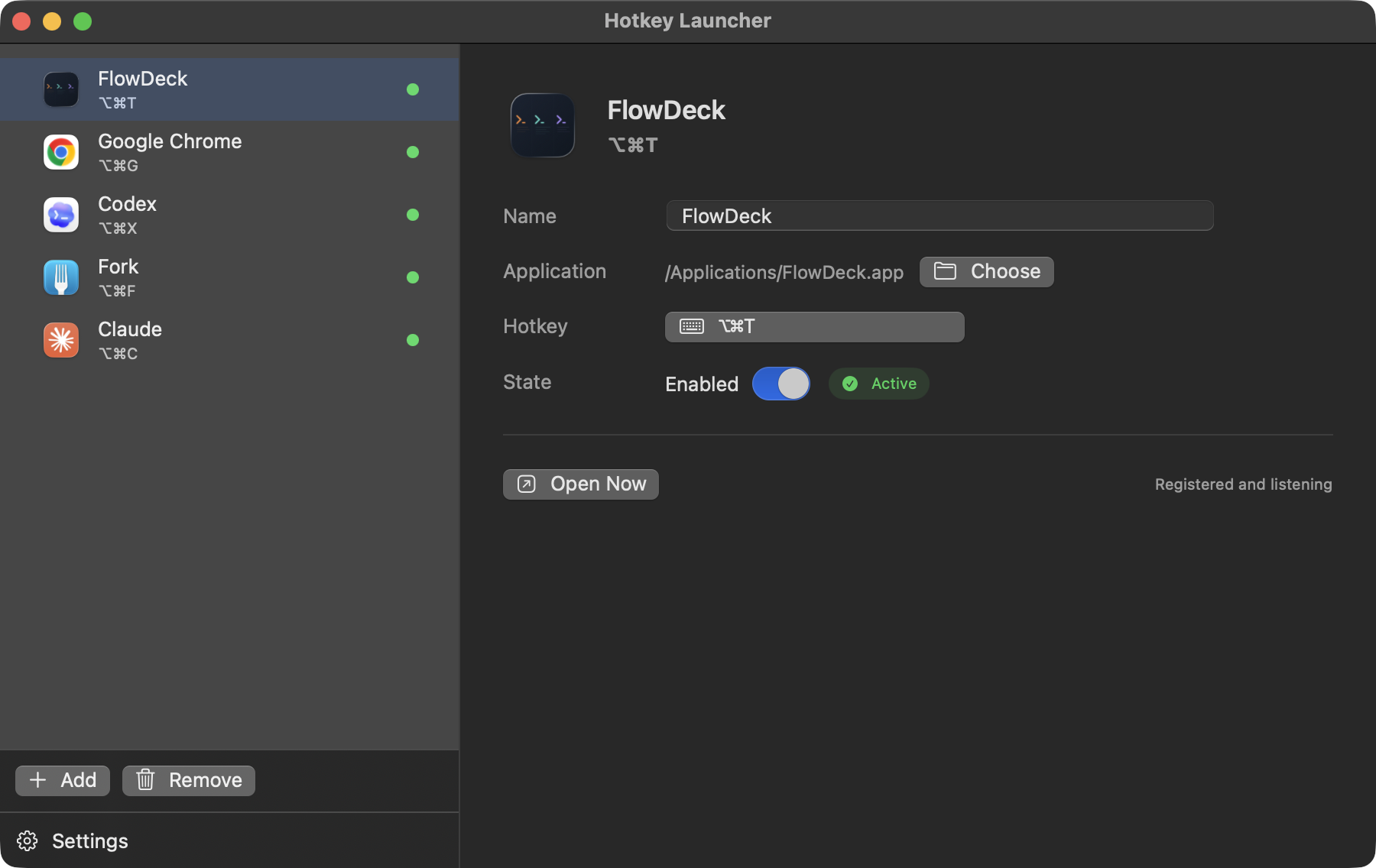
Native macOS hotkey launcher built with SwiftUI, AppKit, and Carbon global hotkeys
Screenshots
How to install HotkeyLauncher on a Mac
- Get OpenDMG. It is a free app store for open source Mac apps. Download OpenDMG.
- Search for HotkeyLauncher and press Get. OpenDMG downloads version 1.0.10 from zjy4fun's own GitHub release.
- Open it. The download is checked against its SHA-256 fingerprint and its signature is checked on your Mac before it lands in Applications.
Updates to HotkeyLauncher show up in OpenDMG and install with one button. No account is needed.
Prefer to do it by hand? The developer's file is on GitHub: HotkeyLauncher-1.0.10.dmg (2.2 MB).
More Windows and Keyboard apps
-
 RectangleRectangle is a window manager heavily based on Spectacle, written in Swift
-
 AeroSpaceAeroSpace is an i3-like tiling window manager for macOS
-
 AmethystAutomatic tiling window manager for macOS
-
 LoopWindow management made elegant
-
 FlashSpaceEnhance and replace the native Spaces functionality of macOS
-
 OmniWMA Flexible and Modern Tiling Window Manager