
#HEX for Mac
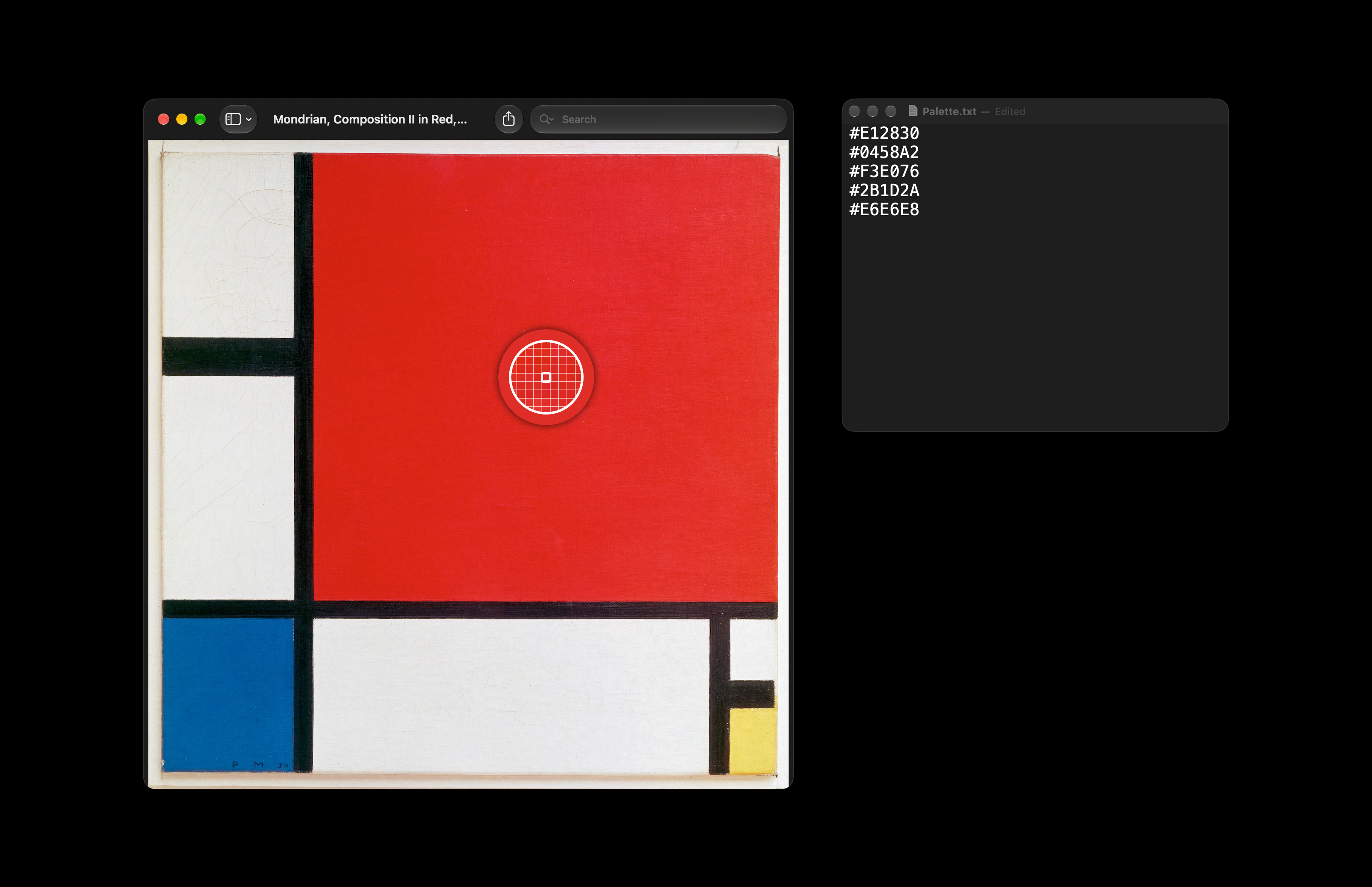
Open-source color picker that opens the macOS color sampler with a keyboard shortcut and copies the clicked pixel as a HEX code.
By geragarazagh. Free and open source, MIT licence.
#HEX at a glance
- Version
- 0.3
- Released
- 9 November 2026
- Download size
- 1.7 MB
- Works on
- Apple silicon and Intel
- Licence
- MIT
- Category
- Graphics and Design
- Developer
- geragarazagh
- GitHub stars
- 1
About #HEX
#HEX: free, open source color picker (eyedropper) for Mac. A keyboard shortcut opens the color sampler of macOS, a click copies any pixel of the screen as a HEX code like #EFEFEF. No permissions. Native Swift, Apple silicon, macOS 13+.
Screenshots
How to install #HEX on a Mac
- Get OpenDMG. It is a free app store for open source Mac apps. Download OpenDMG.
- Search for #HEX and press Get. OpenDMG downloads version 0.3 from geragarazagh's own GitHub release.
- Open it. The download is checked against its SHA-256 fingerprint and its signature is checked on your Mac before it lands in Applications.
Updates to #HEX show up in OpenDMG and install with one button. No account is needed.
Prefer to do it by hand? The developer's file is on GitHub: HEX.dmg (1.7 MB).
More Graphics and Design apps
-
 AerialApple TV Aerial Screensaver for macOS
-
 CompositorFree, open-source image editor aiming to be a full Photoshop alternative
-
 BrooklynScreensaver inspired by Apple's Event on October 30, 2018
-
 EquinoxCreate dynamic wallpapers for macOS
-
 ExcalidrawZA virtual whiteboard for sketching hand-drawn-like diagrams with native file management…
-
 WaifuXOpen-source ACG app for wallpapers, animated backgrounds, and anime videos