

Hammerdeck for Mac
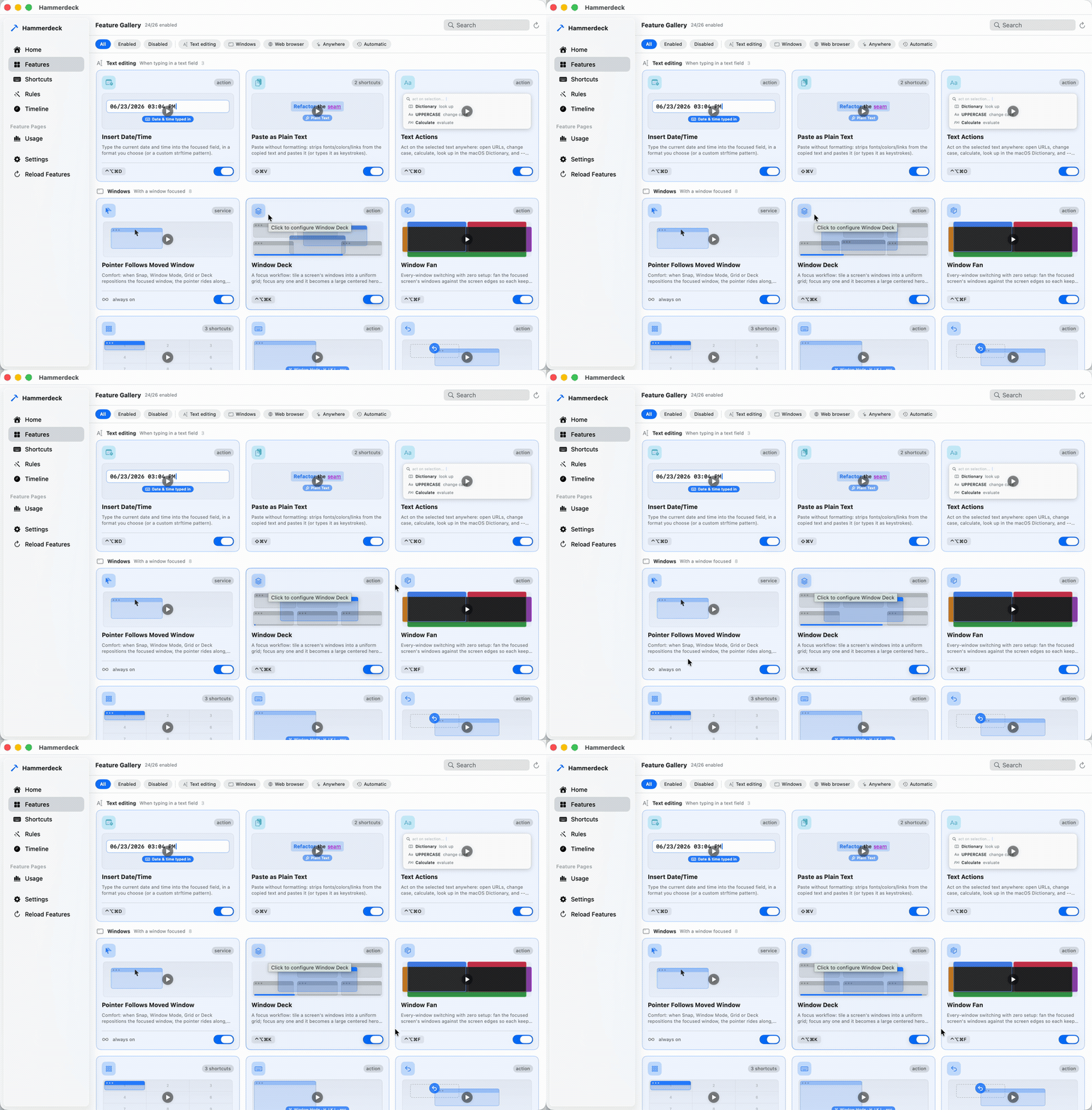
Keyboard window manager for large and multi-screen setups, with grid placement and rule-based auto-rearranging.
By kouxing2000. Free and open source, GPL-3.0 licence.
Hammerdeck at a glance
- Version
- 0.3.0
- Released
- 8 October 2026
- Download size
- 12 MB
- Works on
- Apple silicon and Intel
- Licence
- GPL-3.0
- Category
- Windows and Keyboard
- Developer
- kouxing2000
- GitHub stars
- 4
About Hammerdeck
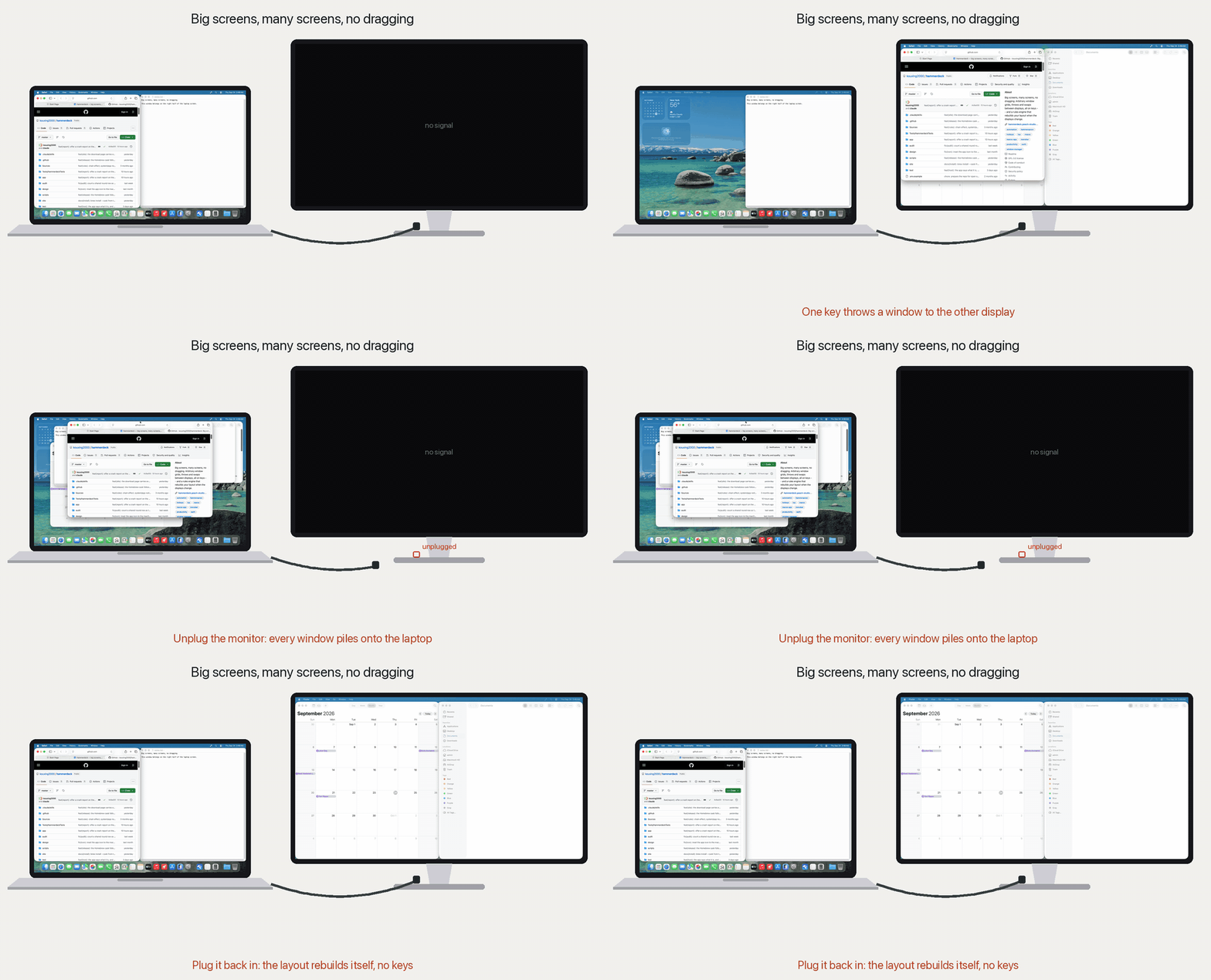
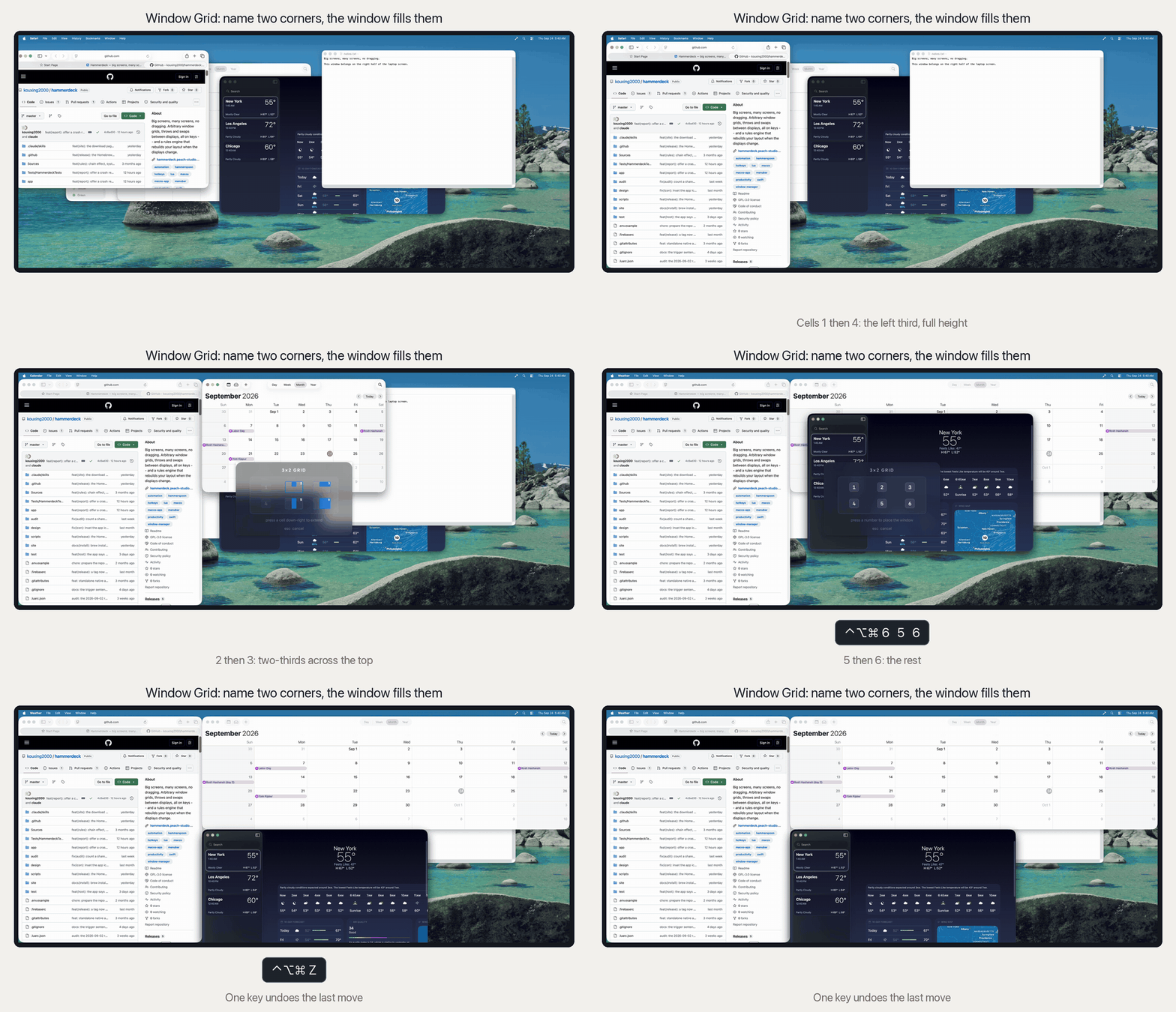
Big screens, many screens, no dragging. Window grids, throws and swaps between displays, all on keys -- and a rules engine that rebuilds your layout when the displays change.
Screenshots
How to install Hammerdeck on a Mac
- Get OpenDMG. It is a free app store for open source Mac apps. Download OpenDMG.
- Search for Hammerdeck and press Get. OpenDMG downloads version 0.3.0 from kouxing2000's own GitHub release.
- Open it. The download is checked against its SHA-256 fingerprint and its signature is checked on your Mac before it lands in Applications.
Updates to Hammerdeck show up in OpenDMG and install with one button. No account is needed.
Prefer to do it by hand? The developer's file is on GitHub: Hammerdeck-0.3.0.dmg (12 MB).
What is new in Hammerdeck 0.3.0
Memory Room, a new way to find a window -- and window moves that land in
Chrome.

- Memory Room, new and off until you switch it on in Settings. Open it in an
 app with many windows and each window keeps a spot in a room, so you find
 the one you need by where it lives instead of by reading titles. Hover a
 spot for the window's title and a picture of it, click to bring it forward,
 drag to move its spot. Seven illustrated rooms, or a photo of a room you
 know. The window pictures need Screen Recording; everything else works
 without it.
- Window moves land in Chrome. Maximize, the 75% toggle and every other
 placement could stop part-way in Chrome -- the old position kept, or a size
 halfway between old and new -- whenever another tool had switched on
 Chrome's accessibility mode. Hammerdeck now switches that mode off for the
 move and back on after it.
- Focusing a minimized window brings it back from the Dock. Picking one in
 the Window Switcher used to do nothing you could see.
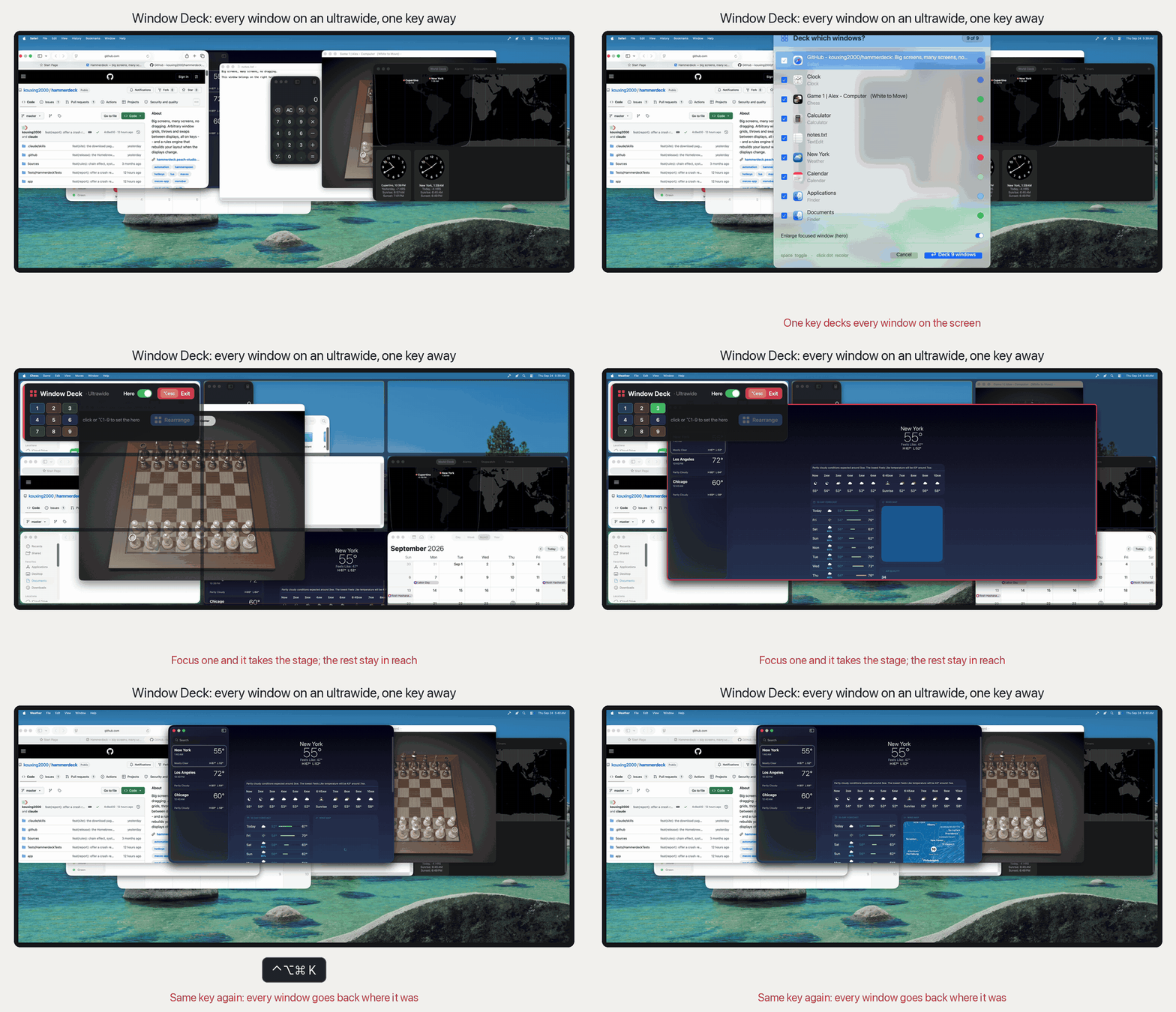
- The Window Deck picker groups windows by app, with one button that decks
 all of an app's windows.
- Window Deck no longer writes a private browsing window's title to disk.
 Incognito, Private Browsing and InPrivate windows (recognised by their
 English titles) and every Tor Browser window are saved without one.
- Holding Caps Lock as Hyper counts as holding Cmd-Option-Control, so a
…
More Windows and Keyboard apps
-
 RectangleRectangle is a window manager heavily based on Spectacle, written in Swift
-
 AeroSpaceAeroSpace is an i3-like tiling window manager for macOS
-
 AmethystAutomatic tiling window manager for macOS
-
 LoopWindow management made elegant
-
 FlashSpaceEnhance and replace the native Spaces functionality of macOS
-
 OmniWMA Flexible and Modern Tiling Window Manager