

Foldout for Mac
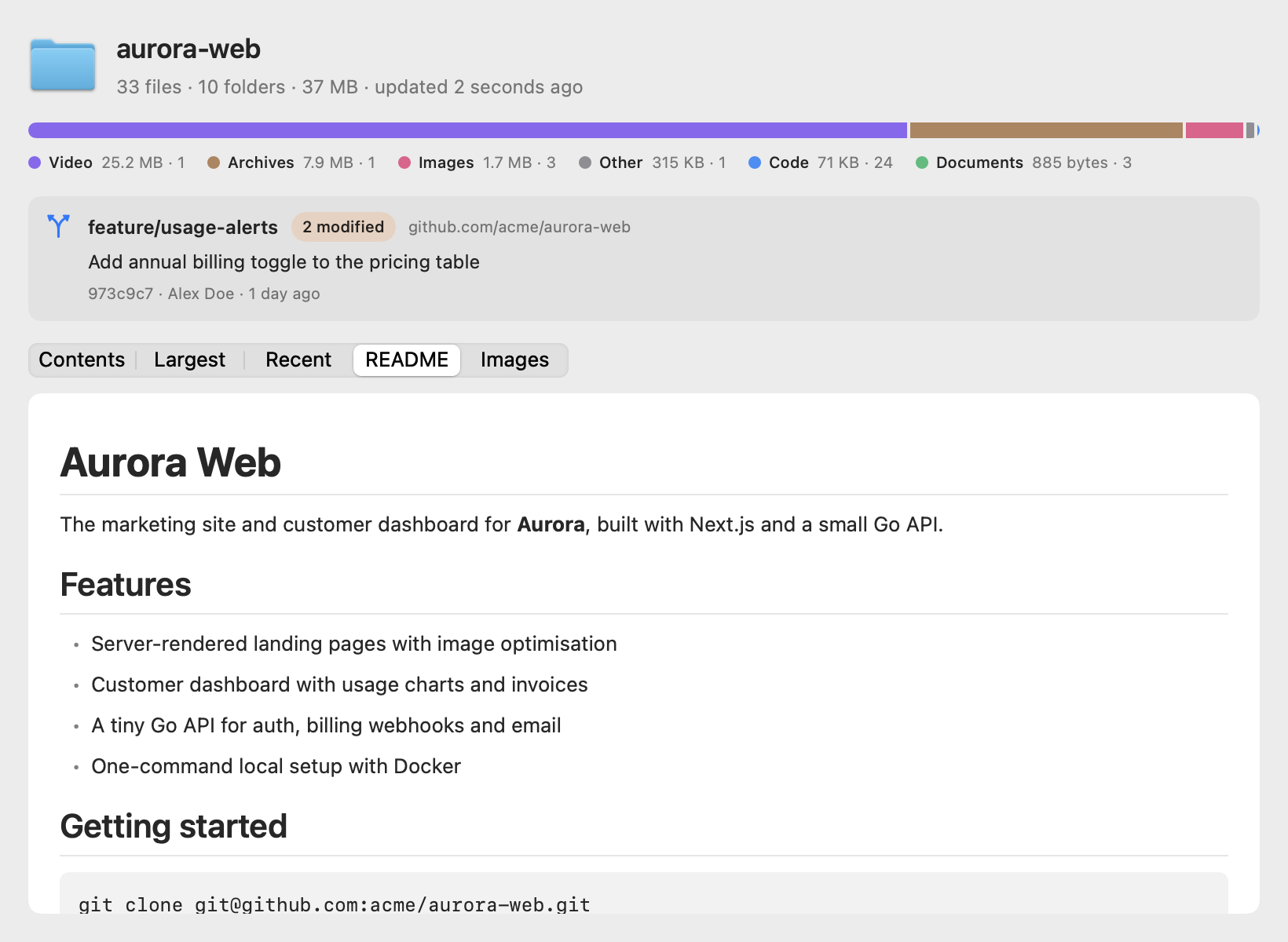
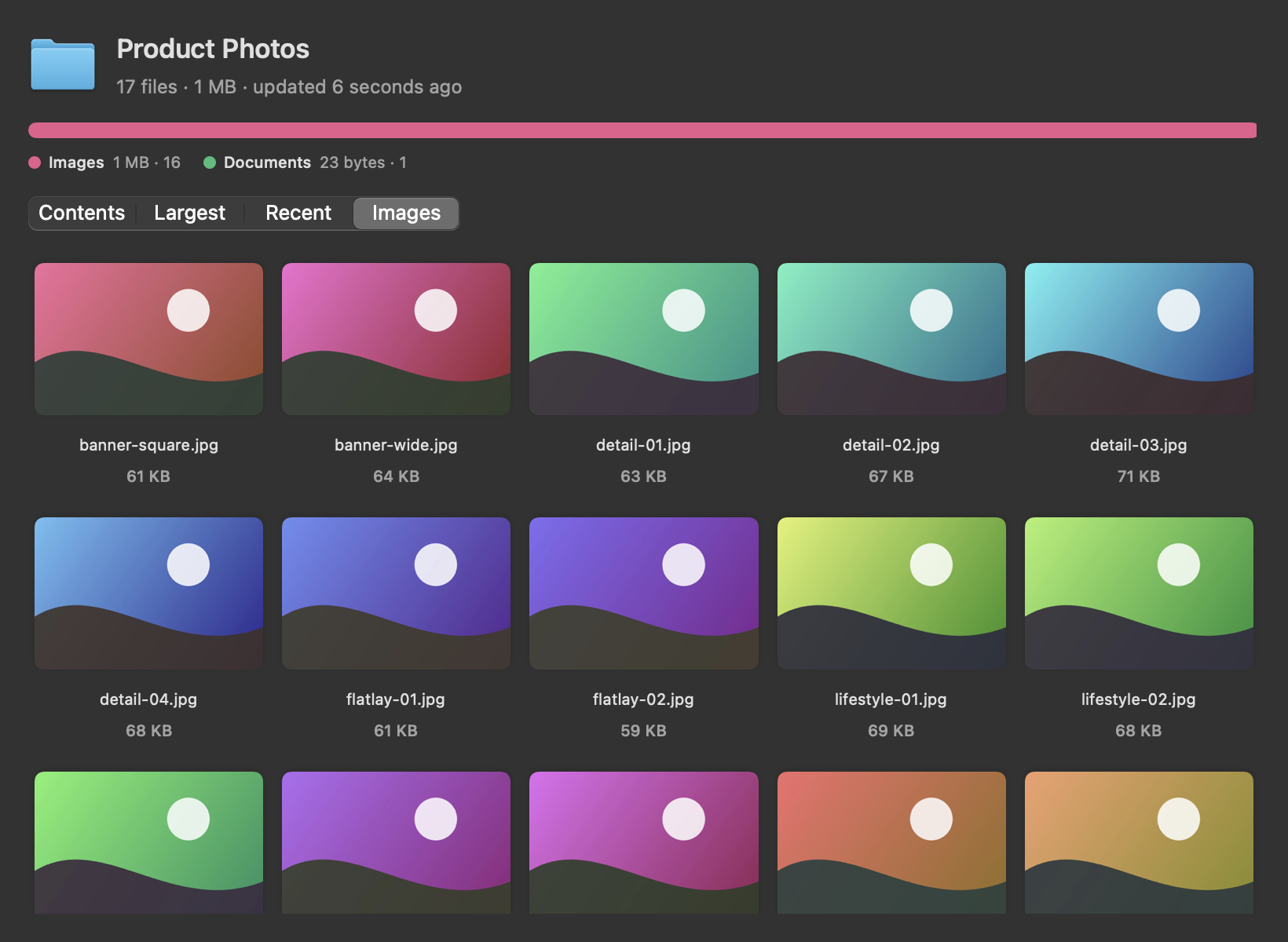
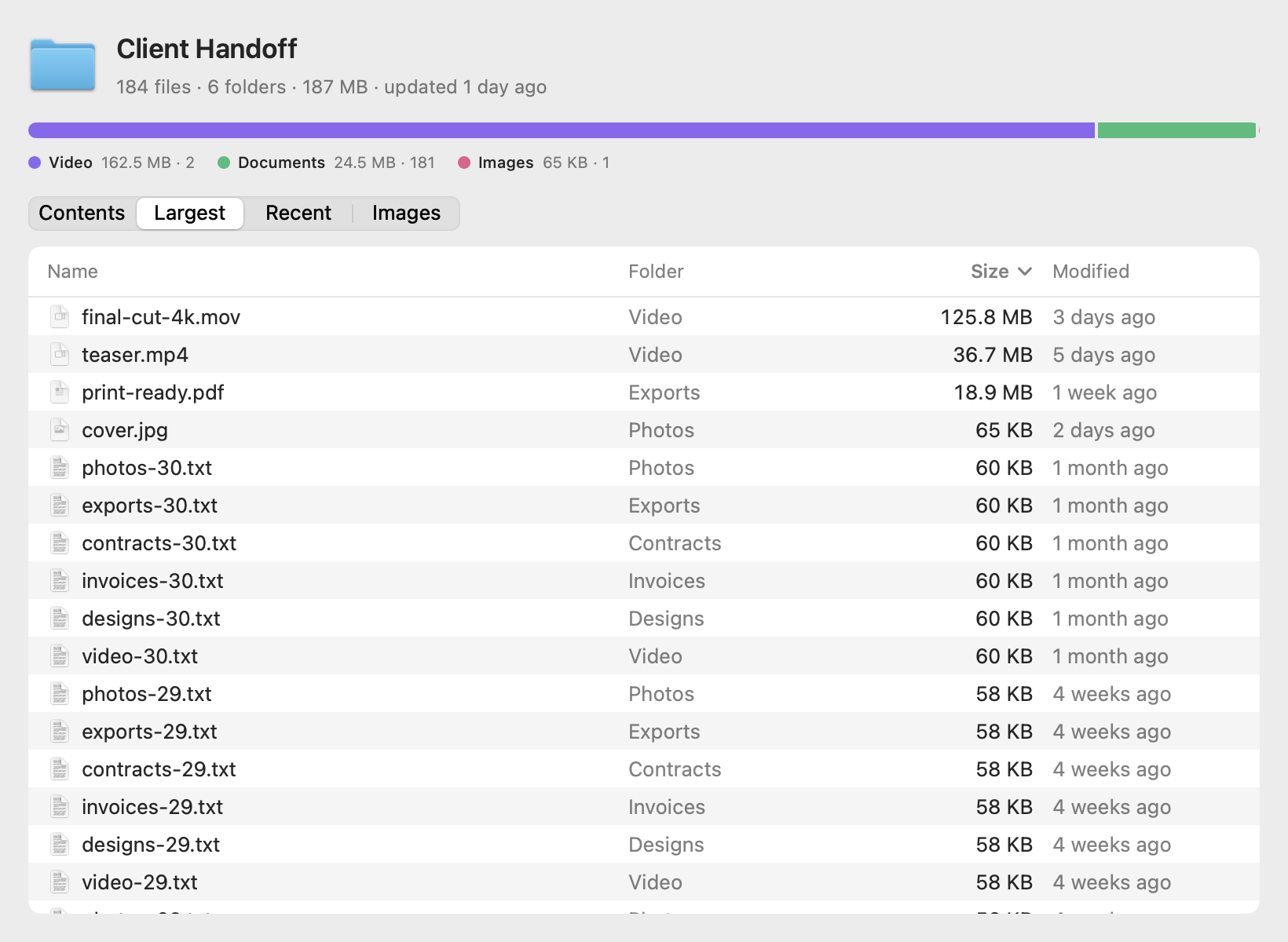
Quick Look extension for previewing folder contents, size, file types, and project details.
By justadityaraj. Free and open source, MIT licence.
Foldout at a glance
- Version
- 0.3.0
- Released
- 22 October 2026
- Download size
- 3.1 MB
- Works on
- Apple silicon and Intel
- Licence
- MIT
- Category
- System Tools
- Developer
- justadityaraj
- GitHub stars
- 15
About Foldout
Folderglass: press Space on a folder in Finder to see its real size, file types, largest and recent files, git status and README. Free, open-source macOS Quick Look extension.
Screenshots
How to install Foldout on a Mac
- Get OpenDMG. It is a free app store for open source Mac apps. Download OpenDMG.
- Search for Foldout and press Get. OpenDMG downloads version 0.3.0 from justadityaraj's own GitHub release.
- Open it. The download is checked against its SHA-256 fingerprint and its signature is checked on your Mac before it lands in Applications.
Updates to Foldout show up in OpenDMG and install with one button. No account is needed.
Prefer to do it by hand? The developer's file is on GitHub: Folderglass.dmg (3.1 MB).
What is new in Foldout 0.3.0
## Settings

Open Folderglass to find two new sections.

**Preview**
- **Show hidden files:** dotfiles and hidden items now count toward files, folders and the lists, not just the total size.
- **Open on tab:** start every preview on Contents, Largest, Recent, README or Images, or keep the automatic choice.
- **Stop counting after:** 5, 15 or 30 seconds for very big folders. A shorter limit puts less load on your Mac.
- **Count only the top level on network drives:** on by default, so pressing Space on a NAS folder doesn't crawl the whole share.

**General**
- **Check for updates when Folderglass opens**, plus a **Check for Updates** button. If you installed with Homebrew, it gives you the `brew upgrade folderglass` command instead of a download.
- **Reset Quick Look:** registers the extension again and clears Quick Look's cache. Use it when previews stop showing up.

## Privacy

The Quick Look extension still never uses the network. Only the app contacts GitHub to look for a newer version, when you open it or click Check for Updates, and you can turn that off.

## Install

**Download:** grab `Folderglass.dmg`, open it, drag Folderglass into Applications and open it once. Signed and notarized.

**Homebrew** (builds on your Mac):

```
brew install justadityaraj/tap/folderglass
```
More System Tools apps
-
 PearcleanerApp Cleaner and Uninstaller Tool
-
 PureMacFree open-source system cleaner with privacy protection
-
 OpenInTerminalFinder toolbar tool for opening the current folder in a terminal
-
 DockDoorWindow peeking for macOS
-
 DigUpSemantic search app that finds files by their contents
-
 LatestApp update checker that notifies you of available updates for installed applications