
FixStat for Mac
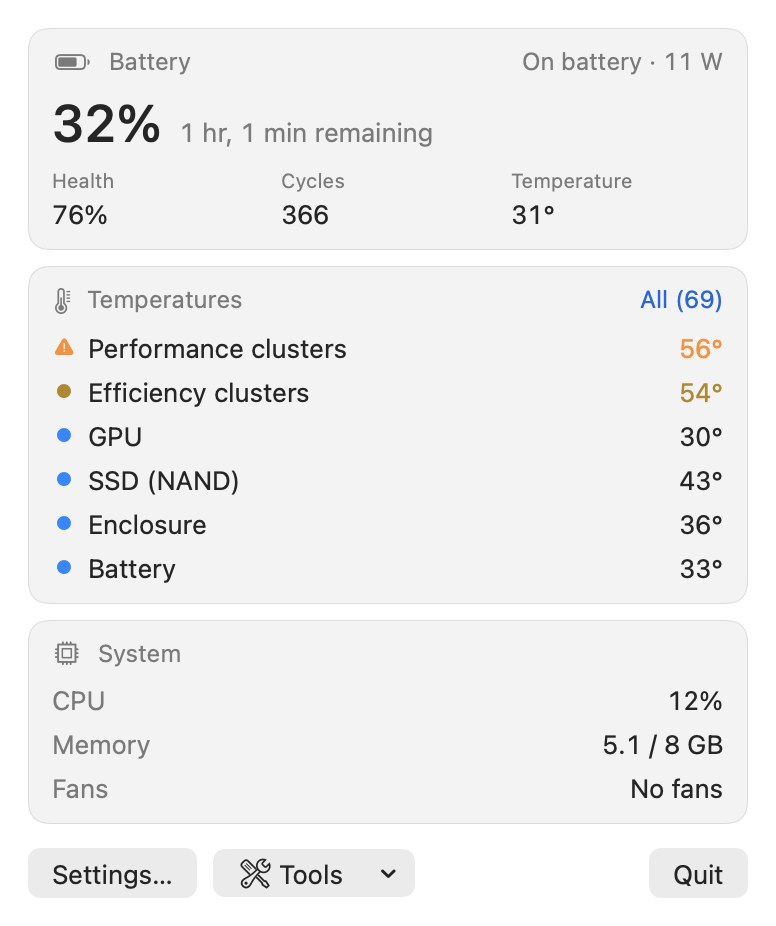
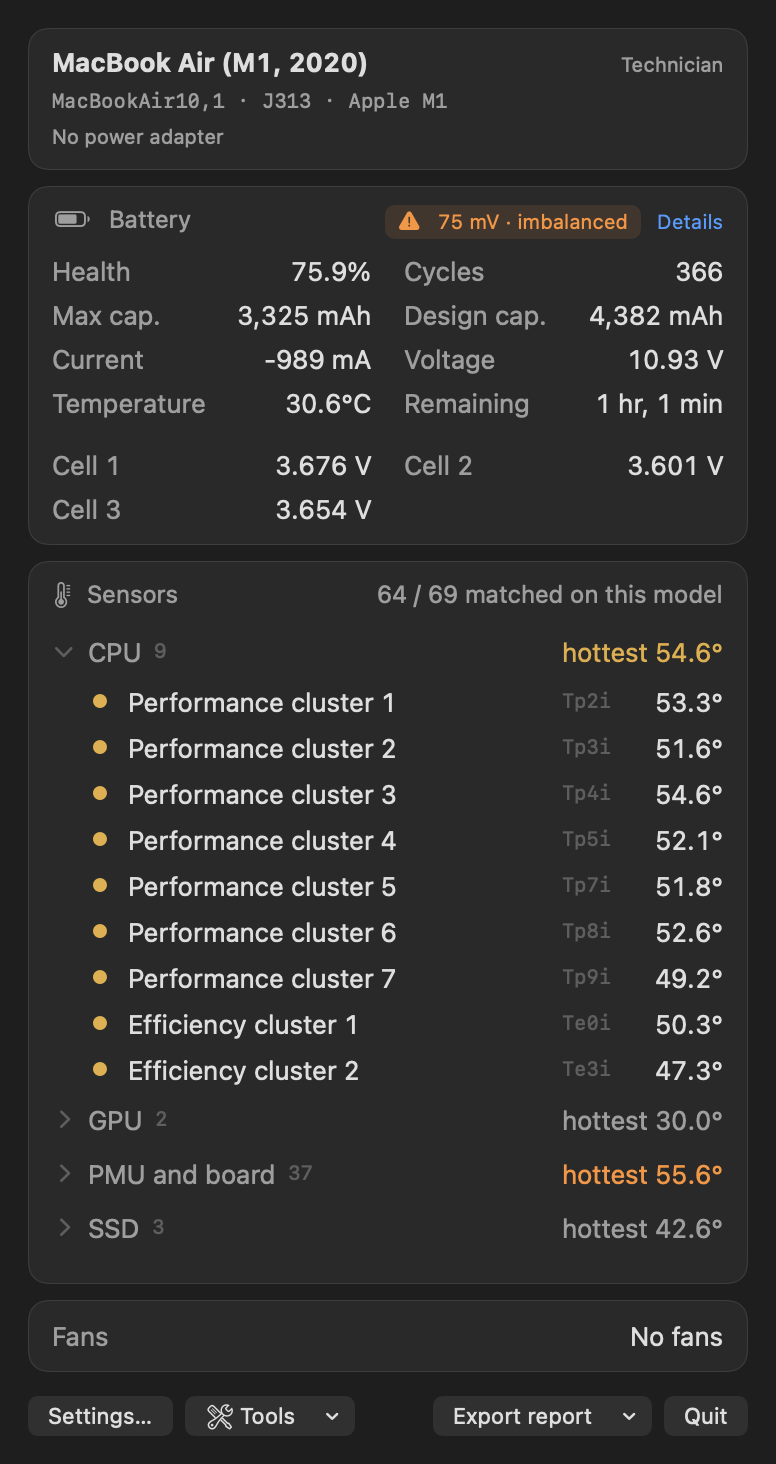
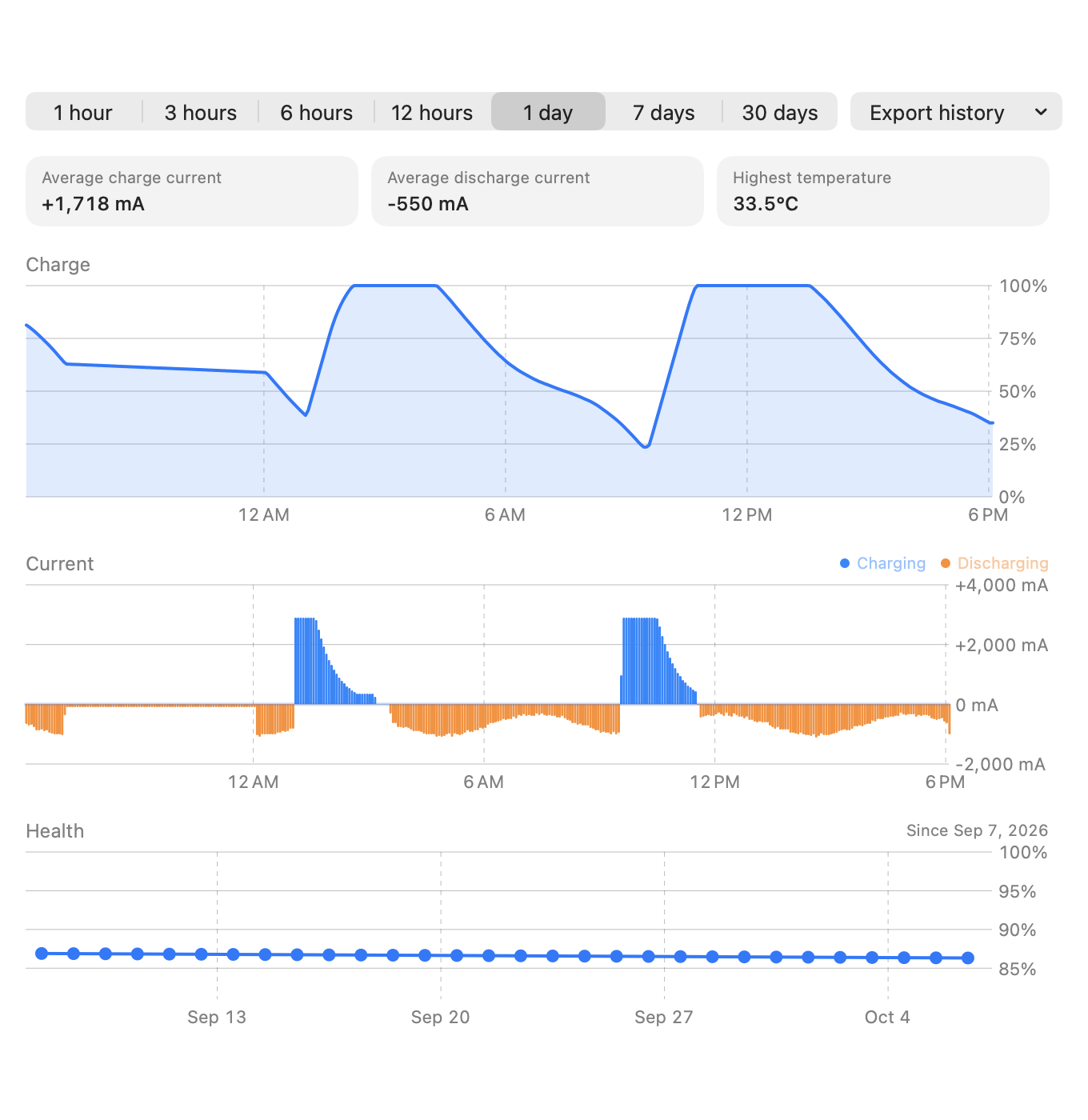
Mac repair monitor for sensors, battery, SSD health, crash logs, and guided hardware tests.
By Lapsely. Free and open source, MIT licence.
FixStat at a glance
- Version
- 1.7.0
- Released
- 11 November 2026
- Download size
- 10 MB
- Works on
- Apple silicon and Intel
- Licence
- MIT
- Category
- System Tools
- Developer
- Lapsely
- GitHub stars
- 20
About FixStat
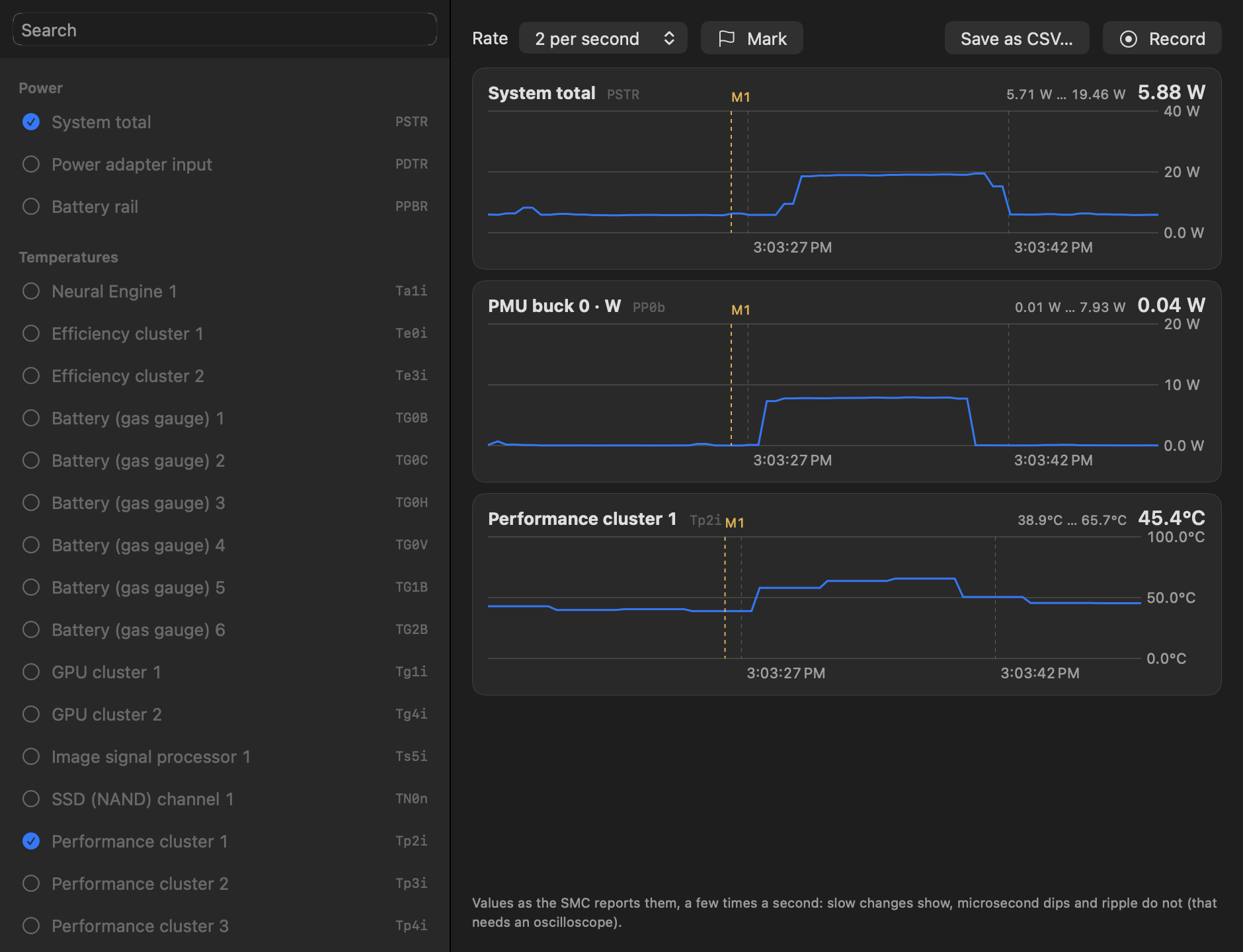
Menu bar monitor and diagnostics for Mac repair technicians: verified per-model sensor names, battery cell data, SSD, panic and hardware tests. Read-only, collects no data. macOS 10.13+ (Intel) / 11+ (Apple Silicon).
Screenshots
How to install FixStat on a Mac
- Get OpenDMG. It is a free app store for open source Mac apps. Download OpenDMG.
- Search for FixStat and press Get. OpenDMG downloads version 1.7.0 from Lapsely's own GitHub release.
- Open it. The download is checked against its SHA-256 fingerprint and its signature is checked on your Mac before it lands in Applications.
Updates to FixStat show up in OpenDMG and install with one button. No account is needed.
Prefer to do it by hand? The developer's file is on GitHub: FixStat.dmg (10 MB).
What is new in FixStat 1.7.0
# FixStat 1.7

**More of what a technician looks for: the pack's real history, board-swap traces, per-port charging,
overheating, automatic speaker and camera checks, and fake USB sticks.**

## Battery

- **Pack history.** When the pack was made (from the gauge's manufacture date), how long the gauge has
 been running, the lowest voltage the pack ever reached and when its capacity was last measured. A
 pack much older than the Mac, or a record that cannot be true (more operating time than the pack
 exists, a sample count no genuine gauge keeps), counts as evidence in the originality check.
- **Clone gauges.** Some aftermarket packs carry the same frozen lifetime record; FixStat recognises it.
- **Usage profile.** How much of its life the battery spent at a high charge, today's charge range, and
 advice when the Mac lives on the adapter.
- **Why it is not charging,** in plain words: full, Optimized Charging / a charge limit, too warm, the
 adapter at its limit, a battery fault reported by macOS.
- Lifetime maximum / minimum temperatures were wrong (ten times too low) on M2 and later gauges.

## Device card

- **Pairing and parts.** Touch ID, True Tone, the built-in camera, the light sensor and the lid angle
 sensor, each checked against what the model should have: a part that is there but not working is the
 usual trace of a board or display swap.
…
More System Tools apps
-
 PearcleanerApp Cleaner and Uninstaller Tool
-
 PureMacFree open-source system cleaner with privacy protection
-
 OpenInTerminalFinder toolbar tool for opening the current folder in a terminal
-
 DockDoorWindow peeking for macOS
-
 DigUpSemantic search app that finds files by their contents
-
 LatestApp update checker that notifies you of available updates for installed applications