

FinishInbox for Mac
Menu bar inbox for completed coding-agent tasks with persistent unread counters per project.
By jack1231222. Free and open source, MIT licence.
FinishInbox at a glance
- Version
- 0.1.0-preview.1 (pre-release)
- Released
- 17 July 2026
- Download size
- 598 KB
- Works on
- Apple silicon and Intel
- Licence
- MIT
- Category
- Artificial Intelligence
- Developer
- jack1231222
- GitHub stars
- 1
About FinishInbox
Persistent macOS menu bar inbox for completed Codex, Claude Code, and coding-agent tasks — local only, no prompt scanning.
Screenshots
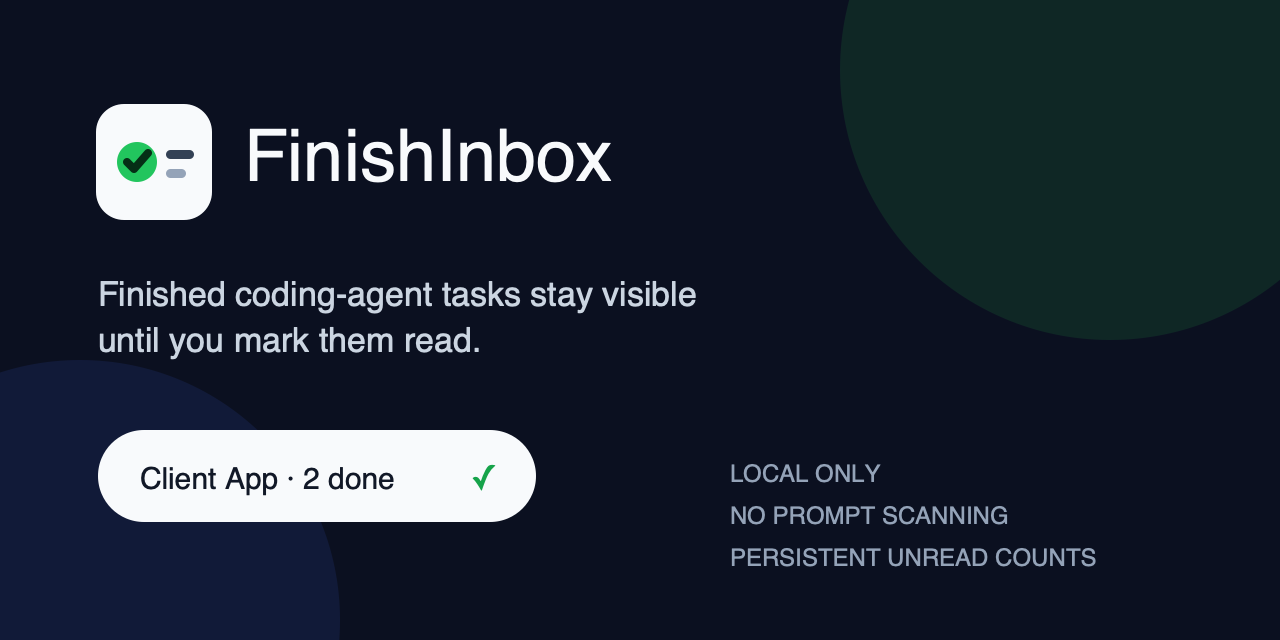

How to install FinishInbox on a Mac
- Get OpenDMG. It is a free app store for open source Mac apps. Download OpenDMG.
- Search for FinishInbox and press Get. OpenDMG downloads version 0.1.0-preview.1 from jack1231222's own GitHub release.
- Open it. The download is checked against its SHA-256 fingerprint and its signature is checked on your Mac before it lands in Applications.
Updates to FinishInbox show up in OpenDMG and install with one button. No account is needed.
Prefer to do it by hand? The developer's file is on GitHub: FinishInbox-v0.1.0-preview.1.zip (598 KB).
What is new in FinishInbox 0.1.0-preview.1
# FinishInbox 0.1.0-preview.1

> Technical preview: the downloadable app is ad-hoc signed and has not been
> notarized by Apple. Building from source is recommended.

This first public preview provides:

- persistent unread completion counts by private project label;
- explicit local events for Codex, Claude Code, and shell hooks;
- duplicate-event protection with a bounded seven-day / 10,000-ID window;
- project-isolated clear behavior and restart persistence;
- private `0700` directories and `0600` config, state, queue, and lock files;
- universal `arm64` + `x86_64` builds targeting macOS 13 or later;
- source install, uninstall, archive checksum, and source-revision manifest.

The archive includes `FinishInbox.app`, a separately signed `finish-inbox` CLI,
and the installer. Download the ZIP and matching `.sha256` file into one folder,
then verify:

```bash
shasum -a 256 -c FinishInbox-v0.1.0-preview.1.zip.sha256
```

Downloaded builds may require explicit approval under **System Settings →
Privacy & Security**. The installer does not remove quarantine attributes or
weaken Gatekeeper.
More Artificial Intelligence apps
-
 CodexBarShow usage stats for OpenAI Codex and Claude Code, without having to login
-
 CodeBurnTracks token usage, cost, and performance across 25 AI agents with per-task breakdowns
-
 OsaurusLocal LLM server and AI infrastructure with menu bar, CLI, and shared tools
-
 QuotioAI subscription manager with quota tracking and automatic failover
-
 Claude Usage TrackerTrack the usage of Claude Code
-
 VibeProxyMenu bar app to use existing Claude, ChatGPT, and other subscriptions with AI coding…