

Finder Grouping Assistant for Mac
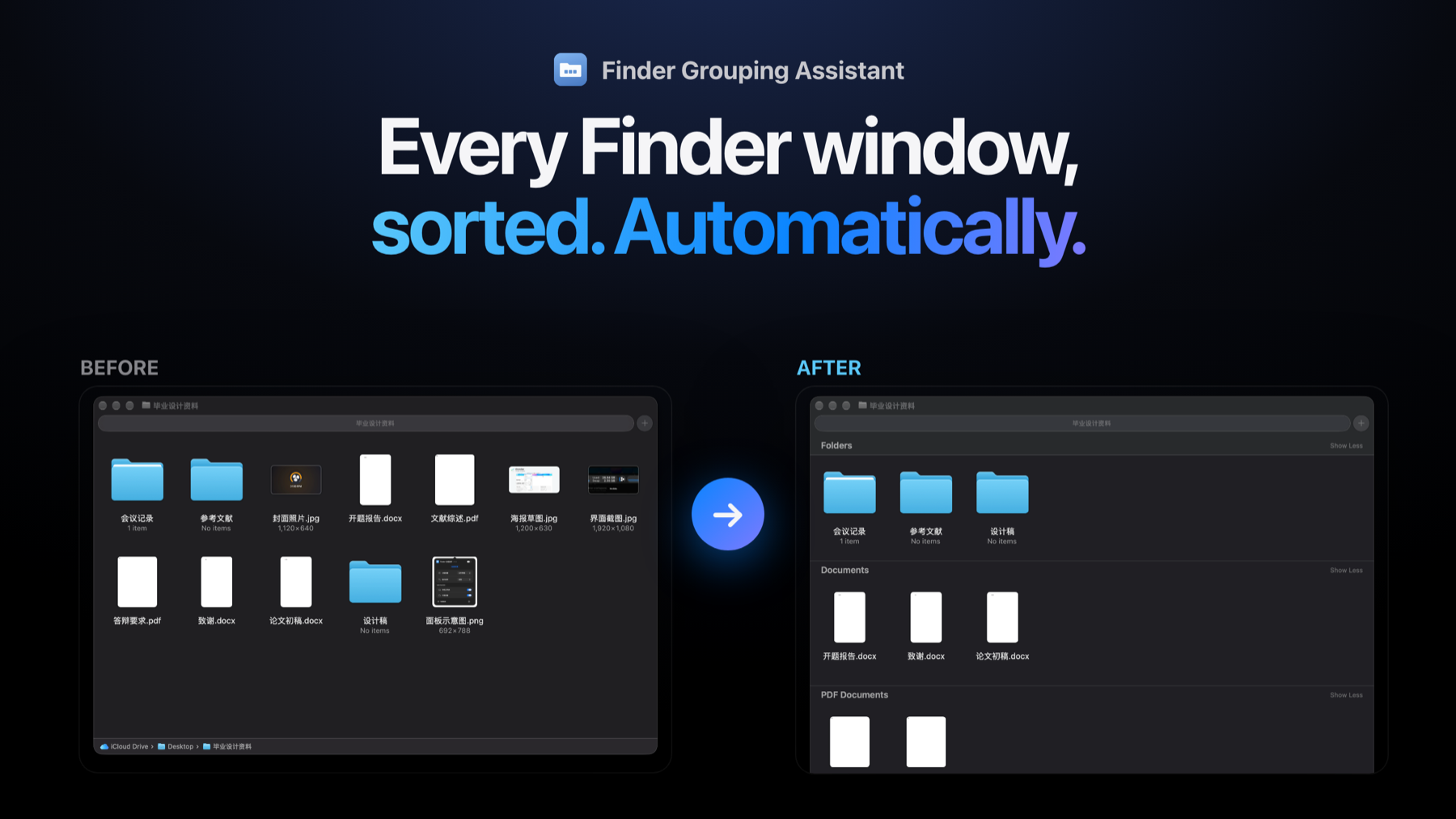
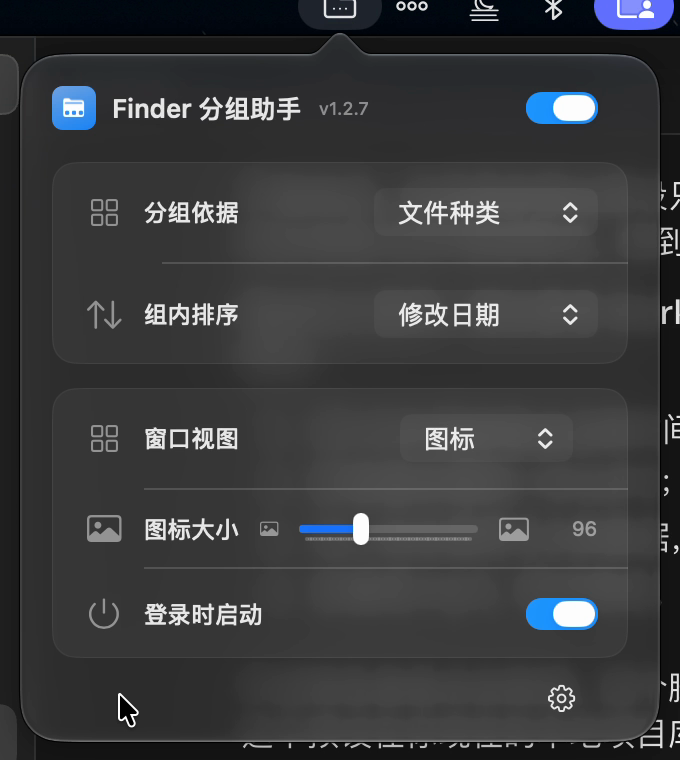
Menu bar app that applies your chosen grouping and sorting to every Finder window automatically.
By myyccccc. Free and open source, MIT licence.
Finder Grouping Assistant at a glance
- Version
- 1.2.7
- Released
- 19 November 2026
- Download size
- 2.8 MB
- Works on
- Apple silicon and Intel
- Licence
- MIT
- Category
- System Tools
- Developer
- myyccccc
- GitHub stars
- 3
About Finder Grouping Assistant
Make every Finder window group and sort the way you want — automatically. Free menu bar app for macOS.
Screenshots
How to install Finder Grouping Assistant on a Mac
- Get OpenDMG. It is a free app store for open source Mac apps. Download OpenDMG.
- Search for Finder Grouping Assistant and press Get. OpenDMG downloads version 1.2.7 from myyccccc's own GitHub release.
- Open it. The download is checked against its SHA-256 fingerprint and its signature is checked on your Mac before it lands in Applications.
Updates to Finder Grouping Assistant show up in OpenDMG and install with one button. No account is needed.
Prefer to do it by hand? The developer's file is on GitHub: FinderGroupingAssistant.dmg (2.8 MB).
What is new in Finder Grouping Assistant 1.2.7
## What's new

- **The panel now closes when you click anywhere else**, like a native menu. Press Esc to close it too.
- **Simpler panel**: removed the "Apply to" switches and per-folder rules. Grouping now always applies to every folder, on internal and external drives.
- Shorter settings menu.
- Update checks now come from GitHub Releases.

## 中文

- **点面板外面任何地方就会自动关闭**,和系统菜单一样;按 Esc 也能关。
- **面板更简洁**:去掉「分组会应用到」开关和「专属规则」,分组统一应用到所有文件夹(本机和外接设备)。
- 设置菜单精简。
- 检查更新改为读取 GitHub Releases。

---

Download `FinderGroupingAssistant.dmg` below. Signed with Developer ID and notarized by Apple. Requires macOS 13 or later.

SHA-256: `ac5ac495adb7bd5e5a7a03b39a8c062db9b95f4bef7fbd91960434e9a70b0825`
More System Tools apps
-
 PearcleanerApp Cleaner and Uninstaller Tool
-
 PureMacFree open-source system cleaner with privacy protection
-
 OpenInTerminalFinder toolbar tool for opening the current folder in a terminal
-
 DockDoorWindow peeking for macOS
-
 DigUpSemantic search app that finds files by their contents
-
 LatestApp update checker that notifies you of available updates for installed applications