

FileMint for Mac
Finder extension for creating files from templates and managing them via the context menu.
By FileMintApp. Free and open source.
FileMint at a glance
- Version
- 0.8.2
- Released
- 10 November 2026
- Download size
- 10 MB
- Works on
- Apple silicon and Intel
- Category
- System Tools
- Developer
- FileMintApp
- GitHub stars
- 171
About FileMint
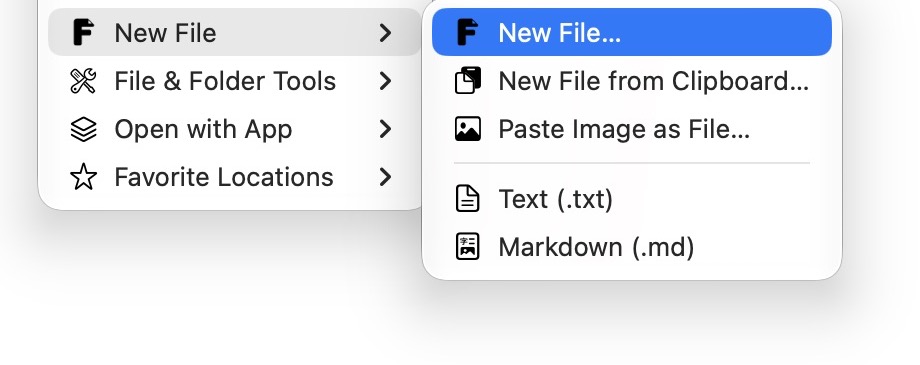
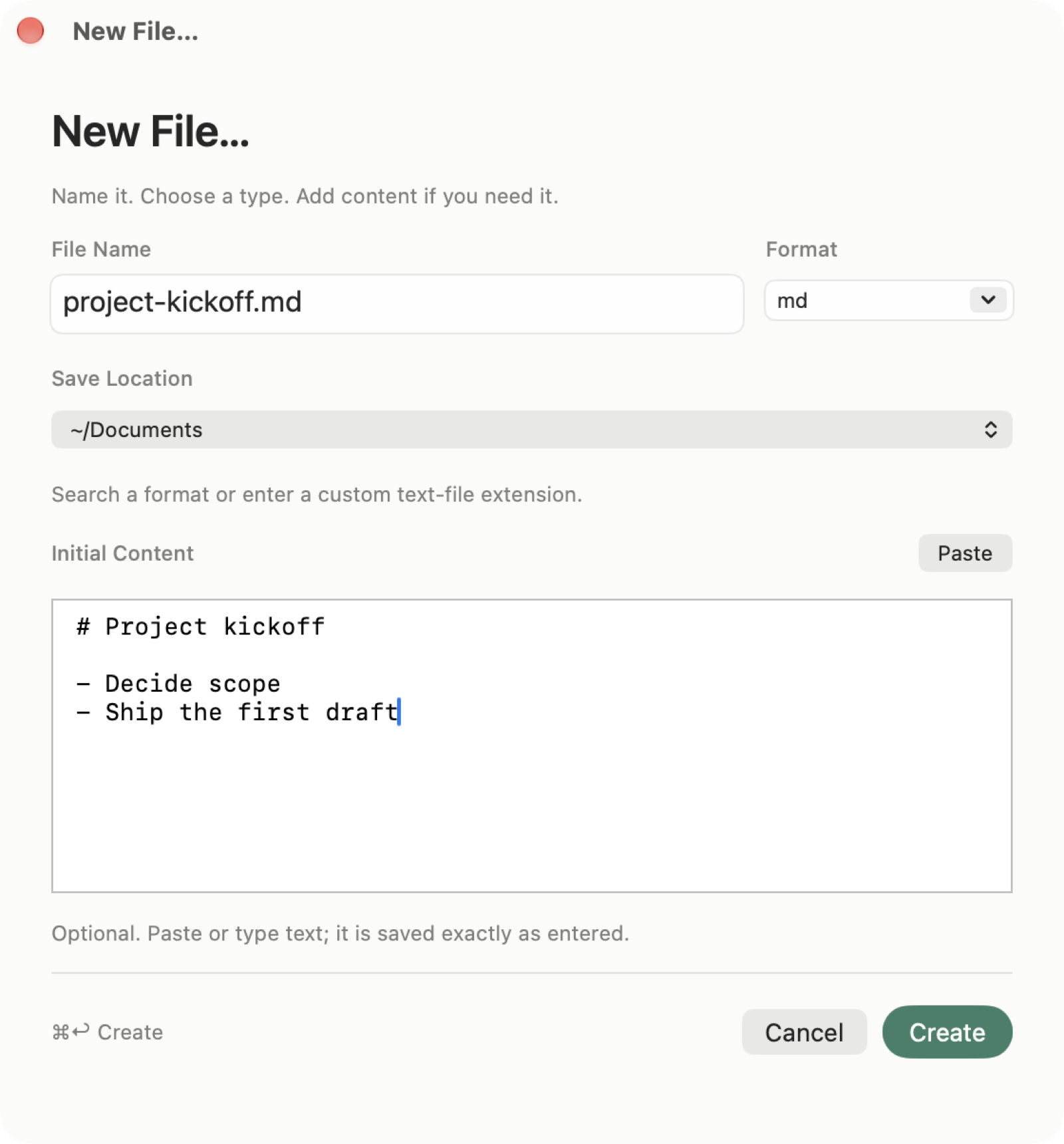
Native macOS Finder extension: create a new file from the right-click menu, use templates, batch rename, verify checksums, compress images and run OCR. Mac 右键新建文件、模板、批量重命名、校验、图片压缩与 OCR。
Screenshots

How to install FileMint on a Mac
- Get OpenDMG. It is a free app store for open source Mac apps. Download OpenDMG.
- Search for FileMint and press Get. OpenDMG downloads version 0.8.2 from FileMintApp's own GitHub release.
- Open it. The download is checked against its SHA-256 fingerprint and its signature is checked on your Mac before it lands in Applications.
Updates to FileMint show up in OpenDMG and install with one button. No account is needed.
Prefer to do it by hand? The developer's file is on GitHub: FileMint-0.8.2.dmg (10 MB).
What is new in FileMint 0.8.2
# FileMint 0.8.2

## 更新摘要

在 Finder 右键切换隐藏文件显示,也能单独管理 FileMint 保存的文件夹授权。

- 新增「切换隐藏文件显示」,效果与 Finder 的 Command-Shift-句点相同。
- 「文件访问」集中查看、添加和移除目录授权,和 Finder 菜单范围分开设置。
- 随包提供快捷指令和启动器的初版入口,可打开文件草稿或快捷搜索。

## 开始使用

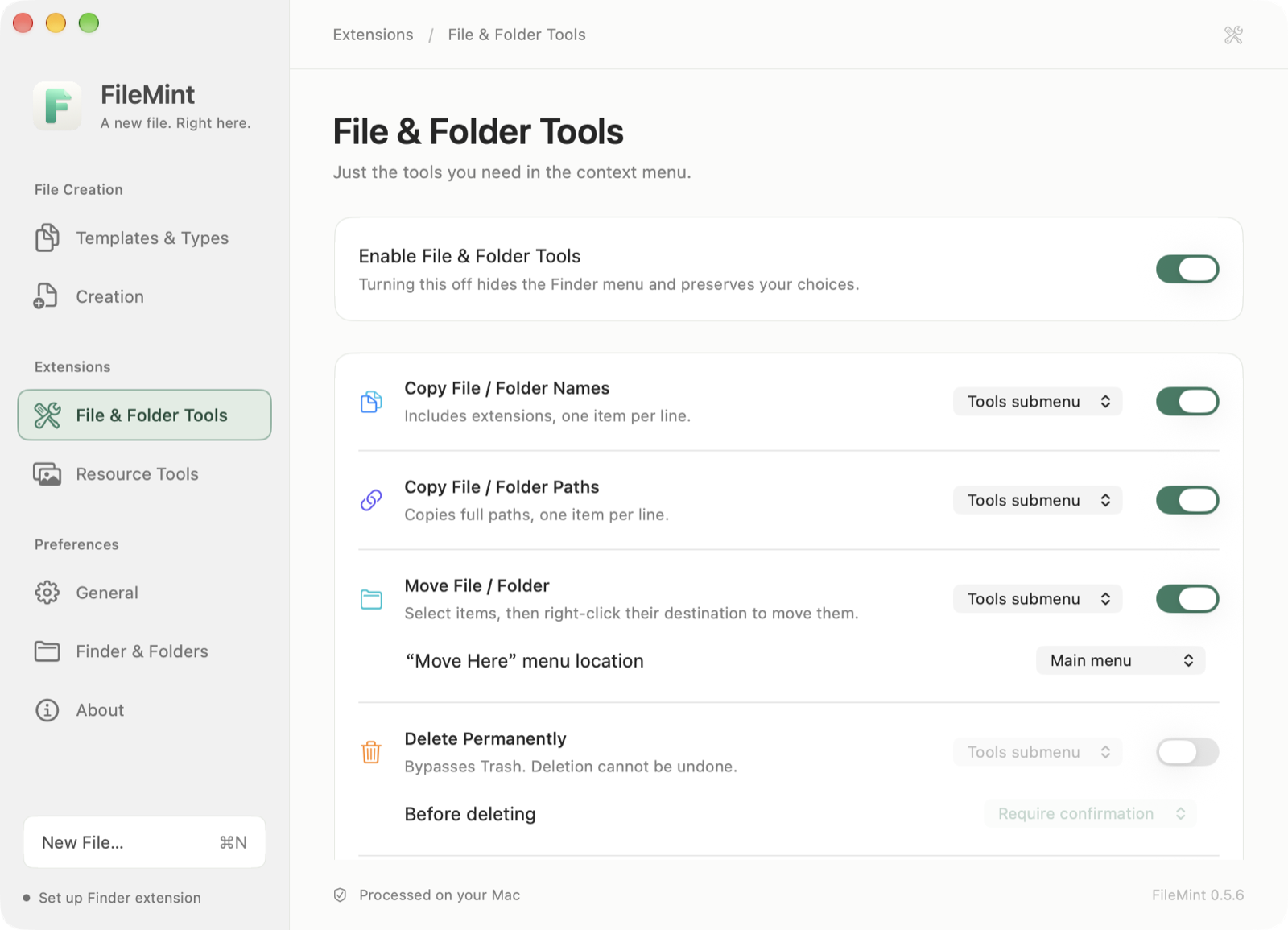
在「扩展功能 → 文件(夹)工具」打开总开关和「切换隐藏文件显示」,再在 Finder 的桌面或已配置目录右键使用。首次使用按提示在 macOS 的「设备控制和数据访问」(macOS 27 及以上)或「辅助功能」(较早版本)允许 FileMint 发送快捷键,退出并重开 FileMint 后再点一次命令。

在「偏好设置 → 文件访问」为主文件夹或工作目录保存读写授权,也可以在操作需要时按提示授权。在「Finder 与文件夹」选择右键菜单出现的位置。

在 macOS 13.3 或更新版本上,从「扩展功能 → 快捷指令」设置「打开文件草稿」或「显示快捷搜索」,或从「扩展功能 → 启动器」导出 Raycast 脚本、复制链接。[快捷指令与启动器指南](https://github.com/FileMintApp/FileMint/blob/v0.8.2/docs/SHORTCUTS_AND_LAUNCHERS.zh-CN.md)说明如何配置。

## 详细改进

- **隐藏文件显示**:在右键空白处或选中项目时都可切换 Finder 的显示状态,包括以点号开头的文件;不会修改文件或文件夹的隐藏属性。此工具默认关闭。
- **目录授权**:在实际操作时复用有效的文件夹授权,例如拷贝子目录内的文本文件。移除已保存的授权不会删除文件或改变 Finder 菜单范围。
- **拷贝文件内容**:成功拷贝文本后不再弹窗,失败时仍给出提示。
- **快捷指令与启动器初版**:从外部带入名称、模板、位置和文本,核对草稿后点击「创建」才保存文件。Raycast 需另行安装并在其设置中添加脚本目录。FileMint 可管理已导出或明确选中的脚本。

## 升级须知

正式包支持运行 macOS 13.0 或更新版本的 M 系列 Mac,不含 Intel 代码。只有快捷指令与启动器接入需要 macOS 13.3 及以上。已有模板、偏好和保存的授权沿用;macOS 仍可要求重新授权。可通过「关于 → 检查更新 → 更新并重启」升级,或下载 DMG 手动安装。0.5.7/0.5.8 用户仍需手动安装 0.5.9 或更新版本一次。

## Highlights

Toggle hidden files from Finder and manage saved folder access separately from menu locations.

- Toggle Hidden Files works like Command-Shift-Period in Finder.
- File Access lets you review, add and remove saved directory grants in one place.
…
More System Tools apps
-
 PearcleanerApp Cleaner and Uninstaller Tool
-
 PureMacFree open-source system cleaner with privacy protection
-
 OpenInTerminalFinder toolbar tool for opening the current folder in a terminal
-
 DockDoorWindow peeking for macOS
-
 DigUpSemantic search app that finds files by their contents
-
 LatestApp update checker that notifies you of available updates for installed applications