
File Island for Mac
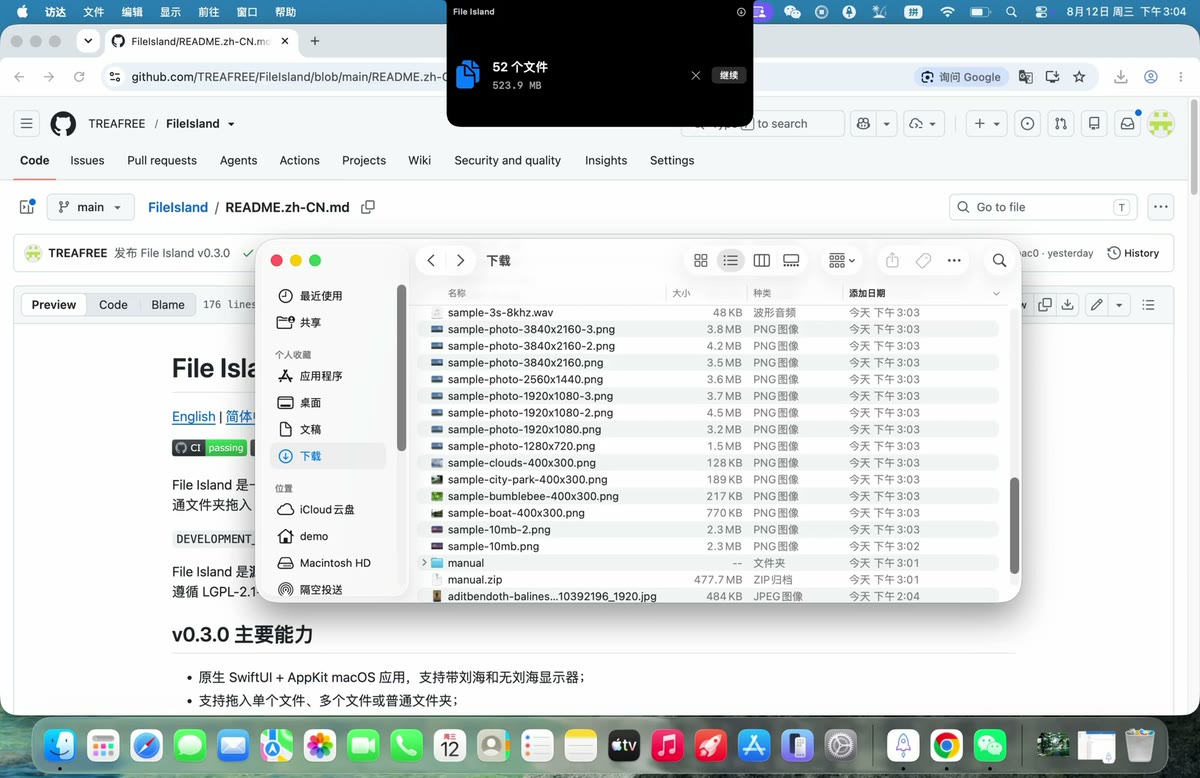
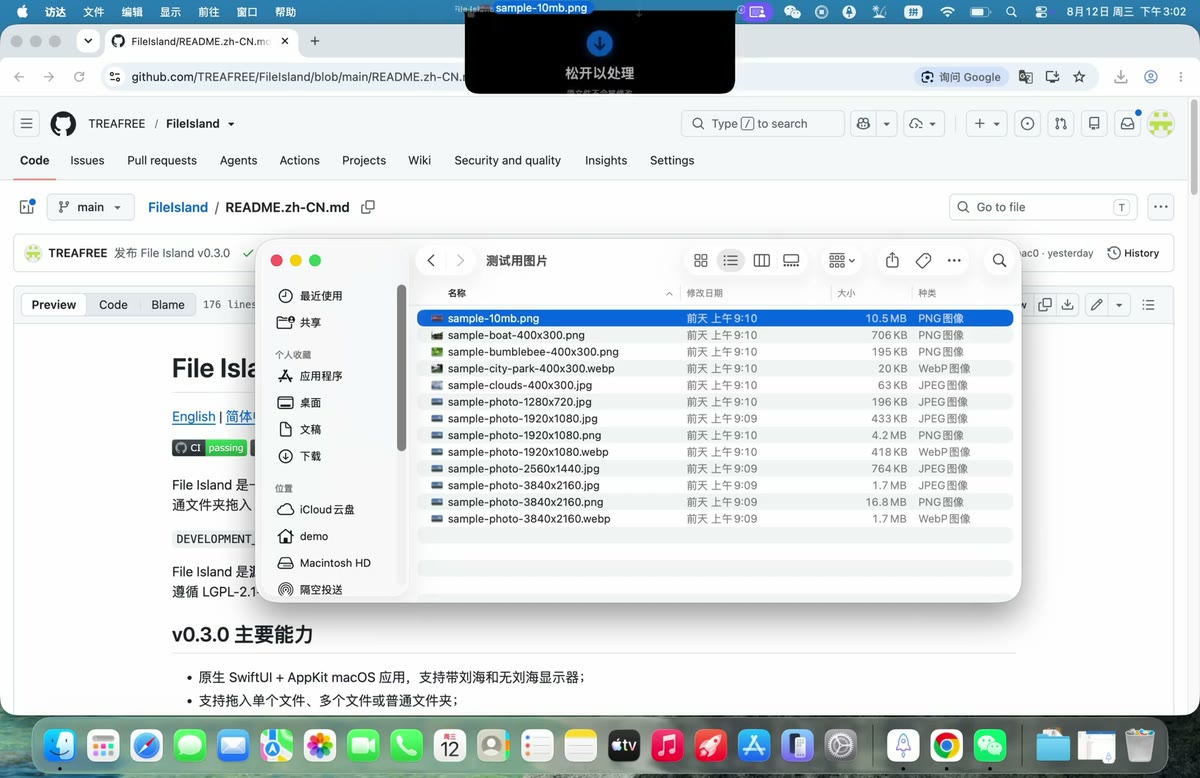
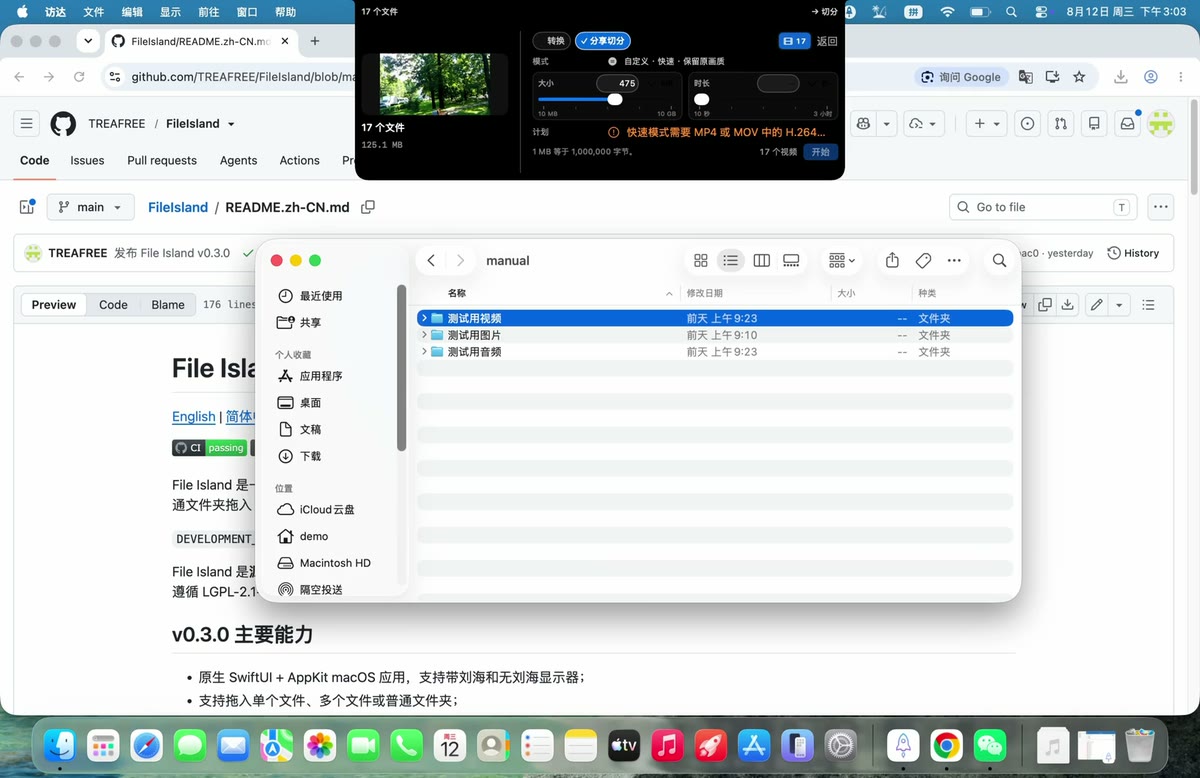
Convert images, videos, audio, and entire folders locally by dragging them to the top of your screen.
By TREAFREE. Free and open source.
File Island at a glance
- Version
- 0.3.3
- Released
- 13 August 2026
- Download size
- 14 MB
- Works on
- Apple silicon and Intel
- Category
- Utilities
- Developer
- TREAFREE
- GitHub stars
- 2
About File Island
Local-first macOS media converter for images, video, audio, mixed folders, and fast sharing splits — right from the notch.
Screenshots
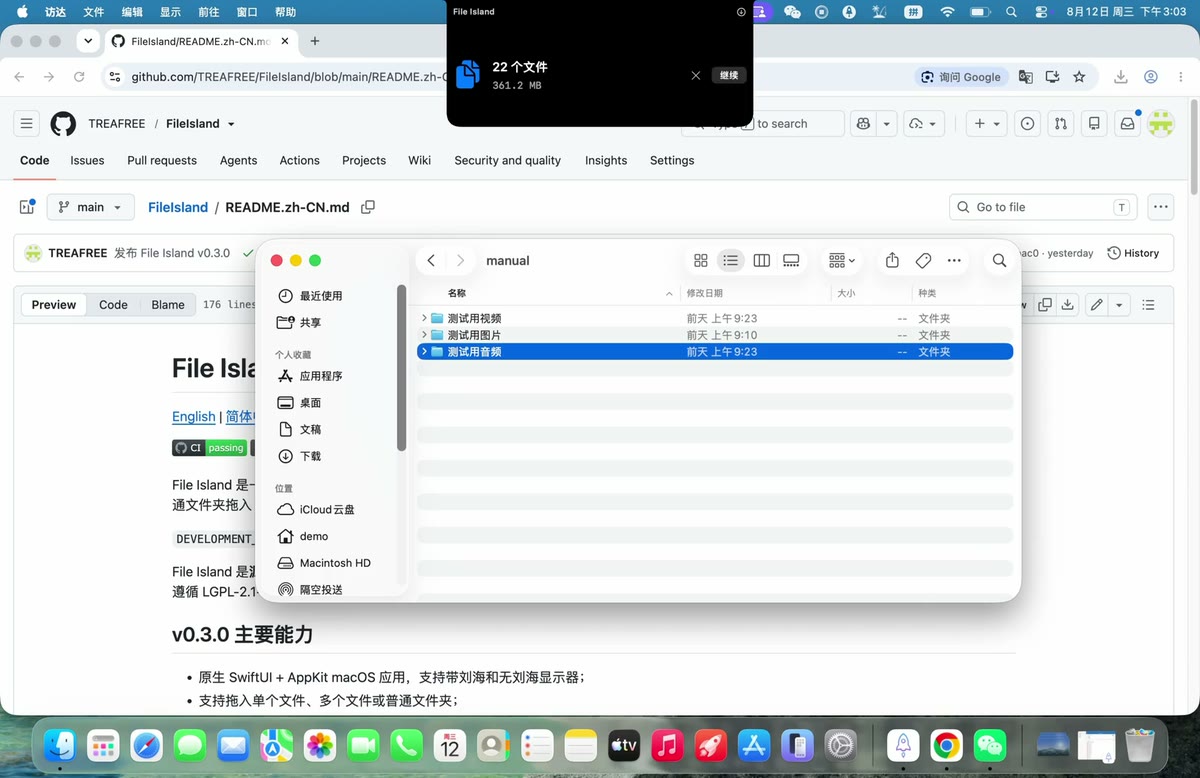
How to install File Island on a Mac
- Get OpenDMG. It is a free app store for open source Mac apps. Download OpenDMG.
- Search for File Island and press Get. OpenDMG downloads version 0.3.3 from TREAFREE's own GitHub release.
- Open it. The download is checked against its SHA-256 fingerprint and its signature is checked on your Mac before it lands in Applications.
Updates to File Island show up in OpenDMG and install with one button. No account is needed.
Prefer to do it by hand? The developer's file is on GitHub: FileIsland-0.3.3-unsigned.dmg (14 MB).
What is new in File Island 0.3.3
# File Island 0.3.3 — unsigned early access

File Island 0.3.3 is a focused reliability update for the native conversion-result shelf introduced in 0.3.2.

## What changed

- Dragging a converted result no longer triggers the Island's outer Finder input target.
- Output-folder access remains active after the first drag, so the second and later files can be dragged out normally.
- Image results are decoded into real content thumbnails with ImageIO before falling back to Quick Look.
- Newly published JPEG and PNG outputs no longer fall back to generic document icons because of a redundant file-visibility preflight.
- Regression coverage now protects internal-versus-external drag routing, sequential drag sessions, security-scoped output access, and image thumbnail decoding.

## Install

Download `FileIsland-0.3.3-unsigned.dmg` and its checksum, verify it with `shasum -a 256`, open the DMG, and drag **File Island** to **Applications**.

File Island 0.3.3 requires macOS 15 or later. The App contains universal arm64/x86_64 binaries, FFmpeg, ffprobe, the AVFoundation media validator, and its preset catalog. Users do not need Homebrew, Python, Node.js, or a separate media runtime.
…
More Utilities apps
-
 BetterDisplayDisplay management tool with HiDPI scaling, PiP, and EDID controls
-
 VorssaintAn open-source, free, and local toolkit that integrates functions such as preventing…
-
 MosSmooth your mouse's scrolling and reverse the mouse scroll direction
-
 EasydictmacOS instant translator — type/select/screenshot, multi-service, zero setup
-
 OpenHaystackOpen-source tracker for finding Bluetooth devices through Apple's Find My network
-
 KekaKeka is a full featured file archiver, as easy as it can be