
FanShift for Mac
Menu bar fan control that cycles through your own temperature-to-fan-speed curves with a global hotkey.
By KrisWonka. Free and open source, MIT licence.
FanShift at a glance
- Version
- 0.1.0
- Released
- 25 November 2026
- Download size
- 2.1 MB
- Works on
- Apple silicon and Intel
- Licence
- MIT
- Category
- System Tools
- Developer
- KrisWonka
- GitHub stars
- 3
About FanShift
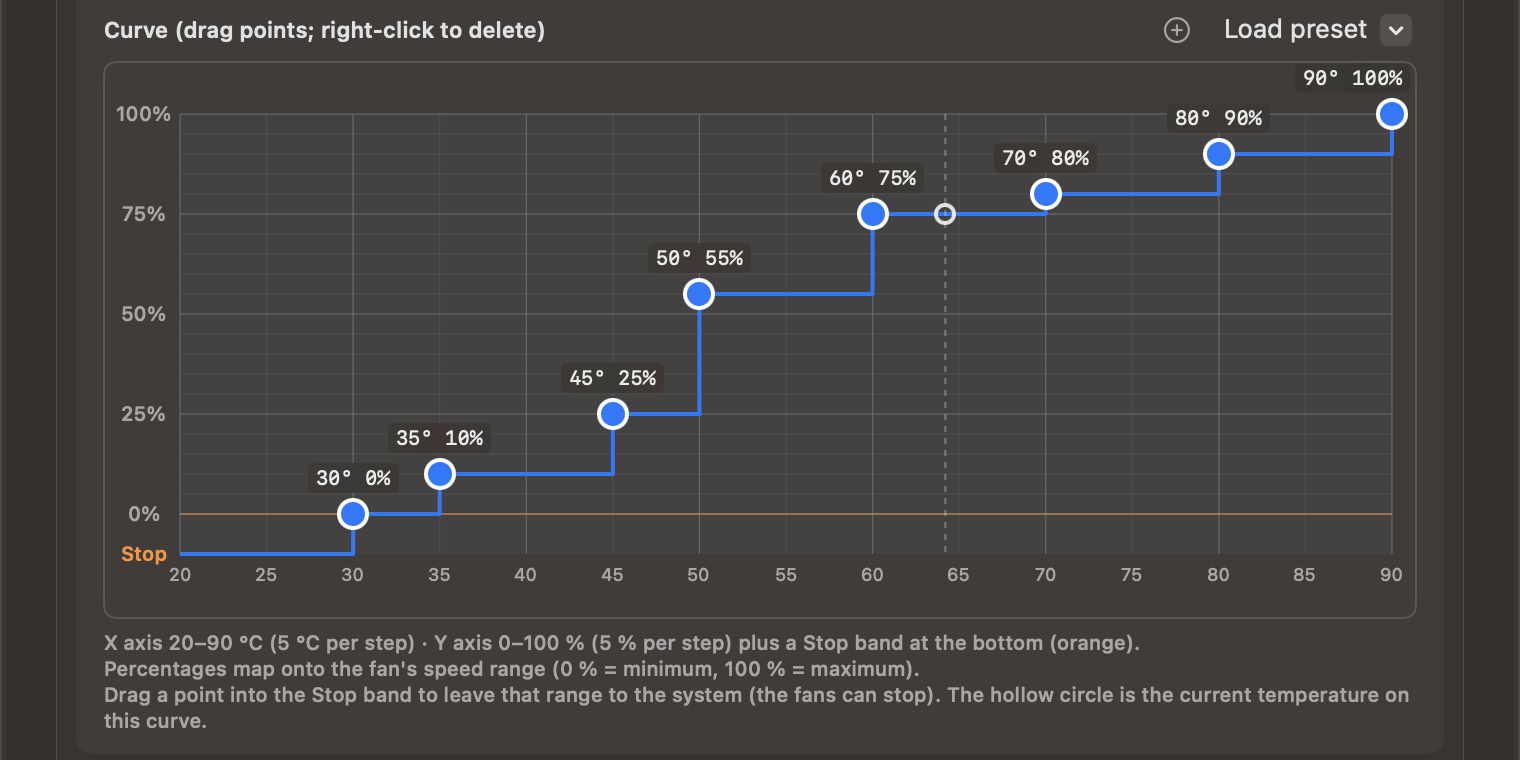
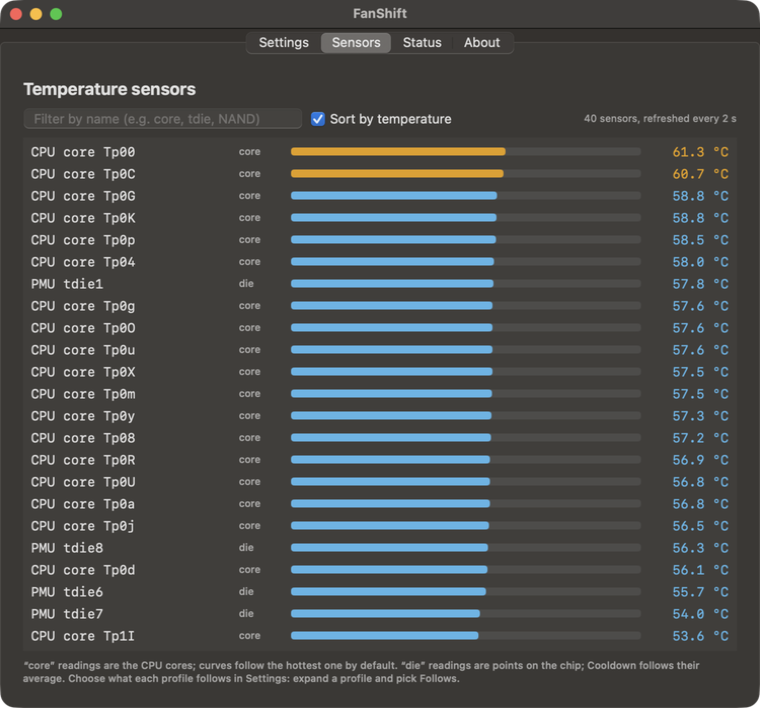
macOS menu bar fan control: cycle fan profiles with a global hotkey, each with its own temperature-to-RPM curve. Talks to the SMC directly.
Screenshots

How to install FanShift on a Mac
- Get OpenDMG. It is a free app store for open source Mac apps. Download OpenDMG.
- Search for FanShift and press Get. OpenDMG downloads version 0.1.0 from KrisWonka's own GitHub release.
- Open it. The download is checked against its SHA-256 fingerprint and its signature is checked on your Mac before it lands in Applications.
Updates to FanShift show up in OpenDMG and install with one button. No account is needed.
Prefer to do it by hand? The developer's file is on GitHub: FanShift-0.1.0.zip (2.1 MB).
What is new in FanShift 0.1.0
First release.

- Cycle fan profiles with a global hotkey (⌃⌥⌘8 by default)
- Draw your own temperature → fan speed curves
- Menu bar readout of temperature and fan speed; click the letter to switch
- Four profile types: Auto, Temperature, Full Blast, Cooldown
- If the app quits or crashes, the fans go back to macOS within 10 seconds

**Install:** download `FanShift-0.1.0.zip`, unzip it, move `FanShift.app` to `/Applications`, then allow it once in System Settings → Privacy & Security → Open Anyway (FanShift is not notarized yet).

Apple Silicon, macOS 14 or later. Tested on a MacBook Pro with M5 Pro (macOS 27). M1–M4 should work but haven't been tested; reports are welcome in [Issues](https://github.com/KrisWonka/FanShift/issues).

---

第一个发布版。用全局快捷键(默认 ⌃⌥⌘8)在风扇档位间循环,曲线自己画;菜单栏显示温度和转速,点字母切档;四种档位:Auto、Temperature、Full Blast、Cooldown;程序退出或崩溃,10 秒内把风扇交还 macOS。

**安装:** 下载 `FanShift-0.1.0.zip`,解压后把 `FanShift.app` 拖进「应用程序」,第一次打开时到「系统设置 → 隐私与安全性」点「仍要打开」(还没做公证)。

需要 Apple 芯片、macOS 14 或更新。已在 M5 Pro 的 MacBook Pro(macOS 27)上测试,M1–M4 应该能用但没测过,欢迎在 Issues 里反馈。

SHA-256 `6a885dddc6833febefad281a1bc32b5d5e1300f383bb7b026759f1e2484fbff1`
More System Tools apps
-
 PearcleanerApp Cleaner and Uninstaller Tool
-
 PureMacFree open-source system cleaner with privacy protection
-
 OpenInTerminalFinder toolbar tool for opening the current folder in a terminal
-
 DockDoorWindow peeking for macOS
-
 DigUpSemantic search app that finds files by their contents
-
 LatestApp update checker that notifies you of available updates for installed applications