

FanPilot for Mac
Apple Silicon fan controller with live temperatures and custom speed rules.
By zyvren. Free and open source, MIT licence.
FanPilot at a glance
- Version
- 1.1
- Released
- 7 November 2026
- Download size
- 7.5 MB
- Works on
- Apple silicon and Intel
- Licence
- MIT
- Category
- System Tools
- Developer
- zyvren
- GitHub stars
- 7
About FanPilot
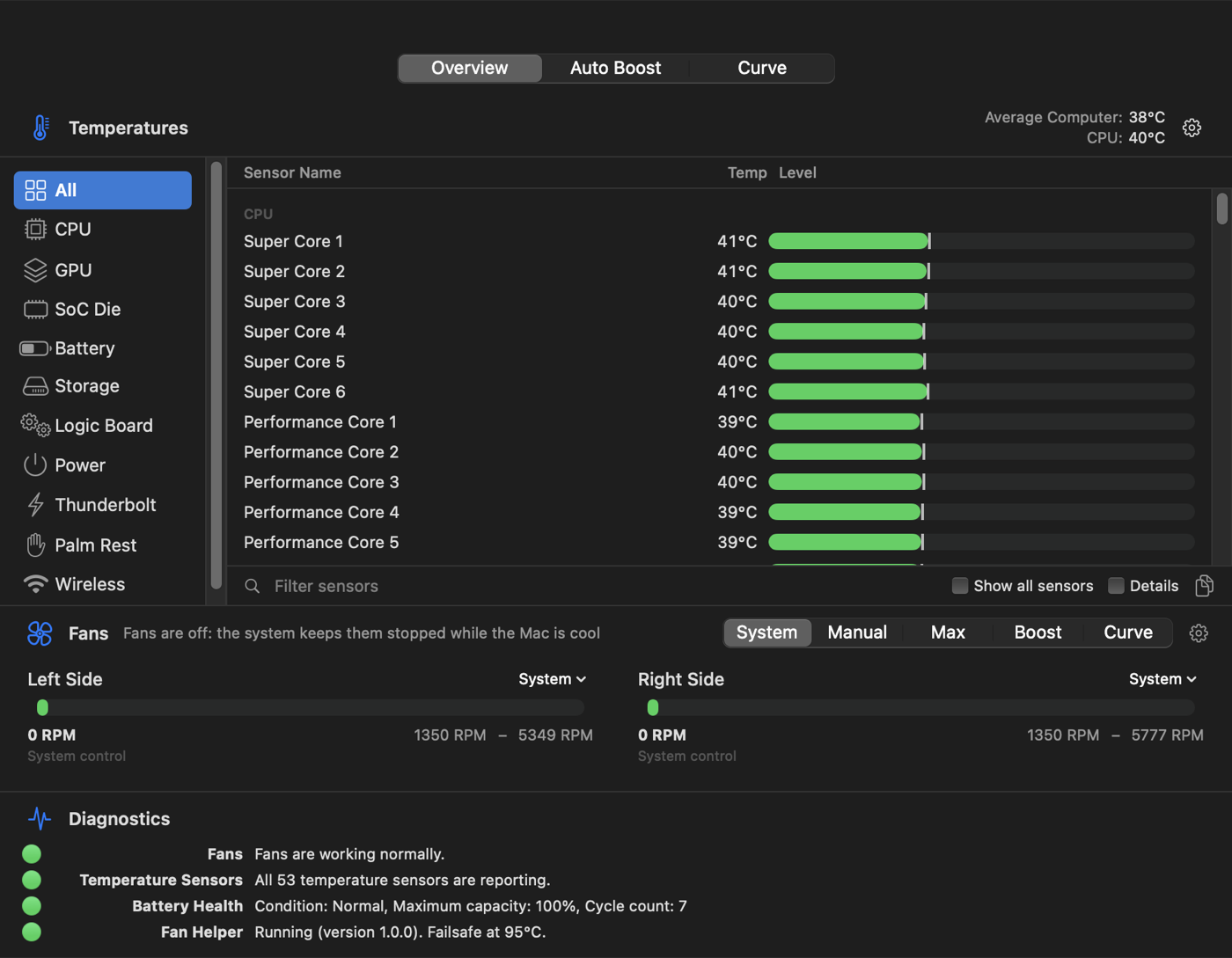
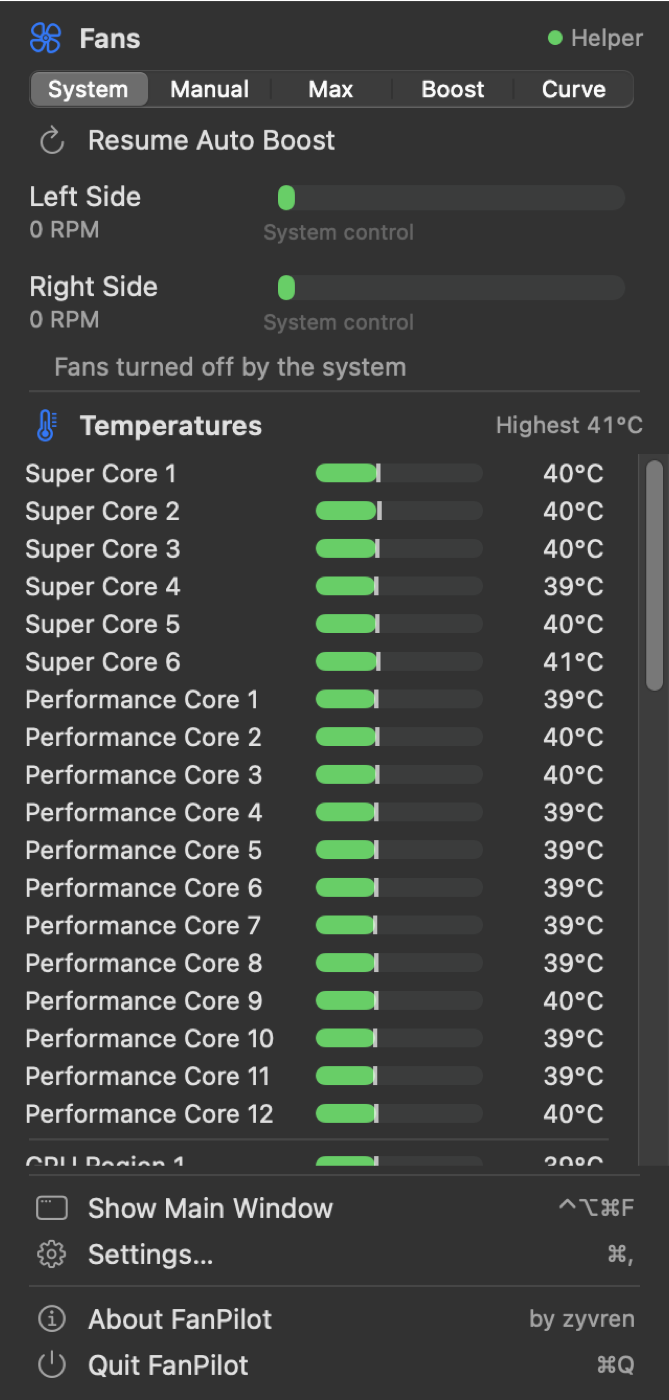
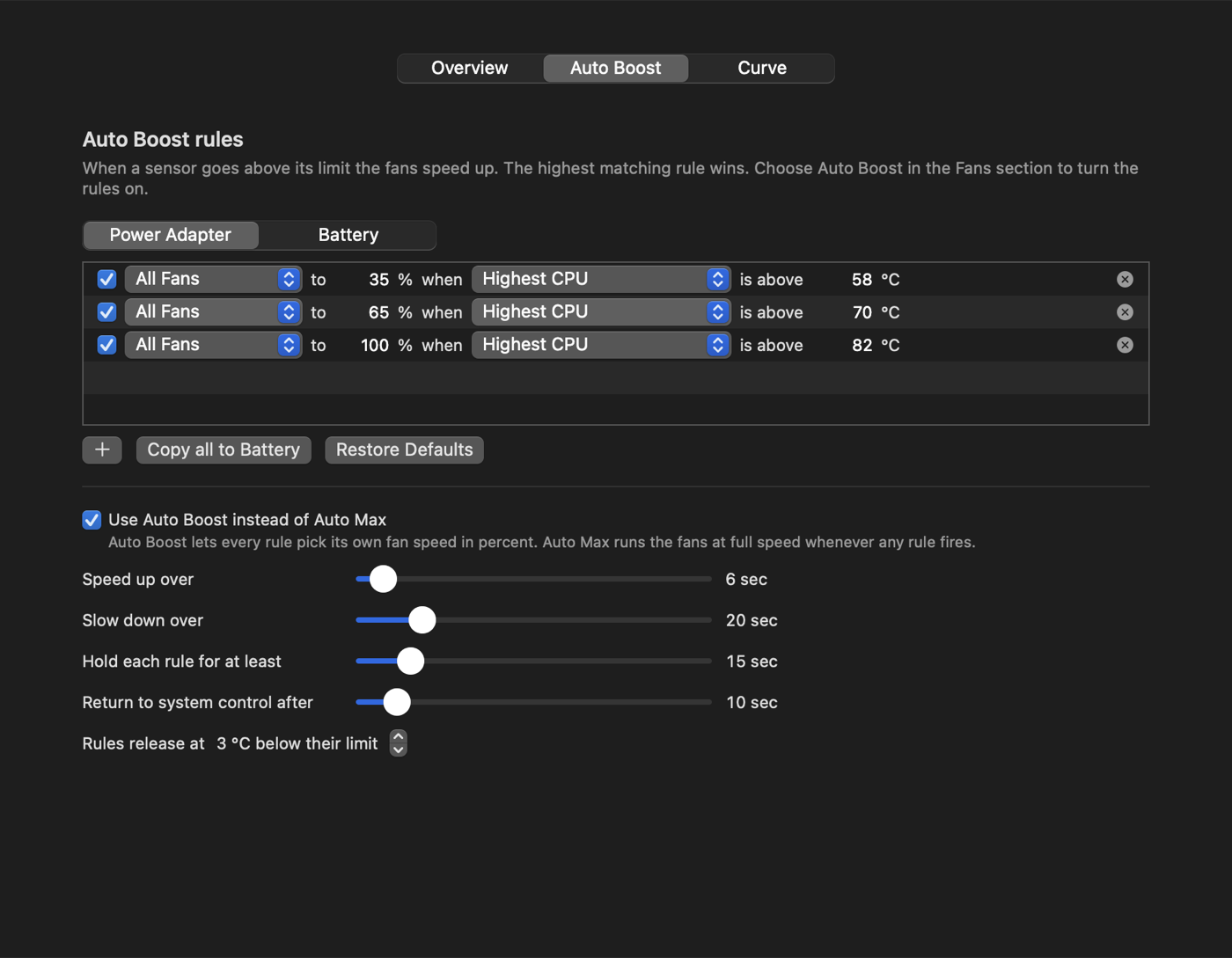
Free, open-source fan control & temperature monitor for Apple Silicon Macs (M1–M5). Menu bar temps, Manual/Max/Auto Boost/curves, fail-safe helper. MIT, no network.
Screenshots

How to install FanPilot on a Mac
- Get OpenDMG. It is a free app store for open source Mac apps. Download OpenDMG.
- Search for FanPilot and press Get. OpenDMG downloads version 1.1 from zyvren's own GitHub release.
- Open it. The download is checked against its SHA-256 fingerprint and its signature is checked on your Mac before it lands in Applications.
Updates to FanPilot show up in OpenDMG and install with one button. No account is needed.
Prefer to do it by hand? The developer's file is on GitHub: FanPilot-1.1.dmg (7.5 MB).
What is new in FanPilot 1.1
## FanPilot 1.1

### New
- **Target mode.** Choose a temperature (80 °C by default) and FanPilot continuously sets the least
 fan speed that holds the hottest CPU, GPU or SoC sensor there, instead of jumping to full speed.
 Below the target the fans go back to macOS. Set it with *Hold at …* under the mode buttons.
- **Updates from the app.** *Check for Updates…* (menu panel, or Settings → About) downloads the
 latest release from GitHub, verifies its SHA-256, replaces FanPilot and relaunches it.
 This is the only network access FanPilot makes, and only when you ask.

### Fixed
- The menu panel left an empty band at the top when its content got shorter (after choosing a mode,
 collapsing a temperature group, a banner going away). It now always fits its content.

### Install
- **From 1.0:** download **FanPilot-1.1.dmg** below and drag it onto Applications (replace the old
 copy). From 1.1 on, updates install from the app.
- First launch: macOS warns that the app is not notarized. Open it once, then
 **System Settings → Privacy & Security → Open Anyway**.
- The fan helper is unchanged; no need to reinstall it.

**Requires:** Apple Silicon Mac (M1 to M5), macOS 14 or later.

SHA-256 of FanPilot-1.1.dmg: `a4c52870ac08b6d8e62dd8721fb0361ac93ced00f5c80263dd05438a91673ccd`
More System Tools apps
-
 PearcleanerApp Cleaner and Uninstaller Tool
-
 PureMacFree open-source system cleaner with privacy protection
-
 OpenInTerminalFinder toolbar tool for opening the current folder in a terminal
-
 DockDoorWindow peeking for macOS
-
 DigUpSemantic search app that finds files by their contents
-
 LatestApp update checker that notifies you of available updates for installed applications