

Everest for Mac
Rewrite selected text in place with a local model via one hotkey.
By kabrapratik28. Free and open source, MIT licence.
Everest at a glance
- Version
- 0.4.1
- Released
- 9 October 2026
- Download size
- 20 MB
- Works on
- Apple silicon and Intel
- Licence
- MIT
- Category
- Artificial Intelligence
- Developer
- kabrapratik28
- GitHub stars
- 3
About Everest
Text improvement mac app
Screenshots

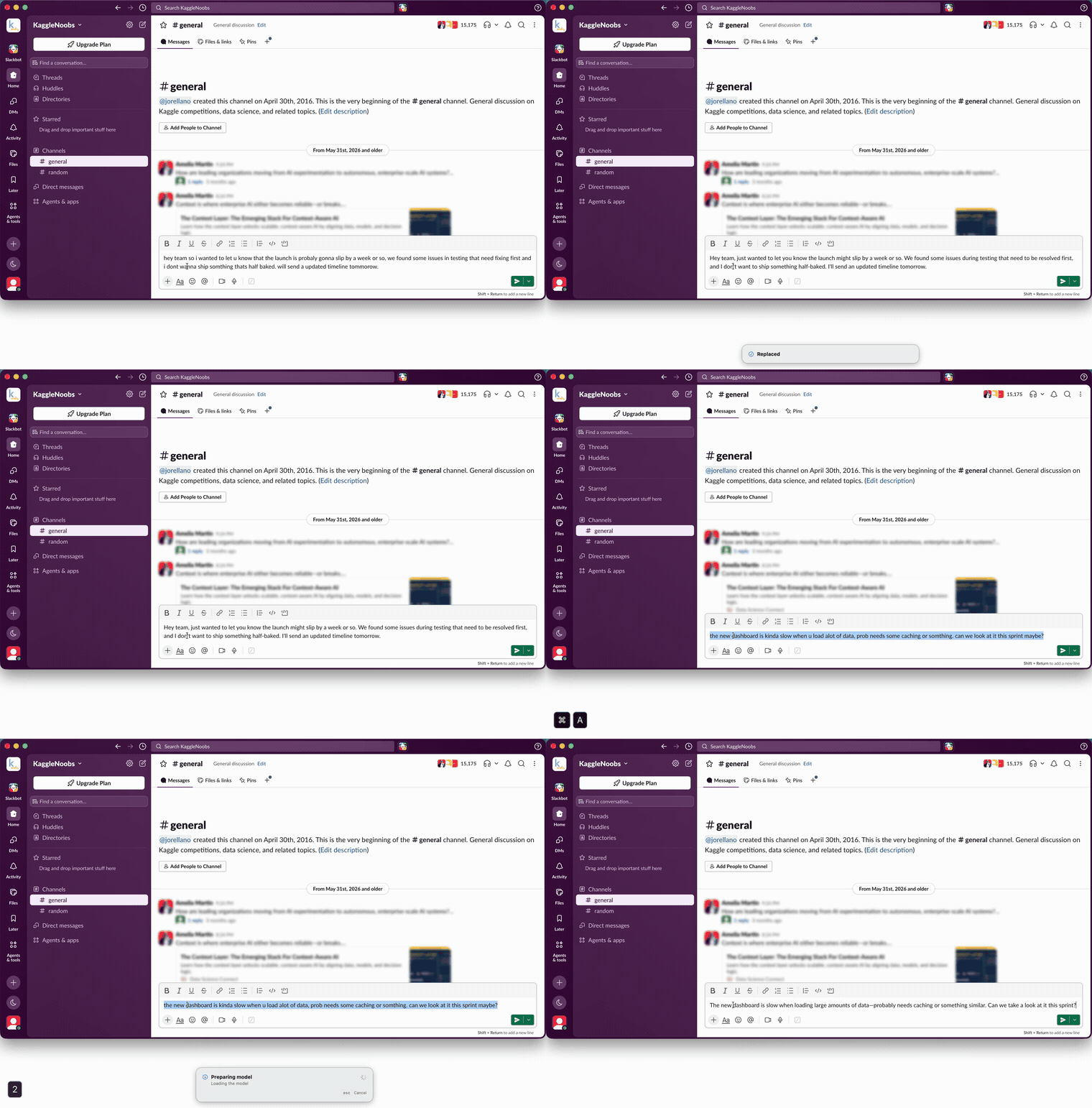
How to install Everest on a Mac
- Get OpenDMG. It is a free app store for open source Mac apps. Download OpenDMG.
- Search for Everest and press Get. OpenDMG downloads version 0.4.1 from kabrapratik28's own GitHub release.
- Open it. The download is checked against its SHA-256 fingerprint and its signature is checked on your Mac before it lands in Applications.
Updates to Everest show up in OpenDMG and install with one button. No account is needed.
Prefer to do it by hand? The developer's file is on GitHub: Everest.dmg (20 MB).
What is new in Everest 0.4.1
**Ollama keeps your model ready.** Everest now asks Ollama to keep the model loaded for 24 hours after each rewrite, instead of Ollama's default 5 minutes. A rewrite after a coffee break no longer waits several seconds while the model reloads. `ollama stop` still unloads it whenever you like.

Signed with Developer ID and notarised by Apple. Installed copies are offered this update automatically.

SHA-256 (Everest.dmg): 12e4b20888e7e802e4cc0835c9b681f514777a98854bc59086e54ea79a04b0ea
More Artificial Intelligence apps
-
 CodexBarShow usage stats for OpenAI Codex and Claude Code, without having to login
-
 CodeBurnTracks token usage, cost, and performance across 25 AI agents with per-task breakdowns
-
 OsaurusLocal LLM server and AI infrastructure with menu bar, CLI, and shared tools
-
 QuotioAI subscription manager with quota tracking and automatic failover
-
 Claude Usage TrackerTrack the usage of Claude Code
-
 VibeProxyMenu bar app to use existing Claude, ChatGPT, and other subscriptions with AI coding…