

EK Bridge for Mac
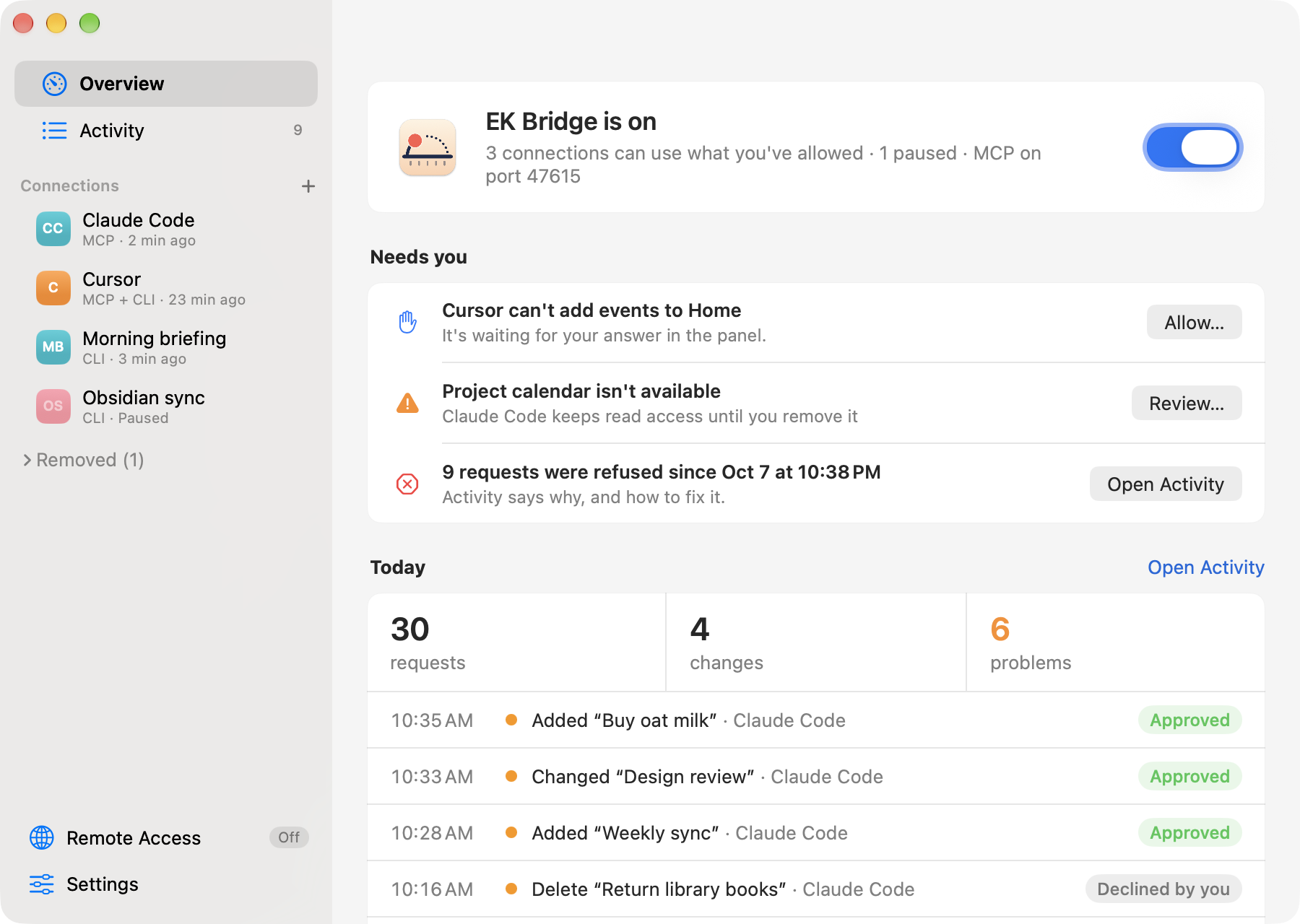
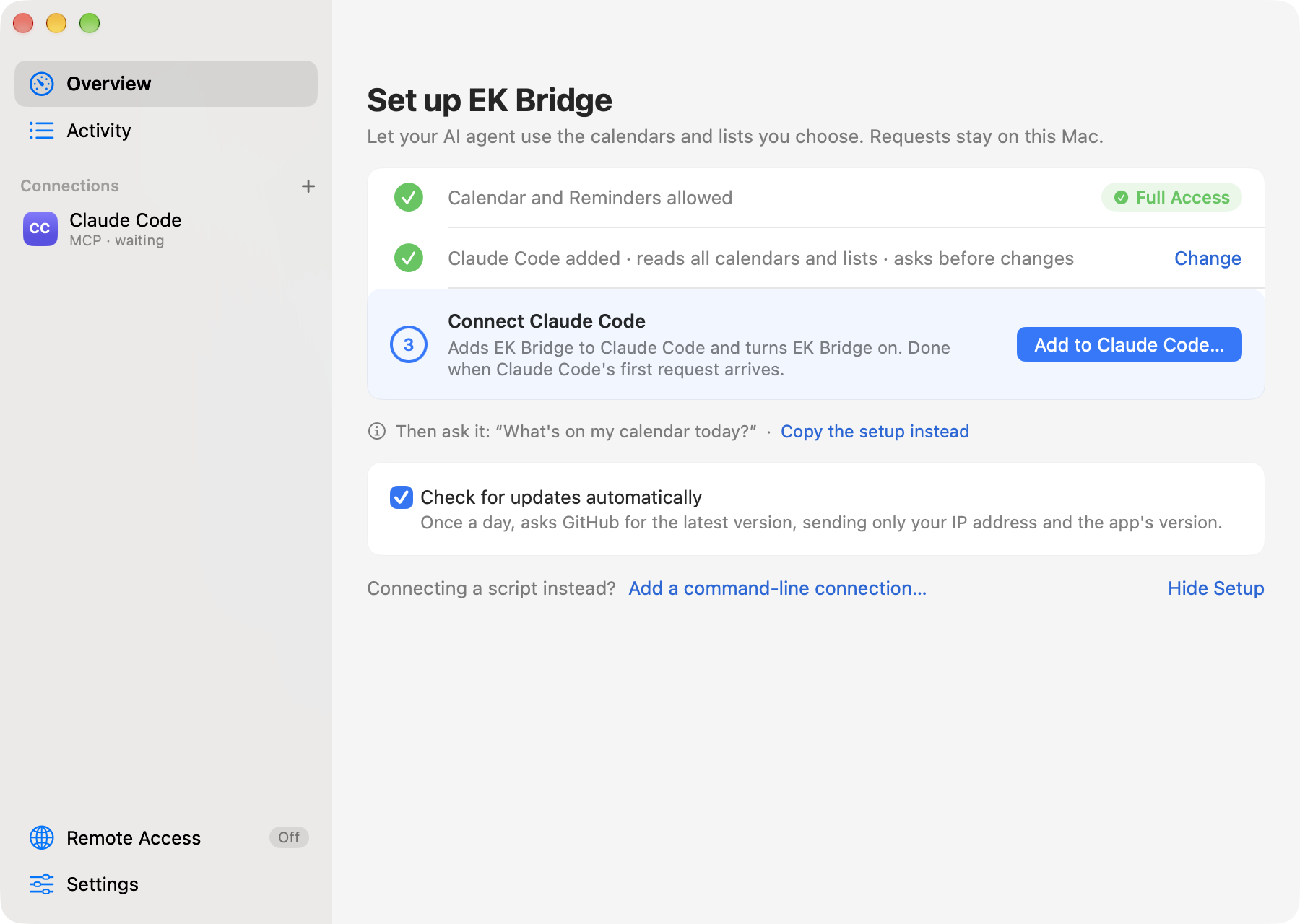
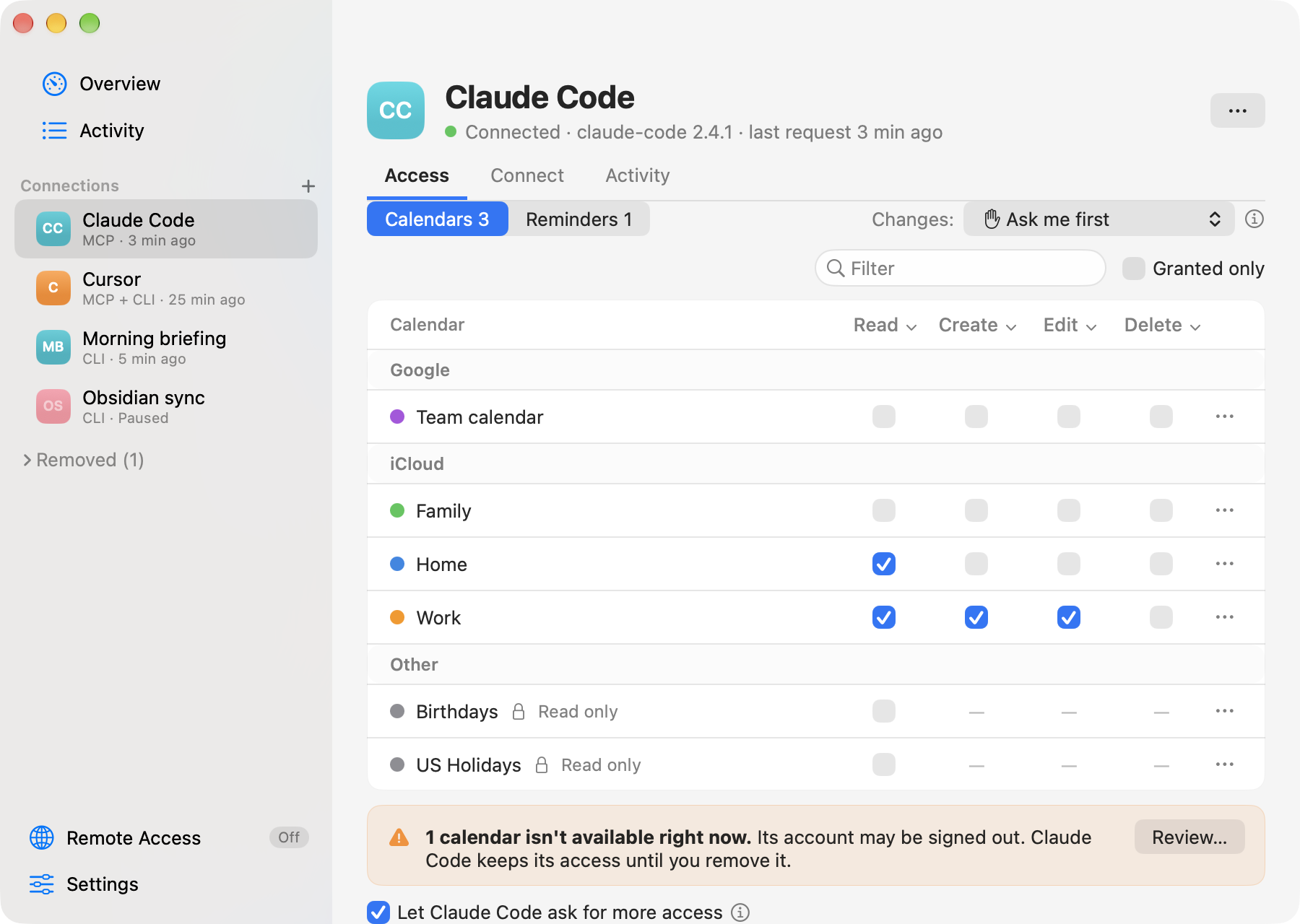
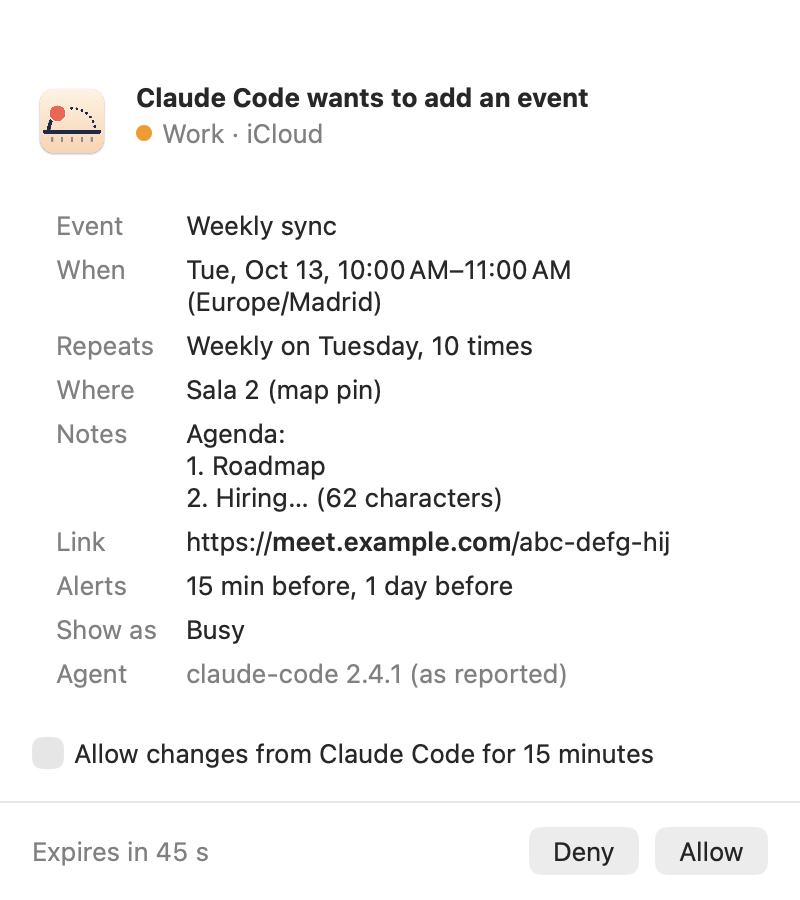
Menu bar bridge for AI agents to access selected calendars and reminders with approval for changes.
By bereciartua. Free and open source, Apache-2.0 licence.
EK Bridge at a glance
- Version
- 0.12.0
- Released
- 21 October 2026
- Download size
- 14 MB
- Works on
- Apple silicon and Intel
- Licence
- Apache-2.0
- Category
- Productivity
- Developer
- bereciartua
- GitHub stars
- 4
About EK Bridge
Scoped Calendar and Reminders access for scripts and AI agents on your Mac: a menu bar app with an MCP server, per-client grants and approvals.
Screenshots
How to install EK Bridge on a Mac
- Get OpenDMG. It is a free app store for open source Mac apps. Download OpenDMG.
- Search for EK Bridge and press Get. OpenDMG downloads version 0.12.0 from bereciartua's own GitHub release.
- Open it. The download is checked against its SHA-256 fingerprint and its signature is checked on your Mac before it lands in Applications.
Updates to EK Bridge show up in OpenDMG and install with one button. No account is needed.
Prefer to do it by hand? The developer's file is on GitHub: EKBridge.dmg (14 MB).
What is new in EK Bridge 0.12.0
Agents need no changes: same tools, ports, files and setups. EK Bridge can now stay light or dark whatever macOS uses, and Remote Access offers to move a Tailscale Funnel setup on port 8443 or 10000 to 443, the only port claude.ai and ChatGPT connect to. The client registry stays at **version 4**, so going back to 0.11.4 works by installing its DMG over this one.

### Added

- **Appearance: Automatic, Light or Dark.** In Settings ▸ General, keep EK Bridge dark while macOS is light, or the other way round. Automatic follows macOS, as before. It covers the window, Settings, approval and access panels, sheets, alerts and the menu bar menu, changes at once and is kept across launches. The same setting as in Funes Vault.
- **Remote Access offers to move a Tailscale Funnel setup on port 8443 or 10000 to 443.** claude.ai and ChatGPT only connect to 443. Setups from 0.11.3's drafts, or on a port picked by hand, showed as **Running**, or got start commands for the old port.
 - Once 443 can take EK Bridge's paths, the Tunnel row says so and shows the four commands that add them to 443, then the ones that turn off the old port's entry.
 - Then **Address ▸ Edit…** changes the address to the one without a port.
 - A setup on `/` of 443 stays as it is.
 - BridgeKit 0.4.1.

## Install
…
More Productivity apps
-
 MaccyLightweight search-as-you-type clipboard manager
-
 AltTabBrings the Windows Alt-Tab functionality to macOS
-
 TinycastLightweight native launcher with app search, clipboard management, window controls, and…
-
 ClipyClipy is a Clipboard extension app for macOS
-
 FSNotesNotes manager for macOS/iOS: modern notational velocity (nvALT) on steroids
-
 OpenDisplayTurn spare Apple devices into second monitors — true extended display over USB or WiFi