

DualClip for Mac
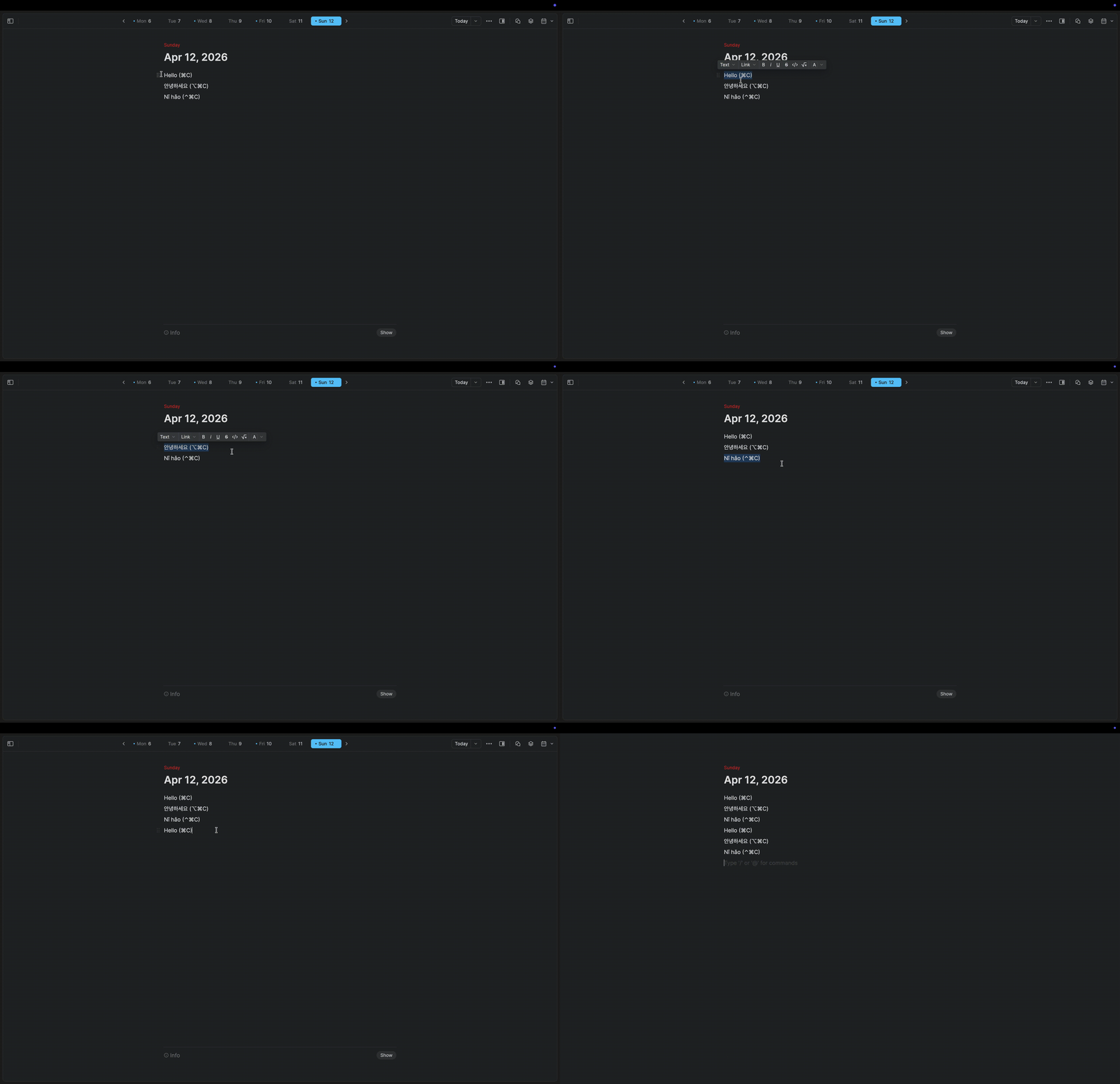
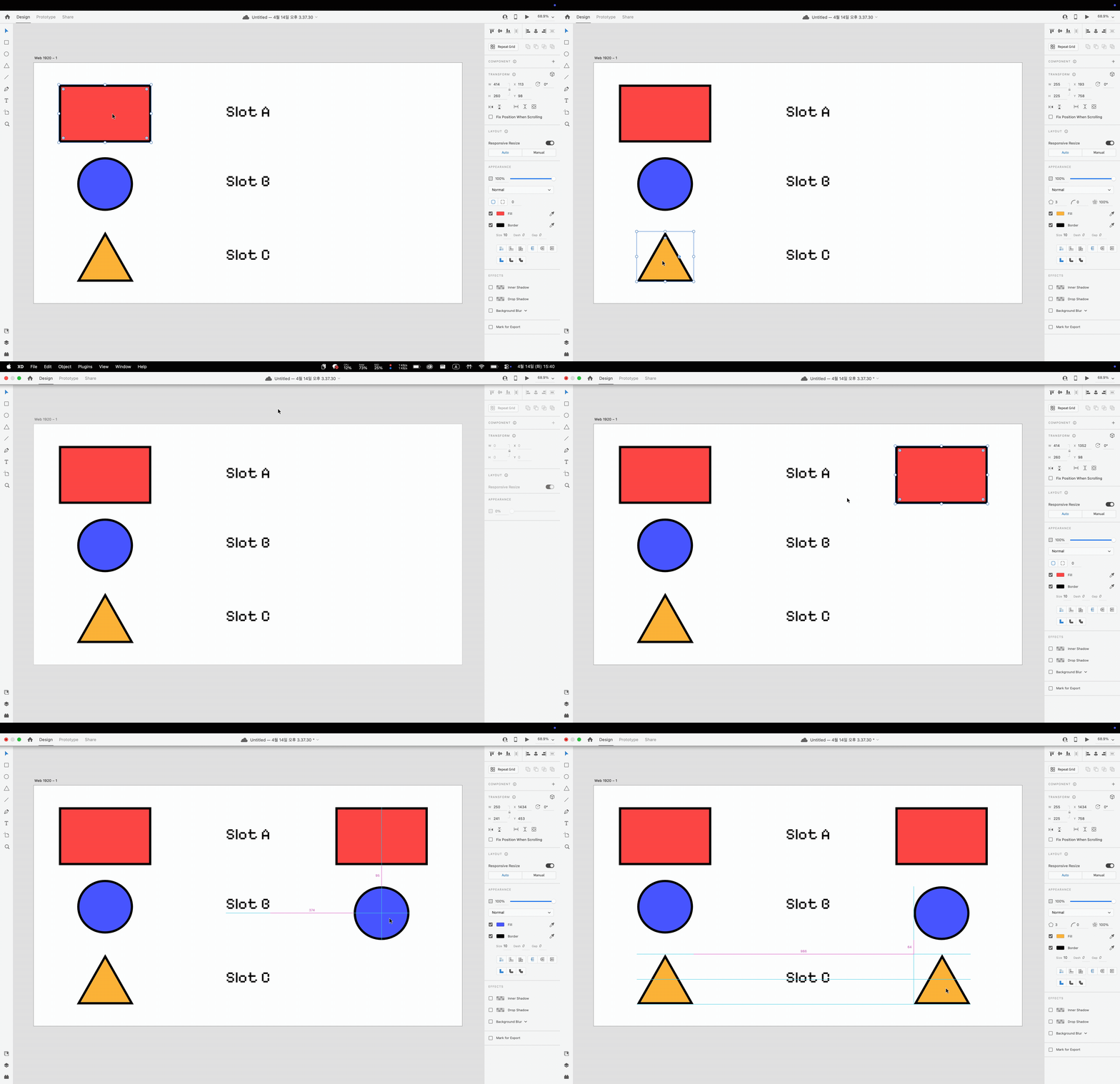
Dual clipboard manager for switching between two independent clipboards.
By RAKKUNN. Free and open source, MIT licence.
DualClip at a glance
- Version
- 1.3.0
- Released
- 28 July 2026
- Download size
- 505 KB
- Works on
- Apple silicon and Intel
- Licence
- MIT
- Category
- Productivity
- Developer
- RAKKUNN
- GitHub stars
- 6
About DualClip
A lightweight macOS app for multi-slot clipboard management
Screenshots
How to install DualClip on a Mac
- Get OpenDMG. It is a free app store for open source Mac apps. Download OpenDMG.
- Search for DualClip and press Get. OpenDMG downloads version 1.3.0 from RAKKUNN's own GitHub release.
- Open it. The download is checked against its SHA-256 fingerprint and its signature is checked on your Mac before it lands in Applications.
Updates to DualClip show up in OpenDMG and install with one button. No account is needed.
Prefer to do it by hand? The developer's file is on GitHub: DualClip-1.3.0-universal.zip (505 KB).
What is new in DualClip 1.3.0
## Installation

### Homebrew (recommended)
```
brew install RAKKUNN/tap/dualclip
```

### Manual
1. Download `DualClip-1.3.0-universal.zip`
2. Unzip and move `DualClip.app` to `/Applications`
3. Grant Accessibility permission when prompted

✅ This build is signed and notarized by Apple.
✅ Universal binary — runs natively on both Apple Silicon and Intel Macs.

**Full Changelog**: https://github.com/RAKKUNN/DualClip/compare/v1.2.6...v1.3.0
More Productivity apps
-
 MaccyLightweight search-as-you-type clipboard manager
-
 AltTabBrings the Windows Alt-Tab functionality to macOS
-
 ClipyClipy is a Clipboard extension app for macOS
-
 TinycastLightweight native launcher with app search, clipboard management, window controls, and…
-
 FSNotesNotes manager for macOS/iOS: modern notational velocity (nvALT) on steroids
-
 OpenDisplayTurn spare Apple devices into second monitors — true extended display over USB or WiFi