

DragLocker for Mac
Enables drag lock so dragging continues even after you release the mouse button.
By taikun114. Free and open source, MIT licence.
DragLocker at a glance
- Version
- 1.0.2
- Released
- 23 August 2026
- Download size
- 4.6 MB
- Works on
- Apple silicon and Intel
- Licence
- MIT
- Category
- Utilities
- Developer
- taikun114
- GitHub stars
- 8
About DragLocker
Use DragLocker to enable drag lock with any mouse connected to your Mac.
Screenshots



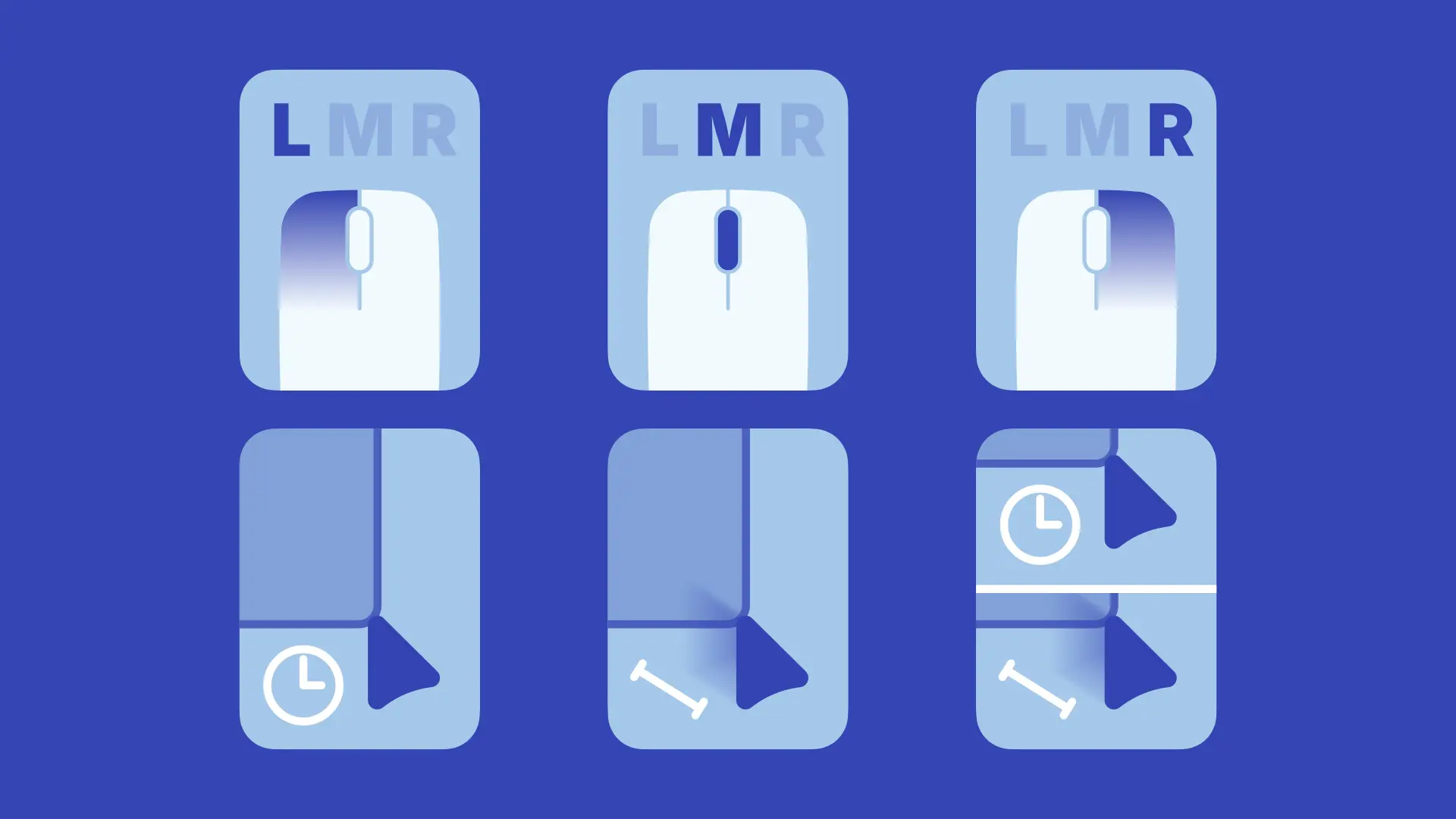
How to install DragLocker on a Mac
- Get OpenDMG. It is a free app store for open source Mac apps. Download OpenDMG.
- Search for DragLocker and press Get. OpenDMG downloads version 1.0.2 from taikun114's own GitHub release.
- Open it. The download is checked against its SHA-256 fingerprint and its signature is checked on your Mac before it lands in Applications.
Updates to DragLocker show up in OpenDMG and install with one button. No account is needed.
Prefer to do it by hand? The developer's file is on GitHub: DragLocker-v1.0.2.dmg (4.6 MB).
What is new in DragLocker 1.0.2
## English

### Bug Fixes and Improvements
- **Fix issue where the "Volume/Brightness OSD" setting was not displayed on macOS Tahoe**

> [!NOTE]
> Due to an oversight on my part, the disk image layout was broken in version 1.0.1, but it has been fixed in this version. My apologies for the inconvenience.

---

## 日本語

### バグ修正と改善
- **macOS Tahoeで「音量・明るさOSD」の設定が表示されなかった問題を修正**

> [!NOTE]
> こちらのミスでバージョン1.0.1のディスクイメージでレイアウトが壊れていましたが、このバージョンで修正しました。失礼しました。
More Utilities apps
-
 BetterDisplayDisplay management tool with HiDPI scaling, PiP, and EDID controls
-
 VorssaintAn open-source, free, and local toolkit that integrates functions such as preventing…
-
 MosSmooth your mouse's scrolling and reverse the mouse scroll direction
-
 EasydictmacOS instant translator — type/select/screenshot, multi-service, zero setup
-
 OpenHaystackOpen-source tracker for finding Bluetooth devices through Apple's Find My network
-
 KekaKeka is a full featured file archiver, as easy as it can be