

DockLens for Mac
Hover a Dock icon to preview its app's windows; switch, close, minimize, or fullscreen them.
By firstfu. Free and open source, GPL-3.0 licence.
DockLens at a glance
- Version
- 1.0.12
- Released
- 9 October 2026
- Download size
- 2.2 MB
- Works on
- Apple silicon and Intel
- Licence
- GPL-3.0
- Category
- Windows and Keyboard
- Developer
- firstfu
- GitHub stars
- 12
About DockLens
Hover a Dock icon to see live thumbnails of its windows. Free, open-source Dock previews for macOS 26+.
Screenshots
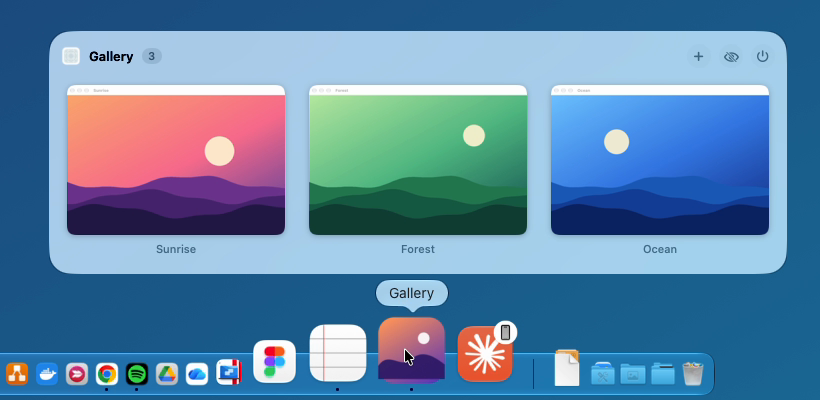
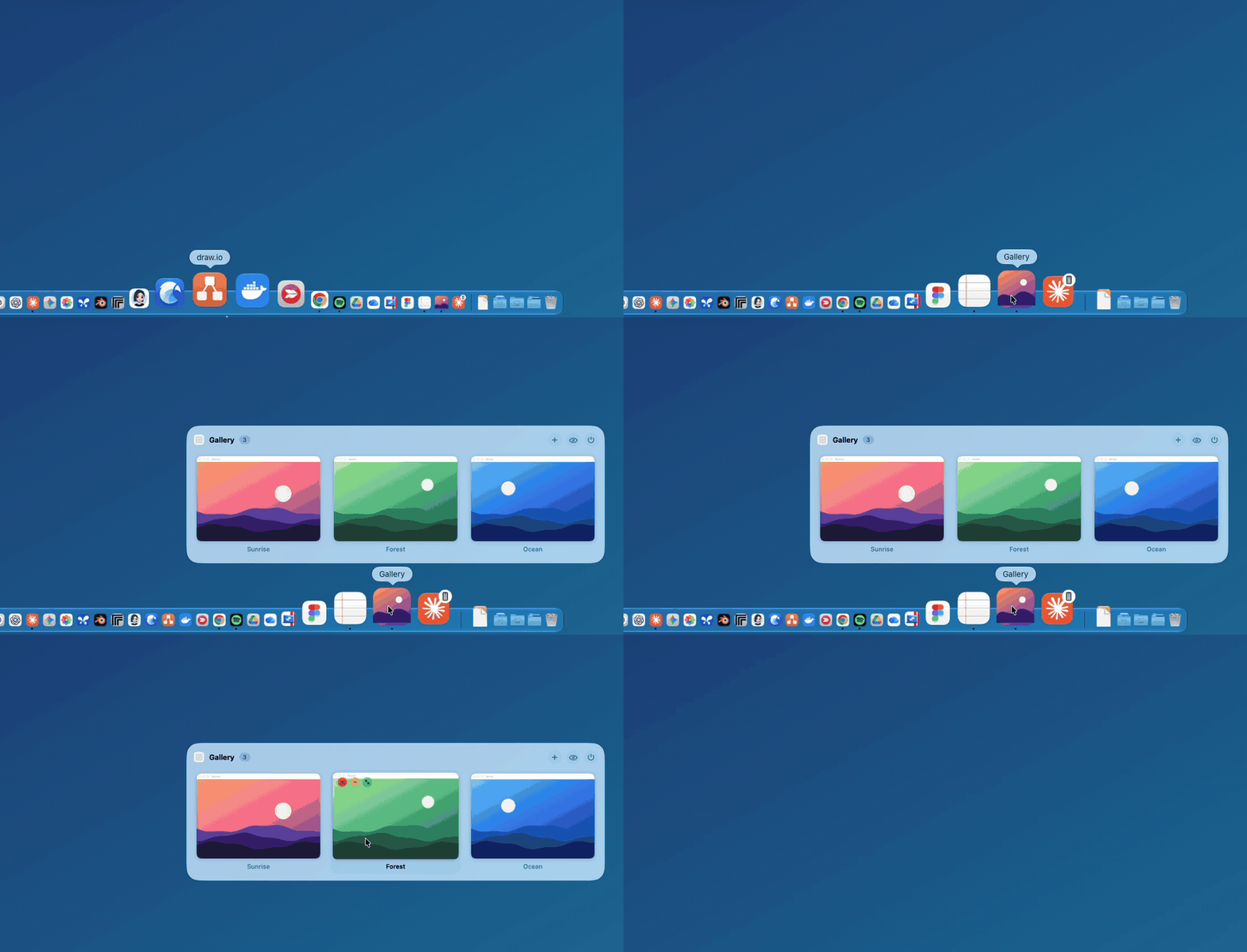
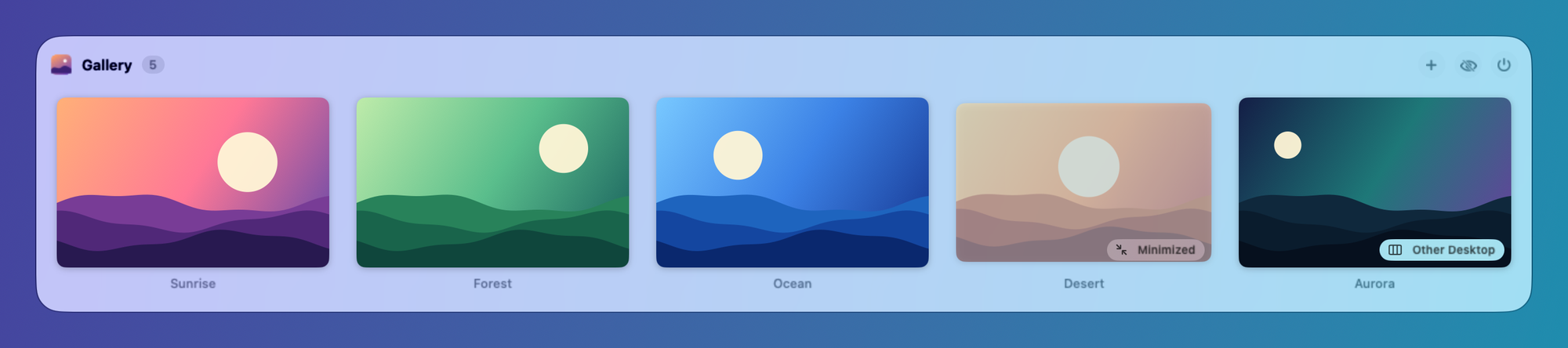
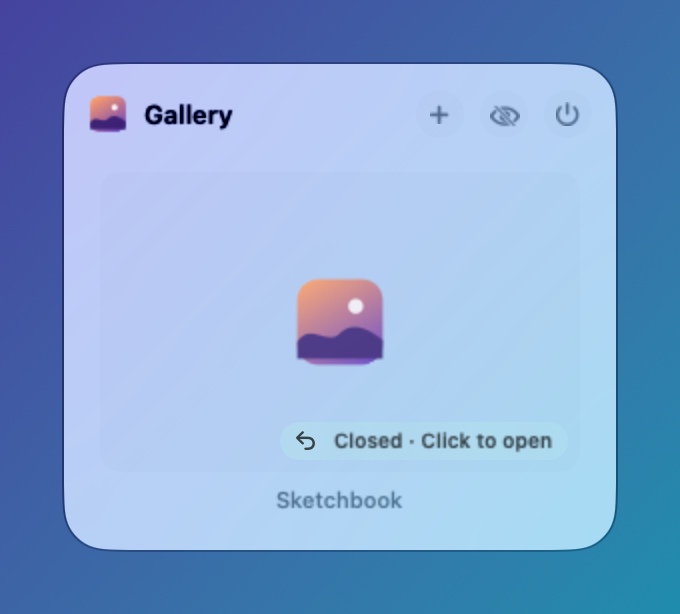
How to install DockLens on a Mac
- Get OpenDMG. It is a free app store for open source Mac apps. Download OpenDMG.
- Search for DockLens and press Get. OpenDMG downloads version 1.0.12 from firstfu's own GitHub release.
- Open it. The download is checked against its SHA-256 fingerprint and its signature is checked on your Mac before it lands in Applications.
Updates to DockLens show up in OpenDMG and install with one button. No account is needed.
Prefer to do it by hand? The developer's file is on GitHub: DockLens.zip (2.2 MB).
What is new in DockLens 1.0.12
**What's new**

- **Redesigned Settings.** The Settings window now uses a sidebar like macOS System Settings: General (app info and updates), Appearance, Behavior, Recently closed and Permissions.
- Permission rows show their status at a glance: green when granted, orange when not.
- No settings were added or removed, and your existing settings are kept.

Updating from 1.0.4 or later keeps your permissions — just click **Open Anyway** once for the new version.

Requires macOS 26 or later. Install steps are in the [README](https://github.com/firstfu/DockLens-app#install).

---

**更新內容**

- **設定頁改版。** 設定視窗改成 macOS「系統設定」式的側邊欄:一般(App 資訊與更新)、外觀、行為、最近關閉、權限。
- 權限列一眼就能看出狀態:已授權為綠色、未授權為橘色。
- 沒有新增或移除任何設定,原本的設定都會保留。

從 1.0.4 以後的版本更新會保留權限,新版只需要再按一次「強制打開」。

需要 macOS 26 以上。安裝步驟見 [README](https://github.com/firstfu/DockLens-app#install)。

SHA-256: `5430af626370ac56b8872aec965c4db7b80b03016e98d6c80d113f1b9a0595f2`
More Windows and Keyboard apps
-
 RectangleRectangle is a window manager heavily based on Spectacle, written in Swift
-
 AeroSpaceAeroSpace is an i3-like tiling window manager for macOS
-
 AmethystAutomatic tiling window manager for macOS
-
 LoopWindow management made elegant
-
 FlashSpaceEnhance and replace the native Spaces functionality of macOS
-
 OmniWMA Flexible and Modern Tiling Window Manager