

Dockit for Mac
An application that can dock any window to the edge of the screen.
By XiCheng148. Free and open source, MIT licence.
Dockit at a glance
- Version
- 0.0.4
- Released
- 28 October 2025
- Download size
- 697 KB
- Works on
- Apple silicon and Intel
- Licence
- MIT
- Category
- Windows and Keyboard
- Developer
- XiCheng148
- GitHub stars
- 279
Screenshots
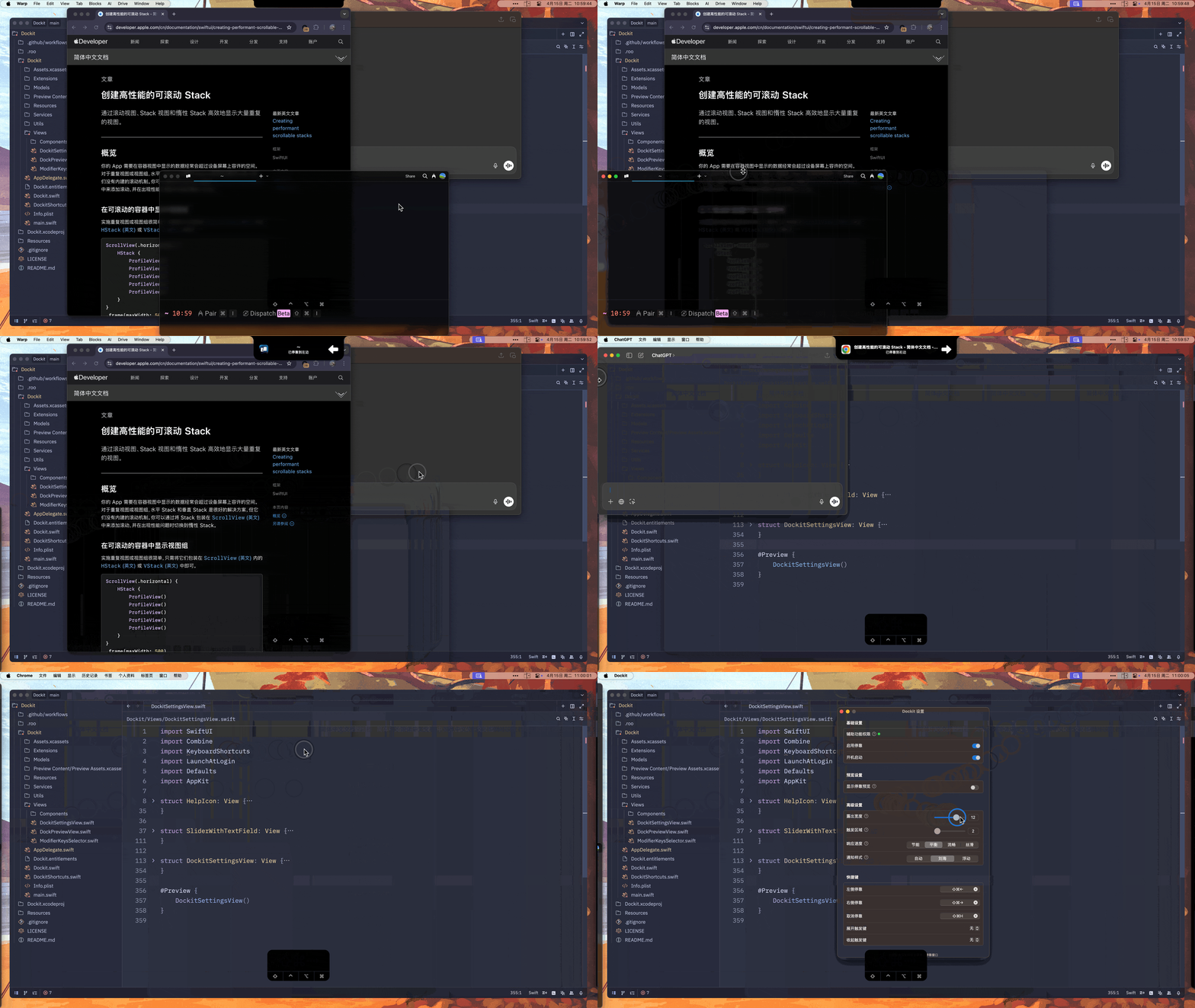
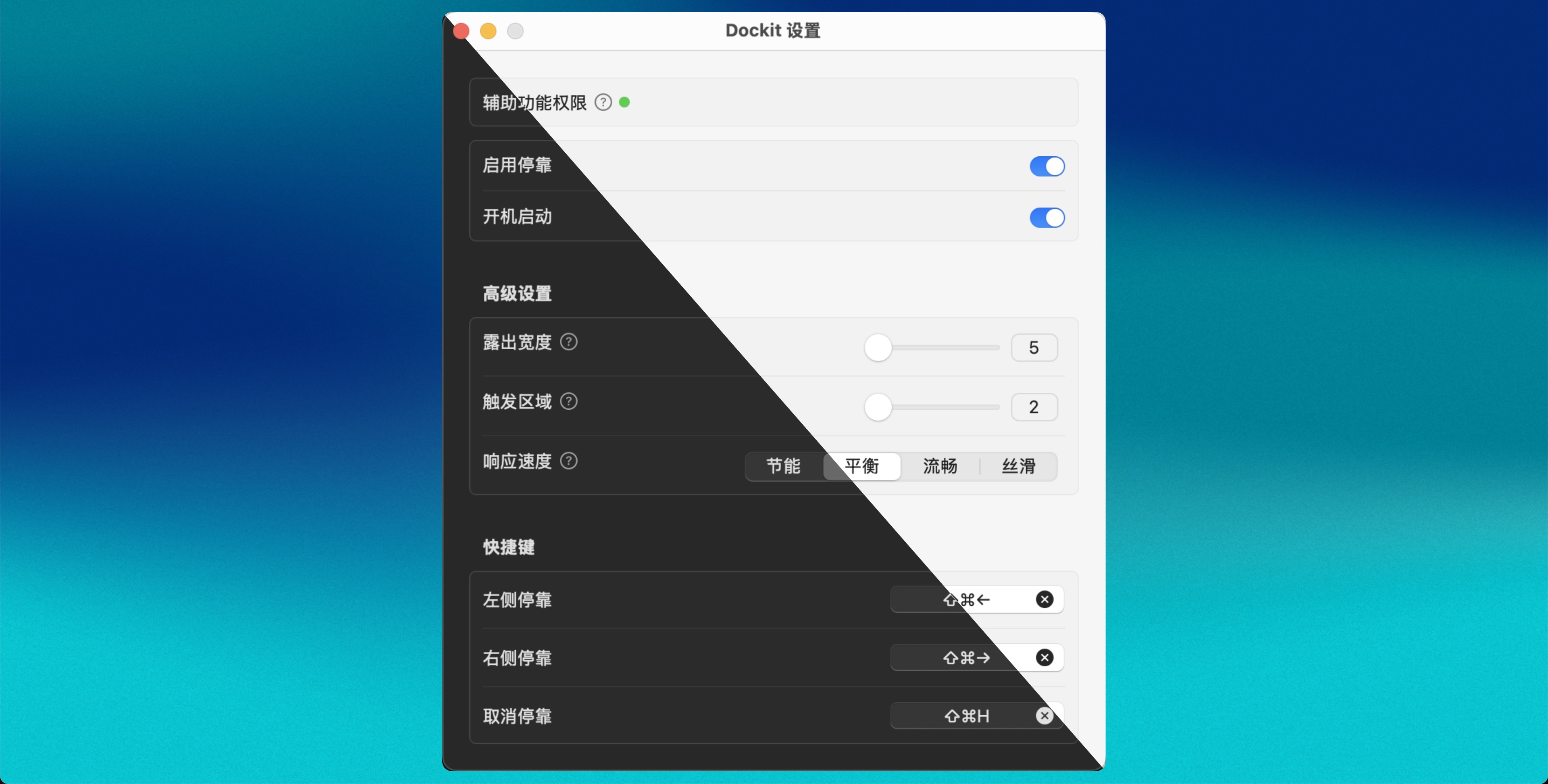
How to install Dockit on a Mac
- Get OpenDMG. It is a free app store for open source Mac apps. Download OpenDMG.
- Search for Dockit and press Get. OpenDMG downloads version 0.0.4 from XiCheng148's own GitHub release.
- Open it. The download is checked against its SHA-256 fingerprint and its signature is checked on your Mac before it lands in Applications.
Updates to Dockit show up in OpenDMG and install with one button. No account is needed.
Prefer to do it by hand? The developer's files are on GitHub: Dockit-ARM.dmg (697 KB), Dockit-Intel.dmg (711 KB).
What is new in Dockit 0.0.4
### Dockit v0.0.4

### 架构说明
- Dockit-Intel.dmg: 适用于 Intel 芯片 (x86_64)
- Dockit-ARM.dmg: 适用于 Apple Silicon 芯片 (arm64)
- 最低支持 macOS 13.5+

### SHA-256 校验和
```
0c7fe3edba17dbbe8f543961f06c9c93efd26f31dd2800d7f117de71547e7081 Dockit-Intel.dmg
0eb6e76561a009056e5bdeba9a0a8b8802cd21b35348c5fe8b07acfb6e62f7fe Dockit-ARM.dmg
```

## What's Changed
* 支持intel芯片 by @yhan219 in https://github.com/XiCheng148/Dockit/pull/16
* ci(workflows): 指定Tuist版本为4.36.0以避免兼容性问题 by @XiCheng148 in https://github.com/XiCheng148/Dockit/pull/18

## New Contributors
* @yhan219 made their first contribution in https://github.com/XiCheng148/Dockit/pull/16

**Full Changelog**: https://github.com/XiCheng148/Dockit/compare/v0.0.2...v0.0.4
More Windows and Keyboard apps
-
 RectangleRectangle is a window manager heavily based on Spectacle, written in Swift
-
 AeroSpaceAeroSpace is an i3-like tiling window manager for macOS
-
 AmethystAutomatic tiling window manager for macOS
-
 LoopWindow management made elegant
-
 FlashSpaceEnhance and replace the native Spaces functionality of macOS
-
 OmniWMA Flexible and Modern Tiling Window Manager