
Dimmerly for Mac
Per-display brightness, warmth, and contrast with presets, schedules, and DDC/CI monitor control.
By olujicz. Free and open source, MIT licence.
Dimmerly at a glance
- Version
- 1.4.2
- Released
- 5 November 2026
- Download size
- 4.2 MB
- Works on
- Apple silicon and Intel
- Licence
- MIT
- Category
- System Tools
- Developer
- olujicz
- GitHub stars
- 2
About Dimmerly
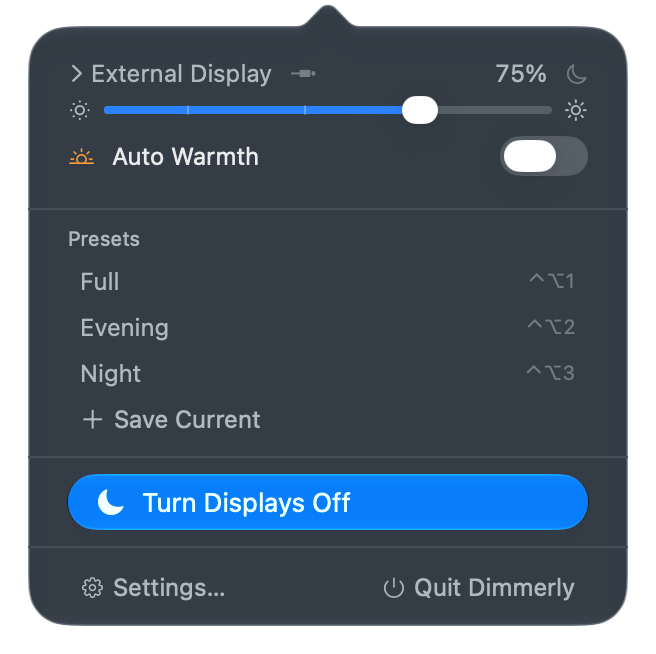
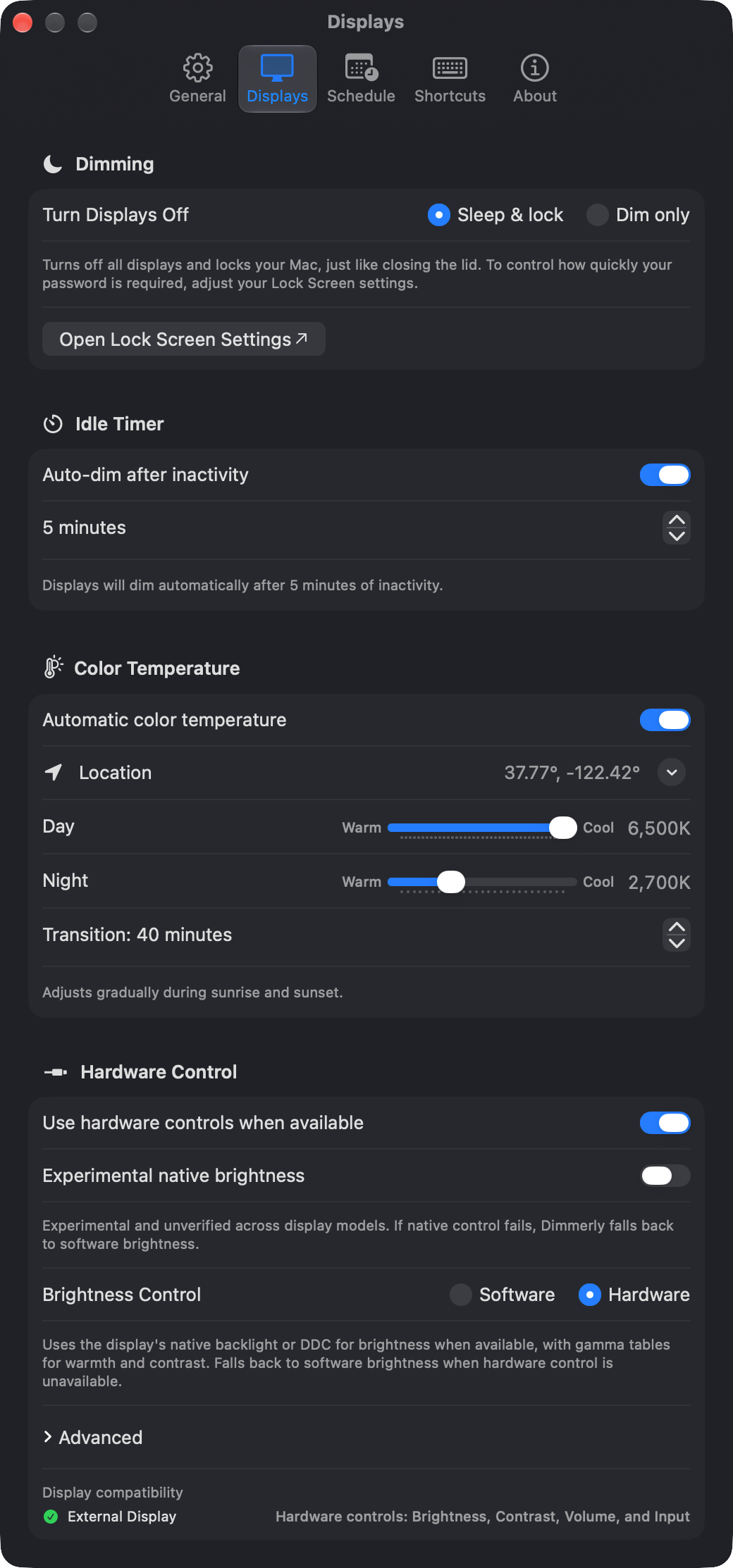
Native macOS menu bar app for display brightness, warmth, presets, schedules, display sleep, and DDC/CI monitor controls.
Screenshots
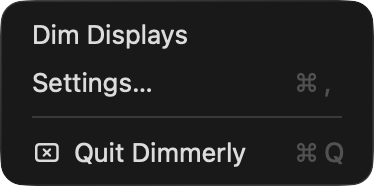
How to install Dimmerly on a Mac
- Get OpenDMG. It is a free app store for open source Mac apps. Download OpenDMG.
- Search for Dimmerly and press Get. OpenDMG downloads version 1.4.2 from olujicz's own GitHub release.
- Open it. The download is checked against its SHA-256 fingerprint and its signature is checked on your Mac before it lands in Applications.
Updates to Dimmerly show up in OpenDMG and install with one button. No account is needed.
Prefer to do it by hand? The developer's file is on GitHub: Dimmerly-1.4.2.dmg (4.2 MB).
What is new in Dimmerly 1.4.2
# Dimmerly 1.4.2

A small fix for the menu bar panel.

**Upgrading from before 1.2.0:** Existing Shortcuts with a specific display selected need that display reselected once after upgrading. Follow the [upgrade instructions](https://dimmerly.olujic.in.rs/support.html#shortcuts-upgrade). Upgrading from 1.2.0 or later does not require repeating this step.

### Fixed
- The menu bar panel grows with its content. Turning on Auto Warmth while the panel is open no longer pushes Settings… and Quit Dimmerly out of view.
More System Tools apps
-
 PearcleanerApp Cleaner and Uninstaller Tool
-
 PureMacFree open-source system cleaner with privacy protection
-
 OpenInTerminalFinder toolbar tool for opening the current folder in a terminal
-
 DockDoorWindow peeking for macOS
-
 DigUpSemantic search app that finds files by their contents
-
 LatestApp update checker that notifies you of available updates for installed applications