
Device Hub Pro for Mac
Mirror, control, and manage Android and iOS devices from your Mac.
By gitemre. Free and open source, MIT licence.
Device Hub Pro at a glance
- Version
- 1.0.0
- Released
- 7 October 2026
- Download size
- 17 MB
- Works on
- Apple silicon and Intel
- Licence
- MIT
- Category
- Utilities
- Developer
- gitemre
- GitHub stars
- 19
About Device Hub Pro
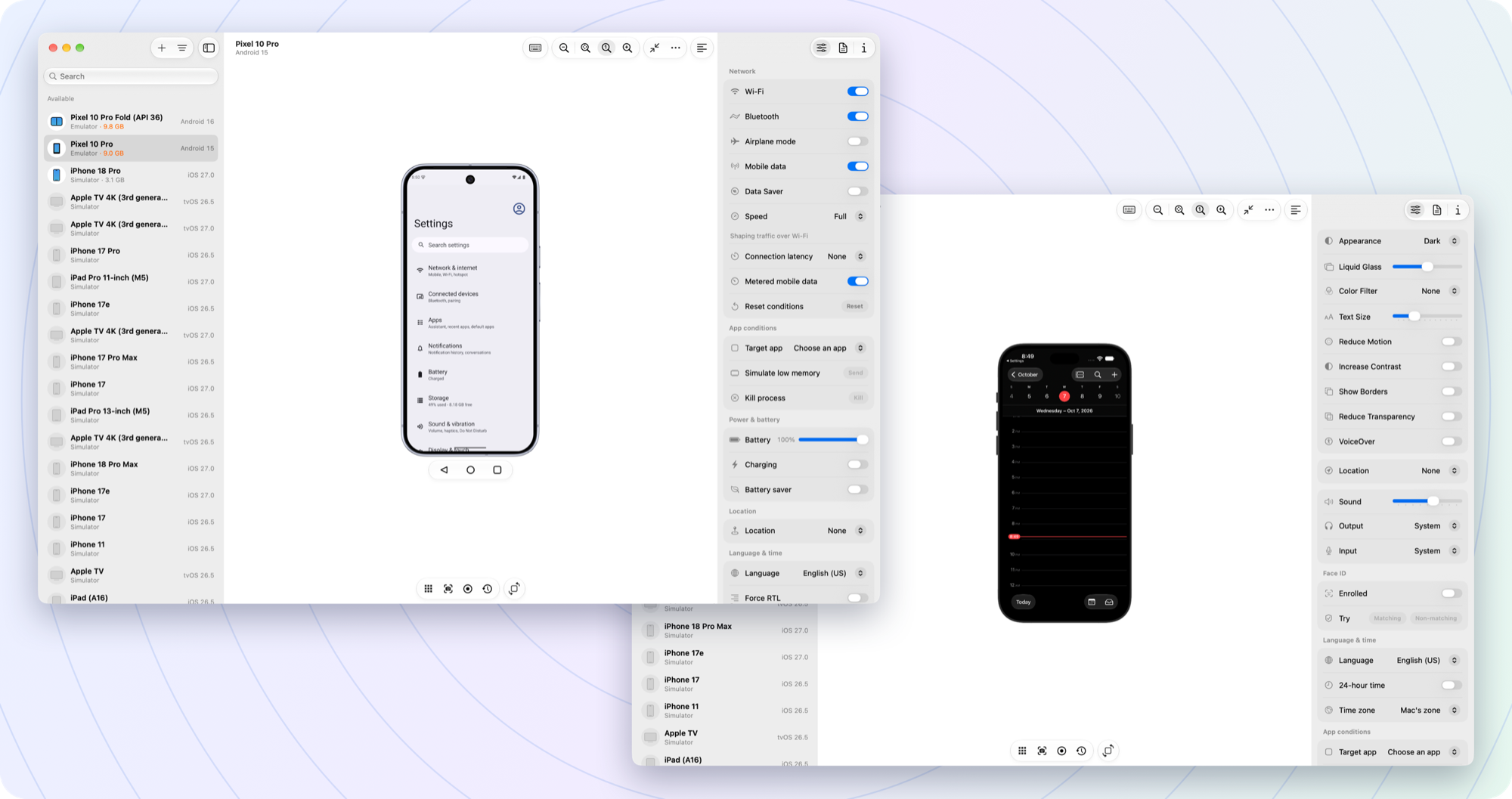
Android and iOS devices, side by side on your Mac. Mirror, control, change settings and capture — free and open source.
Screenshots
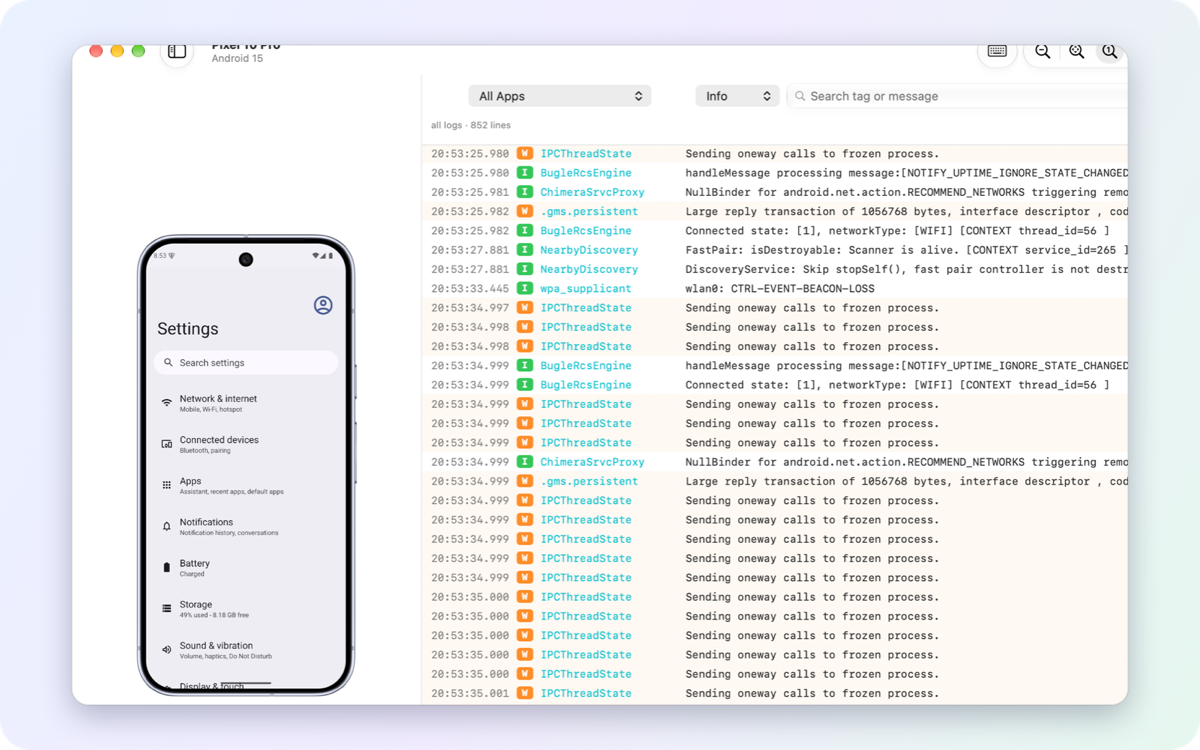
How to install Device Hub Pro on a Mac
- Get OpenDMG. It is a free app store for open source Mac apps. Download OpenDMG.
- Search for Device Hub Pro and press Get. OpenDMG downloads version 1.0.0 from gitemre's own GitHub release.
- Open it. The download is checked against its SHA-256 fingerprint and its signature is checked on your Mac before it lands in Applications.
Updates to Device Hub Pro show up in OpenDMG and install with one button. No account is needed.
Prefer to do it by hand? The developer's file is on GitHub: DeviceHubPro-1.0.0.dmg (17 MB).
What is new in Device Hub Pro 1.0.0
The first public release of Device Hub Pro: one Mac app for Android emulators and phones,
iOS simulators and iPhones.

### Devices

- **One sidebar for every device:** running emulators, installed AVDs, USB and Wi-Fi
 Android phones, iOS simulators and connected iPhones, with search, sorting, groups,
 several windows and tabs.
- **Emulators:** create AVDs from the Pixel catalog, with system images downloaded in the
 background; start, cold boot, wipe, rename and delete them; remove system images you no
 longer need.
- **Wireless pairing** of Android phones by QR code or pairing code. A phone is followed
 between USB and Wi-Fi by itself.
- **Physical iPhones** (opt-in in Settings): a live view, input, apps, files, logs and
 device management for the phones you enable.

### Mirroring and input

- Emulators mirror at up to 60 fps through the emulator's shared-memory path; Android
 phones through scrcpy; iPhones through the native live view.
- Click, drag, scroll, type (including non-Latin text and the soft keyboard), hardware
 buttons, the navigation bar, rotation, folding and Wear OS, TV and Automotive emulators.

### Controls

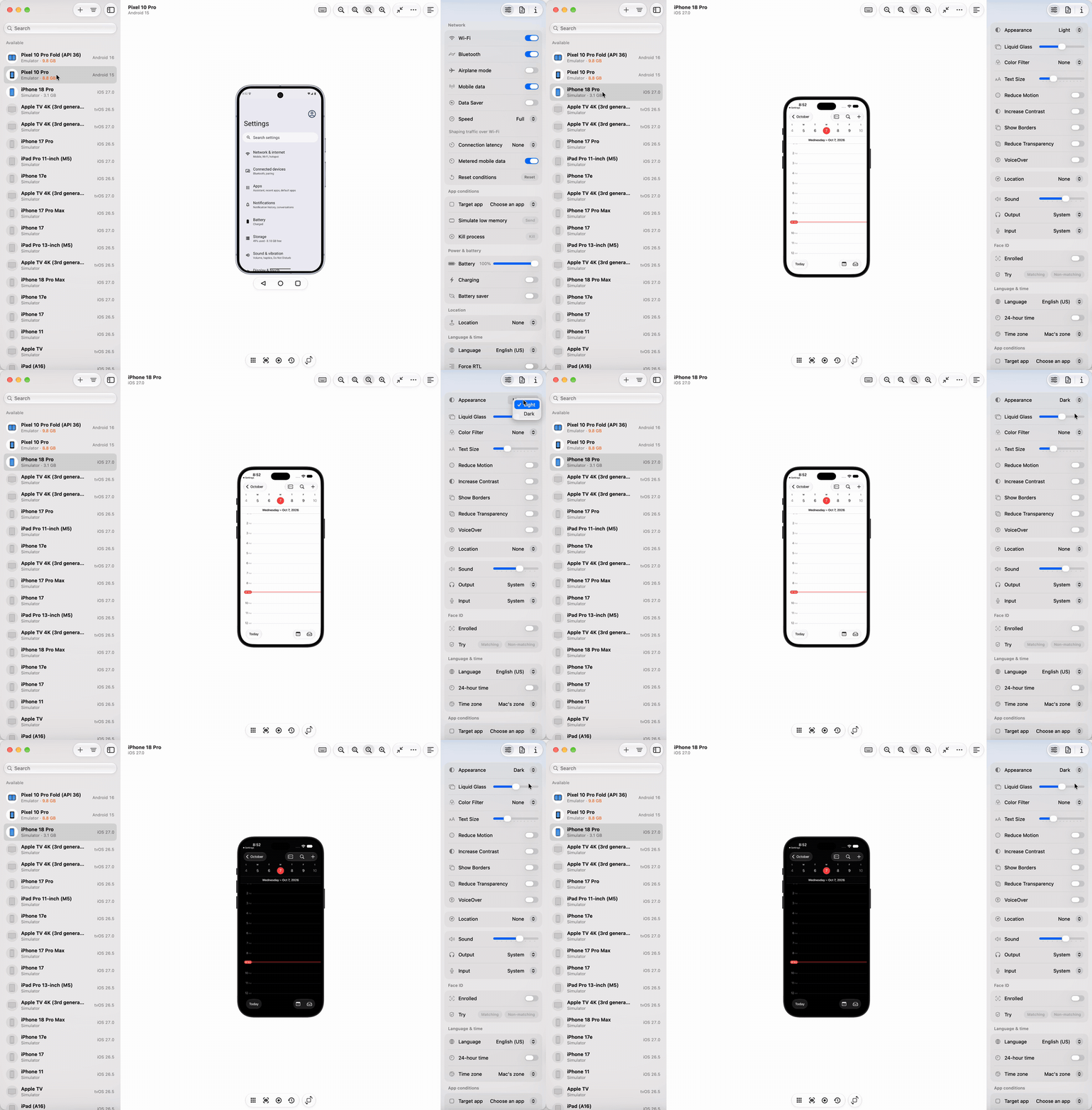
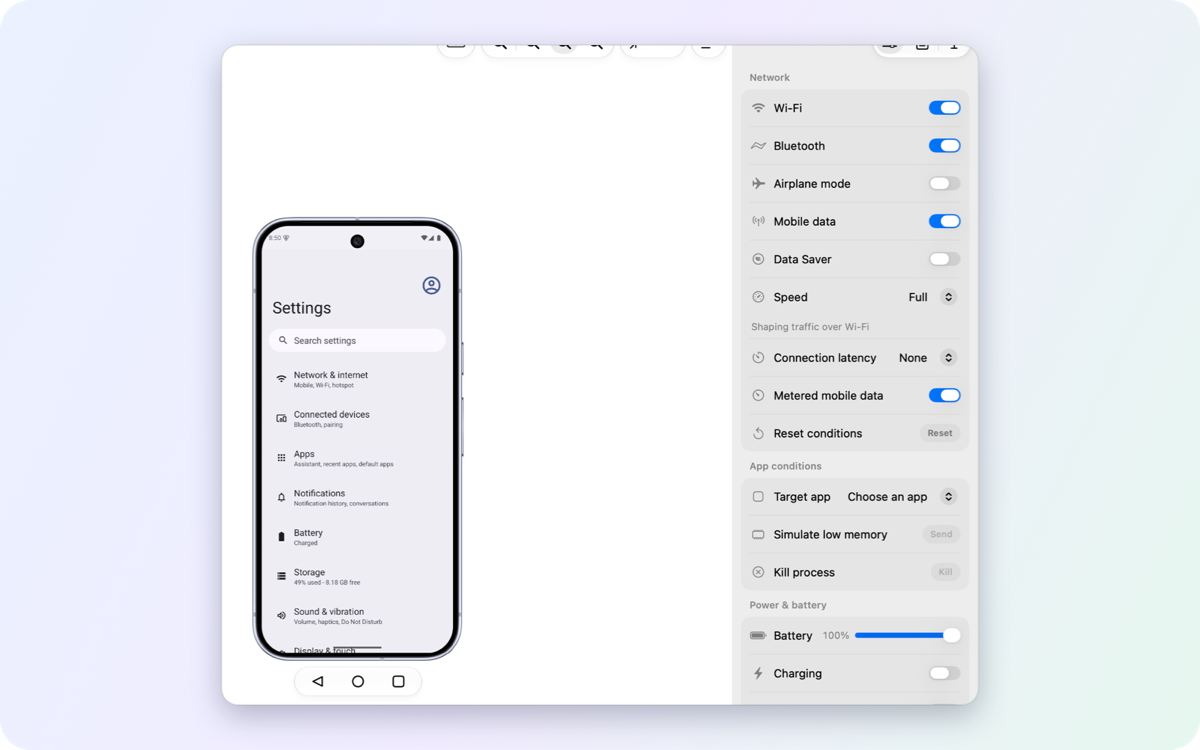
- A Controls panel that reads each setting back from the device: appearance, text size,
 accessibility, network speed and latency, battery and charging, location, language and
 time, a clean status bar, colour filters, biometrics, app conditions and more.
…
More Utilities apps
-
 BetterDisplayDisplay management tool with HiDPI scaling, PiP, and EDID controls
-
 VorssaintAn open-source, free, and local toolkit that integrates functions such as preventing…
-
 MosSmooth your mouse's scrolling and reverse the mouse scroll direction
-
 EasydictmacOS instant translator — type/select/screenshot, multi-service, zero setup
-
 OpenHaystackOpen-source tracker for finding Bluetooth devices through Apple's Find My network
-
 KekaKeka is a full featured file archiver, as easy as it can be