

Deck for Mac
Privacy-focused macOS clipboard management tool.
By yuzeguitarist. Free and open source.
Deck at a glance
- Version
- 1.4.5
- Released
- 9 May 2026
- Download size
- 30 MB
- Works on
- Apple silicon and Intel
- Category
- Productivity
- Developer
- yuzeguitarist
- GitHub stars
- 1.4K
About Deck
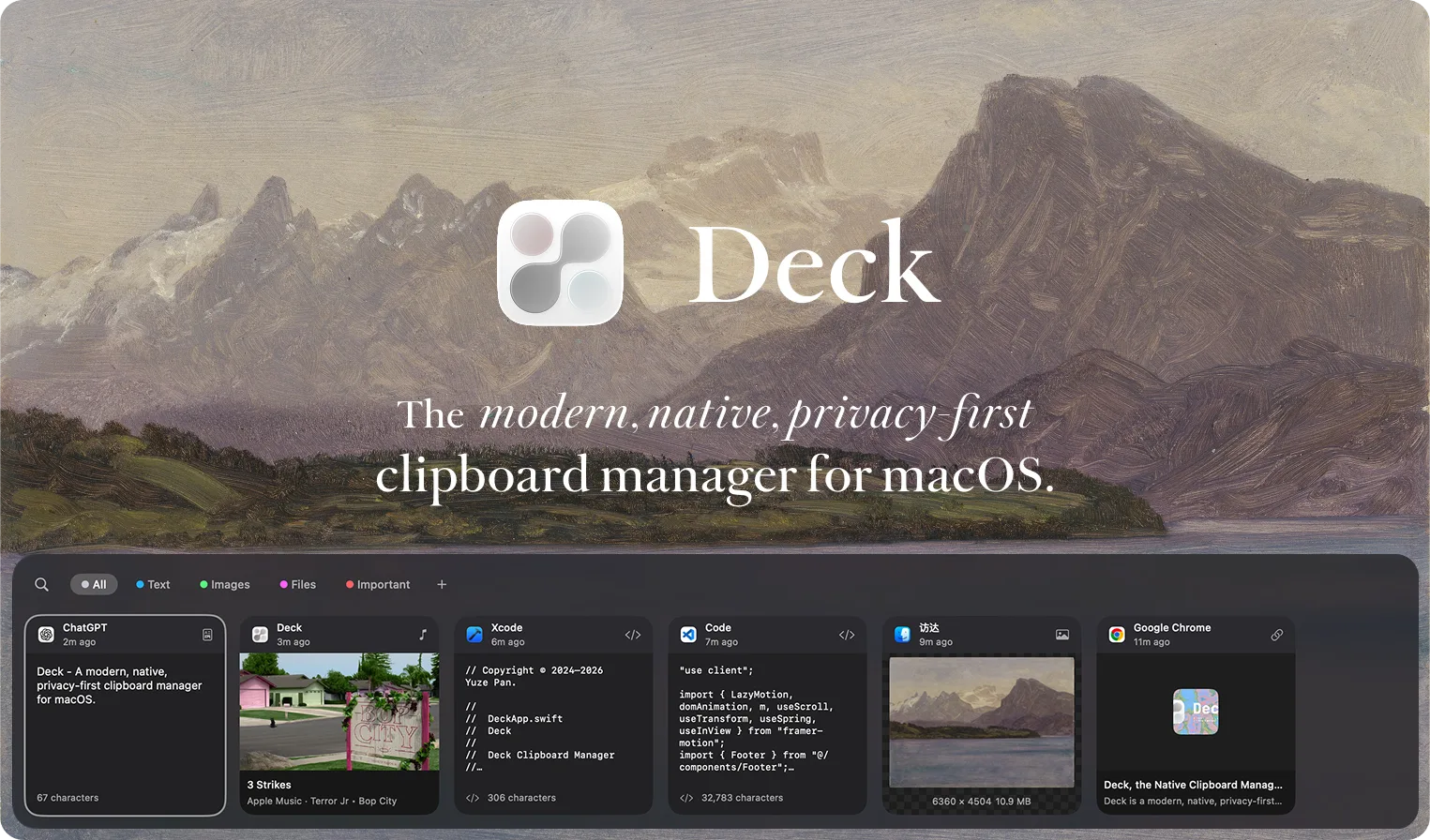
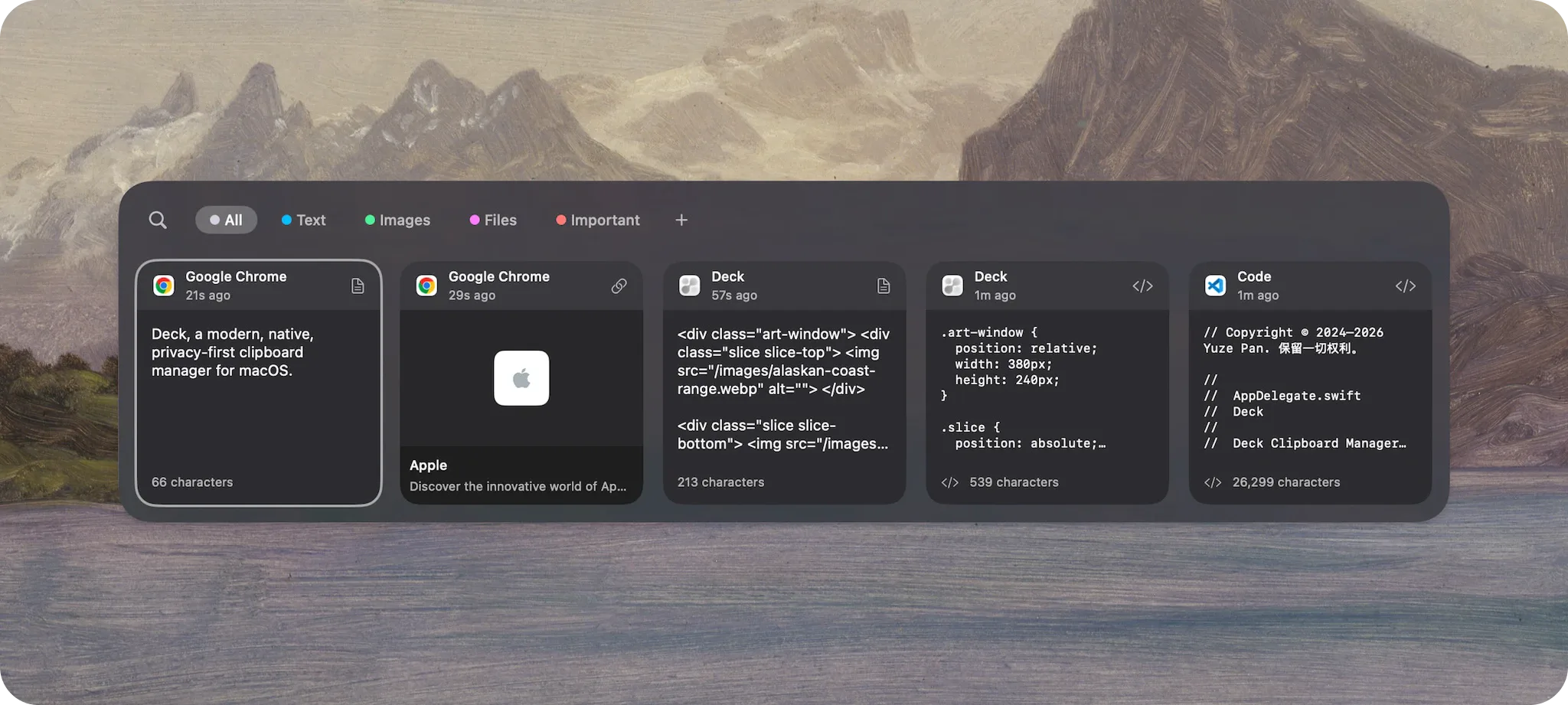
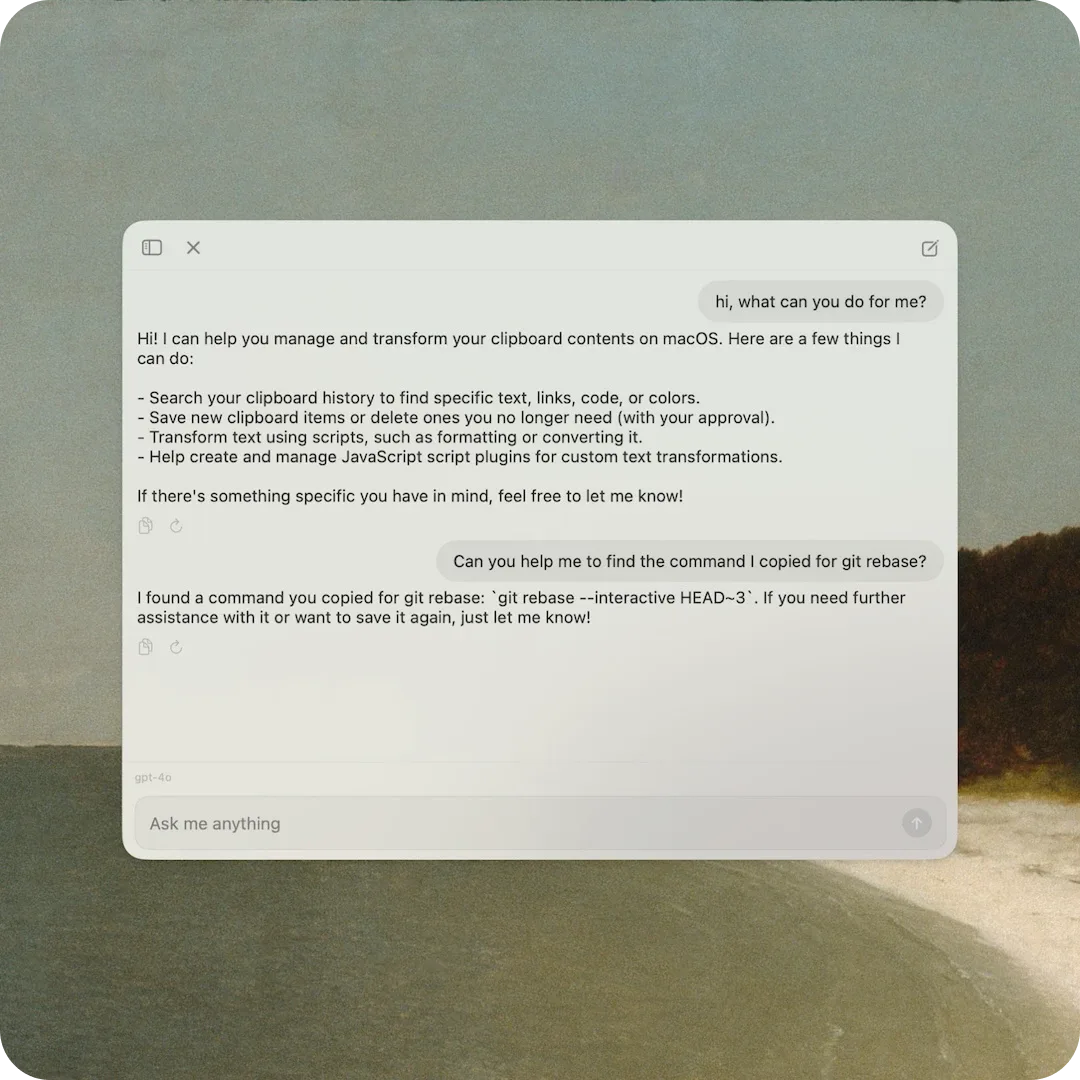
Deck is a modern, native, privacy-first clipboard manager for macOS.
Screenshots

How to install Deck on a Mac
- Get OpenDMG. It is a free app store for open source Mac apps. Download OpenDMG.
- Search for Deck and press Get. OpenDMG downloads version 1.4.5 from yuzeguitarist's own GitHub release.
- Open it. The download is checked against its SHA-256 fingerprint and its signature is checked on your Mac before it lands in Applications.
Updates to Deck show up in OpenDMG and install with one button. No account is needed.
Prefer to do it by hand? The developer's file is on GitHub: Deck.dmg (30 MB).
What is new in Deck 1.4.5
<p align="center">
 <a href="https://deckclip.app/download" rel="noopener noreferrer" target="_blank">
 <img width="1525" height="896" alt="Deck" src="https://github.com/yuzeguitarist/Deck/raw/main/photos/Deck.webp" style="max-width: 100%; height: auto;" />
 </a>
</p>

---

## Release Notes v1.4.5

<details>
<summary><strong>SQLite 基准图表</strong> · SQLite benchmark charts</summary>

<p align="center">
 <img alt="SQLite search latency" src="https://github.com/user-attachments/assets/797a4b8e-7453-4bc7-84ea-fbefc7f7d3b4" width="1100" /><br />
 <sub>搜索延迟 · Search latency</sub>
</p>

<p align="center">
 <img alt="SQLite search speedup" src="https://github.com/user-attachments/assets/e62d7c26-123c-4ba9-929f-7f1bde4ad8e9" width="1100" /><br />
 <sub>加速比 · Speedup</sub>
</p>

<p align="center">
 <img alt="SQLite query health" src="https://github.com/user-attachments/assets/d77fd4f0-fb50-4bb4-8665-67334d819bdf" width="1100" /><br />
 <sub>查询健康度 · Query health</sub>
</p>

<p align="center">
 <img alt="SQLite run profile" src="https://github.com/user-attachments/assets/7d54e3a7-28c9-4df9-9ab5-d13932ae9e81" width="1100" /><br />
 <sub>整轮运行概况 · Run profile</sub>
</p>

</details>

### TL;DR

- **剪贴板捕获进入 pboard/XPC 事件驱动时代**
 接入 Apple pboard daemon 的私有 invalidation push 链路,复制发生时由 `invalidate-cache` / `invalidate-entries` 直接唤醒 Deck 捕获流水线;常驻高频轮询退场,只保留稀疏健康检查与自动回退。
…
More Productivity apps
-
 MaccyLightweight search-as-you-type clipboard manager
-
 AltTabBrings the Windows Alt-Tab functionality to macOS
-
 ClipyClipy is a Clipboard extension app for macOS
-
 TinycastLightweight native launcher with app search, clipboard management, window controls, and…
-
 FSNotesNotes manager for macOS/iOS: modern notational velocity (nvALT) on steroids
-
 OpenDisplayTurn spare Apple devices into second monitors — true extended display over USB or WiFi