

Copy 2FA for Mac
Copy your newest 2FA code from Mail or Messages with one shortcut, plus a built-in Touch ID authenticator.
By stanczykwyatt. Free and open source, MIT licence.
Copy 2FA at a glance
- Version
- 0.4.0
- Released
- 29 October 2026
- Download size
- 1.0 MB
- Works on
- Apple silicon and Intel
- Licence
- MIT
- Category
- Security and Privacy
- Developer
- stanczykwyatt
- GitHub stars
- 17
About Copy 2FA
Copy 2FA codes on your Mac with one shortcut: verification codes from Mail and Messages plus a built-in TOTP/HOTP authenticator. Free, open source, no internet access.
Screenshots
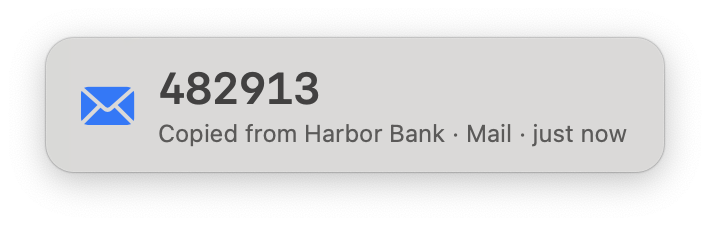
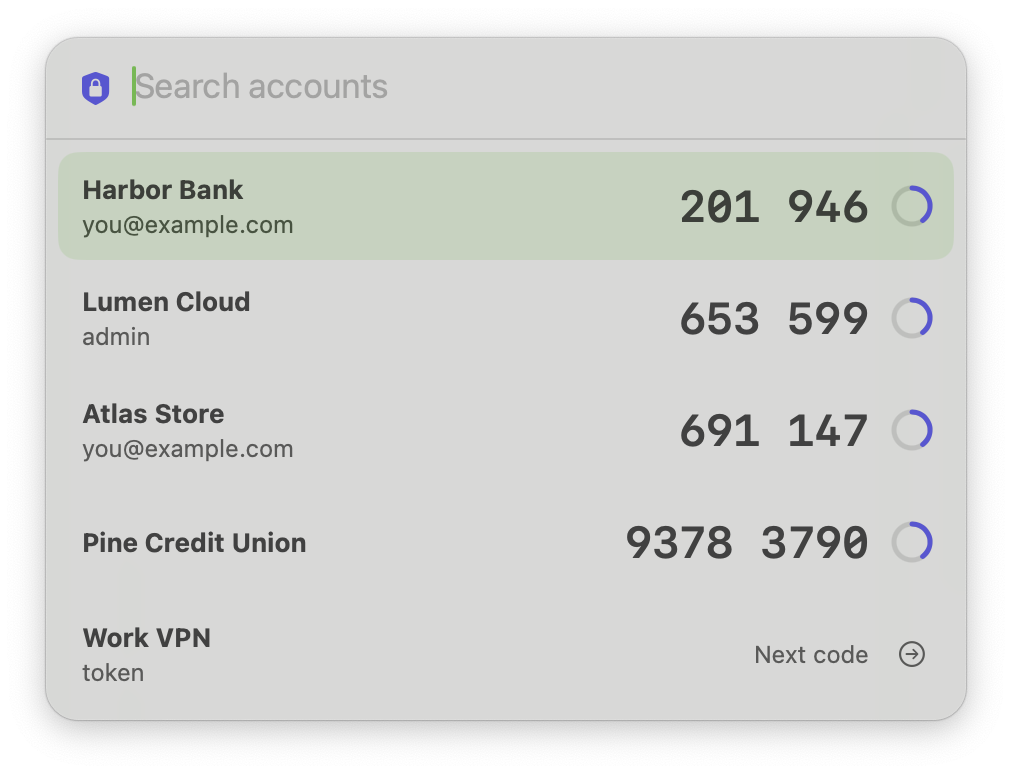
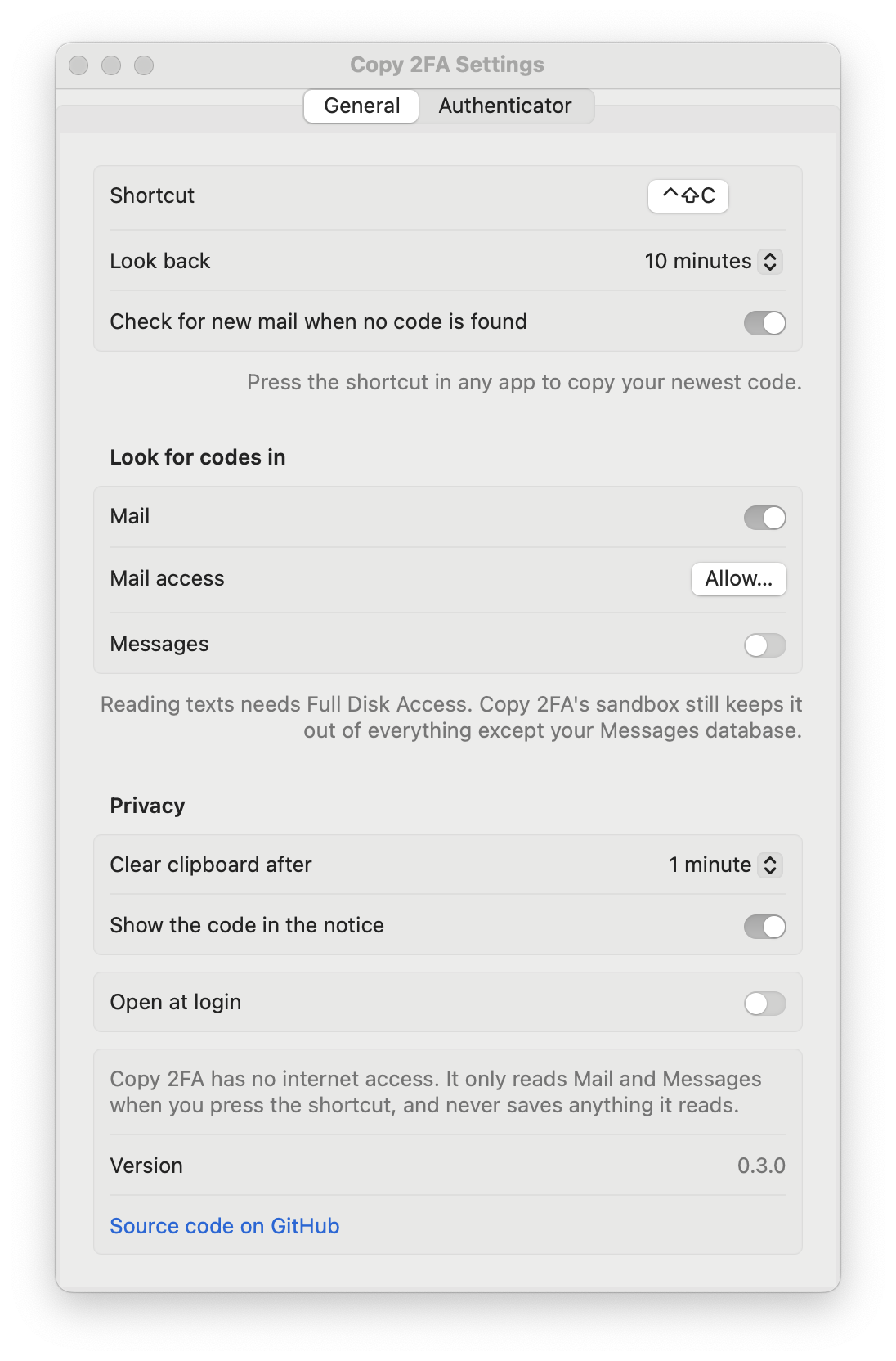
How to install Copy 2FA on a Mac
- Get OpenDMG. It is a free app store for open source Mac apps. Download OpenDMG.
- Search for Copy 2FA and press Get. OpenDMG downloads version 0.4.0 from stanczykwyatt's own GitHub release.
- Open it. The download is checked against its SHA-256 fingerprint and its signature is checked on your Mac before it lands in Applications.
Updates to Copy 2FA show up in OpenDMG and install with one button. No account is needed.
Prefer to do it by hand? The developer's file is on GitHub: Copy-2FA.zip (1.0 MB).
What is new in Copy 2FA 0.4.0
Grab an older code when two show up at once.

- **Recent codes:** click the menu bar icon → **Recent Codes…** to see the last five codes from Mail and Messages, newest first, each with who sent it, where it came from and how long ago it arrived. Pick one with the arrow keys and Return, or click it.
- **One entry per code:** a code sent by both email and text is listed once.
- **Its own shortcut, if you want one:** set it in **Settings → General**. It's off until you record one, so Copy 2FA doesn't take over another key combination by itself.
- **Private like everything else:** the list follows **Show the code in the notice**, stays out of screenshots and screen sharing, and closes when you click away, lock the screen or after a minute. Its codes are cleared when it closes.
- **⌃⇧C is exactly as fast as before.** Copying the newest code still stops at the first one it finds.

No new permissions, and still no internet access.

## Install or update

1. Download **Copy-2FA.zip** below and unzip it.
2. Quit Copy 2FA if it's running, then move the new **Copy 2FA** into Applications, replacing the old one.
3. Open it and press **⌃⇧C** the next time a code arrives.
…
More Security and Privacy apps
-
 GlanceUnlock your Mac at a glance through on-device face recognition in a dynamic island-style…
-
 FaceGateLock sensitive apps behind Face ID, Touch ID, or a password — all processed on-device
-
 TracexySession-based network intelligence — capture live traffic or open saved captures, then…
-
 SentrySecurity monitor that alerts on activity while you're away
-
 TouchBridgeBiometric authentication tool using phone, watch, or browser for sudo and unlock
-
 MergenCIS benchmark security audit tool that checks 85 controls and auto-fixes most failures