

Copperlight for Mac
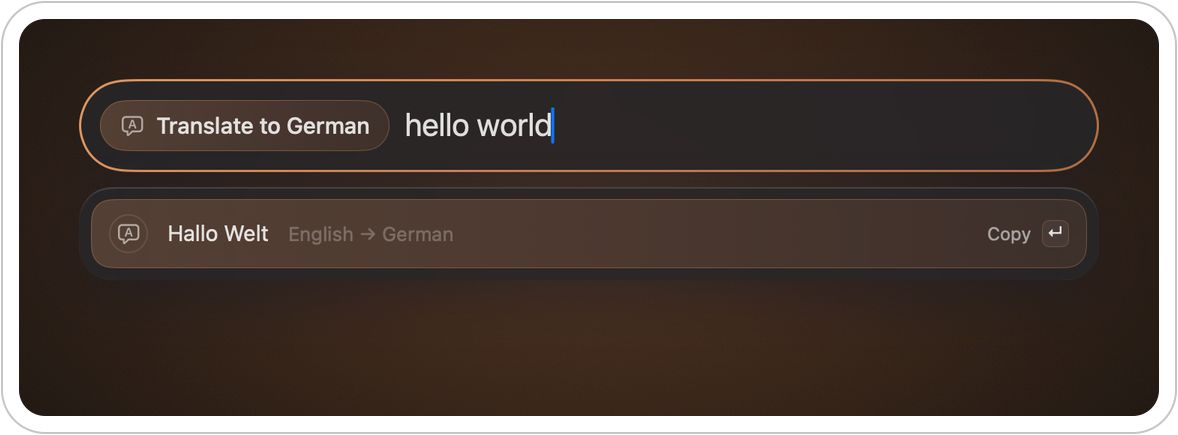
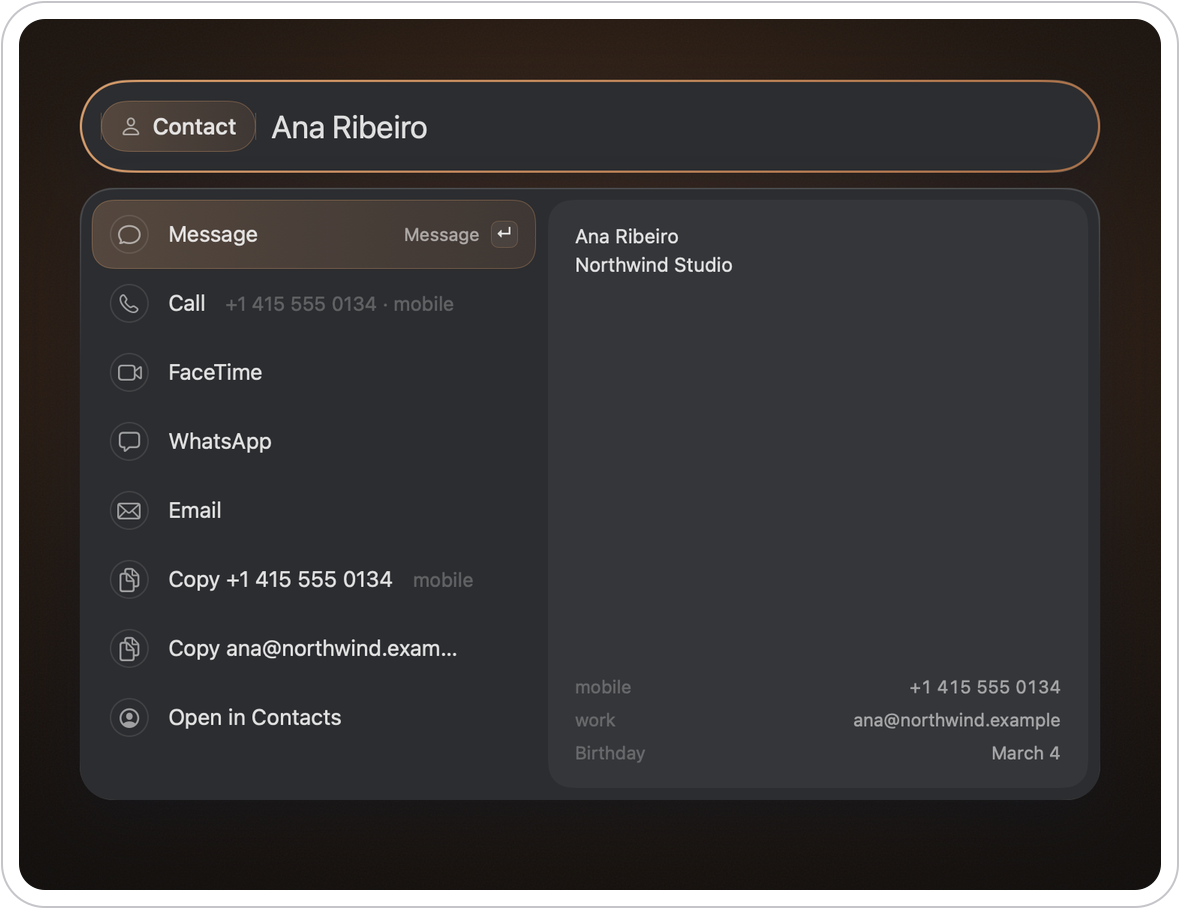
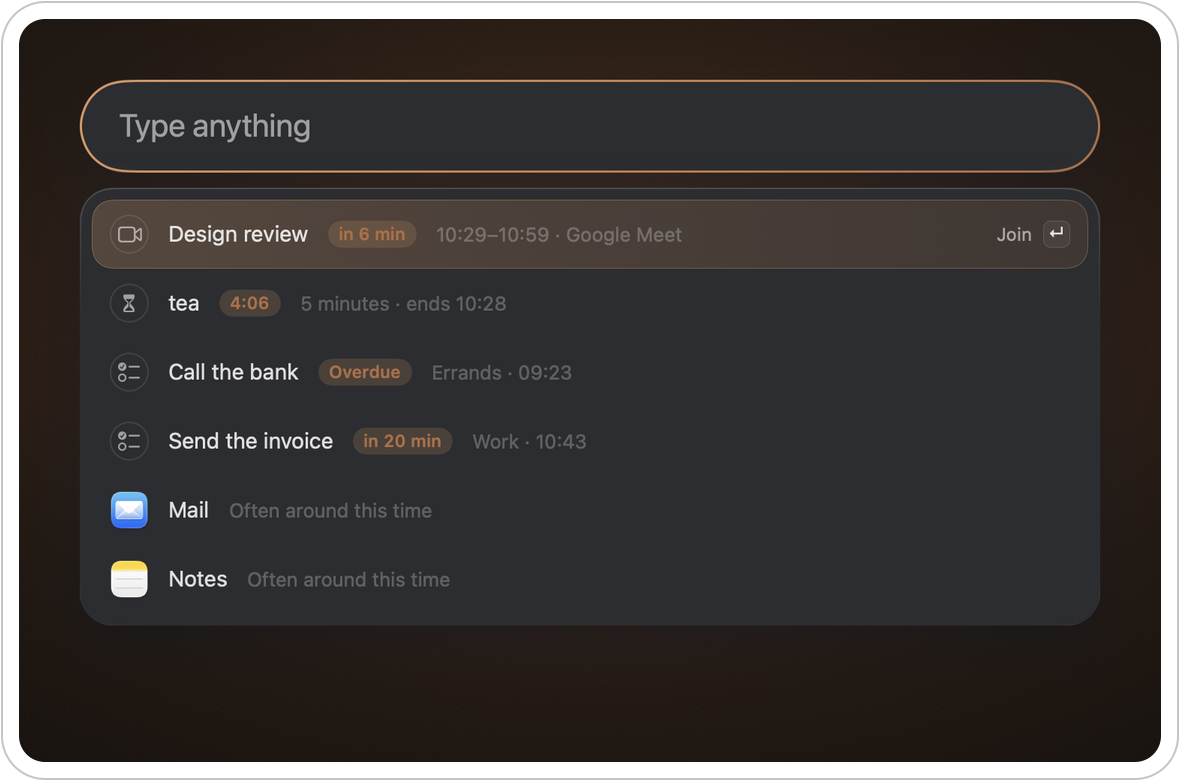
Keyboard launcher for apps, files, math, clipboard history, notes, and windows.
By robsonpbr. Free and open source, GPL-3.0 licence.
Copperlight at a glance
- Version
- 0.16
- Released
- 5 November 2026
- Download size
- 11 MB
- Works on
- Apple silicon and Intel
- Licence
- GPL-3.0
- Category
- Productivity
- Developer
- robsonpbr
- GitHub stars
- 2
About Copperlight
A warmer light than Spotlight: a free and open source keyboard launcher for macOS.
Screenshots
How to install Copperlight on a Mac
- Get OpenDMG. It is a free app store for open source Mac apps. Download OpenDMG.
- Search for Copperlight and press Get. OpenDMG downloads version 0.16 from robsonpbr's own GitHub release.
- Open it. The download is checked against its SHA-256 fingerprint and its signature is checked on your Mac before it lands in Applications.
Updates to Copperlight show up in OpenDMG and install with one button. No account is needed.
Prefer to do it by hand? The developer's file is on GitHub: Copperlight.zip (11 MB).
What is new in Copperlight 0.16
## New

- **Keys in notes:** ⌘B bold, ⌘I italic, ⌘E code, ⌘K link, ⌘1 to ⌘3 headings, ⌘⇧7 bullets, ⌘⇧9 numbers, ⌘⇧L checkboxes, ⌘' quotes. Each writes the Markdown for you, and pressed again takes it off. The file stays plain text, and ⌘Z undoes it.
- **Enter goes on with a list:** the next bullet, number or checkbox. Enter on an empty one ends the list, and ⌥Enter starts a plain line.
- **Text size in notes:** ⌘+ and ⌘- for bigger and smaller text, ⌘0 for the normal size. It's one size for every note, and it stays until you change it.

## Changed

- A note's title reads without its Markdown: `# **Groceries**` shows as Groceries.

## Fixed

- ⌘Z in a note: what you undid wasn't always saved, and could come back when the note reopened.
- `***bold italic***` draws as both, and bold and italic draw inside headings.
- If the clipboard history can't be read, it says so instead of showing an empty list.
More Productivity apps
-
 MaccyLightweight search-as-you-type clipboard manager
-
 AltTabBrings the Windows Alt-Tab functionality to macOS
-
 TinycastLightweight native launcher with app search, clipboard management, window controls, and…
-
 ClipyClipy is a Clipboard extension app for macOS
-
 FSNotesNotes manager for macOS/iOS: modern notational velocity (nvALT) on steroids
-
 OpenDisplayTurn spare Apple devices into second monitors — true extended display over USB or WiFi