
ControllerKeys for Mac
System-wide gamepad mapper that converts controller input into keyboard shortcuts, mouse actions, macros, scripts, and system commands.
By NSEvent. Free and open source.
ControllerKeys at a glance
- Version
- 2.9.0
- Released
- 21 September 2026
- Download size
- 30 MB
- Works on
- Apple silicon and Intel
- Category
- Windows and Keyboard
- Developer
- NSEvent
- GitHub stars
- 113
About ControllerKeys
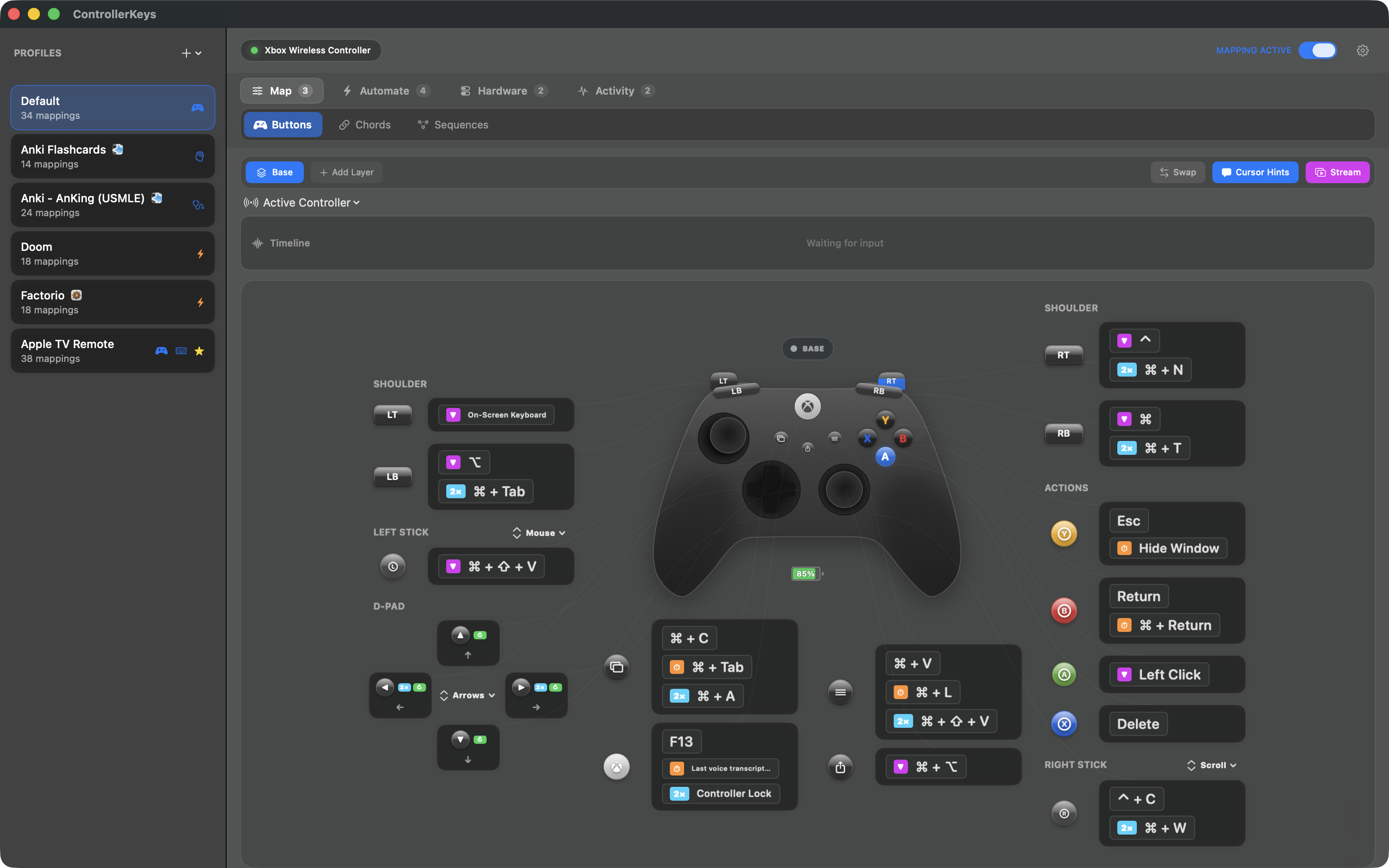
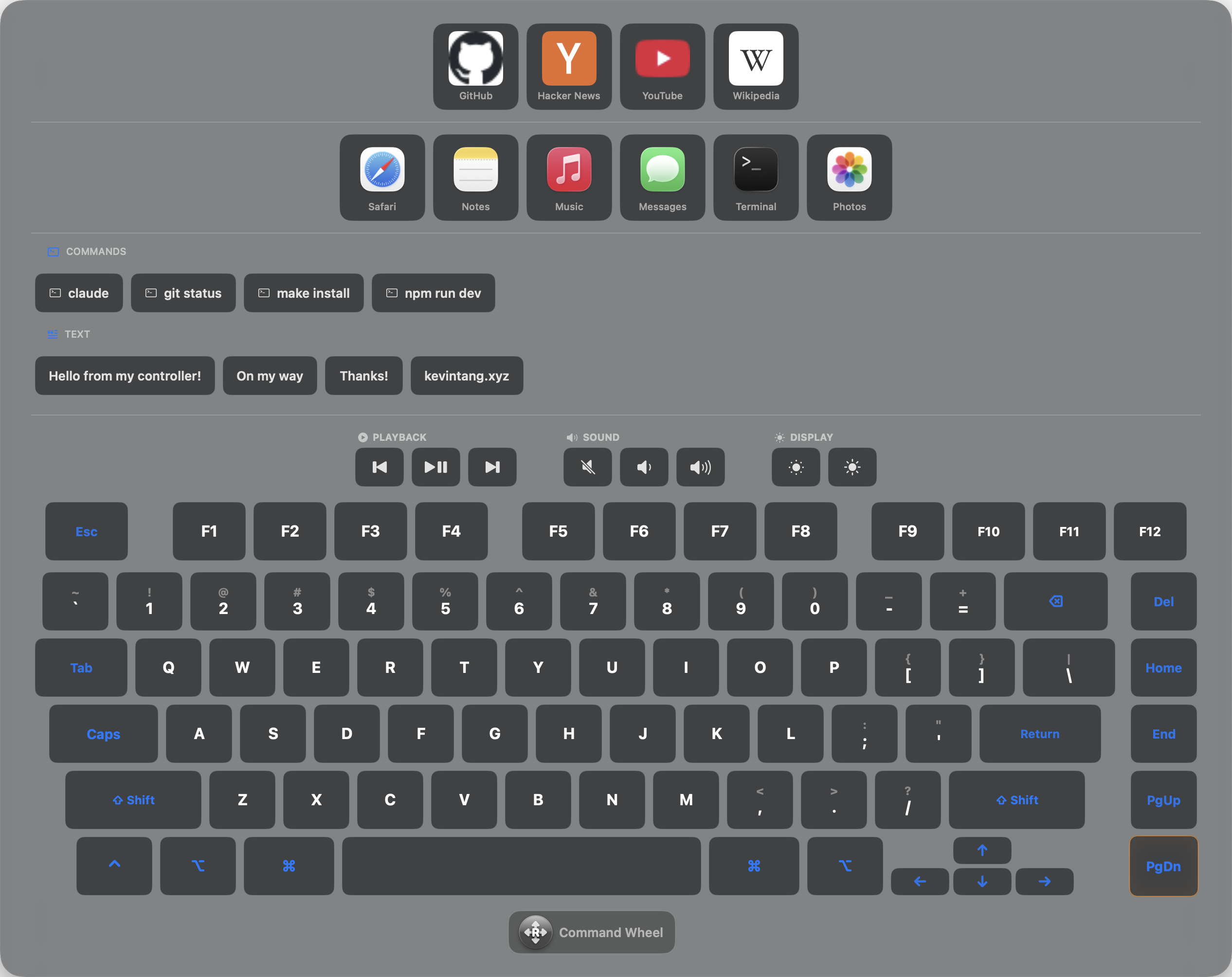
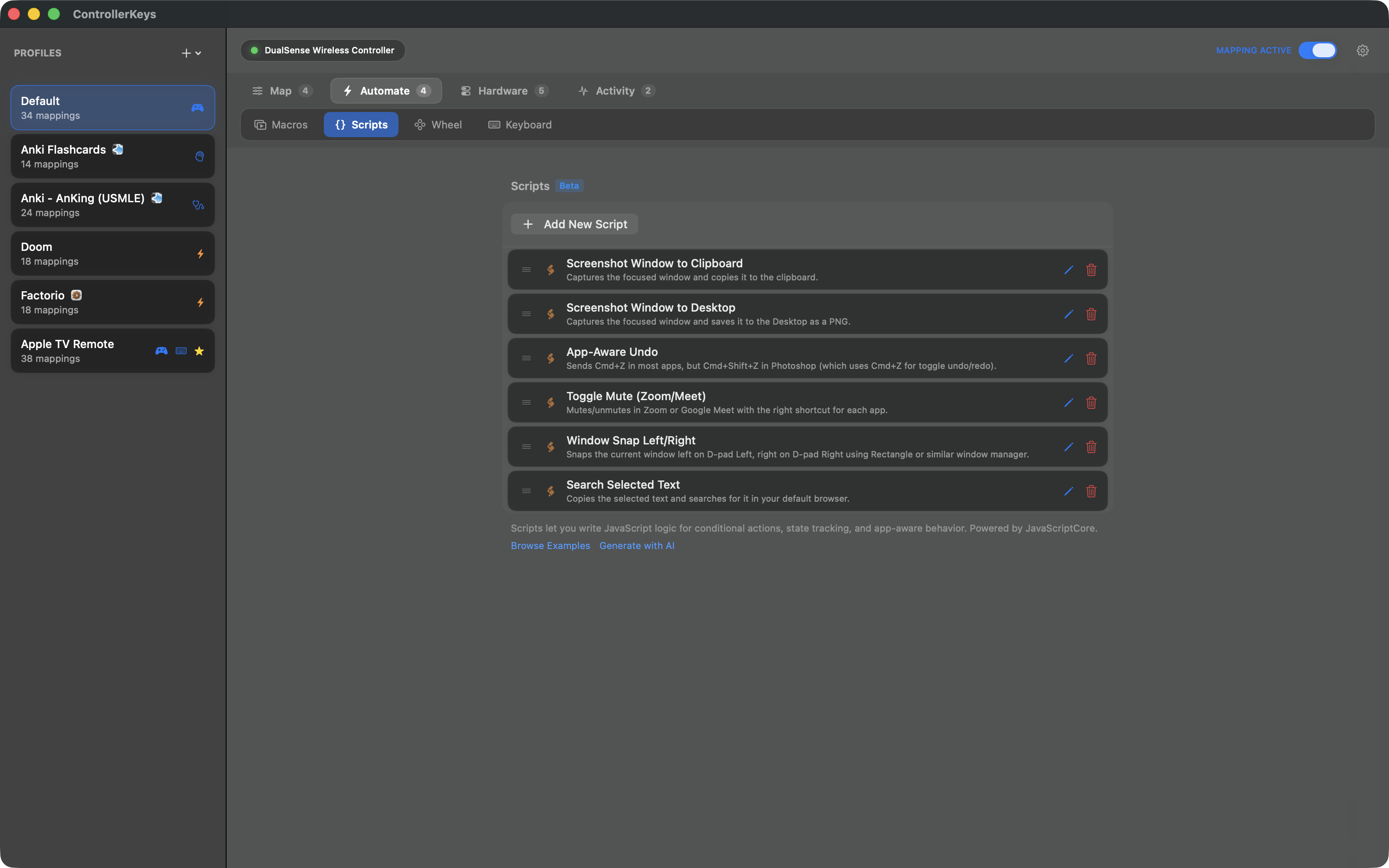
Remap Xbox, PlayStation, Nintendo, and 300+ controllers to keyboard, mouse, macros, and scripts on macOS. Touchpad, gyroscope, swipe typing, and OBS integration.
Screenshots
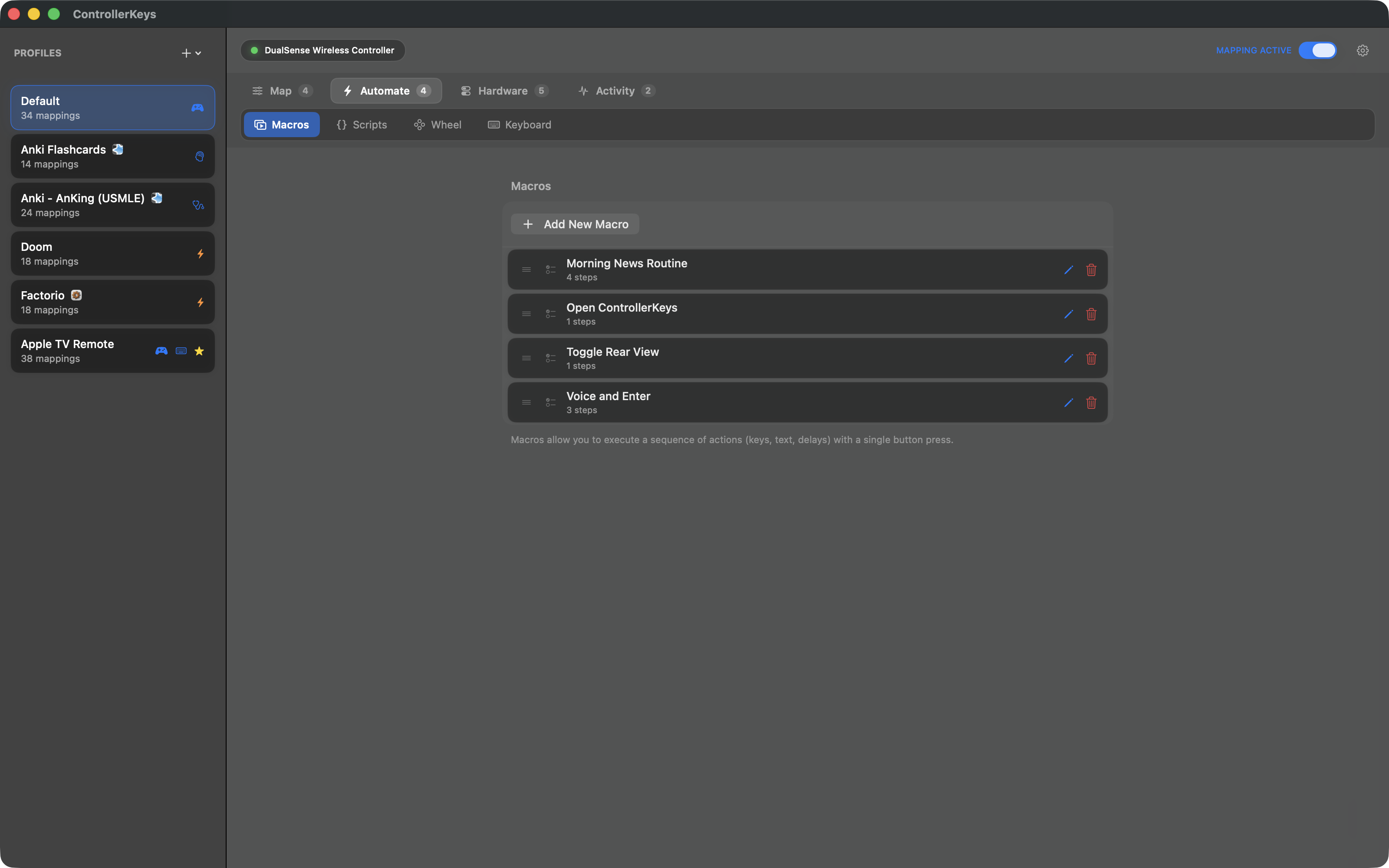
How to install ControllerKeys on a Mac
- Get OpenDMG. It is a free app store for open source Mac apps. Download OpenDMG.
- Search for ControllerKeys and press Get. OpenDMG downloads version 2.9.0 from NSEvent's own GitHub release.
- Open it. The download is checked against its SHA-256 fingerprint and its signature is checked on your Mac before it lands in Applications.
Updates to ControllerKeys show up in OpenDMG and install with one button. No account is needed.
Prefer to do it by hand? The developer's file is on GitHub: ControllerKeys.dmg (30 MB).
What is new in ControllerKeys 2.9.0
### Added

- **Trial expiry notifications and clearer purchase points**: the trial now sends a heads-up notification before it expires and one at expiry, with a weekly re-prompt cadence afterward instead of a single one-shot. Buy buttons show the actual price everywhere they appear — menu bar, locked toggles, and notification clicks — including during an active trial. Notification permission is requested from the trial welcome sheet, at the moment you're looking at trial UI, never from a background timer.

### Fixed

- **DS4/DualSense light bar survives backgrounding on macOS 27**: macOS 27 scopes the GameController framework's light control to the foreground app, so the light bar reverted to white whenever ControllerKeys went to the background — losing per-layer colors. ControllerKeys now also sends the raw Bluetooth HID light-bar report on macOS 27, re-applies your colors when returning to the foreground, and routes the DualSense keep-alive through the raw report so controllers don't idle-sleep mid-game. Behavior on macOS 26 and earlier is unchanged.
…
More Windows and Keyboard apps
-
 RectangleRectangle is a window manager heavily based on Spectacle, written in Swift
-
 AeroSpaceAeroSpace is an i3-like tiling window manager for macOS
-
 AmethystAutomatic tiling window manager for macOS
-
 LoopWindow management made elegant
-
 FlashSpaceEnhance and replace the native Spaces functionality of macOS
-
 OmniWMA Flexible and Modern Tiling Window Manager