

Clippy for Mac
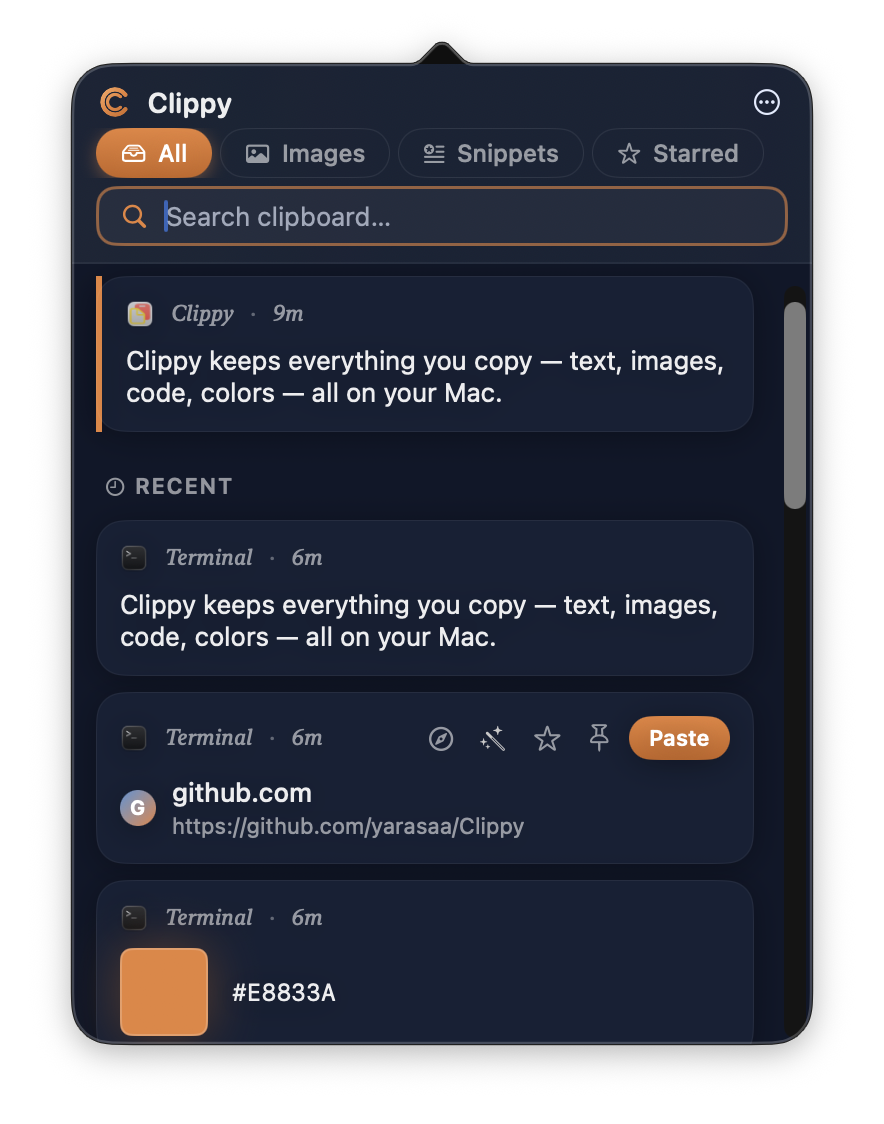
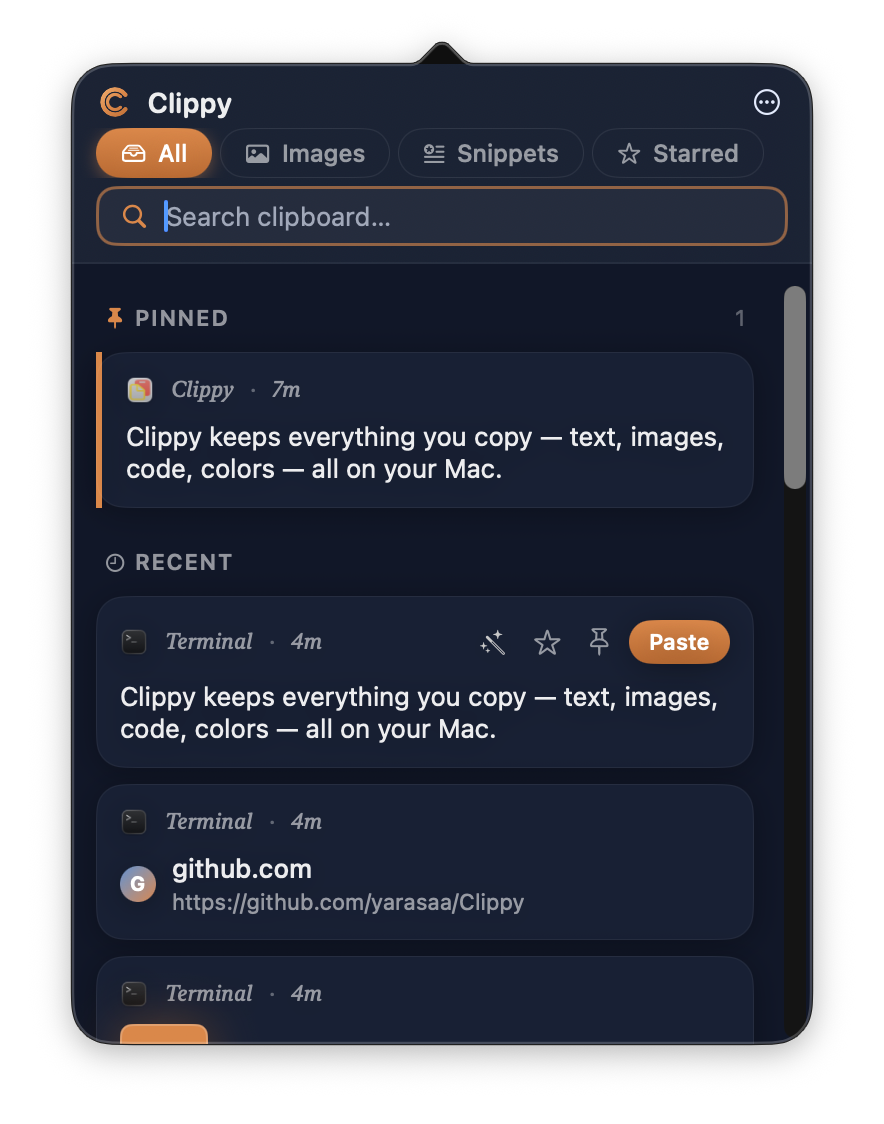
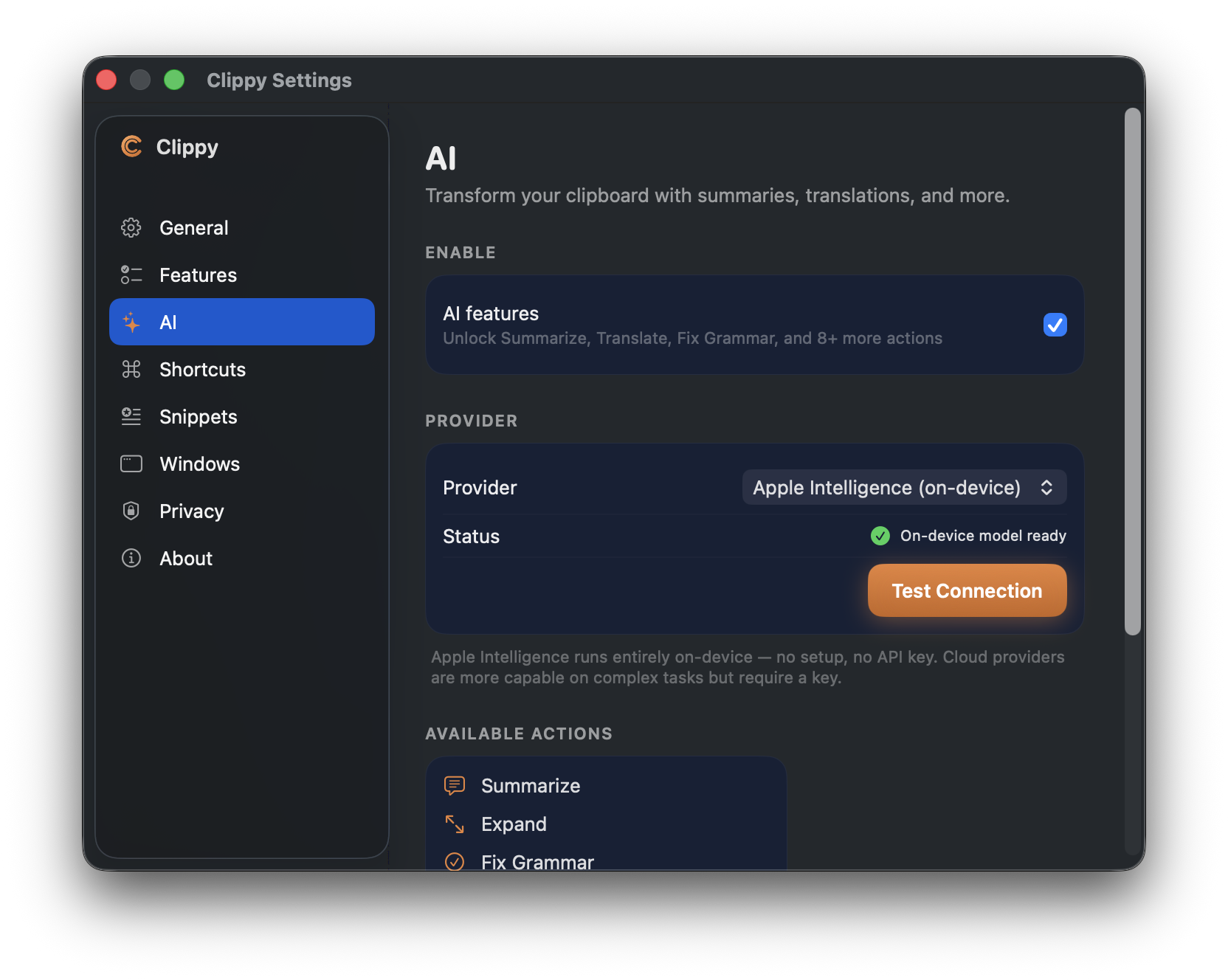
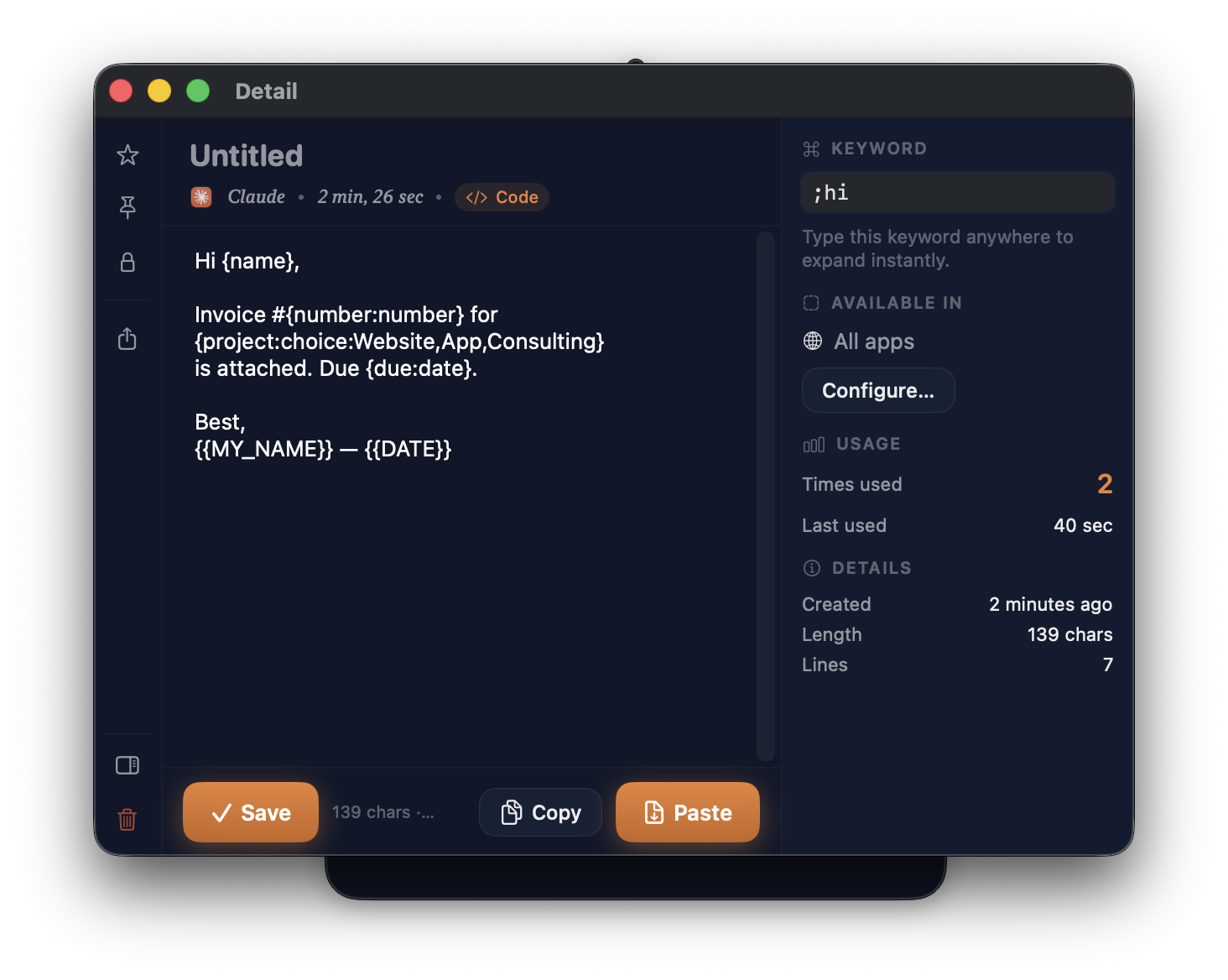
Clipboard manager with card-based history, smart content detection, and local AI text tools.
By yarasaa. Free and open source.
Clippy at a glance
- Version
- 1.0.17
- Released
- 7 September 2026
- Download size
- 6.3 MB
- Works on
- Apple silicon and Intel
- Category
- Productivity
- Developer
- yarasaa
- GitHub stars
- 67
About Clippy
Clipboard Manager for macOS
Screenshots
How to install Clippy on a Mac
- Get OpenDMG. It is a free app store for open source Mac apps. Download OpenDMG.
- Search for Clippy and press Get. OpenDMG downloads version 1.0.17 from yarasaa's own GitHub release.
- Open it. The download is checked against its SHA-256 fingerprint and its signature is checked on your Mac before it lands in Applications.
Updates to Clippy show up in OpenDMG and install with one button. No account is needed.
Prefer to do it by hand? The developer's file is on GitHub: Clippy-v1.dmg (6.3 MB).
What is new in Clippy 1.0.17
Clippy 1.0.17

Locked items are now actually encrypted, a screenshot editor that helps you cover things you didn't mean to share, and fixes for two bugs that could lose your work. Still entirely on your Mac — no accounts, no cloud, no telemetry.

✨ New
🔐 Locked items are encrypted for real

This one needs plain speech. Until now, "Encrypt" set a flag: the card showed a lock and hid its contents, but the text stayed in Clippy's database exactly as you copied it — readable by anything that could open the file, and carried into every Time Machine backup. The README promised authentication that didn't exist. If you locked something in an earlier version, treat it as never having been encrypted.

Now it is. Locking a text item encrypts its content with AES-GCM under a key held in your Mac's Keychain, and locking an image encrypts the picture file itself, not just the database row. Revealing, copying, pasting or sharing a locked item asks for Touch ID first — or your login password on Macs without a sensor.

Every route to a locked item's content goes through that check: the context menu, the detail window, Quick Preview's number keys, ⏎ in the list, drag and drop, bulk copy, the share sheet, and the AI actions. Locked items are also excluded from snippet export and can't be reshaped by the transform menu, which would have corrupted them beyond recovery.
…
More Productivity apps
-
 MaccyLightweight search-as-you-type clipboard manager
-
 AltTabBrings the Windows Alt-Tab functionality to macOS
-
 ClipyClipy is a Clipboard extension app for macOS
-
 TinycastLightweight native launcher with app search, clipboard management, window controls, and…
-
 FSNotesNotes manager for macOS/iOS: modern notational velocity (nvALT) on steroids
-
 OpenDisplayTurn spare Apple devices into second monitors — true extended display over USB or WiFi