

Cling for Mac
Instant fuzzy find any file.
By FuzzyIdeas. Free and open source, GPL-3.0 licence.
Cling at a glance
- Version
- 3.2.0
- Released
- 9 October 2026
- Download size
- 33 MB
- Works on
- Apple silicon and Intel
- Licence
- GPL-3.0
- Category
- Productivity
- Developer
- FuzzyIdeas
- GitHub stars
- 911
About Cling
Instant fuzzy find any file on macOS
Screenshots
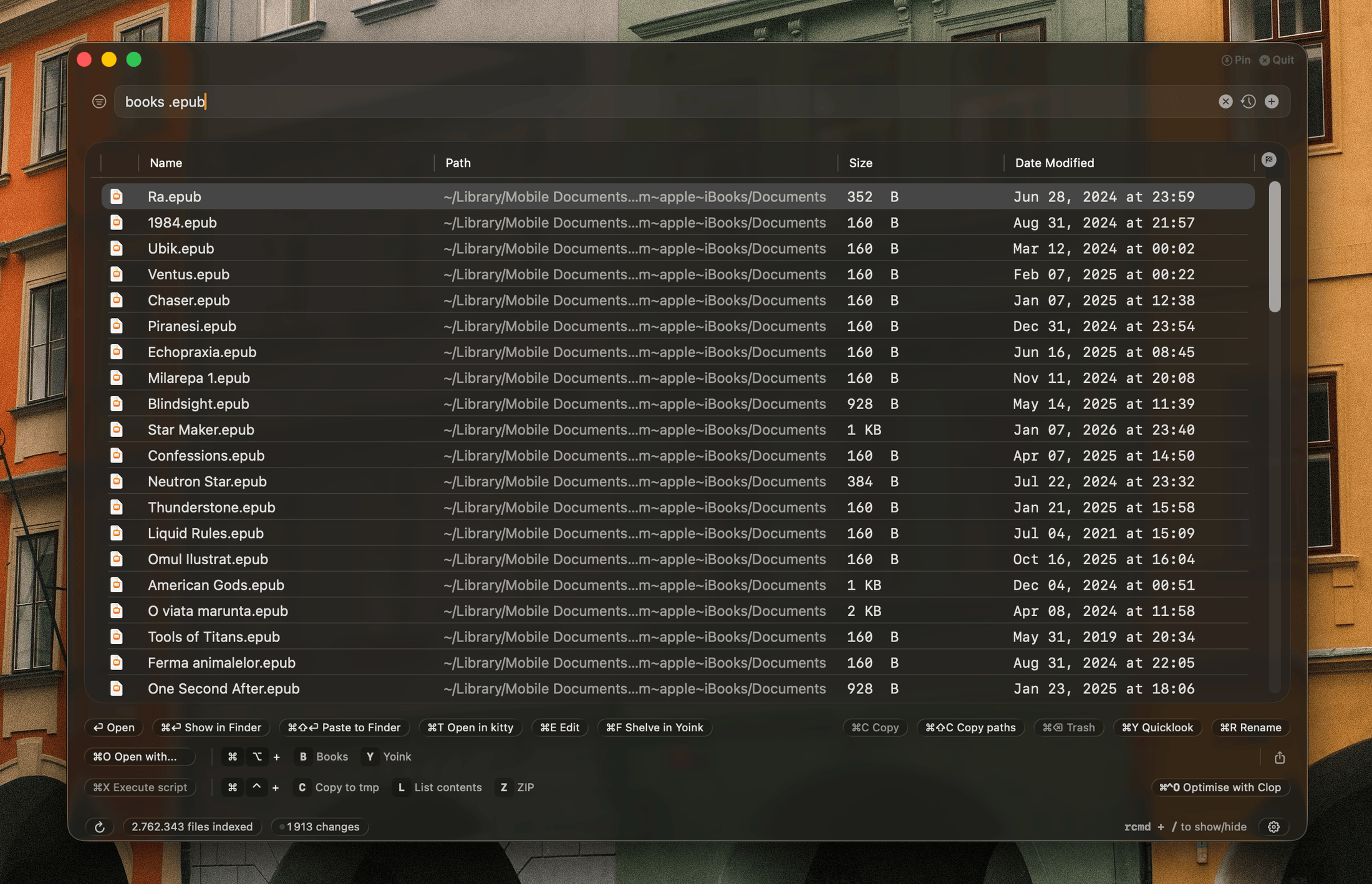
How to install Cling on a Mac
- Get OpenDMG. It is a free app store for open source Mac apps. Download OpenDMG.
- Search for Cling and press Get. OpenDMG downloads version 3.2.0 from FuzzyIdeas's own GitHub release.
- Open it. The download is checked against its SHA-256 fingerprint and its signature is checked on your Mac before it lands in Applications.
Updates to Cling show up in OpenDMG and install with one button. No account is needed.
Prefer to do it by hand? The developer's file is on GitHub: Cling-3.2.0.dmg (33 MB).
What is new in Cling 3.2.0
## Features - **Live updates on external drives**: files added, renamed or deleted on a connected drive show up in search within seconds, instead of at its next reindex. You can see how each drive keeps up, and turn its live updates off, in Settings > Drives & Volumes 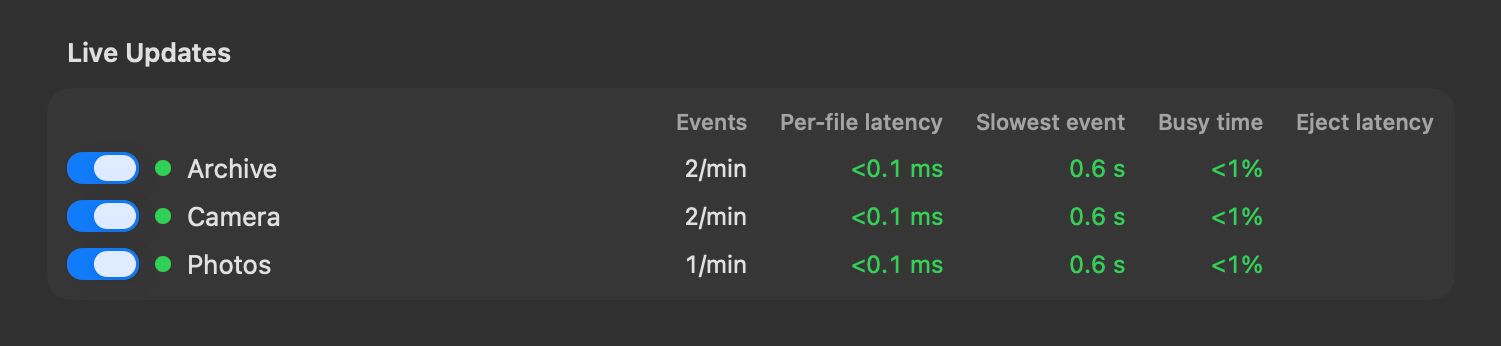 - **App launcher**: the search bar prioritizes apps if the query seems to hint at that 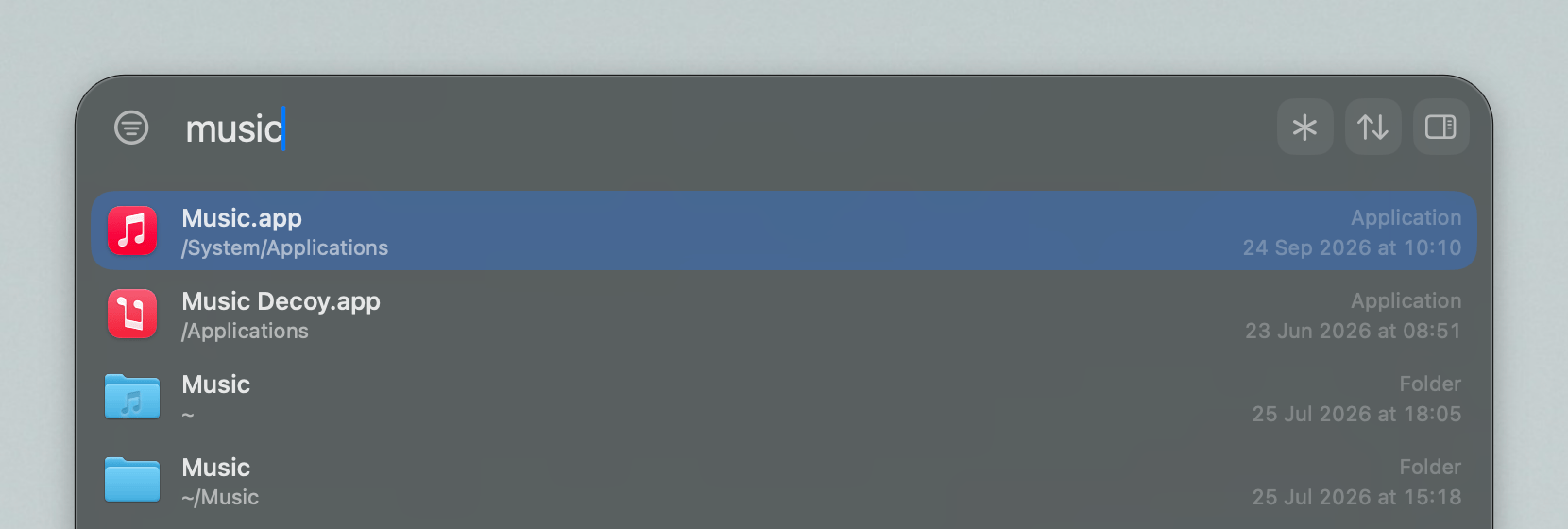 - **Folder icons**: paths in the search bar show the folder icon, which you can turn off in Settings > Style. You can pick an icon for each drive in Settings > Drives & Volumes 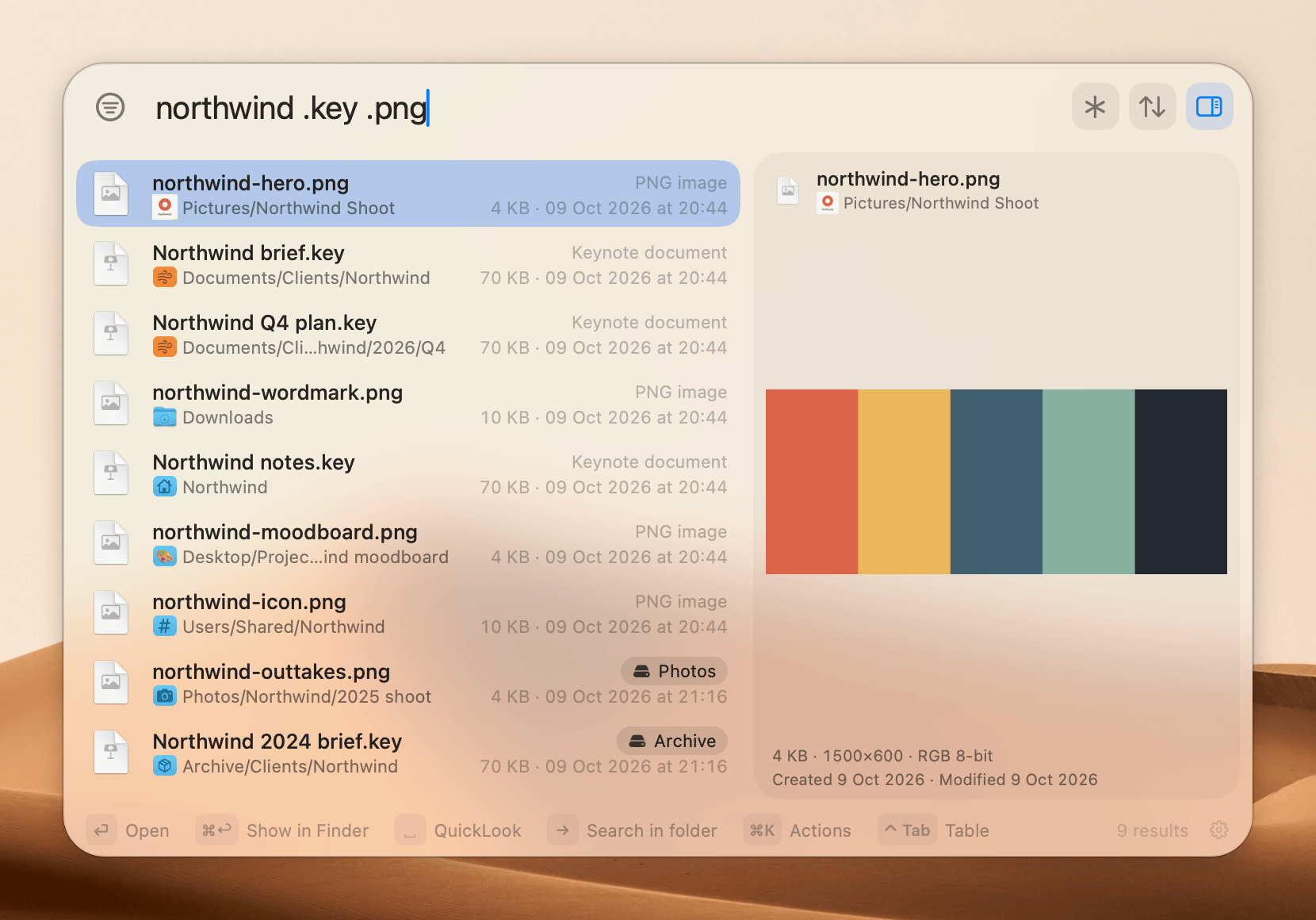 - **Option to turn off the Everything index**: hides its asterisk and shortcut everywhere, and can delete its saved index to free the space. You can turn it off in Settings > Search 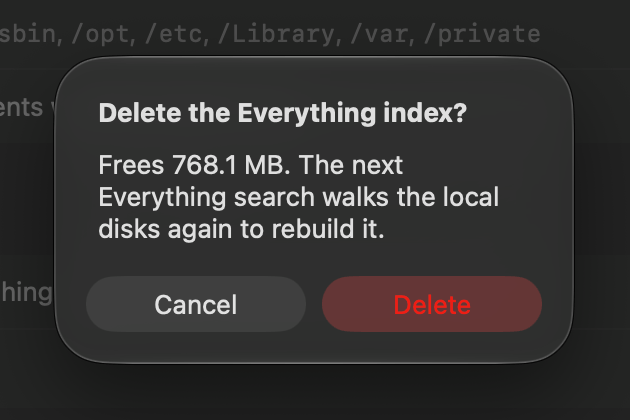 - **Index sizes**: size on disk for each scope, drive and Everything index 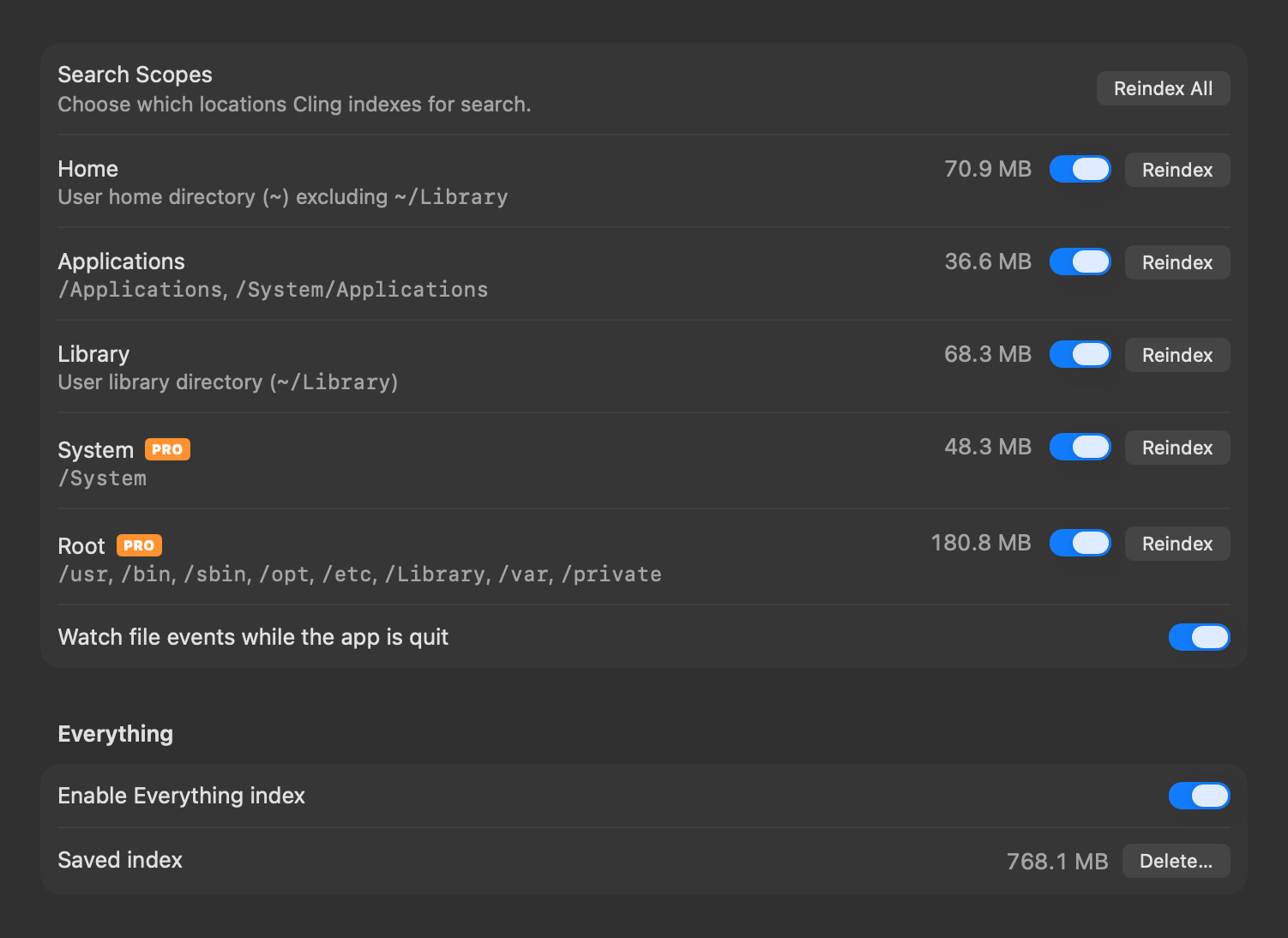 - **Status bar editor**: pick what the status bar shows in the window and the search bar, in Settings > Style …
More Productivity apps
-
 MaccyLightweight search-as-you-type clipboard manager
-
 AltTabBrings the Windows Alt-Tab functionality to macOS
-
 ClipyClipy is a Clipboard extension app for macOS
-
 TinycastLightweight native launcher with app search, clipboard management, window controls, and…
-
 FSNotesNotes manager for macOS/iOS: modern notational velocity (nvALT) on steroids
-
 OpenDisplayTurn spare Apple devices into second monitors — true extended display over USB or WiFi