

ClearanceKit for Mac
File access control tool for protecting paths from unauthorized processes.
By craigjbass. Free and open source, MIT licence.
ClearanceKit at a glance
- Version
- 5.0.14-0c007e9
- Released
- 15 October 2026
- Download size
- 2.9 MB
- Works on
- Apple silicon and Intel
- Licence
- MIT
- Category
- Security and Privacy
- Developer
- craigjbass
- GitHub stars
- 57
About ClearanceKit
ClearanceKit intercepts file-system access events on macOS and enforces per-process access policies.
Screenshots
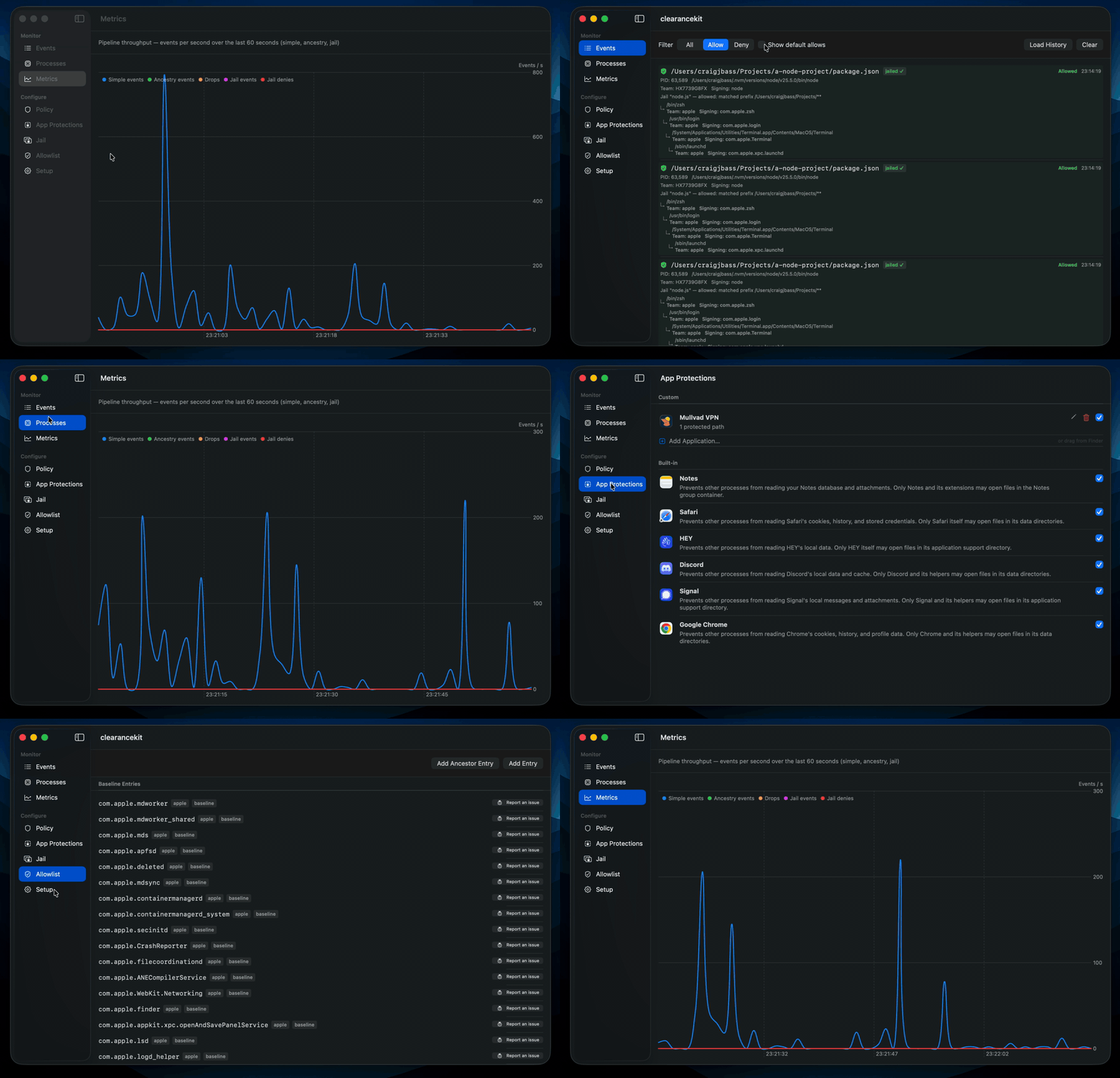
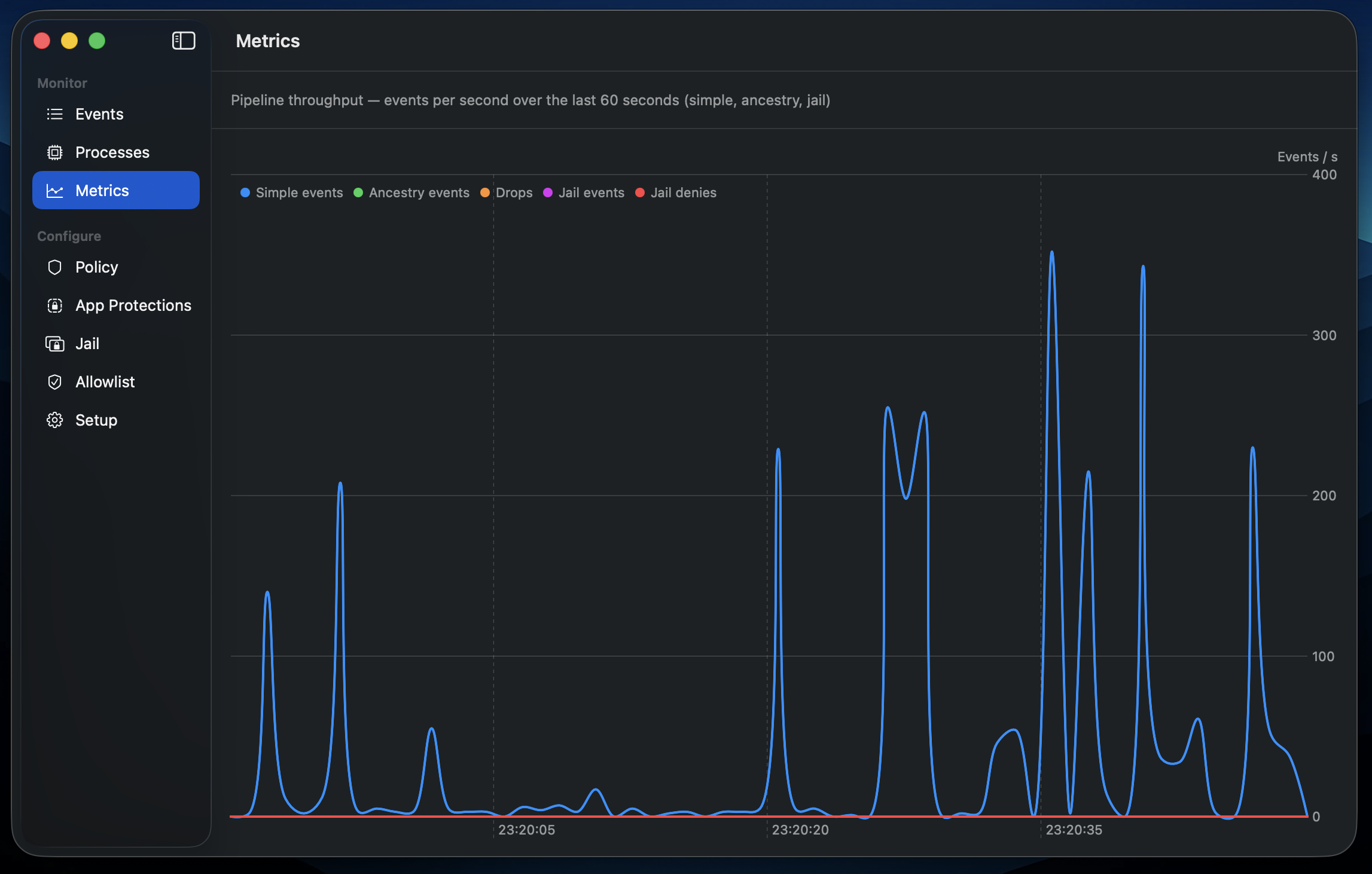
How to install ClearanceKit on a Mac
- Get OpenDMG. It is a free app store for open source Mac apps. Download OpenDMG.
- Search for ClearanceKit and press Get. OpenDMG downloads version 5.0.14-0c007e9 from craigjbass's own GitHub release.
- Open it. The download is checked against its SHA-256 fingerprint and its signature is checked on your Mac before it lands in Applications.
Updates to ClearanceKit show up in OpenDMG and install with one button. No account is needed.
Prefer to do it by hand? The developer's file is on GitHub: clearancekit-v5.0.14-0c007e9.dmg (2.9 MB).
What is new in ClearanceKit 5.0.14-0c007e9
## Highlights

- **Security: protected files could be read through WebKit** ([GHSA-2v8w-v392-w5vx](https://github.com/craigjbass/clearancekit/security/advisories/GHSA-2v8w-v392-w5vx)). `com.apple.WebKit.Networking` was on the built-in global allowlist, which is checked before any rule. Any local process could load a protected file into a `WKWebView` and read its content back. The service is removed from the baseline allowlist, and rules now check WebKit services as the app they work for (see below).

## Features

- **Responsible-process checks.** Each rule has a new **Check responsible process for** list. When a process on the list opens a protected path, the rule checks the app responsible for it (as reported by macOS) instead of the process itself. The default list contains Apple's WebKit services (`com.apple.WebKit.Networking`, `com.apple.WebKit.WebContent` and its `CaptivePortal`, `Development` and `EnhancedSecurity` variants, and `com.apple.WebKit.GPU`), so Safari's web content processes are checked as Safari and Mail's as Mail. If the responsible app cannot be found, the access is denied.
 - Editable in the rule editor, as `responsible_process_checks` in MCP `add_rule`/`update_rule`, and as the `ResponsibleProcessChecks` key in managed rules. Existing rules use the default list.
…
More Security and Privacy apps
-
 GlanceUnlock your Mac at a glance through on-device face recognition in a dynamic island-style…
-
 FaceGateLock sensitive apps behind Face ID, Touch ID, or a password — all processed on-device
-
 TracexySession-based network intelligence — capture live traffic or open saved captures, then…
-
 TouchBridgeBiometric authentication tool using phone, watch, or browser for sudo and unlock
-
 SentrySecurity monitor that alerts on activity while you're away
-
 MergenCIS benchmark security audit tool that checks 85 controls and auto-fixes most failures