

Claudoscope for Mac
Claude Code session browser with usage insights and security checks.
By cordwainersmith. Free and open source, MIT licence.
Claudoscope at a glance
- Version
- 1.4.0
- Released
- 8 October 2026
- Download size
- 27 MB
- Works on
- Apple silicon and Intel
- Licence
- MIT
- Category
- Artificial Intelligence
- Developer
- cordwainersmith
- GitHub stars
- 241
About Claudoscope
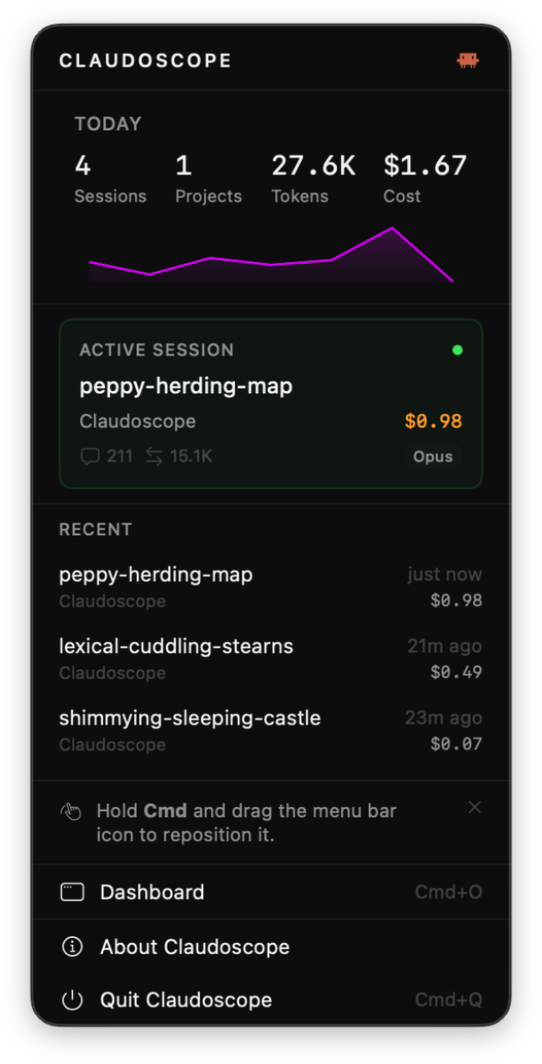
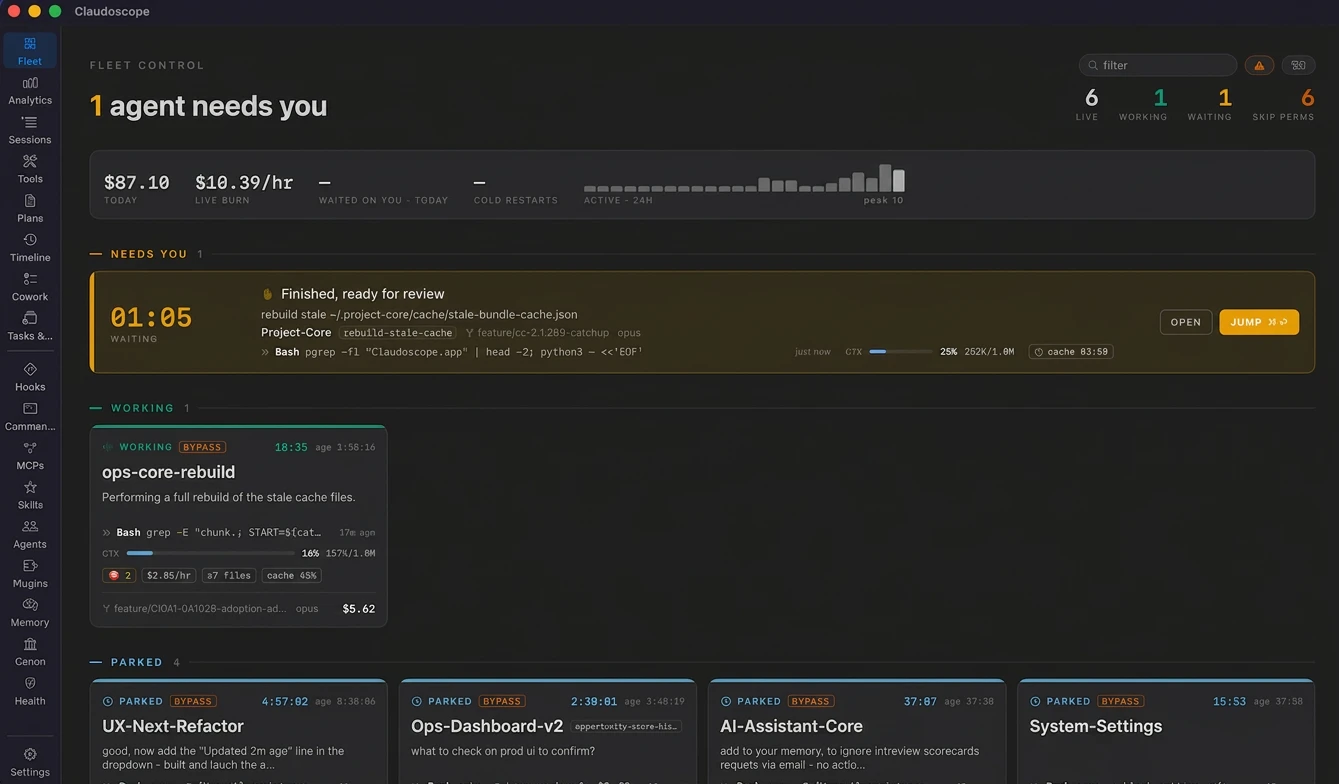
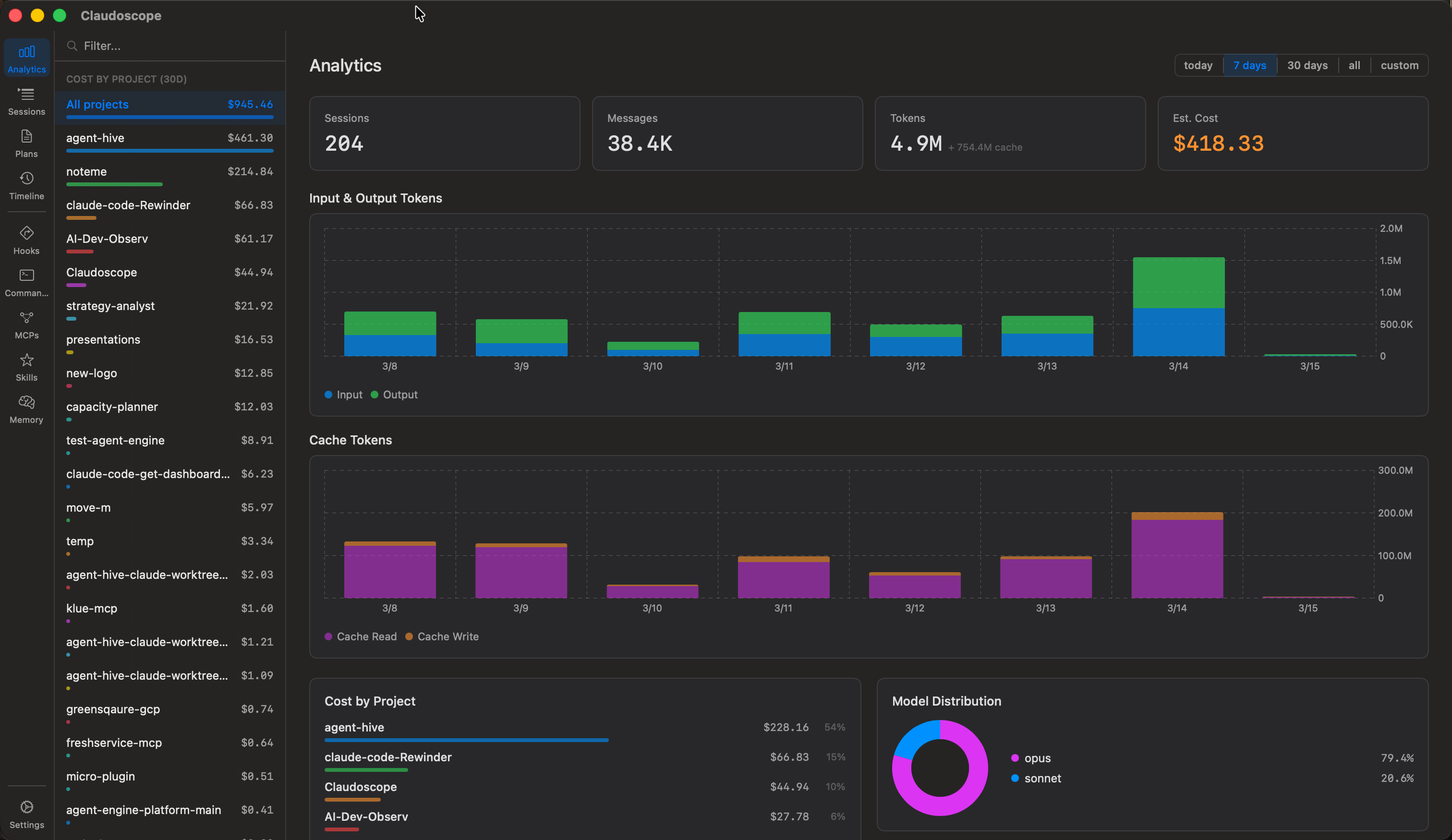
native macOS app that gives you a real-time dashboard for your Claude Code and Cowork sessions, with analytics, conversation history, security hardening, real time secrets detection and project insights.
Screenshots
How to install Claudoscope on a Mac
- Get OpenDMG. It is a free app store for open source Mac apps. Download OpenDMG.
- Search for Claudoscope and press Get. OpenDMG downloads version 1.4.0 from cordwainersmith's own GitHub release.
- Open it. The download is checked against its SHA-256 fingerprint and its signature is checked on your Mac before it lands in Applications.
Updates to Claudoscope show up in OpenDMG and install with one button. No account is needed.
Prefer to do it by hand? The developer's file is on GitHub: Claudoscope.dmg (27 MB).
What is new in Claudoscope 1.4.0
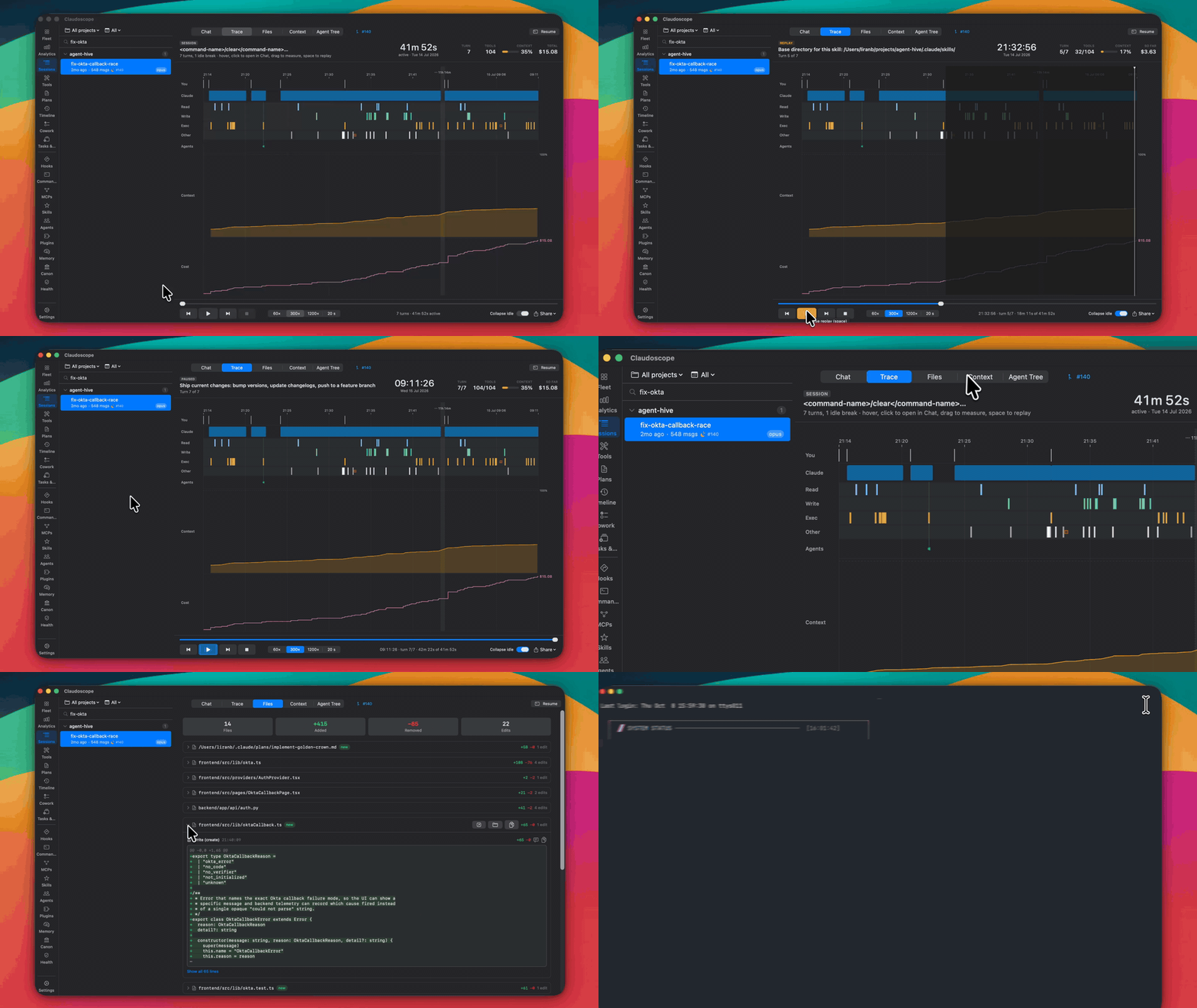
The session viewer release. Until now the Sessions rail showed a transcript and left you to scroll. 1.4.0 turns it into a place to study a session: a Trace tab lays the whole run out on a time axis with a Replay that plays it back as a movie, a minimap above the chat shows the session's shape at a glance, bookmarks pin the turns worth coming back to, and a Resume button drops you back into the session in your terminal. Also cuts main-thread CPU while sessions stream (43 percent down to under 1 percent with no window open), adds Haiku 5.5 pricing, and makes the menu bar live-session badge draw as designed.

Requires a one-time full reparse on first launch (parser version 14).

### New Features
- **Trace tab.** A session viewer tab that lays the whole session out on a time axis: your prompts, how long Claude worked on each, every tool call by category with errors and blocked calls marked, subagents forking off and merging back, context fill with a cut at every compaction, and cumulative cost. Idle stretches over five minutes collapse to a labeled break so a two-day session fits one screen (toggle off for true time). Hover for a readout, click any mark to open it in Chat, drag to measure a range (turns, tool calls, failures, spend), arrow keys step turns.
…
More Artificial Intelligence apps
-
 CodexBarShow usage stats for OpenAI Codex and Claude Code, without having to login
-
 CodeBurnTracks token usage, cost, and performance across 25 AI agents with per-task breakdowns
-
 OsaurusLocal LLM server and AI infrastructure with menu bar, CLI, and shared tools
-
 QuotioAI subscription manager with quota tracking and automatic failover
-
 Claude Usage TrackerTrack the usage of Claude Code
-
 VibeProxyMenu bar app to use existing Claude, ChatGPT, and other subscriptions with AI coding…