

ClaudeBar for Mac
Real-time monitoring of usage quotas for various AI coding assistants.
By tddworks. Free and open source, Apache-2.0 licence.
ClaudeBar at a glance
- Version
- 0.5.11
- Released
- 9 October 2026
- Download size
- 20 MB
- Works on
- Apple silicon and Intel
- Licence
- Apache-2.0
- Category
- Artificial Intelligence
- Developer
- tddworks
- GitHub stars
- 1.5K
About ClaudeBar
A macOS menu bar application that monitors AI coding assistant usage quotas. Keep track of your Claude, Codex, Antigravity ,and Gemini usage at a glance.
Screenshots
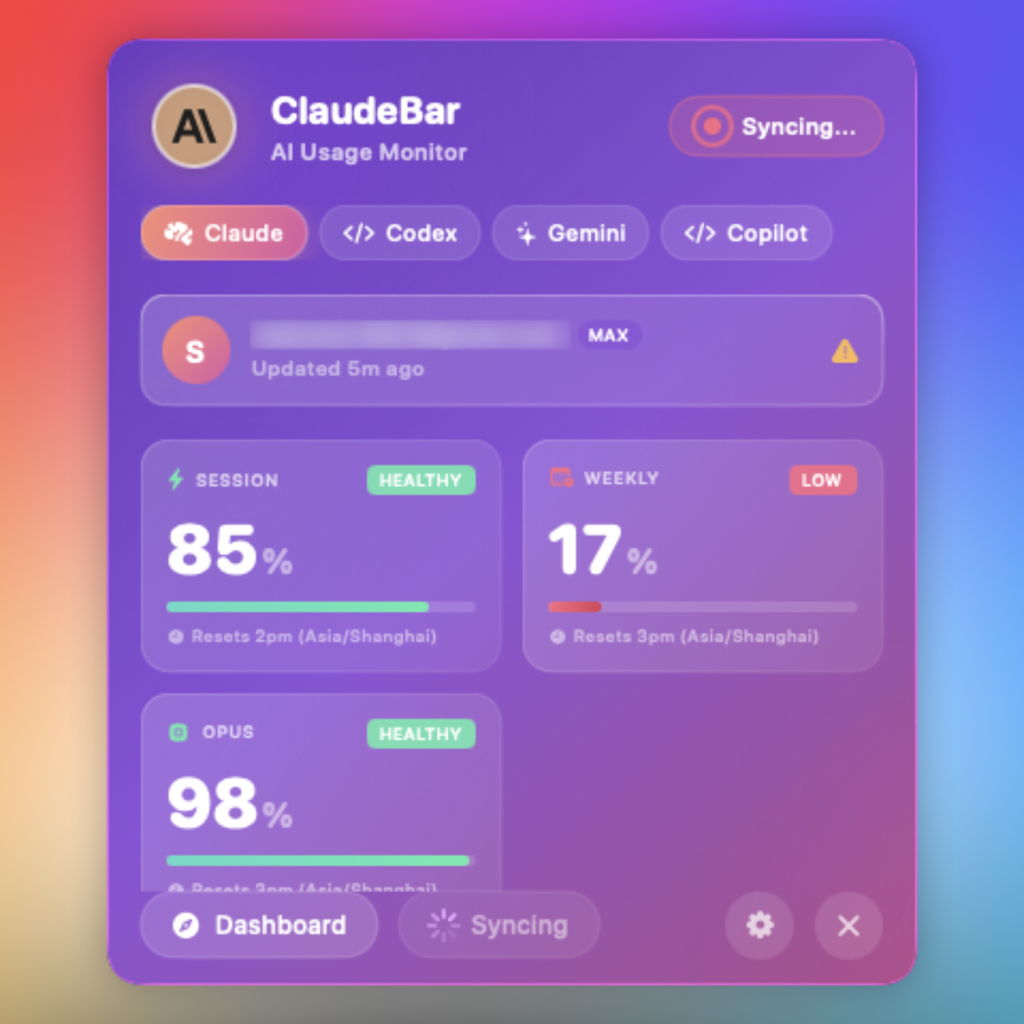
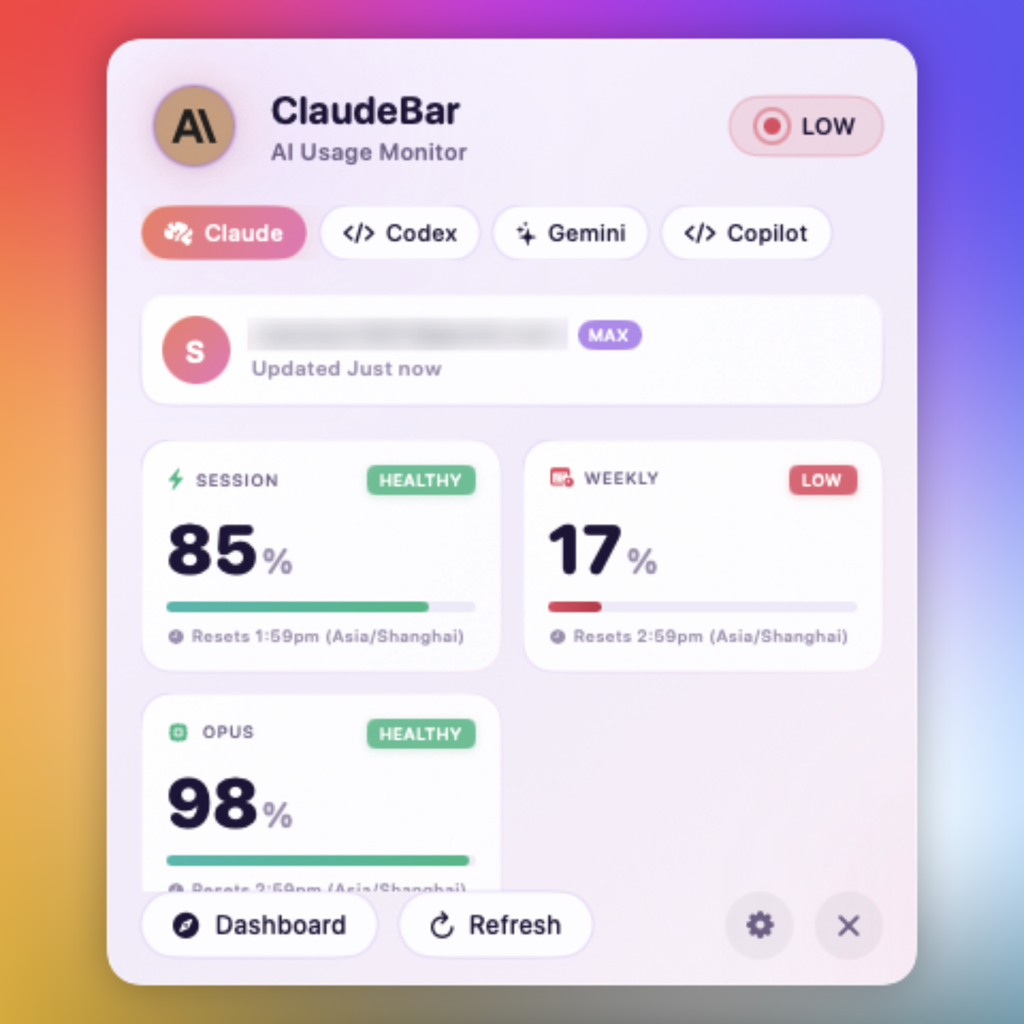
How to install ClaudeBar on a Mac
- Get OpenDMG. It is a free app store for open source Mac apps. Download OpenDMG.
- Search for ClaudeBar and press Get. OpenDMG downloads version 0.5.11 from tddworks's own GitHub release.
- Open it. The download is checked against its SHA-256 fingerprint and its signature is checked on your Mac before it lands in Applications.
Updates to ClaudeBar show up in OpenDMG and install with one button. No account is needed.
Prefer to do it by hand? The developer's file is on GitHub: ClaudeBar-0.5.11.dmg (20 MB).
What is new in ClaudeBar 0.5.11
## What's New

### Fixed
- **Codex with its login in the Keychain**: when the Codex CLI keeps its login in the macOS Keychain instead of `~/.codex/auth.json`, RPC mode now reads your usage instead of asking you to log in. ([#525](https://github.com/tddworks/ClaudeBar/issues/525))
- **Leaderboard tab on refresh**: opening the popover, Refresh or a new upload keeps your rank and the board on screen until the new ones arrive, instead of going back to *Loading…*; if updating fails, the last board stays with a note. ([#524](https://github.com/tddworks/ClaudeBar/pull/524))

### Added
- **Daily usage by model**: the 30-day chart splits by model — choose what is counted (cost, tokens, cache) and split the bars by the models the log names; hover a day to see each model's part, the unnamed line included. ([#511](https://github.com/tddworks/ClaudeBar/pull/511)) → [docs](https://github.com/tddworks/ClaudeBar/blob/main/docs/features/daily-usage/README.md)

---

## Installation

**Option 1: DMG (Recommended)**
1. Download `ClaudeBar-0.5.11.dmg`
2. Open the DMG and drag ClaudeBar.app to Applications
3. Launch from Applications folder

**Option 2: ZIP**
1. Download `ClaudeBar-0.5.11.zip`
2. Unzip and move ClaudeBar.app to Applications
3. Launch from Applications folder

## Verification

SHA256 checksums are provided. Verify with:
```bash
shasum -a 256 -c ClaudeBar-0.5.11.zip.sha256
```
More Artificial Intelligence apps
-
 CodexBarShow usage stats for OpenAI Codex and Claude Code, without having to login
-
 CodeBurnTracks token usage, cost, and performance across 25 AI agents with per-task breakdowns
-
 OsaurusLocal LLM server and AI infrastructure with menu bar, CLI, and shared tools
-
 QuotioAI subscription manager with quota tracking and automatic failover
-
 Claude Usage TrackerTrack the usage of Claude Code
-
 VibeProxyMenu bar app to use existing Claude, ChatGPT, and other subscriptions with AI coding…