

CalmMouse for Mac
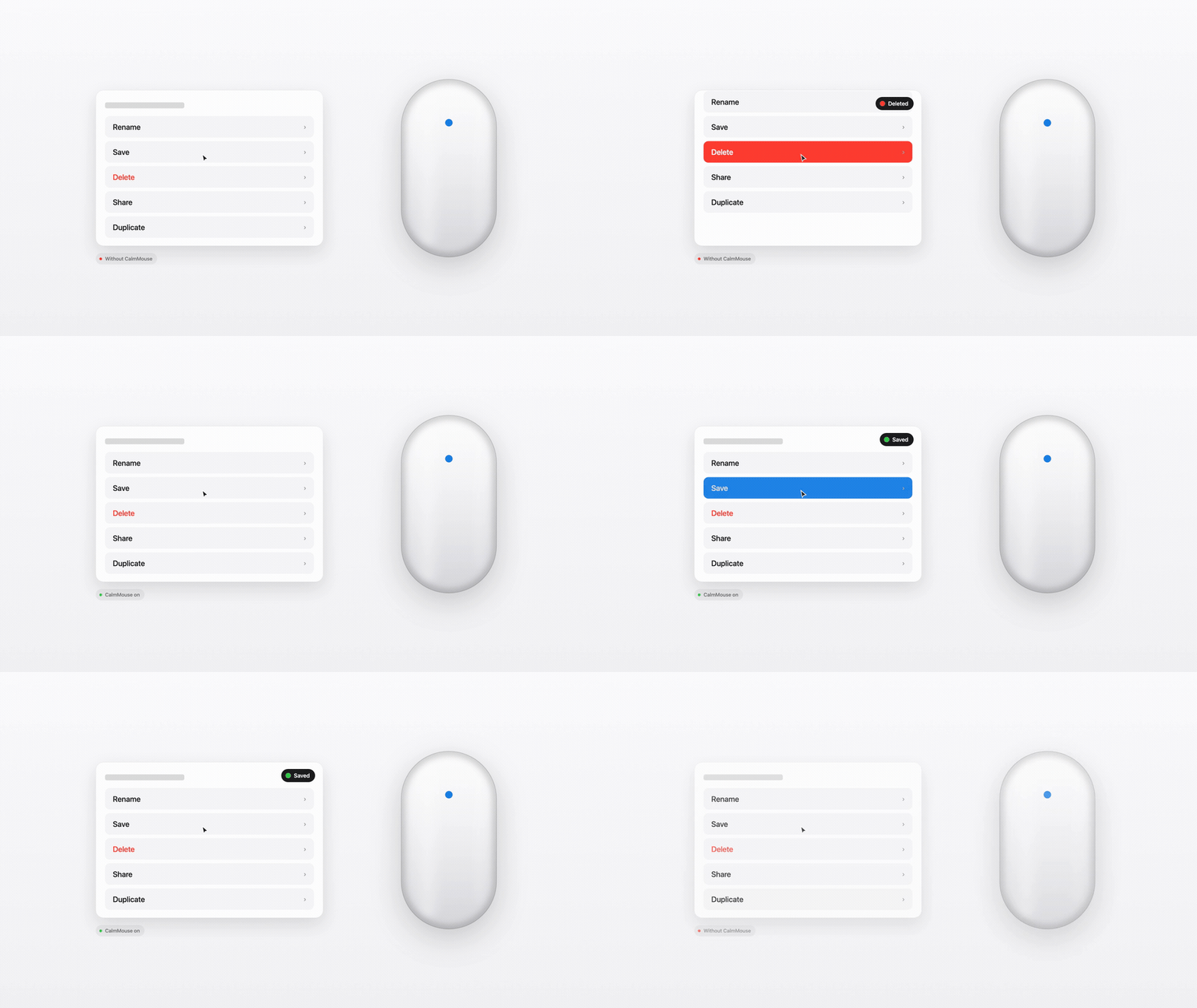
Stops your Magic Mouse from accidentally scrolling a page every time you click.
By Malik1942. Free and open source, MIT licence.
CalmMouse at a glance
- Version
- 1.0.0
- Released
- 30 August 2026
- Download size
- 953 KB
- Works on
- Apple silicon and Intel
- Licence
- MIT
- Category
- Utilities
- Developer
- Malik1942
- GitHub stars
- 6
About CalmMouse
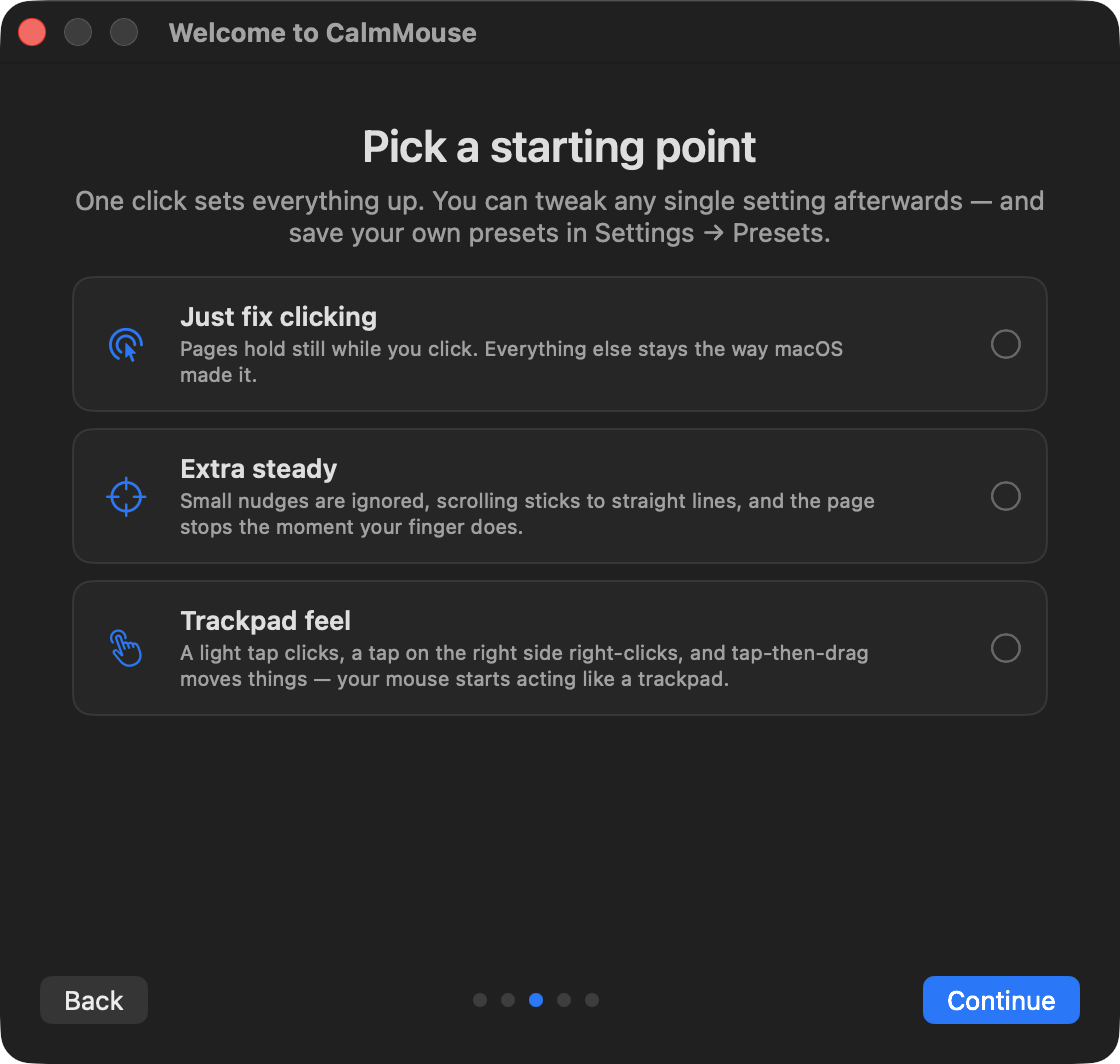
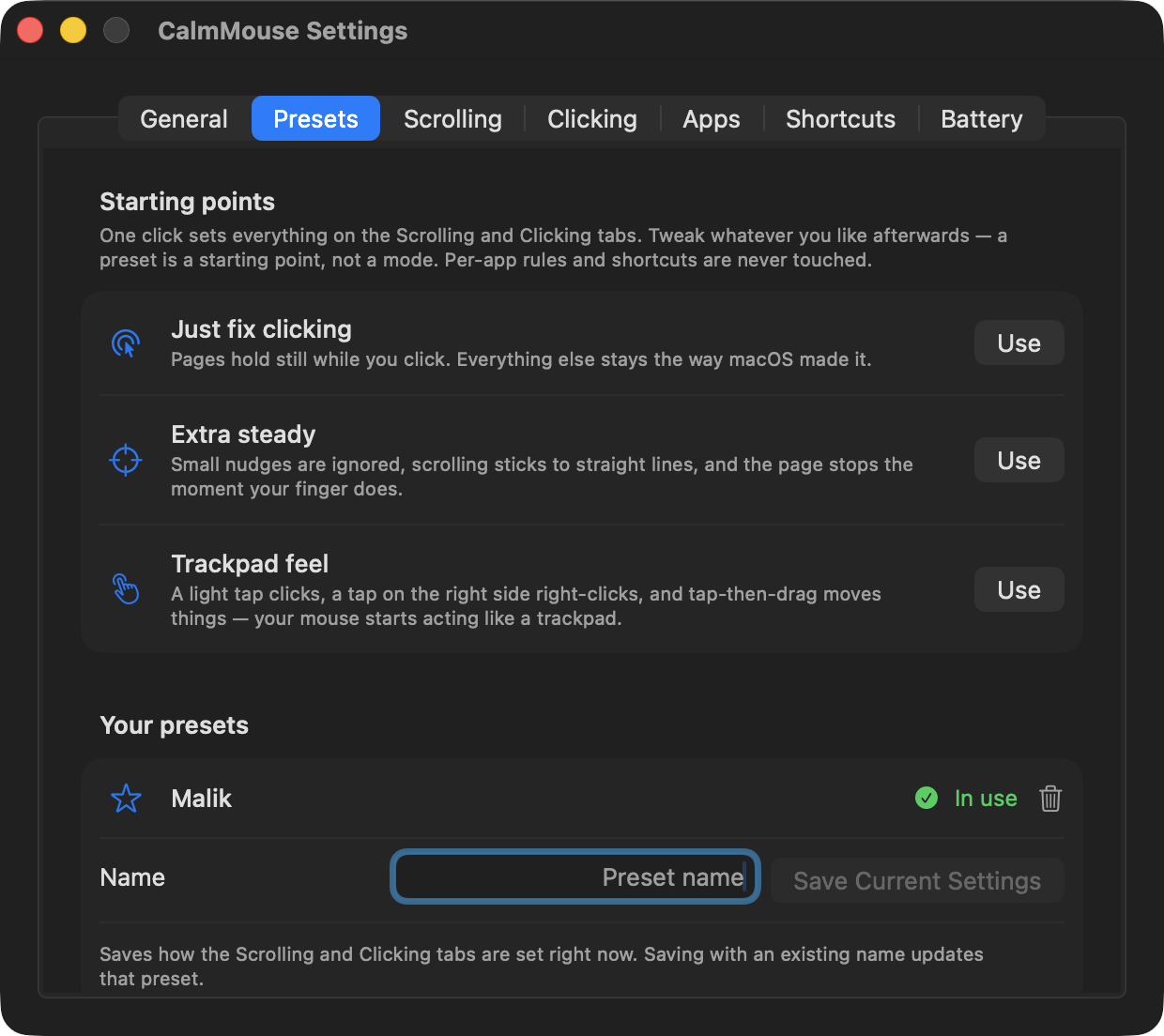
Magic Mouse UX fixes for macOS — stop the page scrolling every time you click.
Screenshots
How to install CalmMouse on a Mac
- Get OpenDMG. It is a free app store for open source Mac apps. Download OpenDMG.
- Search for CalmMouse and press Get. OpenDMG downloads version 1.0.0 from Malik1942's own GitHub release.
- Open it. The download is checked against its SHA-256 fingerprint and its signature is checked on your Mac before it lands in Applications.
Updates to CalmMouse show up in OpenDMG and install with one button. No account is needed.
Prefer to do it by hand? The developer's file is on GitHub: CalmMouse.zip (953 KB).
What is new in CalmMouse 1.0.0
CalmMouse is 1.0 — the developer scaffolding is gone, and what's left is just the app.

## What's new since 0.6.0

- **No more background disk writes.** Earlier versions wrote a diagnostic snapshot to Application Support every two seconds, around the clock. Now a snapshot is produced only when something asks for one (`CalmMouse --status` in Terminal asks the running app and prints the fresh answer); otherwise the app is silent on disk.
- **Developer switches retired.** The hidden debug-logging flag, two internal tap-zone calibration knobs, and the `--resolve` device-debugging command are gone. The documented escape hatch for unrecognized Magic Mouse models (`treatUnknownContinuousAsMagicMouse`, see the README's troubleshooting table) stays, and so does the whole scripting section.
- Nothing else changed: 1.0.0 is 0.6.0 minus the scaffolding. If you skipped 0.6.0, you also get the full 简体中文 / 繁體中文 localization that follows your Mac's language setting.

## Install

Download `CalmMouse.zip`, unzip, and drag **CalmMouse.app** to /Applications — the build is notarized, so it just opens. Then enable it under System Settings → Privacy & Security → Accessibility.

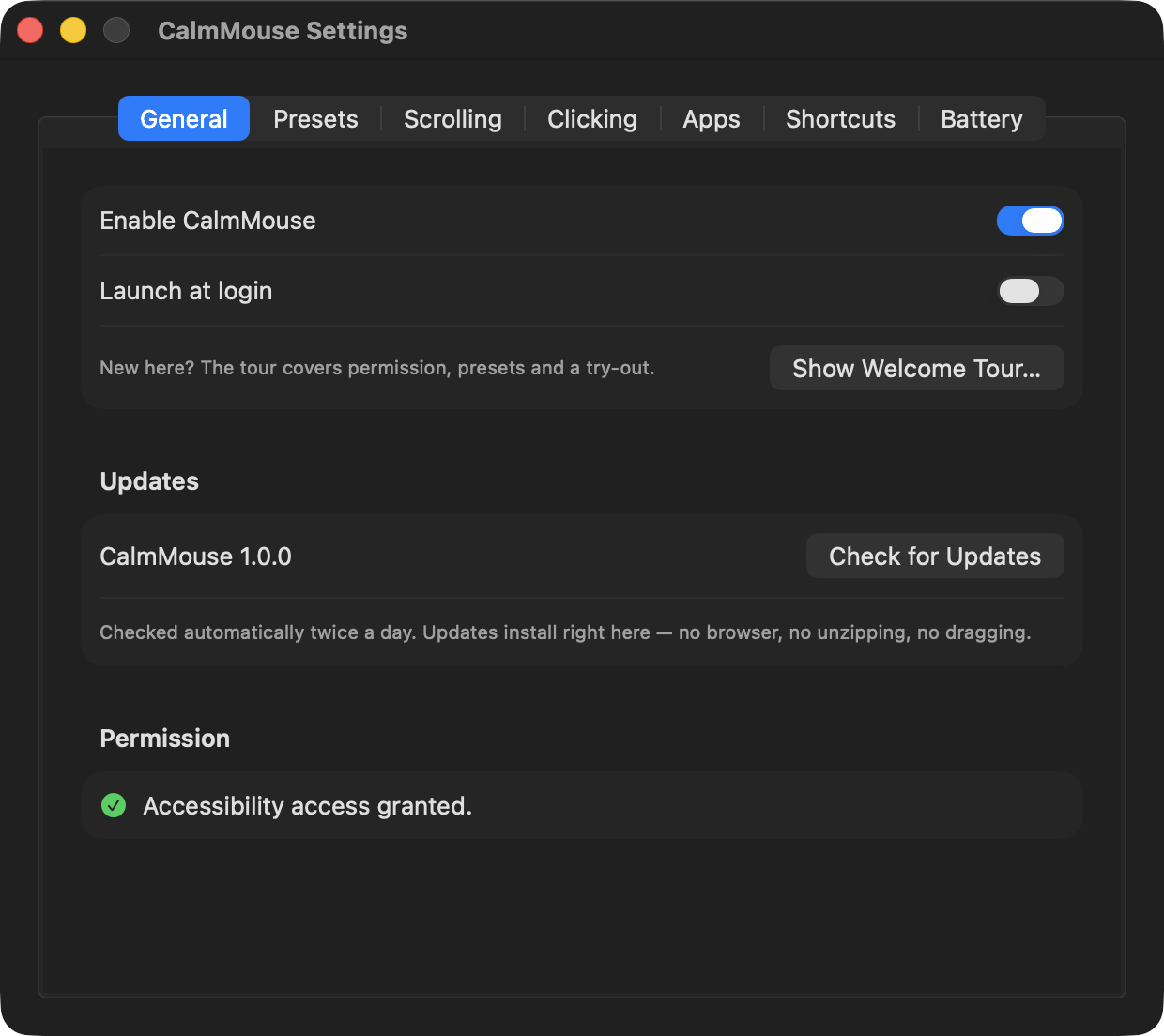
Already on 0.5.0 or later? You don't need this page: CalmMouse offers the update itself — one click in Settings → General (or the menu bar) downloads, verifies, and relaunches.
More Utilities apps
-
 BetterDisplayDisplay management tool with HiDPI scaling, PiP, and EDID controls
-
 VorssaintAn open-source, free, and local toolkit that integrates functions such as preventing…
-
 MosSmooth your mouse's scrolling and reverse the mouse scroll direction
-
 EasydictmacOS instant translator — type/select/screenshot, multi-service, zero setup
-
 OpenHaystackOpen-source tracker for finding Bluetooth devices through Apple's Find My network
-
 KekaKeka is a full featured file archiver, as easy as it can be